Home
This guide describes how to create custom DuckyScript keystroke injection payloads for the Digispark ATTiny85. Whether you're automating tasks, testing security, or learning about USB HID devices, this guide covers everything from basic to advanced payload development.
A payload is the code that runs on your Digispark when it's plugged into a target computer. It simulates keyboard inputs to:
- Execute commands
- Open applications
- Type text
- Navigate menus
- Automate tasks
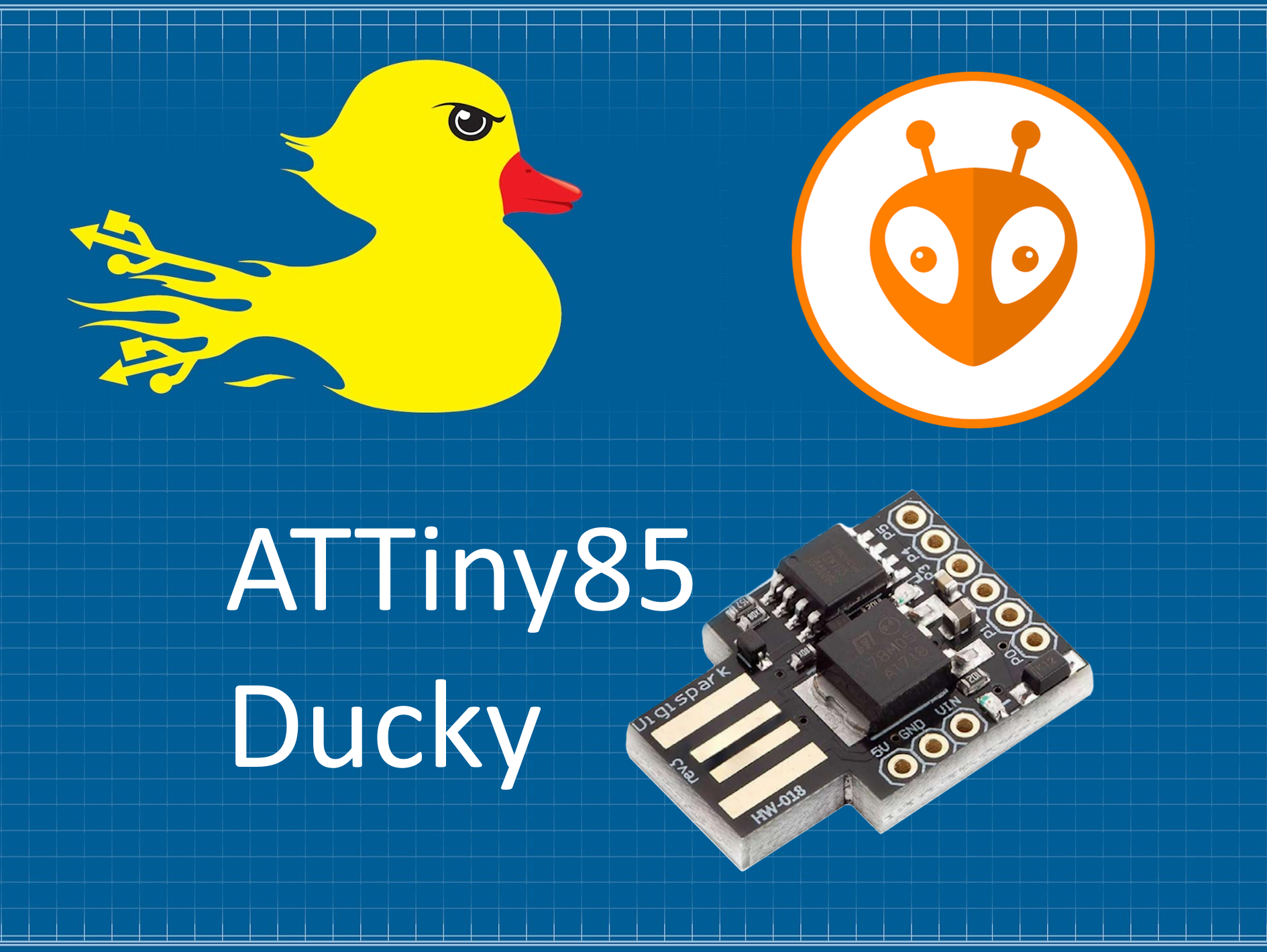
This directory contains DuckyScript payloads that are automatically compiled into C++ code for the Digispark ATTiny85 Rev.3.
- Create your payload in
payload.ducky(required filename) - Optionally add
ATTACKMODEcommand to spoof USB device identity - Run PlatformIO build - the payload is automatically compiled to
src/main.cpp - Upload to your ATTiny85
- Payload executes on device startup
You can now configure USB device identity directly in your DuckyScript payload:
REM Configure USB identity
ATTACKMODE HID VID_16c0 PID_27db MAN_DigiKey PROD_ATTiny85_Ducky SERIAL_1337

REM Your payload here
DELAY 3000
GUI r
STRINGLN notepad
See docs/ATTACKMODE.md for complete documentation.
The ATTiny85 Ducky compiler supports a subset of the full DuckyScript 3.0 specification. Only commands compatible with the DigiKeyboard library and ATTiny85 hardware constraints are supported.
REM This is a comment
REM Comments are ignored by the compiler
DUCKY_LANG US
DUCKY_LANG DE
DUCKY_LANG FR
Supported languages: US, BE, BR, CA_FR, CH_DE, CH_FR, CZ, DE, DK, ES, FI, FR, GB, HR, IT, NO, PT, RU, SI, SK, SV, TR
REM Spoof USB device identity
ATTACKMODE HID VID_046d PID_c31e MAN_Logitech PROD_K120_Keyboard SERIAL_13370001

REM Parameters (all optional):
REM   VID_xxxx     - Vendor ID (hex)
REM   PID_xxxx     - Product ID (hex)
REM   MAN_xxx      - Manufacturer name
REM   PROD_xxx     - Product name
REM   SERIAL_xxx   - Serial number (hex)
Note: ATTACKMODE is parsed at build time and generates USB configuration. The ATTiny85 cannot change USB MicronNcleus Bootloader identity at initial runtime. See docs/ATTACKMODE.md for details.
DEFINE #SERVER example.com
DEFINE #WAIT 1000

STRING https://#SERVER
DELAY #WAIT
DELAY 1000          REM Wait 1000 milliseconds (1 second)
DELAY 500           REM Wait 500ms
Note: Minimum delay value is implementation-dependent. Use DELAY 100 or higher for reliability.
STRING Hello World                    REM Type text (no newline)
STRINGLN Hello World                  REM Type text with ENTER at end

STRING https://github.com/3mrgnc3/attiny85_ducky
STRINGLN The quick brown fox jumps over the lazy dog
All strings are stored in PROGMEM to save precious RAM on the ATTiny85 (512 bytes total).
ENTER               REM Press Enter/Return key
ESCAPE              REM Press Escape key
TAB                 REM Press Tab key
SPACE               REM Press Space bar

UPARROW             REM Press Up arrow
DOWNARROW           REM Press Down arrow
LEFTARROW           REM Press Left arrow
RIGHTARROW          REM Press Right arrow
GUI r               REM Windows Key + R (Run dialog)
GUI d               REM Windows Key + D (Show desktop)

CTRL c              REM Control + C (Copy)
CTRL v              REM Control + V (Paste)
CTRL ALT t          REM Control + Alt + T (Terminal on Linux)
CTRL ALT DELETE     REM Control + Alt + Delete

ALT F4              REM Alt + F4 (Close window)
ALT TAB             REM Alt + Tab (Switch windows)

SHIFT TAB           REM Shift + Tab
Available Modifiers: GUI, CTRL, ALT, SHIFT
The ATTiny85 Ducky compiler includes custom extensions beyond standard DuckyScript for enhanced payload capabilities.
Generate random strings at compile-time for creating unique identifiers, session tokens, or randomized payloads.
Generates random hexadecimal string (characters: 0-9a-f).
STRINGLN RAND_HEX          REM Generates 2 hex chars (e.g., "a3", "7f")
STRINGLN RAND_HEX 8        REM Generates 8 hex chars (e.g., "2f4a9c1b")
STRINGLN RAND_HEX 16       REM Generates 16 hex chars (e.g., "7eb423994619364f")
Default length: 2 characters
Generates random numeric string (digits: 0-9).
STRINGLN RAND_NUM          REM Generates 1 digit (e.g., "7")
STRINGLN RAND_NUM 4        REM Generates 4 digits (e.g., "1829")
STRINGLN RAND_NUM 10       REM Generates 10 digits (e.g., "0712998453")
Default length: 1 character
Generates random lowercase alphabetic string (letters: a-z).
STRINGLN RAND_ALPHA        REM Generates 1 lowercase letter (e.g., "k")
STRINGLN RAND_ALPHA 6      REM Generates 6 lowercase letters (e.g., "mowkph")
STRINGLN RAND_ALPHA 12     REM Generates 12 lowercase letters (e.g., "vrtxaoovrglm")
Default length: 1 character
Generates random uppercase alphabetic string (letters: A-Z).
STRINGLN RAND_ALPHA_UPPER     REM Generates 1 uppercase letter (e.g., "K")
STRINGLN RAND_ALPHA_UPPER 4   REM Generates 4 uppercase letters (e.g., "CXZG")
STRINGLN RAND_ALPHA_UPPER 8   REM Generates 8 uppercase letters (e.g., "MZPQWKRT")
Default length: 1 character
Generates random alphanumeric string, lowercase (characters: a-z, 0-9).
STRINGLN RAND_ALPHANUM        REM Generates 2 chars (e.g., "4c", "p9")
STRINGLN RAND_ALPHANUM 8      REM Generates 8 chars (e.g., "xywz7la3")
STRINGLN RAND_ALPHANUM 16     REM Generates 16 chars (e.g., "k9w2f7m4p1v8s3x6")
Default length: 2 characters
Generates random alphanumeric string, uppercase (characters: A-Z, 0-9).
STRINGLN RAND_ALPHANUM_UPPER     REM Generates 2 chars (e.g., "ET", "K4")
STRINGLN RAND_ALPHANUM_UPPER 6   REM Generates 6 chars (e.g., "PNC1GK")
STRINGLN RAND_ALPHANUM_UPPER 12  REM Generates 12 chars (e.g., "A7K9M2W5F3P8")
Default length: 2 characters
Generate unique session identifier:
DEFINE #SESSION_ID RAND_HEX 16
STRINGLN Session: #SESSION_ID
Create randomized filename:
STRINGLN log_RAND_ALPHANUM_8.txt
Generate temporary password:
STRINGLN TempPass_RAND_ALPHANUM_UPPER 12
Inline usage in complex strings:
STRINGLN curl -X POST https://api.example.com/data?token=RAND_HEX_32
PowerShell variable with random value:
STRINGLN $sessionToken="RAND_ALPHANUM_UPPER 16"; Write-Host "Token: $sessionToken"
- Compile-time generation: Random strings are generated during compilation, not at runtime
- Deterministic per build: Each build generates new random values, but values are fixed in the compiled binary
- Multiple instances: Each RAND command in your payload generates a separate random string
- No repetition guarantee: While unlikely with sufficient length, duplicate values are possible across different RAND calls
Example demonstrating multiple independent random values:
REM Each RAND generates different value
STRINGLN ID1: RAND_HEX 8
STRINGLN ID2: RAND_HEX 8
STRINGLN ID3: RAND_HEX 8

REM Compiled output example:
REM   keyboard.println(F("ID1: a3f7c2d9"));
REM   keyboard.println(F("ID2: 8b4e1f6a"));
REM   keyboard.println(F("ID3: 5c9d2a7f"));
The following DuckyScript features are not supported currently on the ATTiny85 Ducky due to hardware and memory constraints:
REM_BLOCK / END_REM ❌ Block comments
ATTACKMODE STORAGE              ❌ ATTiny85 has no storage capability
ATTACKMODE OFF                  ❌ No power control
Runtime USB switching           ❌ USB identity set at compile-time only
Note: ATTACKMODE HID with USB parameters (VID/PID/MAN/PROD/SERIAL) IS supported for compile-time USB configuration. See docs/ATTACKMODE.md.
VAR $FOO = 42                   ❌ Variables
$FOO = ($FOO + 1)              ❌ Math operators
IF / ELSE / END_IF             ❌ Conditional statements
WHILE / END_WHILE              ❌ Loops
FUNCTION / END_FUNCTION        ❌ Functions
RETURN                         ❌ Return values
RANDOM_CHAR                     ❌ Random character injection
$_RANDOM_INT                    ❌ Random integers
VID_RANDOM / PID_RANDOM        ❌ Random USB identifiers
CAPSLOCK / NUMLOCK             ❌ Lock key toggle
WAIT_FOR_CAPS_ON               ❌ Lock key detection
$_CAPSLOCK_ON                  ❌ Lock key state variables
SAVE_HOST_KEYBOARD_LOCK_STATE  ❌ Lock state save/restore
WAIT_FOR_BUTTON_PRESS          ❌ No physical button on ATTiny85
BUTTON_DEF / END_BUTTON        ❌ Button event handlers
ENABLE_BUTTON / DISABLE_BUTTON ❌ Button control
LED_OFF / LED_R / LED_G ❌ Specific LED commands
(The ATTiny85 has one built-in LED which lights during payload execution)
ATTACKMODE HID STORAGE         ❌ USB mode switching
SAVE_ATTACKMODE                ❌ Attack mode state management
HIDE_PAYLOAD / RESTORE_PAYLOAD ❌ Payload hiding
EXFIL / $_EXFIL_MODE_ENABLED  ❌ Keystroke reflection exfiltration
HOLD a / RELEASE a             ❌ Holding keys
INJECT_MOD WINDOWS             ❌ Standalone modifier injection
RESTART_PAYLOAD                ❌ Payload restart
STOP_PAYLOAD                   ❌ Payload stop
RESET                          ❌ Keystroke buffer reset
$_JITTER_ENABLED               ❌ Randomized typing delay
$_JITTER_MAX                   ❌ Jitter configuration
REM Open GitHub repository in browser
DELAY 1000
GUI r
DELAY 500
STRINGLN https://github.com/3mrgnc3/attiny85_ducky
DELAY 100
ENTER
REM Example with constants
DEFINE #WAIT 500
DEFINE #URL github.com/3mrgnc3

DELAY 1000
GUI r
DELAY #WAIT
STRING https://#URL
ENTER
REM German keyboard layout
DUCKY_LANG DE

DELAY 1000
GUI r
DELAY 500
STRINGLN notepad
DELAY 800
STRINGLN Hallo Welt! Dies ist ein deutscher Text.
REM Open terminal and run commands (Linux)
DELAY 1000
CTRL ALT t
DELAY 1000
STRINGLN uname -a
DELAY 500
STRINGLN whoami
DELAY 500
STRINGLN exit
REM Windows PowerShell payload
DELAY 1000
GUI r
DELAY 500
STRINGLN powershell
DELAY 1500
STRINGLN Write-Host "System Information:" -ForegroundColor Cyan
DELAY 300
STRINGLN Get-ComputerInfo | Select-Object CsName, WindowsVersion, OsArchitecture
DELAY 300
STRINGLN exit
The ATTiny85 has very limited resources:
- Flash: 6,012 bytes usable (8KB total)
- RAM: 512 bytes
- EEPROM: 512 bytes (unused by this project)
All payload strings are automatically stored in PROGMEM (Flash memory) instead of RAM using the F() macro:
Generated Code Example:
// Strings stored in Flash using F() macro
keyboard.println(F("https://github.com/3mrgnc3/attiny85_ducky"));
This saves RAM for the keyboard library and system stack.
- Short payloads (< 20 commands): ✅ Always work
- Medium payloads (20-50 commands): ✅ Usually work
-
Large payloads (50+ commands):
⚠️ May exceed flash capacity
Tip: Keep payloads focused on a single task. For complex operations, use multiple smaller payloads.
The compiler uses the ATTinyDuckyKeyboard library with support for 30+ international keyboard layouts.
| Code | Language | Layout |
|---|---|---|
US |
English | US QWERTY |
BE |
Belgian | Belgian AZERTY |
BR |
Brazilian | ABNT2 |
CA_FR |
Canadian French | Canadian Multilingual |
CH_DE |
Swiss German | Swiss QWERTZ |
CH_FR |
Swiss French | Swiss French |
CZ |
Czech | Czech QWERTY |
DE |
German | German QWERTZ |
DK |
Danish | Danish QWERTY |
ES |
Spanish | Spanish QWERTY |
FI |
Finnish | Finnish QWERTY |
FR |
French | French AZERTY |
GB |
English UK | UK QWERTY |
HR |
Croatian | Croatian QWERTZ |
IT |
Italian | Italian QWERTY |
NO |
Norwegian | Norwegian QWERTY |
PT |
Portuguese | Portuguese QWERTY |
RU |
Russian | Russian ЙЦУКЕН |
SI |
Slovenian | Slovenian QWERTZ |
SK |
Slovak | Slovak QWERTY |
SV |
Swedish | Swedish QWERTY |
TR |
Turkish | Turkish F-keyboard |
Default: US (if no DUCKY_LANG specified)
REM French keyboard layout
DUCKY_LANG FR

STRING Bonjour le monde!
STRINGLN Voici un message en français.
REM German keyboard layout
DUCKY_LANG DE

STRING Über den Wolken
STRINGLN ÄÖÜ äöü ß
The build system automatically compiles payload.ducky when you build your project:
platformio runBuild Process:
- PlatformIO pre-build hook runs
pre_build_duckyscript.py - Script checks for
ducky_scripts/payload.ducky - If found: compiles to
src/main.cppusingtools/duckyscript_compiler.py - If missing: build fails with colored error message
- PlatformIO compiles generated C++ code
- Upload to ATTiny85
You can manually compile any DuckyScript file:
python tools/duckyscript_compiler.py ducky_scripts/my_payload.ducky src/main.cppThis overwrites src/main.cpp with the compiled payload.
-
Create
payload.duckyin this directory:REM My first payload DELAY 1000 GUI r DELAY 500 STRINGLN notepad DELAY 1000 STRINGLN Hello from ATTiny85 Ducky! -
Build the project:
platformio run
-
Upload to ATTiny85:
platformio run --target upload
After running the command, Insert Digispark when prompted (within 60 seconds)
-
Test the payload:
- Unplug and replug the ATTiny85
- Payload executes automatically
- Built-in LED lights during execution
-
Optionally install USBDeview from NirSoft
- https://www.nirsoft.net/utils/usb_devices_view.html
- Very useful do debug VID/PID injection issues
Solution: Create ducky_scripts/payload.ducky with your payload code.
The build system displays:
================================================================================
FAILURE: payload.ducky not found!
================================================================================

To fix this:

  1. Create the required payload file:
     ducky_scripts/payload.ducky

  2. Add your DuckyScript payload code

  3. Run the build again
The compiler ignores unsupported commands silently. Check this README for supported commands.
The compiler automatically escapes " and \ in strings. You can use them normally:
STRINGLN He said "Hello!"
STRINGLN Path: C:\Windows\System32
Generated code:
const char str_0[] PROGMEM = "He said \"Hello!\"";
const char str_1[] PROGMEM = "Path: C:\\Windows\\System32";-
Check keyboard layout: Use
DUCKY_LANGto match target system -
Increase delays: Slower systems need longer
DELAYvalues - Test manually: Type the same key sequence to verify it works
- Install Micronucleus drivers (Windows)
- Check USB port and try a different cable
- Insert device within 60 seconds when prompted
- Try a powered USB hub if using USB-C adapters
Always add initial delay to let the target system enumerate the USB device:
DELAY 1000
REM Your payload here
Give the OS time to process each command:
GUI r
DELAY 500          REM Wait for Run dialog to open
STRINGLN notepad
DELAY 800          REM Wait for Notepad to launch
Build your payload step-by-step and test frequently. Don't write 100 lines before testing!
Document your payload so you remember what it does:
REM ======================================
REM Payload: System Info Grabber
REM Target: Windows 10/11
REM Author: Your Name
REM ======================================
After building, check memory usage:
RAM:   [===       ]  31.2% (used 160 bytes from 512 bytes)
Flash: [=====     ]  52.3% (used 3144 bytes from 6012 bytes)
Stay under 90% flash to avoid issues.
Check the examples/ subdirectory for complete payload examples:
-
YTRoll/ScattRoll.ducky- YouTube auto-fullscreen prank -
WiFiCredsDemo/wifi_creds.ducky- WiFi credential dumper for Windows -
PopupsPrank/popups_prank.ducky- Downloads and executes popup prank script from GitHub - And More...
Each example includes the .ducky payload file and any supporting scripts.
- Only test on systems you own or have explicit permission to test
- Unauthorized access to computer systems is illegal in most jurisdictions
- The authors assume no liability for misuse of this tool
Responsible Disclosure: If you discover vulnerabilities using this tool, follow responsible disclosure practices and report to the vendor.
Found a bug in the compiler? Want to add support for more DuckyScript commands?
- Fork the repository
- Create a feature branch
- Test your changes thoroughly
- Submit a pull request
Wishlist for Future Versions:
-
REPEATcommand support - Basic
IF/ELSEfor simple conditions (if memory allows) -
MENU,PAGEUP,PAGEDOWNkeys - More comprehensive error checking
Happy Ducking! 🦆
- No 1. is still the OG Hak5 USB Rubber Ducky over at Hak5.org https://hak5.org/collections/home2/products/usb-rubber-ducky
- DigiKeyboard Documentation: https://github.com/digistump/DigistumpArduino
- USB HID Keycodes: https://www.usb.org/sites/default/files/documents/hut1_12v2.pdf
- Arduino Language Reference: https://www.arduino.cc/reference/en/