
This extension provides support for the RGBDS flavor of the Game Boy's Z80 variant assembly language in Visual Studio Code.
To fully experience the extension, switch to the "GB-SM-83 HC Dark" theme immediately after installation. This theme is designed to complement the syntax highlighting and features of the extension.

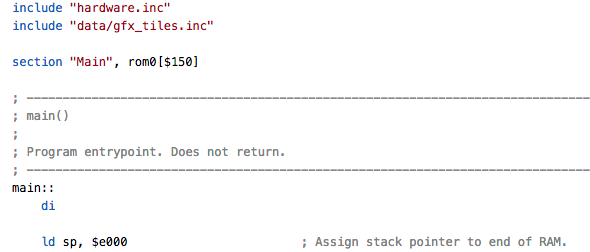
A full grammar definition for syntax highlighting is included.
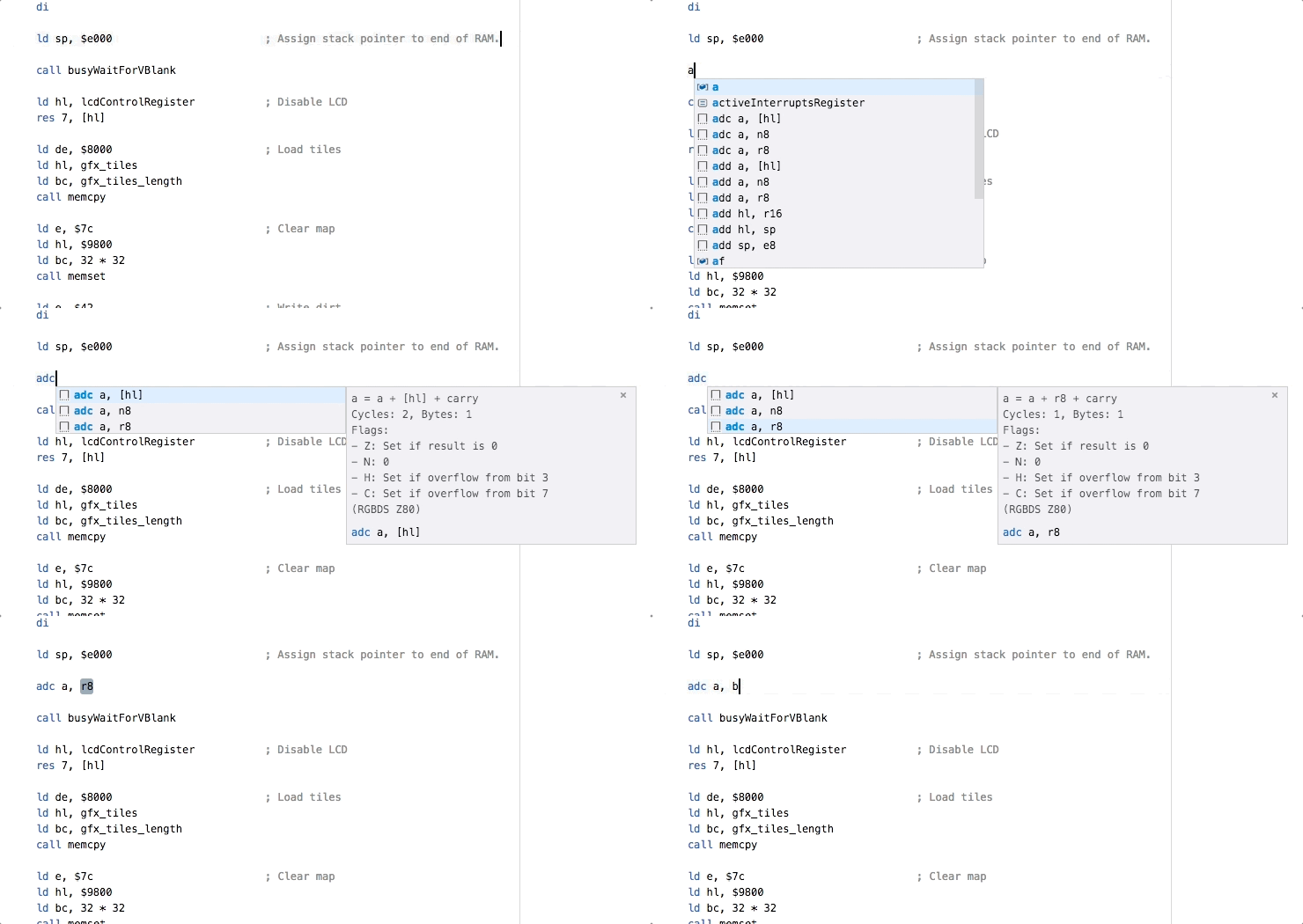
Instruction snippets reveal and document every instruction the Game Boy CPU understands. The documentation even includes the number of cycles instructions take!
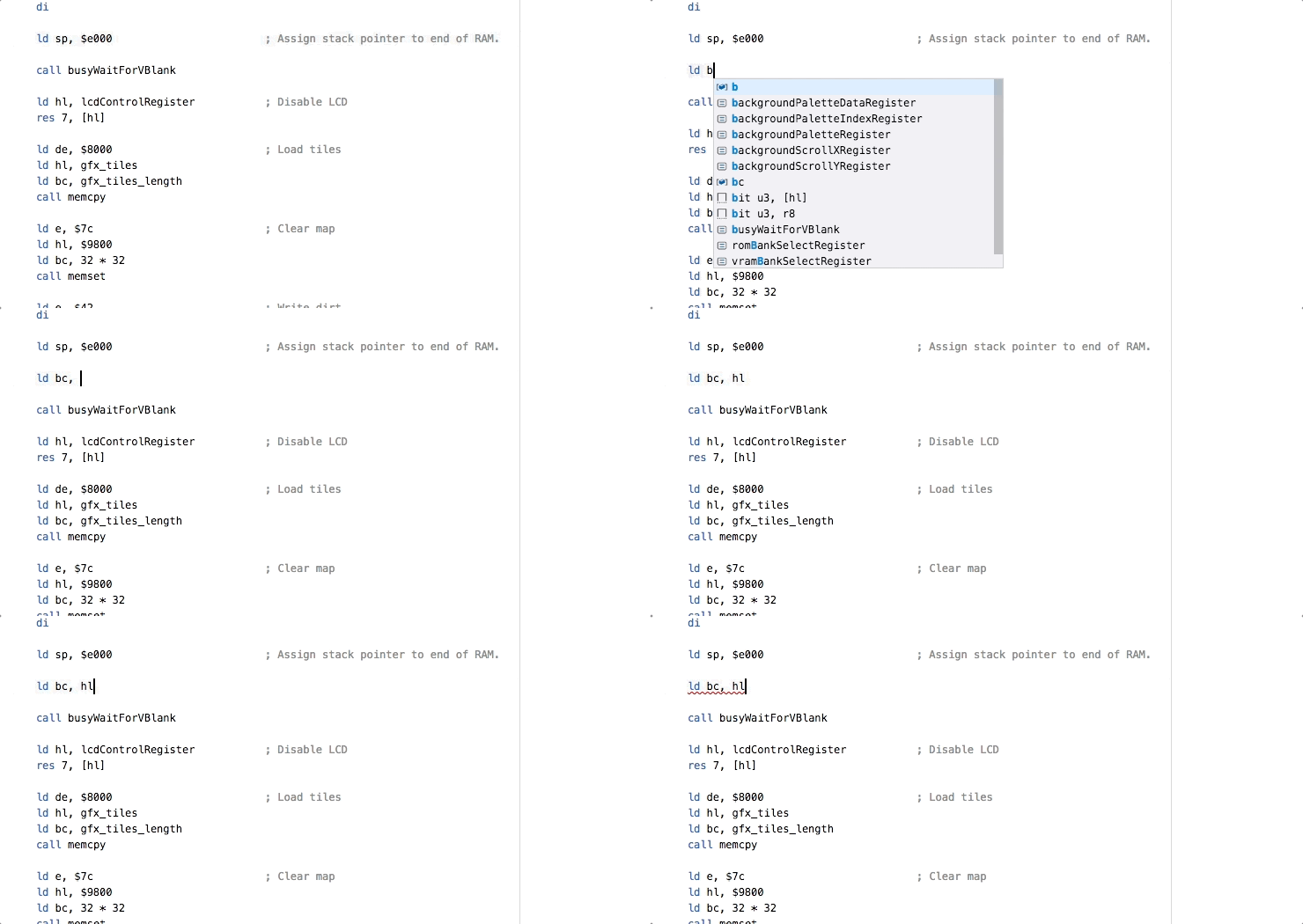
An included problem matcher enables Visual Studio Code to highlight invalid lines of code when you compile.
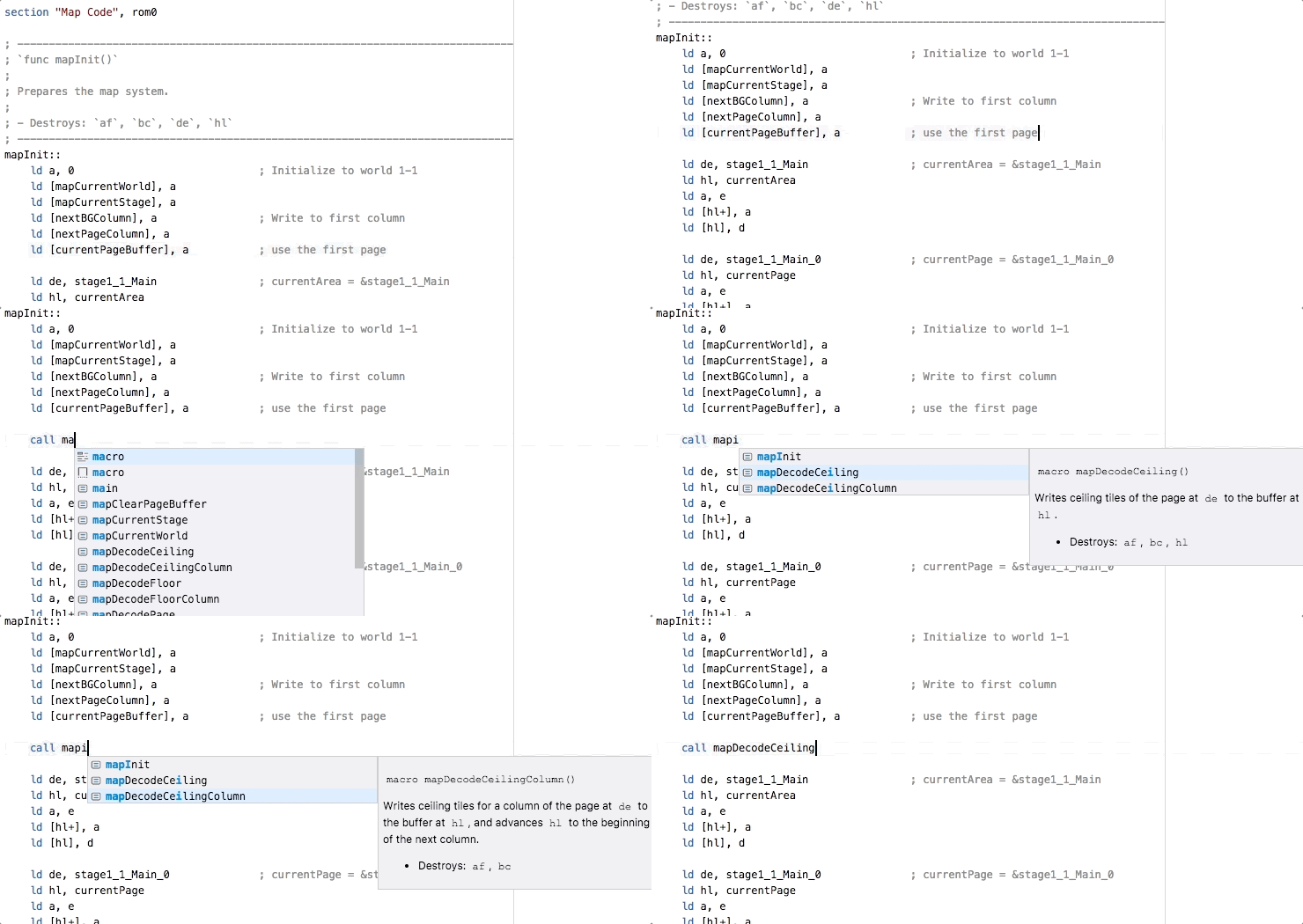
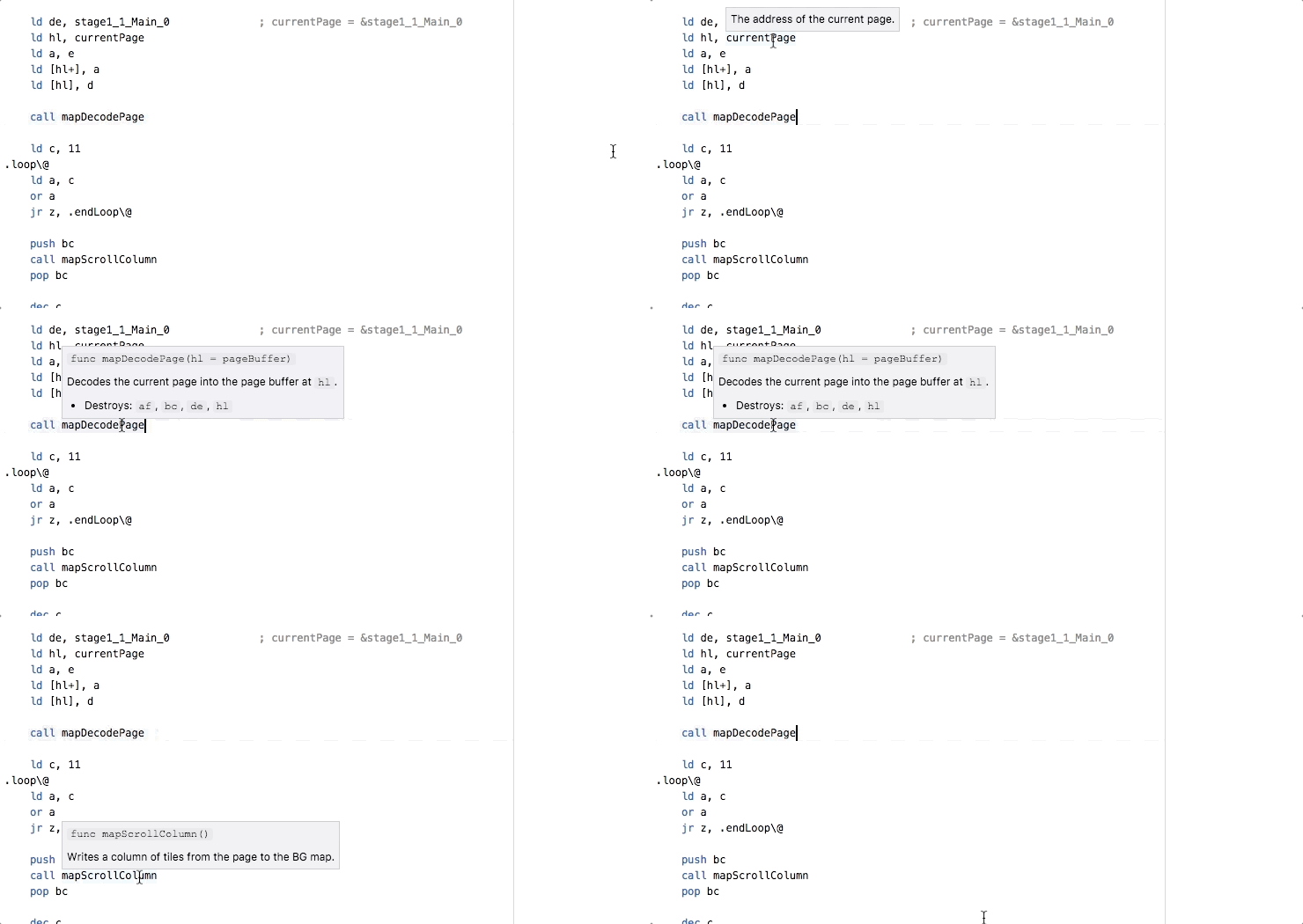
Symbols you declare are detected and populated in Intellisense prompts. It even grabs your documentation comments!
- Any uninterrupted runs of lines that consist only of comments preceding a symbol declaration will be considered part of that symbol's documentation.
- A comment on the same line as a symbol declaration is also part of its documentation.
Hover over symbol references to see their documentation at a glance.
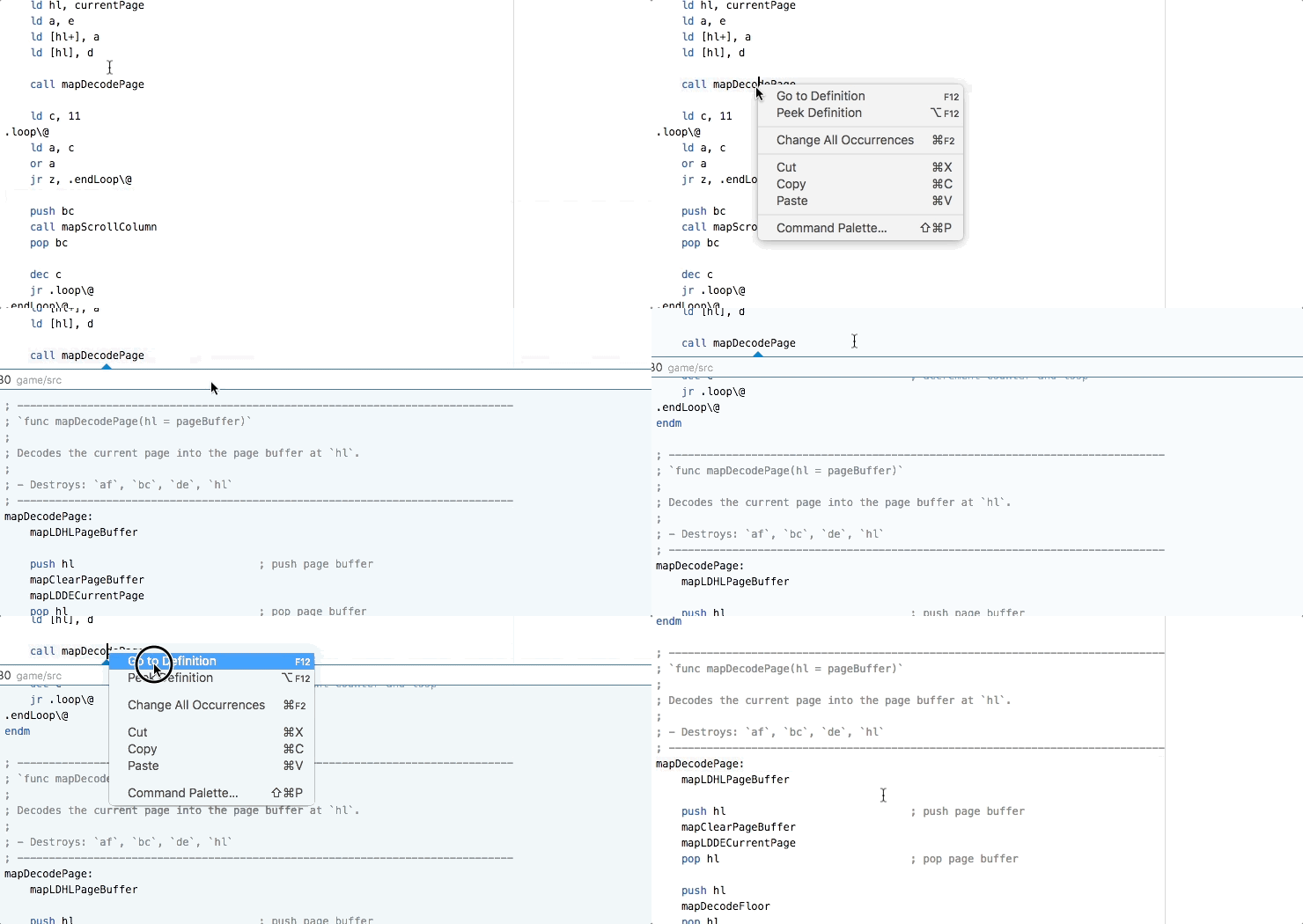
For when you need to see a symbol's implementation.
The language support will automatically activate for any file with .z80, .asm, .inc, .s, or .sm83 file extensions.
The rgbasm problem matcher is named "rgbdserror", and the rgblink problem matcher is named "rgbdslinkerror". The following is an example of a build task that calls make and uses the problem matchers.
{
  "label": "build",
  "type": "shell",
  "command": "make",
  "group": {
    "kind": "build",
    "isDefault": true
  },
  "presentation": {
    "panel": "new"
  },
  "problemMatcher": ["$rgbdserror", "$rgbdslinkerror"]
}This extension supports Intellisense for symbols declared in included files. By default, it searches for included files relative to the directory of the open file. But you can configure additional directories to search via the rgbdsz80.includePath configuration variable. You may assign a string path or an array of string paths to that variable, and all associated directories will be searched in turn to resolve an included file. Configured paths may be either absolute or relative to the workspace directory.
You can customize capitalization rules for your code. See Capitalization Formatting for details.