Releases: AshishKumarD/logcat-lens
Releases · AshishKumarD/logcat-lens
v2.1.0 — ADB Auto-Discovery & One-Click Install

ADB Auto-Discovery & One-Click Install
- Android Studio is not required — install ADB directly from within VS Code with a single click
- Automatically finds
adbfrom ANDROID_HOME, ANDROID_SDK_ROOT, and common SDK install locations (macOS, Windows, Linux) - No more "adb: command not found" when VS Code is launched from the dock/start menu instead of a terminal
- New
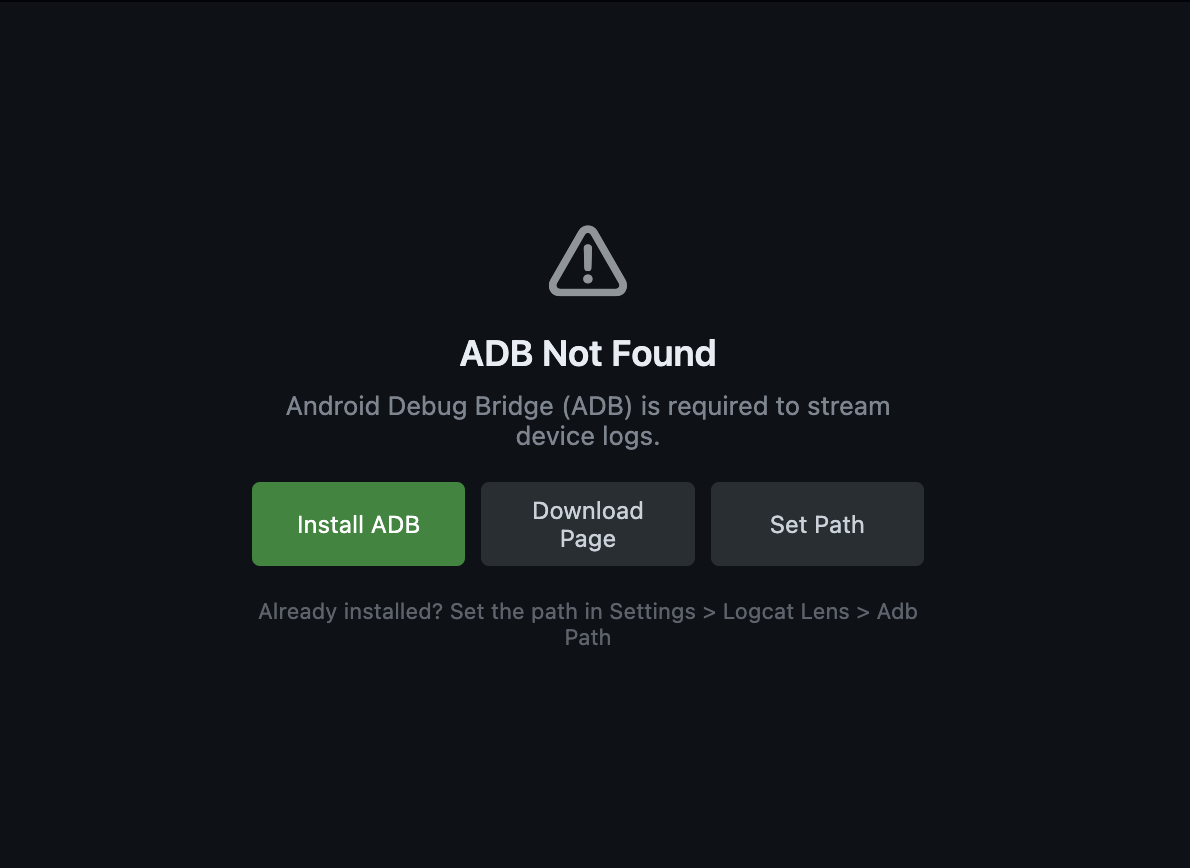
logcatLens.adbPathsetting to manually override the adb binary path - Clear "ADB Not Found" screen with Install, Download, and Set Path options when ADB is missing
- Graceful error handling — if ADB becomes unavailable mid-session, the install screen is shown instead of cryptic errors
v1.0.1
What's New in 1.0.1
Bug fixes and stability improvements over the initial release.
Features
- Real-time logcat streaming with pause/resume/restart
- Client-side filtering by log level, tags, and packages
- Multi-select level chips, tag/package chips with autocomplete
- Full-text search with match navigation
- Virtual scrolling for high-performance rendering
- Standard, compact, and soft wrap display modes
- Resizable column headers
- Double-click to copy, export to editor
- Infinite scroll-back history
Requirements
- ADB installed and in your system PATH
- VS Code v1.90+
- A connected Android device or emulator
Installation
Install from the .vsix file:
- Download
logcat-lens-1.0.1.vsix - In VS Code: Extensions →
...→ Install from VSIX