

A Flutter plugin to support game center and google play games services.
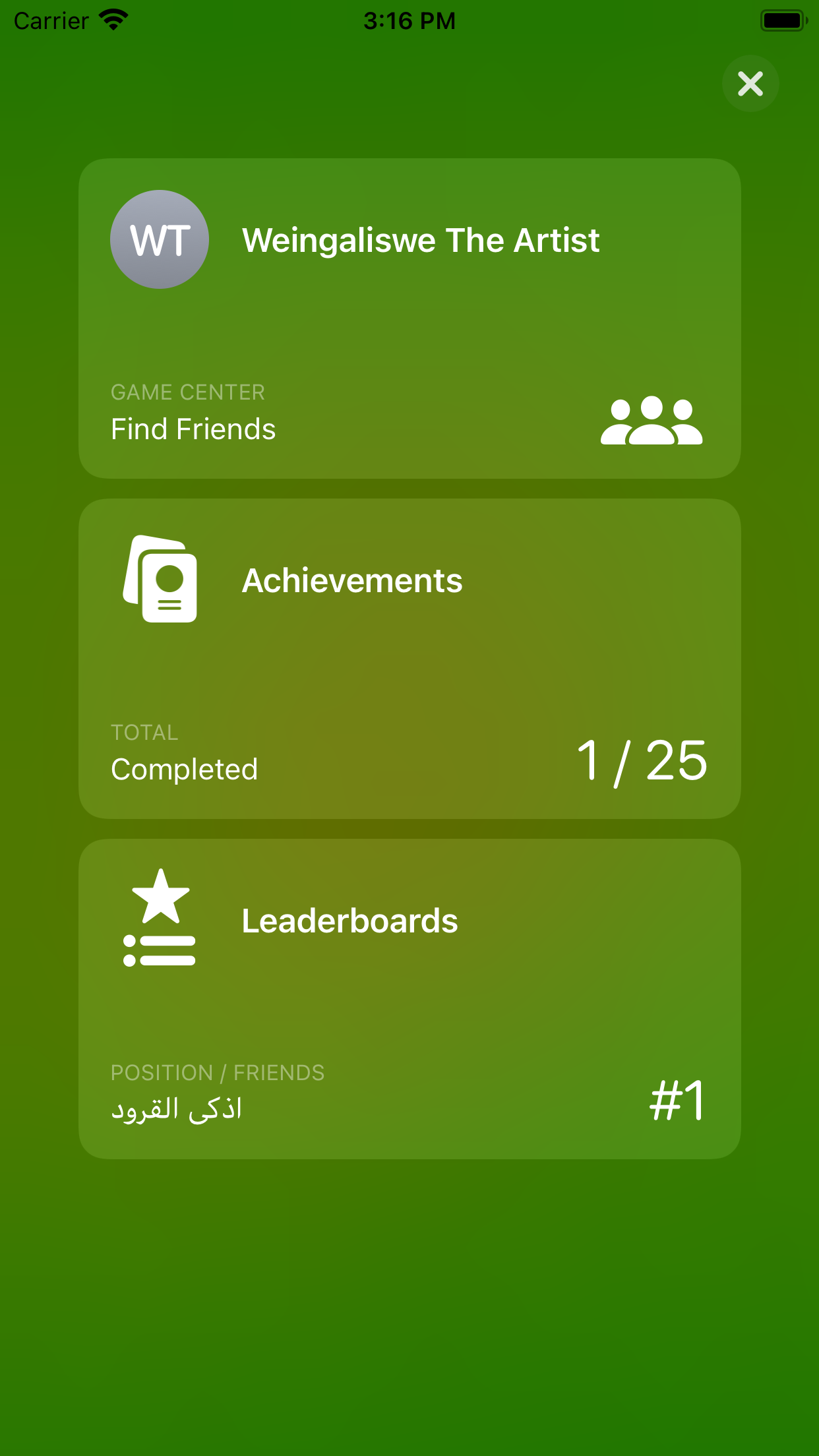
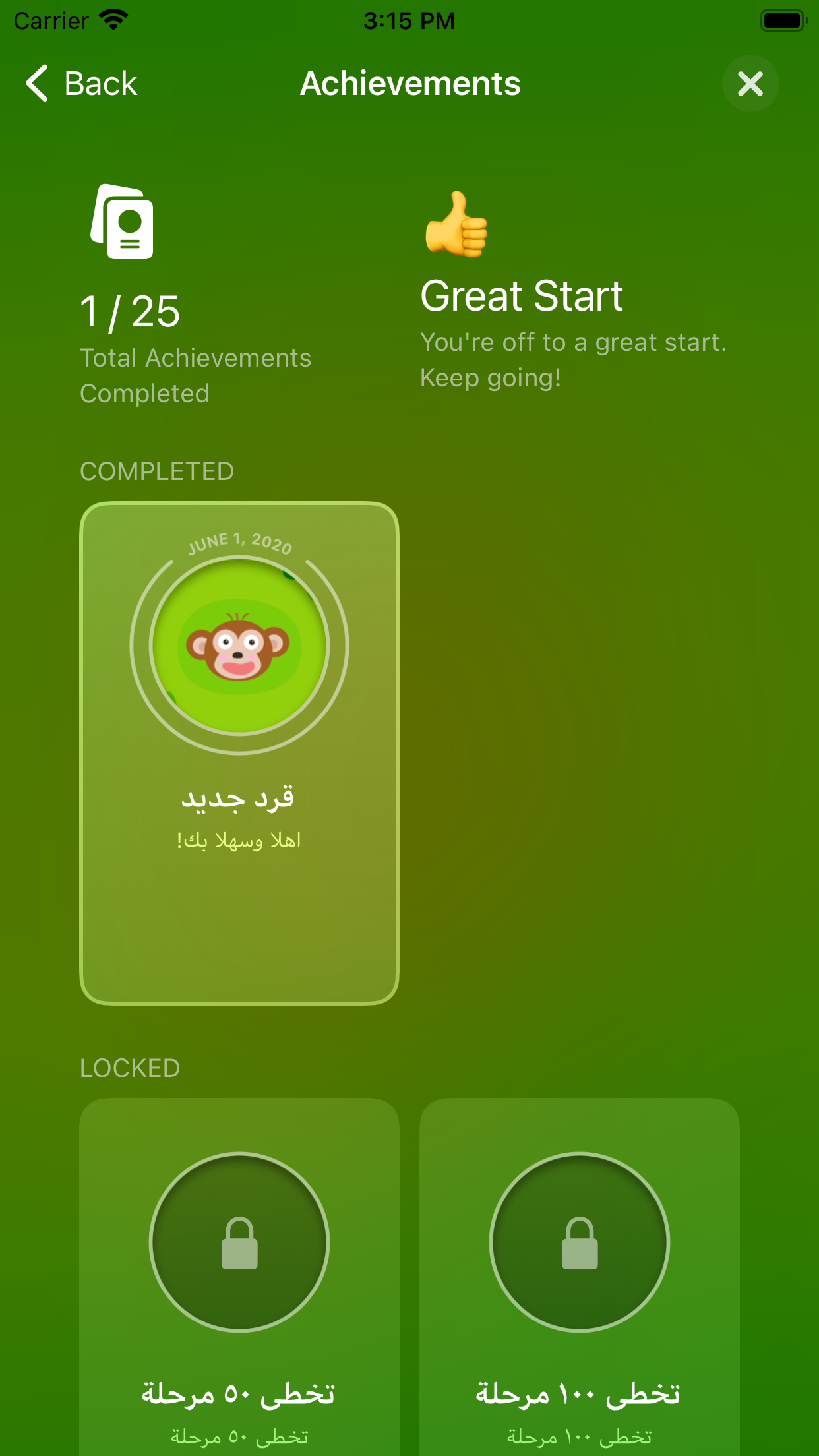
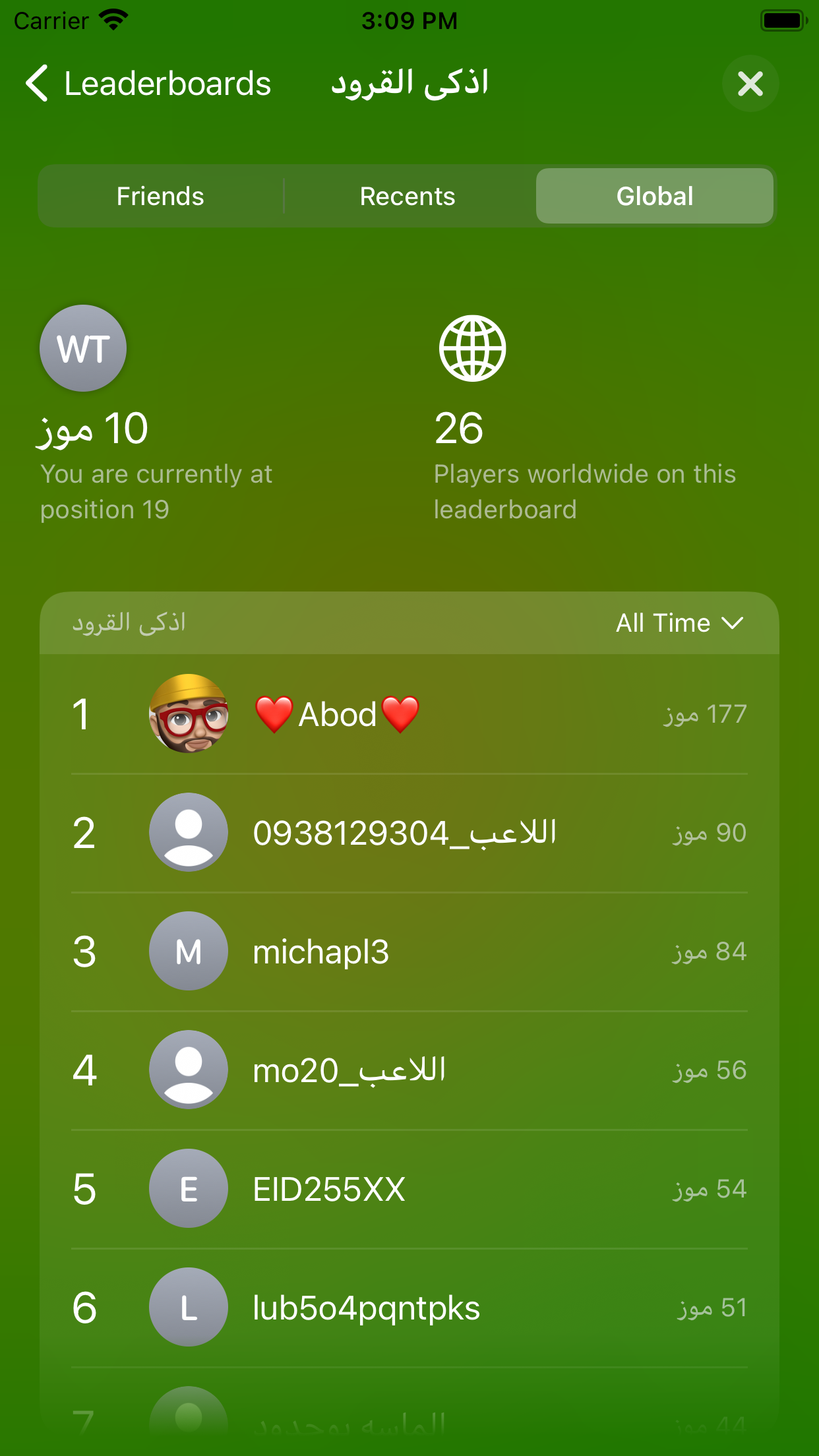
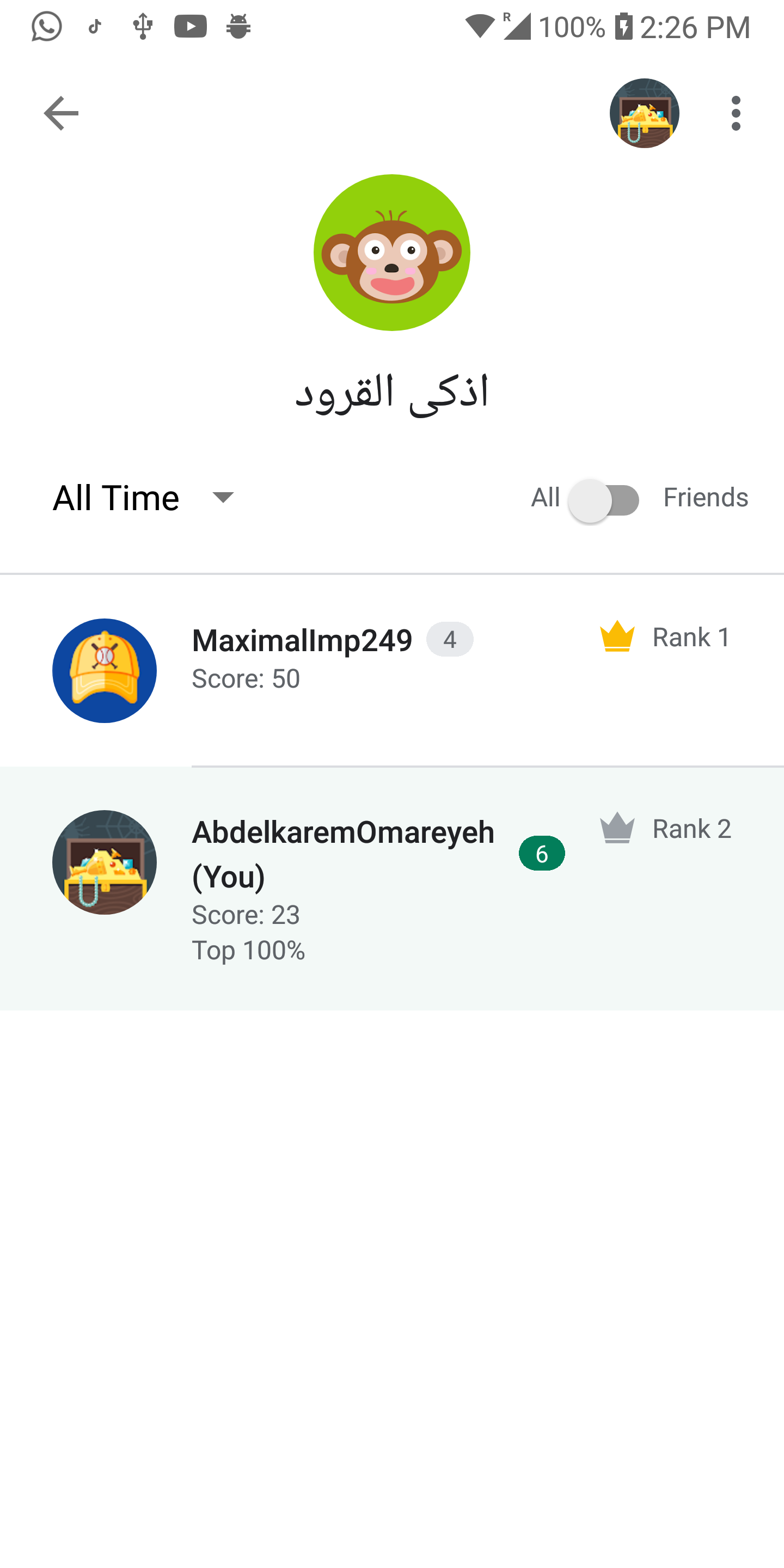
Video tutorial Will be added soon.
To sign in the user. You need to call the sign in before
making any action (like sending a score or unlocking an achievement).
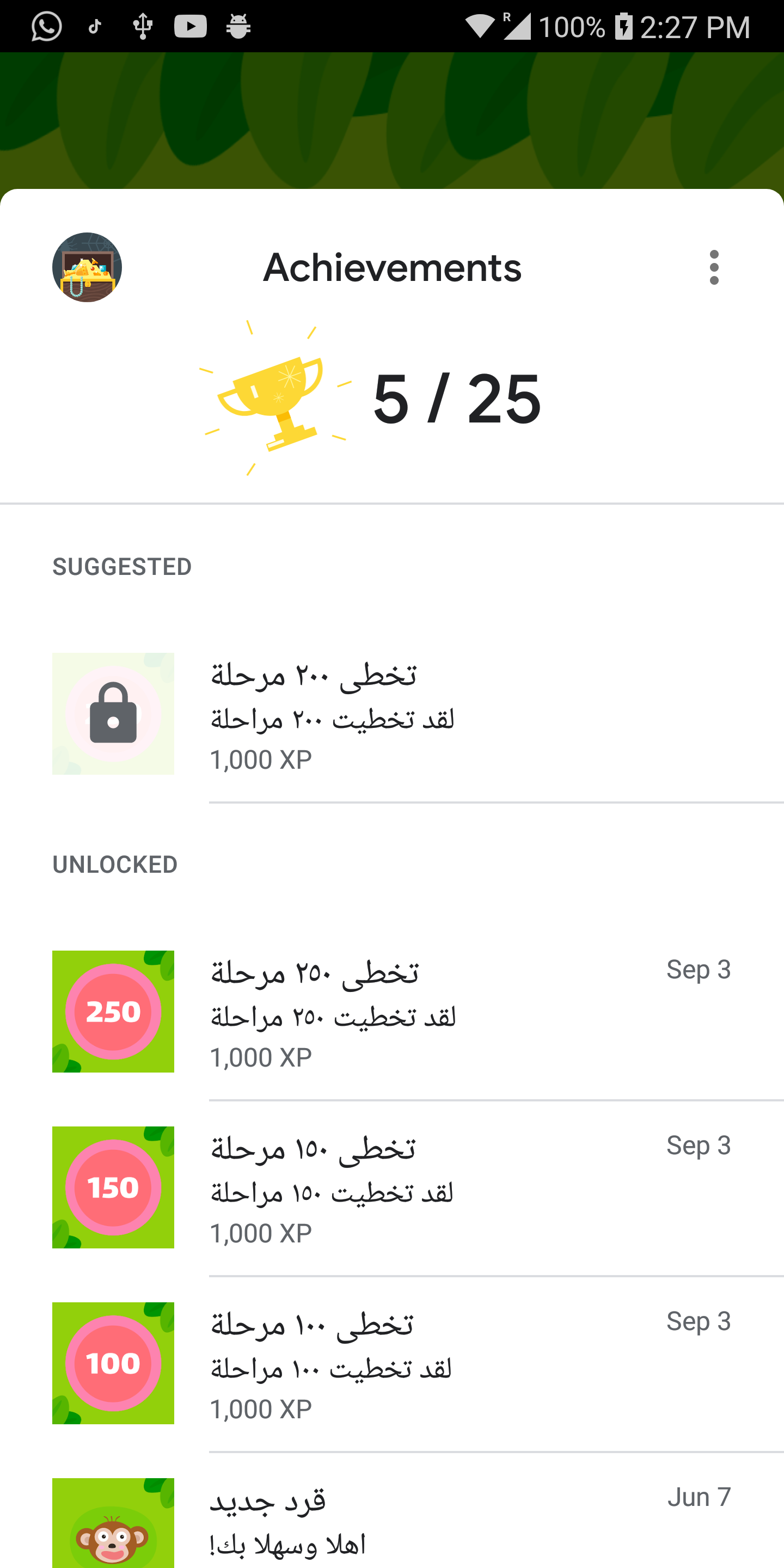
GamesServices.signIn();To show the achievements screen.
GamesServices.showAchievements();To show the leaderboards screen.
GamesServices.showLeaderboards(iOSLeaderboardID: 'ios_leaderboard_id');Note: You need to pass the leaderboard id for iOS, for android it's not required.
To submit a Score to specific leader board.
-The Score class takes three parameters:
-androidLeaderboardID: the leader board id that you want to send the score for in case of android.
-iOSLeaderboardID the leader board id that you want to send the score for in case of iOS.
-value the score.
GamesServices.submitScore(score: Score(androidLeaderboardID: 'android_leaderboard_id',
                                       iOSLeaderboardID: 'ios_leaderboard_id',
                                       value: 5));
note: You need to pass the leaderboard id for iOS in case of iOS and the leaderboard id for android in case of android.
To unlock an Achievement.
The Achievement takes three parameters:
-androidID the achievement id for android.
-iOSID the achievement id for iOS.
-percentComplete the completion percent of the achievement, this parameter is optional in case of iOS.
GamesServices.unlock(achievement: Achievement(androidID: 'android_id',
                                              iOSID: 'ios_id',
                                              percentComplete: 100));
Note: You need to pass the achievement id for iOS in case of iOS and the achievement id for android in case of android.
the percentComplete is required in case of iOS but not android.
Simply add the following line to your pubspec.yaml file:
dependencies:
  games_services: any       # <-- Add this line