Resize images for ue4 iOS Demo:
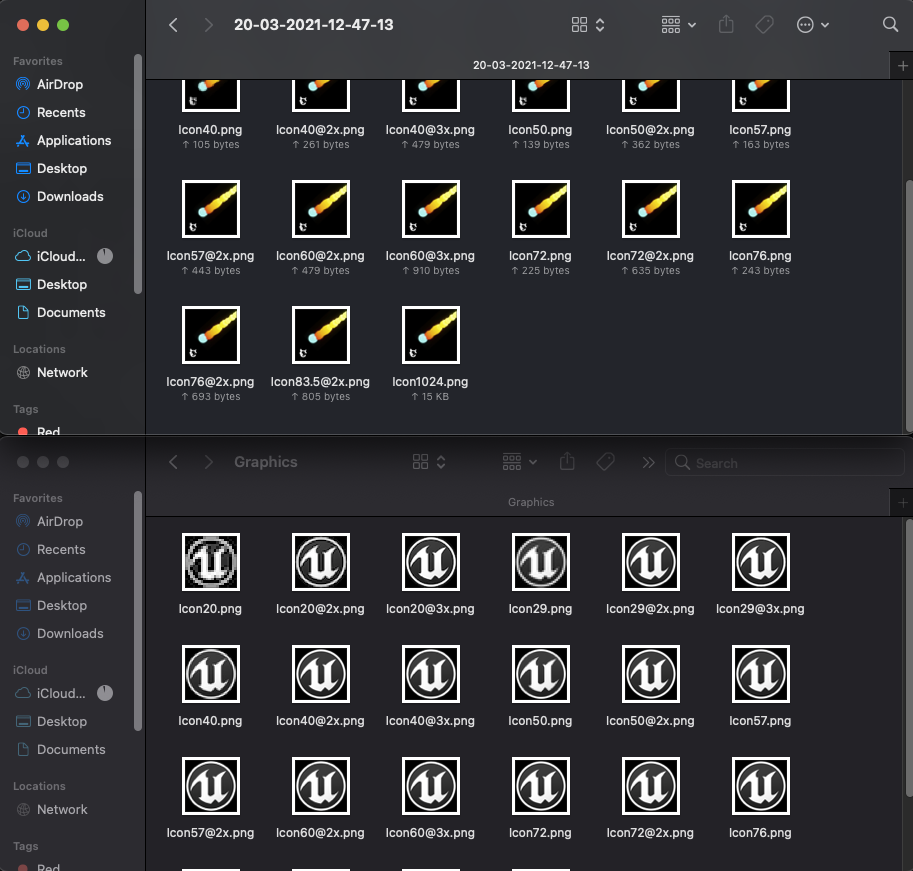
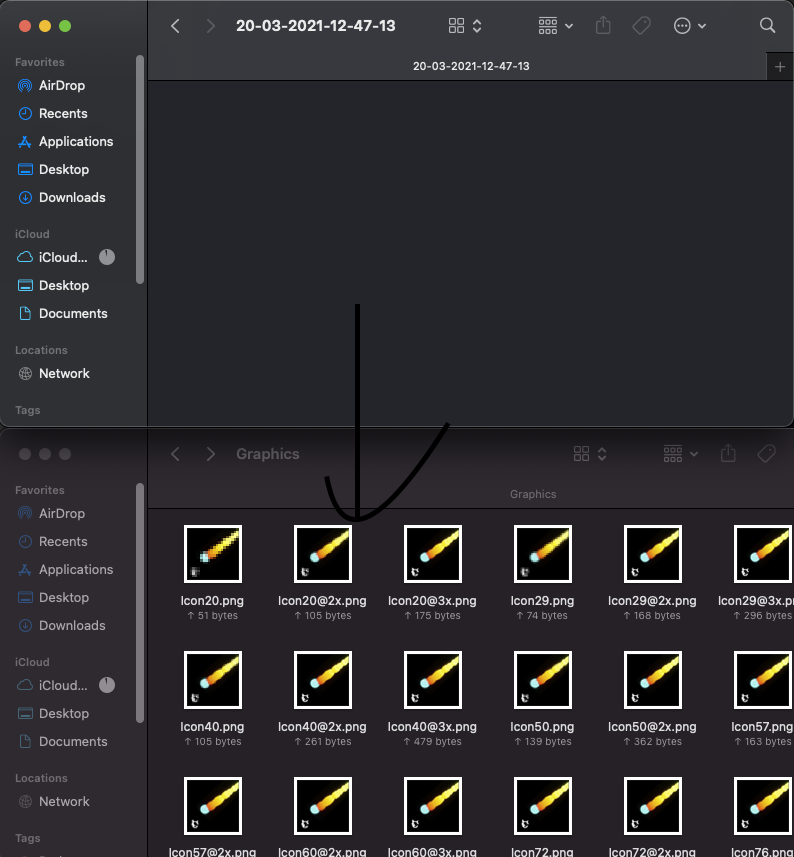
Above in the folder is generated, below is the unreal folder
- Datetime
- Os
- Pillow (You will have to pip3 install this)
-
Clone this repository
-
After cloning, you will see two folders and the script
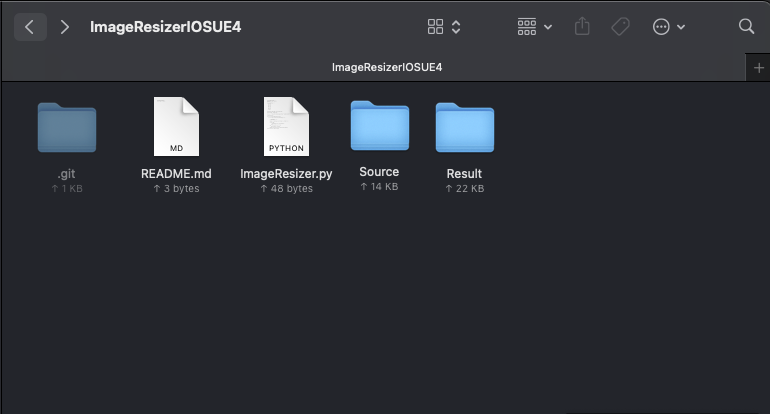
- Go into the
./Source/folder and put in your image, rename it to Target.png
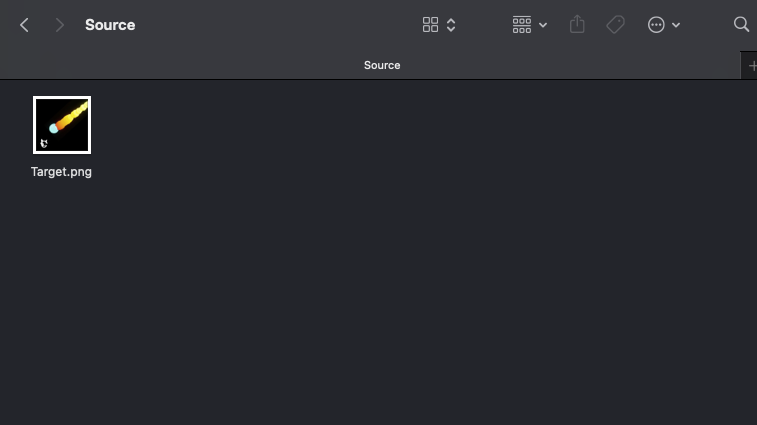
Image stats:
- Resolution 5000x5000 recommended
- No alpha channel
- Run the program with
python3 ImageResizer.py, make sure you have the dependencies installed, and also make sure you are in the root directory, so it can detect your image.
You should recieve a "Successfully converted image" message, else something may have went wrong

- Go to the
./Result/folder, and you should have a timestamped folder
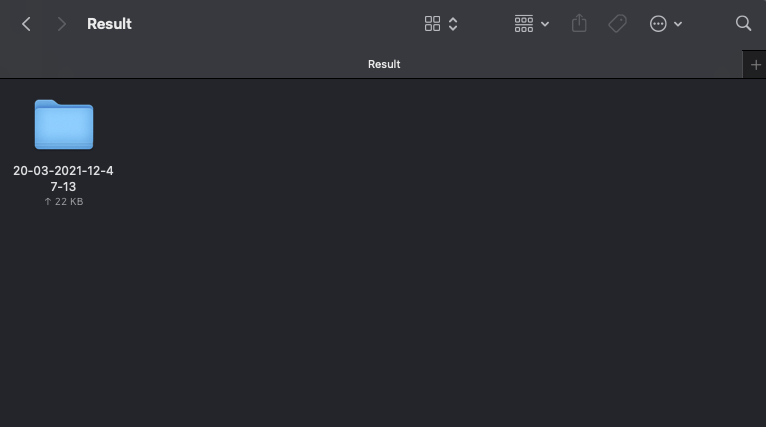
- Go into the most recent folder, you should have the generated images here
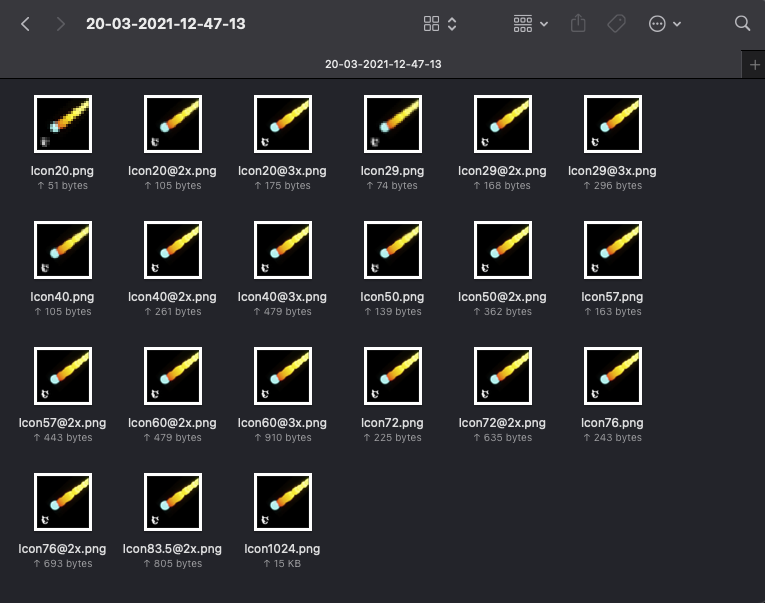
- Drag and drop the images into the
YourUnrealProject/Build/IOS/Resources/Graphicsfolder
- It should update in the game engine after a restart
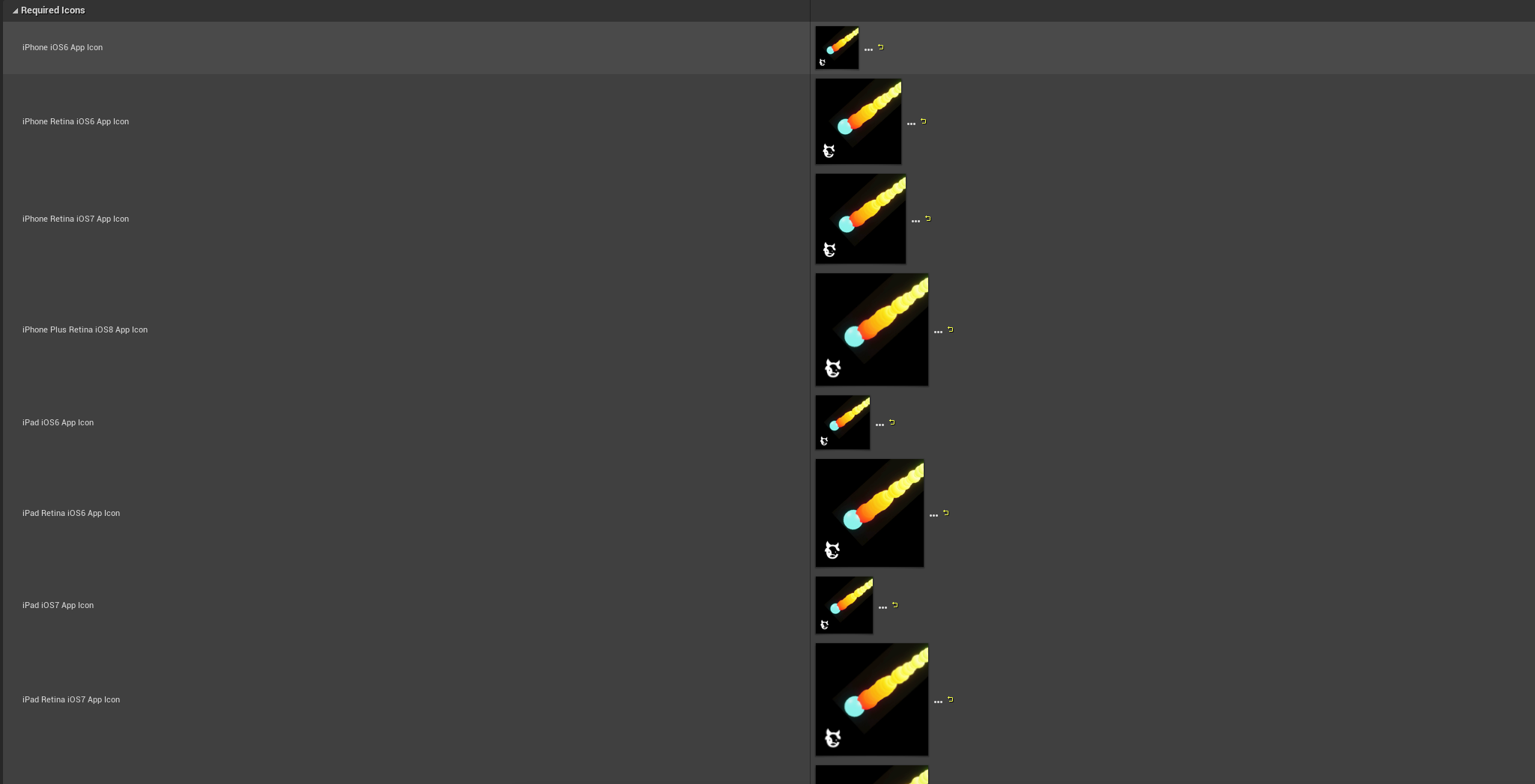
Note: Steps 7 & 8 will not work if it is your first time on a new project, you will have to manually make a new Graphics folder in YourUnrealProject/Build/IOS/Resources/ and drag those images in, and having to manually select every image for each slot. However if you are going to change the images for the future, you are all set by just dragging and dropping again and replacing