Manual_Export
Once you are done editing your document, you can export it to HTML and use it any way you want, or export it to SCORM (1.2 or 2004) and upload it to your preferred LMS (Moodle, for instance).
You can access the export menu from the "Export menu", located in the top-right menu.
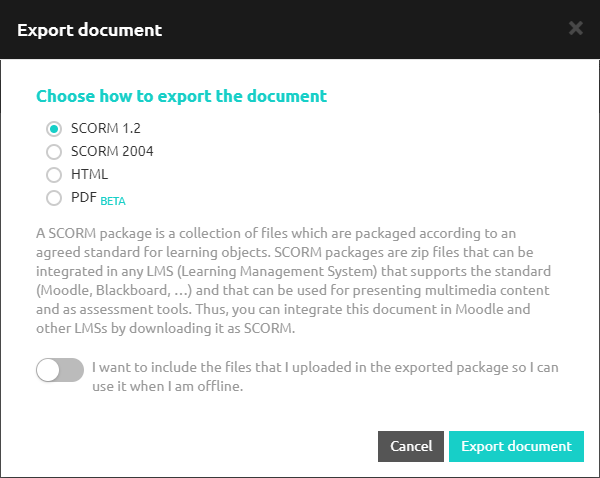 You can also export your document to PDF. This option is Beta right now, so it does not work with all the content.