A terminal-first HDF5 explorer for charts, matrices, images, compound schemas, and scripted workflows.
curl -fsSL https://raw.githubusercontent.com/DanielHauge/h5v/main/install.sh | shThe shell installer works on Linux, macOS, and POSIX-style Windows shells such as Git Bash, MSYS2, and Cygwin.
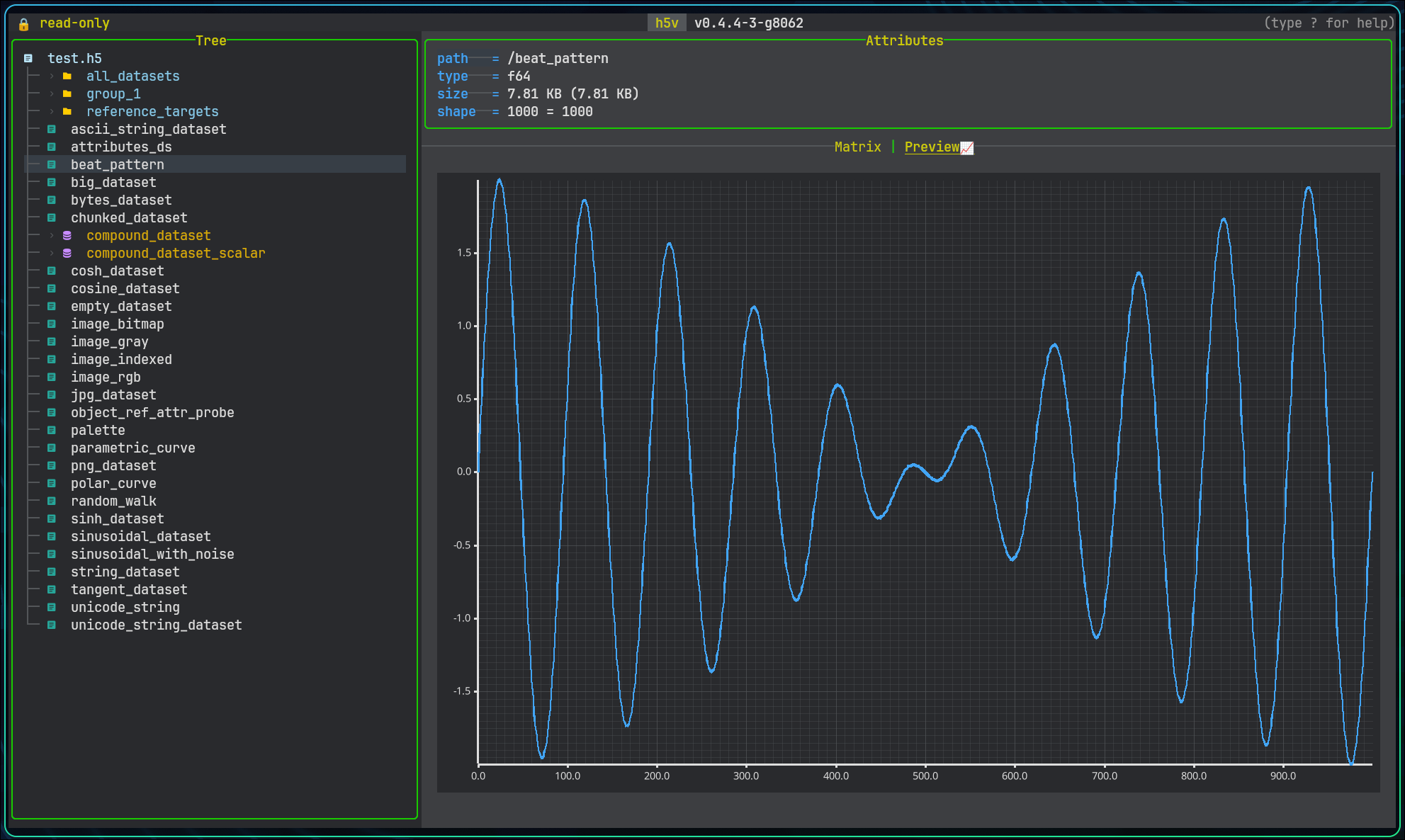
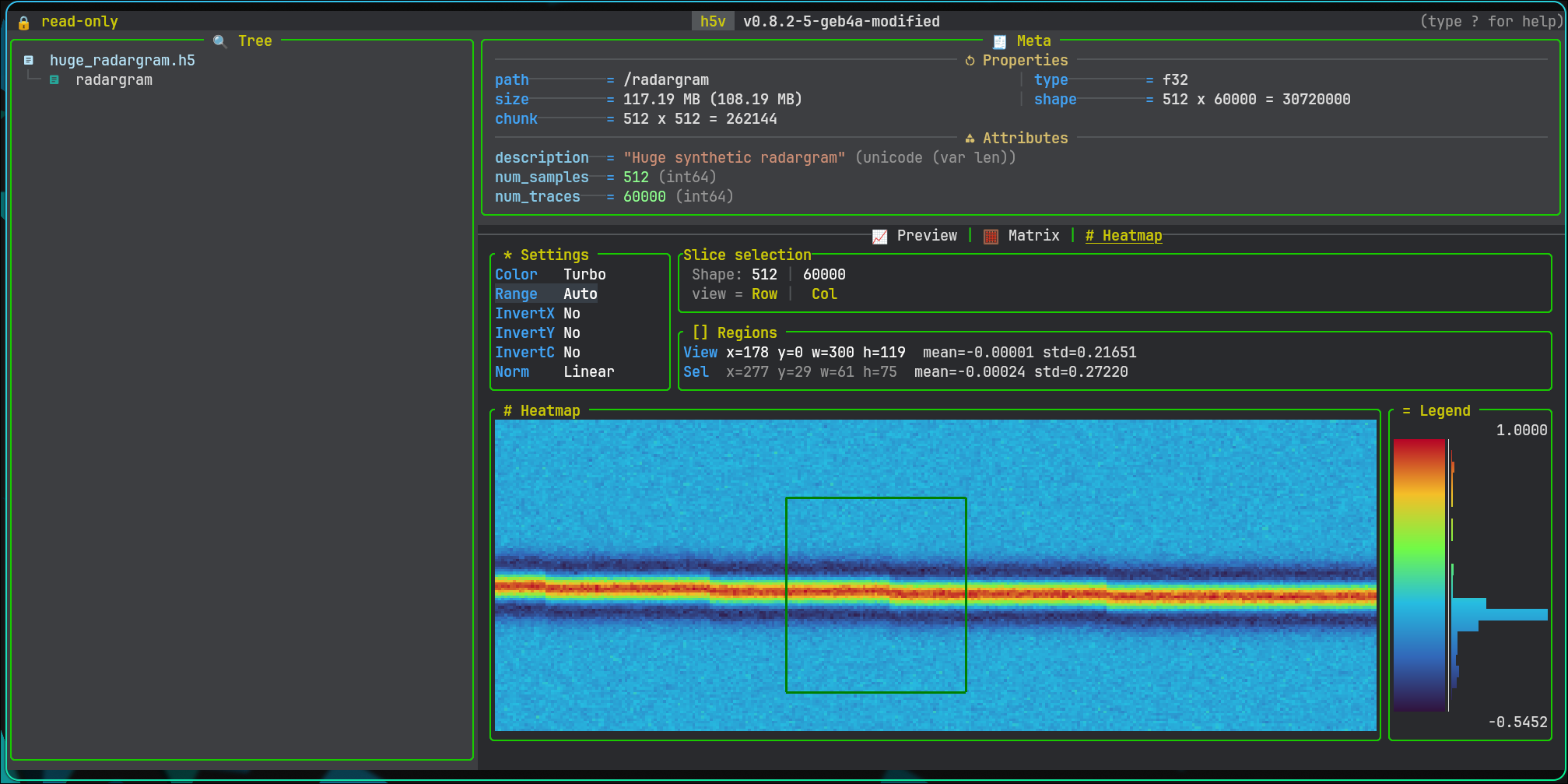
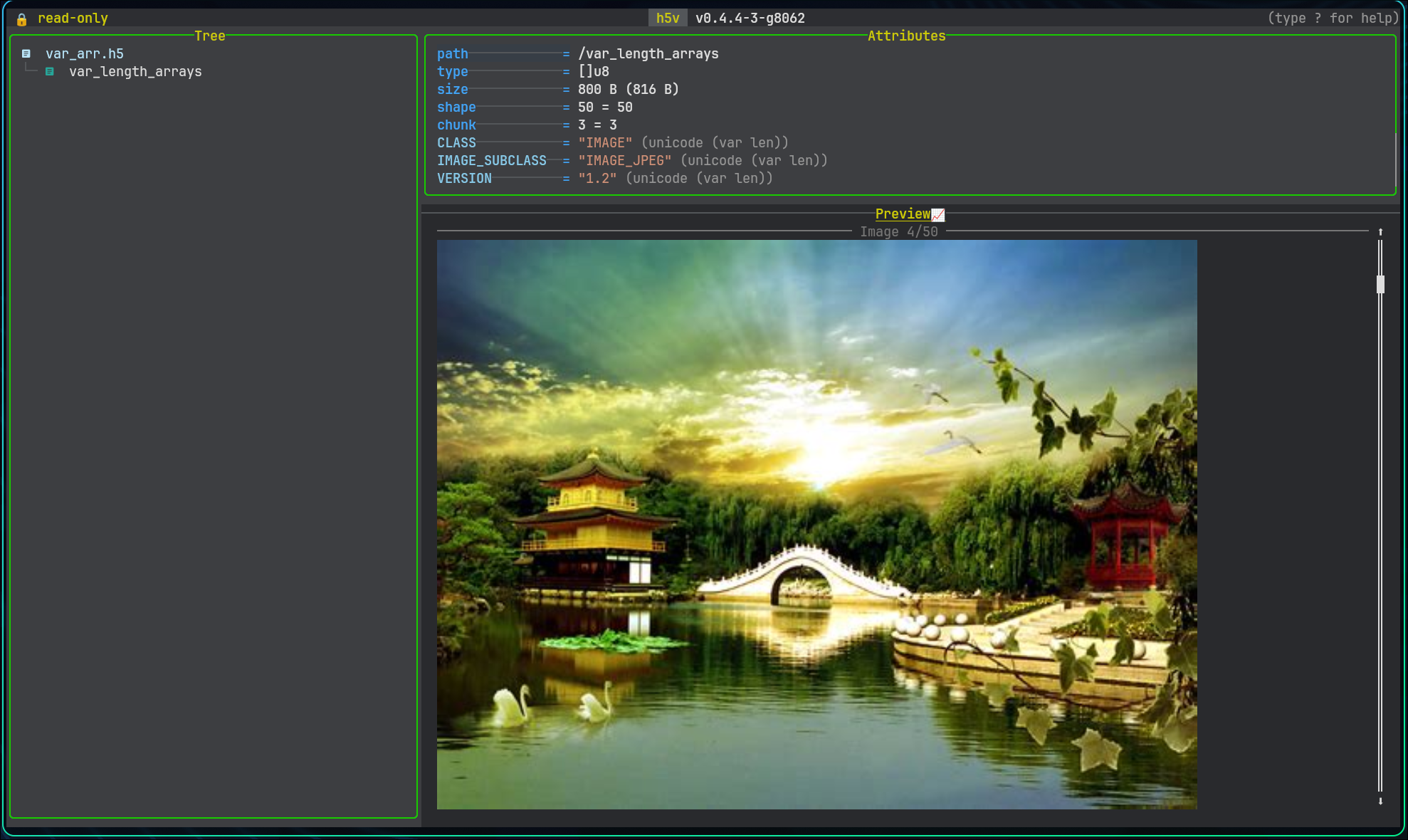
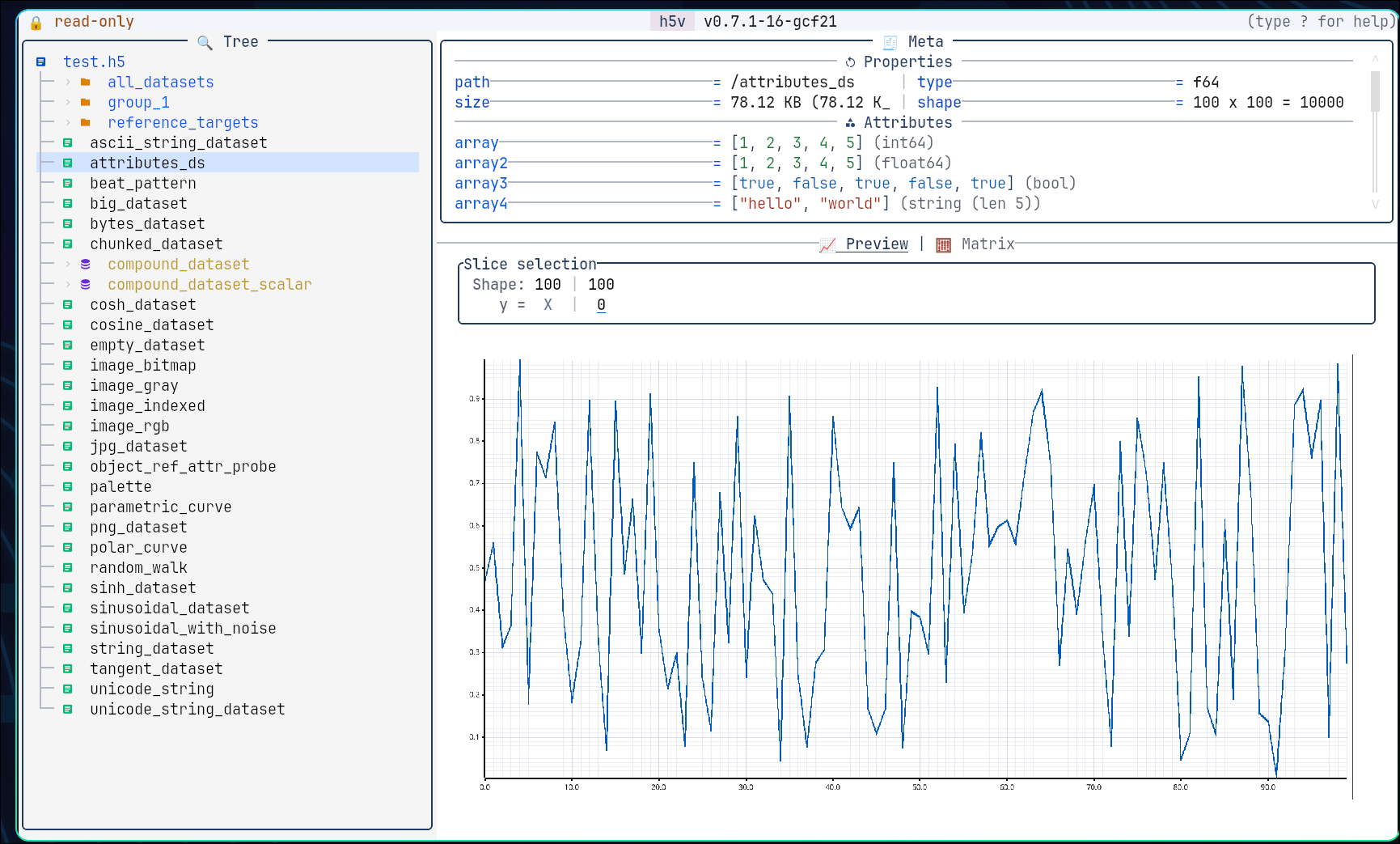
h5v is a Rust TUI for inspecting HDF5 files in the terminal: browse the tree, switch between preview, matrix, and heatmap views, inspect image datasets inline, drill into compound fields, edit attributes in write mode, and script startup workflows. CSV, TSV, XLSX, and Parquet files can also be opened; h5v imports them into cached HDF5 snapshots on launch so they work with the same tree and chart flows.
| Charts | Heatmap | Images |
|---|---|---|
 |
 |
 |
| Multichart | Commands | Help |
 |
 |
 |
- Tree browsing for datasets, groups, links, and projected compound fields.
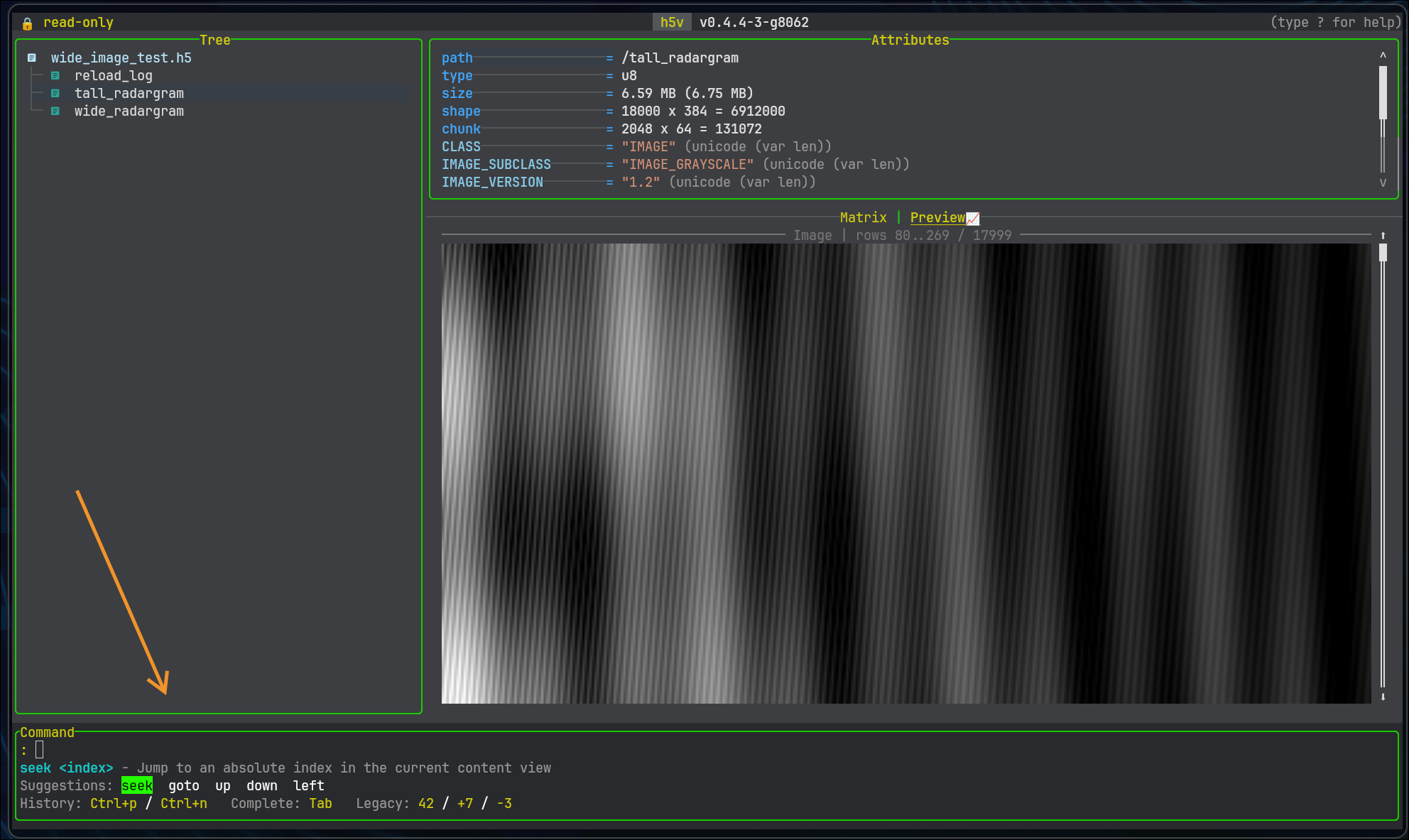
- Preview, matrix, heatmap, image, and schema views from the same selection.
- In-place edits when the file is opened with
-w. - Startup automation with commands, scripts, and
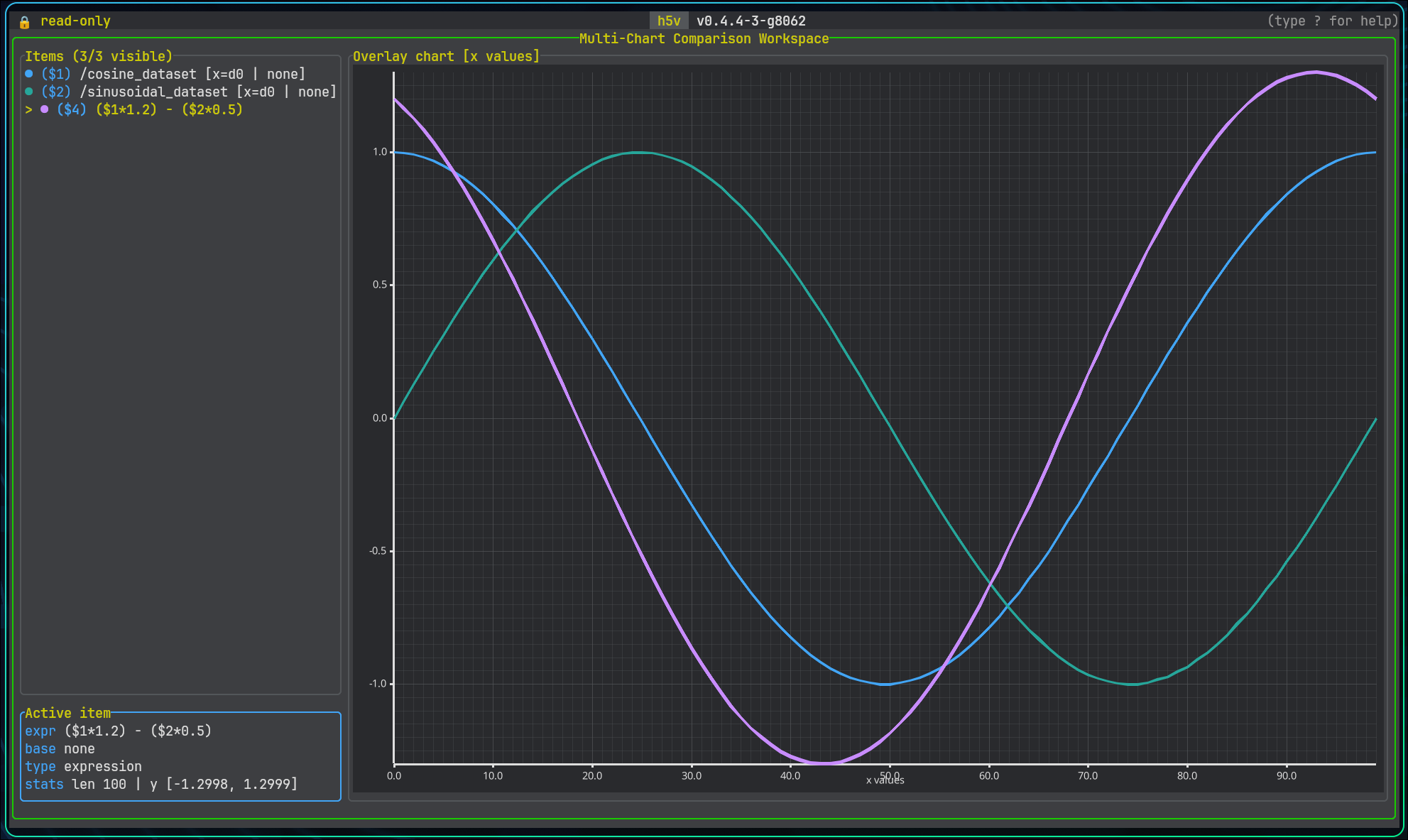
press .... - Derived series and comparisons in multichart.
If you do not have an h5 file, you can download an example:
curl -fsSL https://raw.githubusercontent.com/DanielHauge/h5v/main/examples/h5v-example.h5 -o h5v-example.h5Open a file in read-only mode:
h5v h5v-example.h5Read a file that may already be open in another process:
h5v --read-mode auto live-data.h5--read-mode auto tries normal read-only first, then SWMR read-only, then a copied snapshot fallback.
Open imported tabular files through the import pipeline:
h5v data.csv
h5v reference.h5 experiment.tsv
h5v workbook.xlsx metrics.parquet
If your terminal renders icons, line drawing, or graphics previews badly, start in compatibility mode:
h5v --compatibility h5v-example.h5That switches the UI to simpler symbols and disables terminal graphics previews. To make it the default, set H5V_COMPATIBILITY_MODE=true in your shell rc file.
Open the same file in write mode so edits are allowed:
h5v -w h5v-example.h5Themes, symbols, and heatmap defaults are configured in Lua. Inside h5v, run :configure to open init.lua, or :configure reset to regenerate the default scaffold.
Start with scripted commands:
h5v examples/h5v-example.h5 \
  -c "goto /matrices/cube" \
  -c "focus content" \
  -c "mode matrix"
Validate a startup script without launching the UI:
h5v path/to/file.h5 --script-test --script setup.h5vTry the bundled example file and walkthrough script from this repository:
h5v examples/h5v-example.h5 --script examples/h5v-example.h5vRegenerate the example file after editing the generator:
python scripts/generate_example_h5.py| Method | Command |
|---|---|
| Shell installer | curl -fsSL https://raw.githubusercontent.com/DanielHauge/h5v/main/install.sh | sh |
| PowerShell installer | irm https://raw.githubusercontent.com/DanielHauge/h5v/main/install.ps1 | iex |
| Homebrew | brew tap DanielHauge/h5v https://github.com/DanielHauge/h5v.git && brew install h5v |
| Scoop | scoop bucket add h5v https://github.com/DanielHauge/h5v && scoop install h5v/h5v |
| cargo-binstall | cargo binstall h5v |
| Cargo source build | cargo install h5v |
On Windows, install.ps1 installs into %LOCALAPPDATA%\Programs\h5v\bin and adds that directory to the user PATH.
On Linux, source builds may require native packages such as cmake, pkg-config, libfontconfig, freetype, and expat development headers.
Configuration lives in init.lua.
:configure
:configure reset
:configureopens the config file and reloads it on exit.:configure resetwrites a fresh scaffold.--config <PATH>uses a different config file.--init-plugin <PATH>creates a plugin scaffold. Rerun it to refresh.luarc.jsonand.h5v-luals/h5v.luawithout overwritingh5v-plugin.tomlorlua/init.lua.
Plugins are loaded from init.lua with h5v.plugins.use(...) and can come from:
- a local path
owner/repo- a git URL
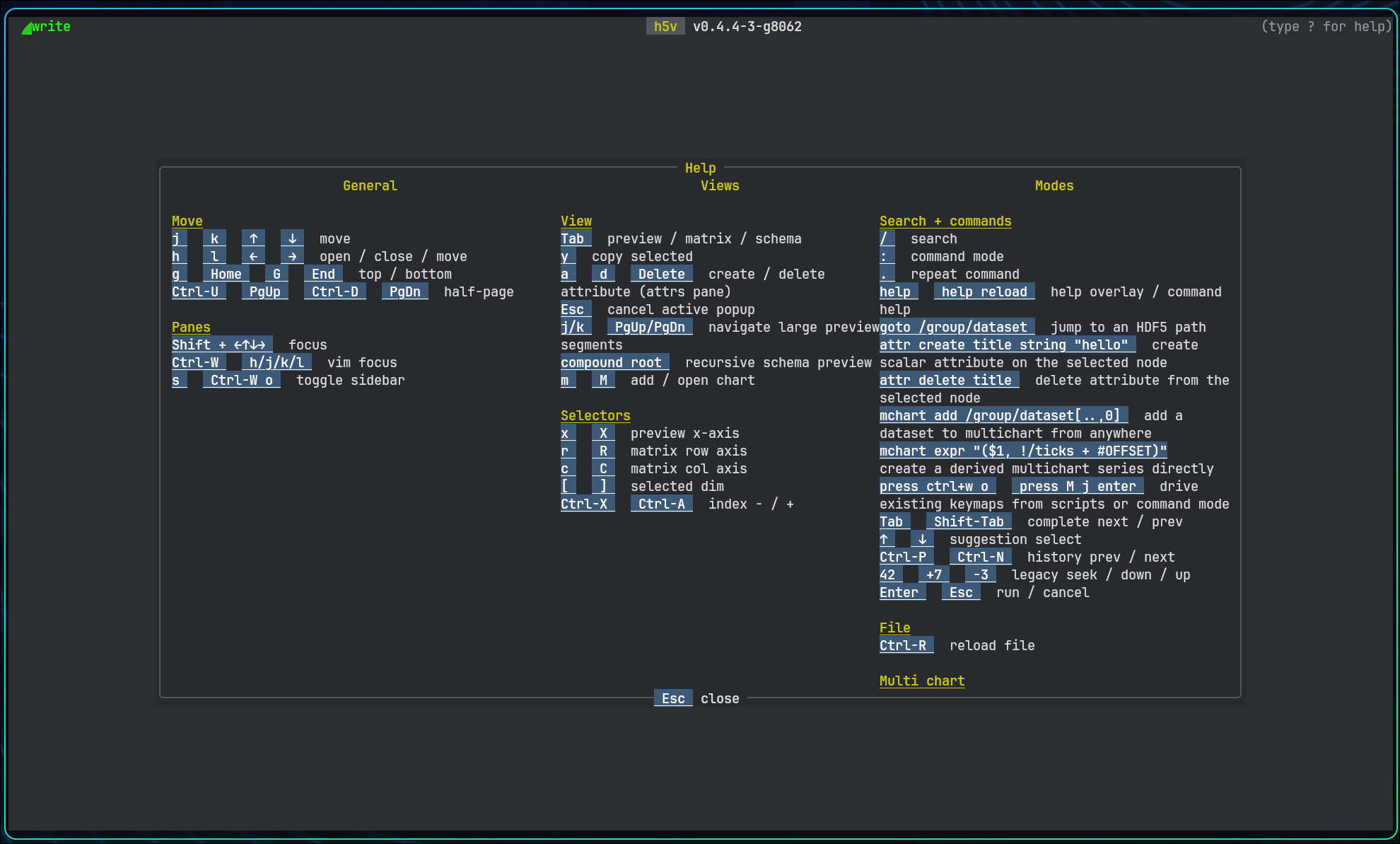
Use the in-app help as the source of truth for commands, keymaps, actions, health, and plugin status.
The manual is published at danielhauge.github.io/h5v/book, and the source lives in docs/src.
-
Inside
h5v, press?for keybindings, commands, multichart, heatmap, health, and customization help. -
The in-app help is the primary reference for controls and command behavior.
Shift+ arrow keys orCtrl+Wthenh/j/k/lmove focus between panes.Tabcycles content modes when more than one is available.:opens the command minibuffer,.repeats the last command, and?opens the in-app help overlay.madds the current previewable selection to multichart andMopens multichart mode.stoggles the sidebar,/enters search, andCtrl+Rreloads the file from disk.