A collection of styles to attempt to style Android with a soothing pastel theme.
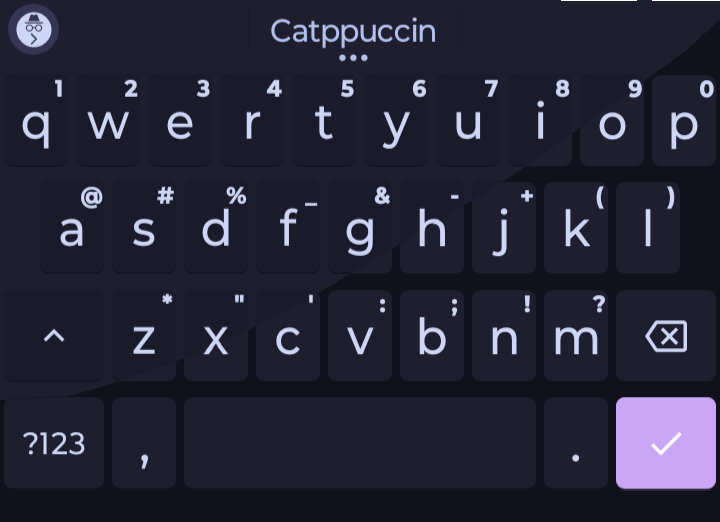
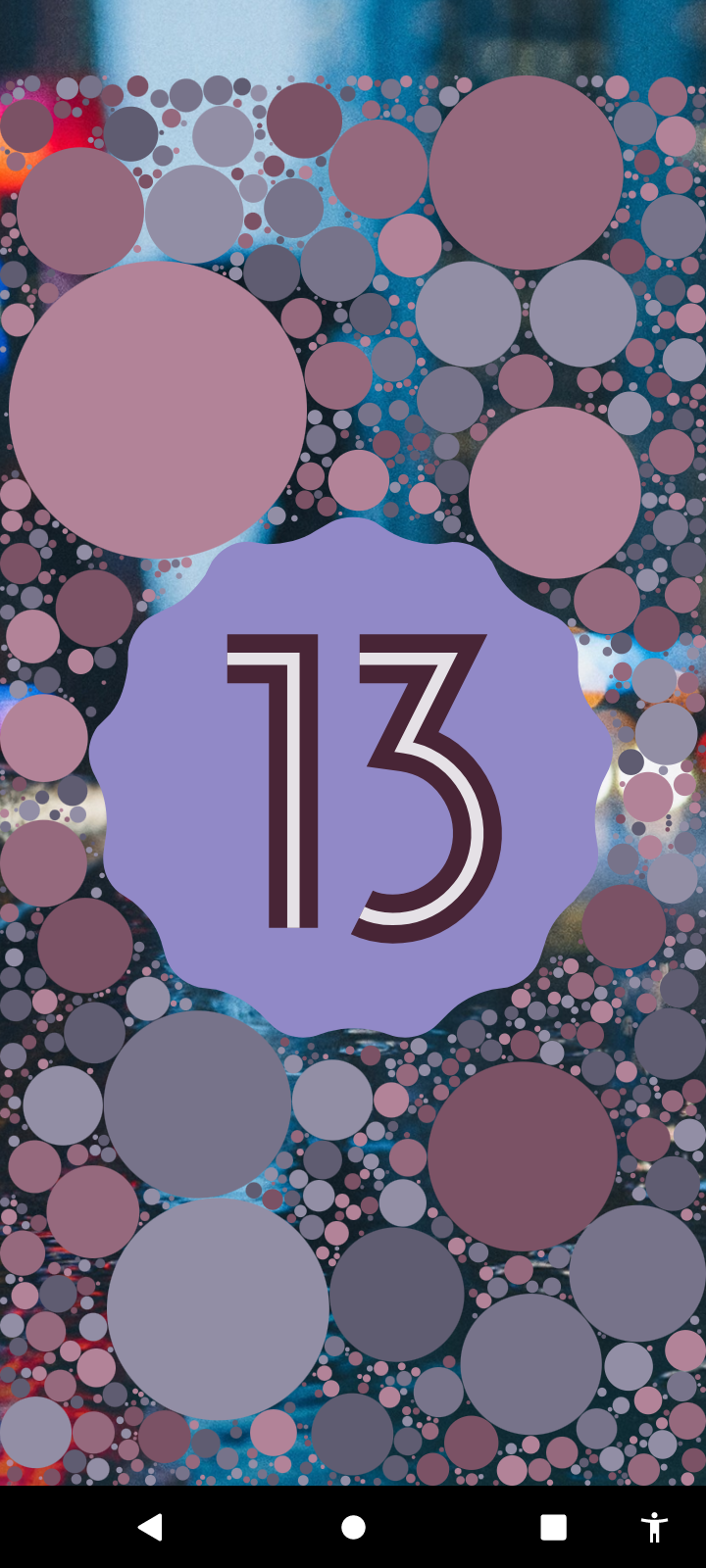
These styles are not made or endorsed by Catppuccin, It is an unofficial port.
The Material You theme requires use of Shizuku, Learn how to set that up here.
It also needs ColorBlendr to apply the theme.
For the keyboard, you need to use HeliBoard, as it was the one I made the styles for. Learn how to apply the theme here.
Or don't. I'm not a cop.
Copy this first.
Mocha:
{"name":"Catppuccin","moreColors":0,"colors":{"text":{"first":-3287308,"second":false},"functional_keys":{"first":-15066582,"second":false},"background":{"first":-14803410,"second":false},"keys":{"first":-15066582,"second":false},"spacebar":{"first":-15066582,"second":false}}}Mocha Night:
{"name":"Catppuccin","moreColors":0,"colors":{"hint_text":{"first":null,"second":false},"spacebar":{"first":-14803410,"second":false},"functional_keys":{"first":-14803410,"second":false},"text":{"first":-3287308,"second":false},"background":{"first":-15724262,"second":false},"keys":{"first":-14803410,"second":false},"accent":{"first":-3496201,"second":false}}}Go to Heliboard's app, and tap Appearance.
Tap Colors, then tap Load, before finally tapping Paste.
If the ColorBlendr theme does not work, use SetEdit to manually set the theme.
Go to Secure, and scroll until you see theme_customization_overlay_packages.
Tap on it, press "Edit", and set it to this:
{"android.theme.customization.font":"default","android.theme.customization.accent_color":"1E1E2E","android.theme.customization.system_palette":"181825","android.theme.customization.color_source":"preset","_applied_timestamp":1755391601864,"android.theme.customization.theme_style":"VIBRANT"}Tap Save Changes.