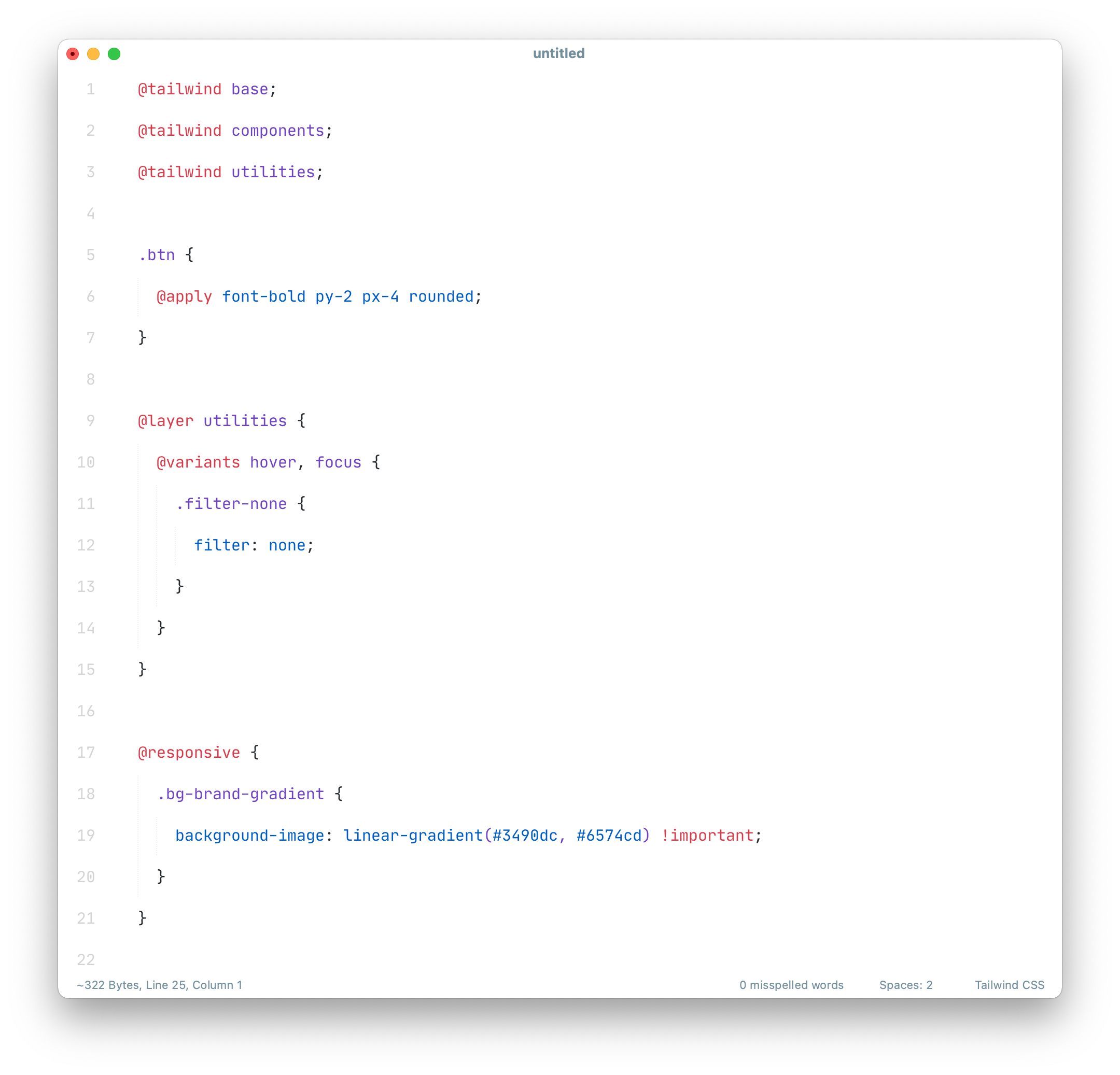
A Sublime Text CSS syntax extension with support for Tailwind CSS
Requires ST 4092 or higher.
Package Control:
- Open
Command Paletteusing menu itemTools → Command PaletteorCMD/CTRL+SHIFT+P. - Choose
Package Control: Install Package. - Type
Tailwind CSSand pressENTER.
Manually:
- Download latest release and unzip. it into your Packages folder.
- Go to
Sublime Text → Preferences → Browse Packages. - Move folder to inside and rename the folder to
Tailwind CSS.
This syntax is assigned to files which end with tailwind.css by default.
You need to assign it to ordinary *.css files manually.
- Click onto the syntax name in the status bar
- Navigate to the sub menu
Open all with current extension as... - Click on
Tailwind CSS.