Releases: Excel-DNA/DeveloperTools
VS extension v1.0.2

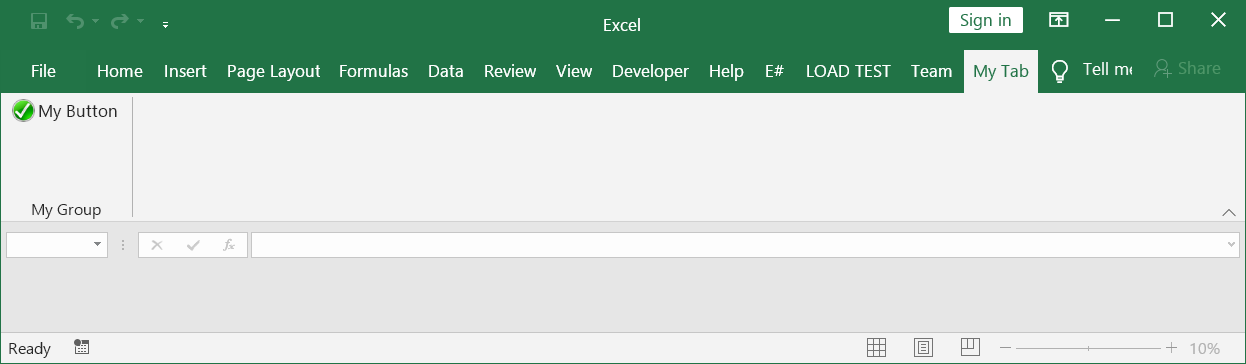
Changed ribbon tab label from 'My Tab' to the project name:

Added the icon and More Information link to the extension:

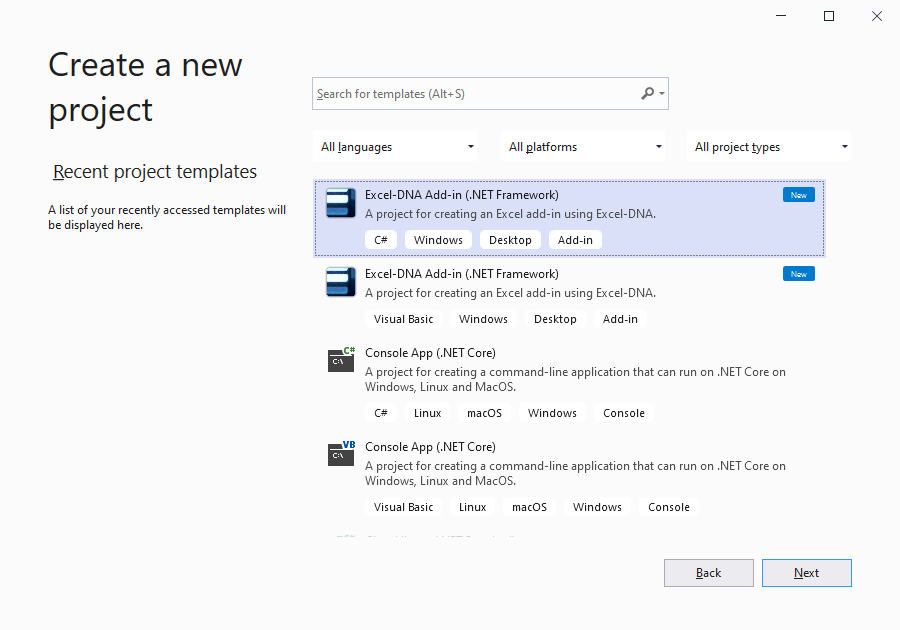
Added the Excel-DNA icon to project templates, capitalized 'Add-in' in project template names, added detailed project template descriptions, added Windows, Desktop, Add-in tags to project templates, added the target framework in the template names:
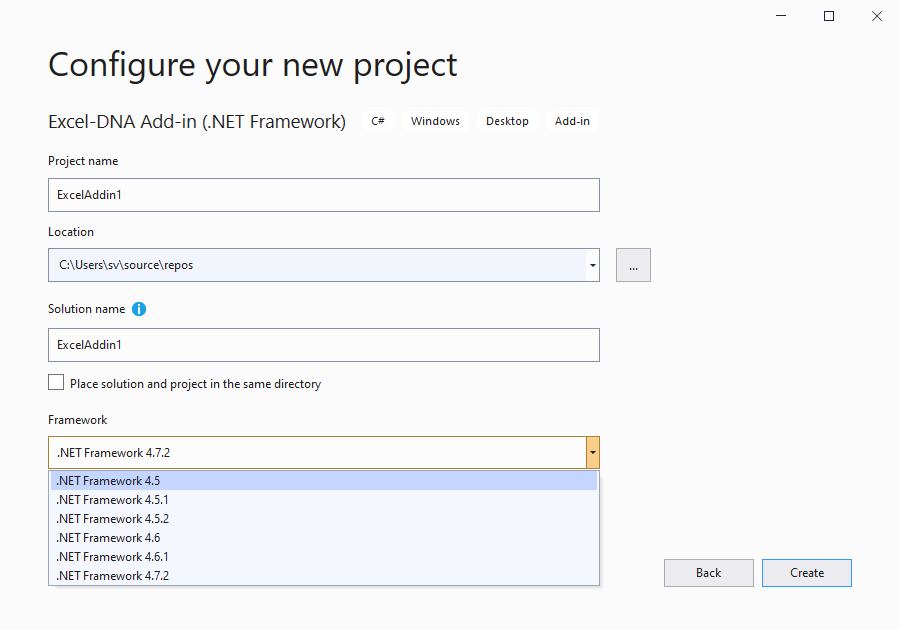
Set RequiredFrameworkVersion to 4.5 in project templates:
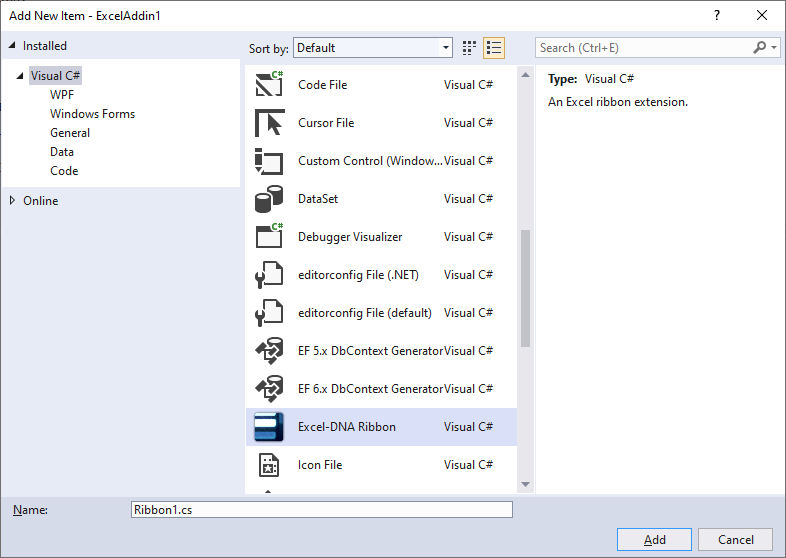
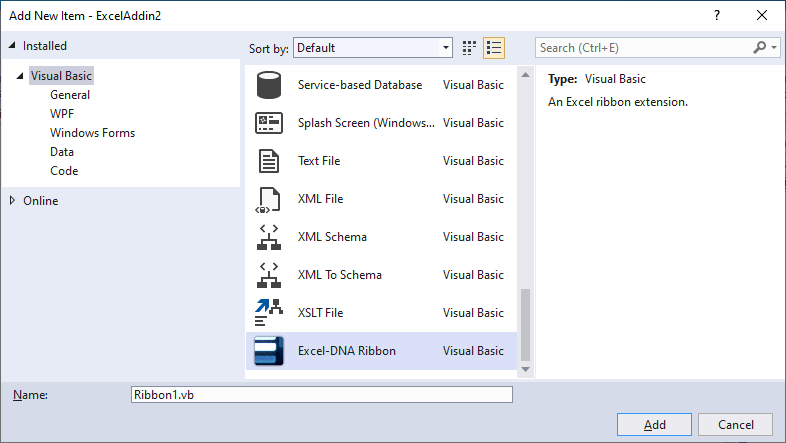
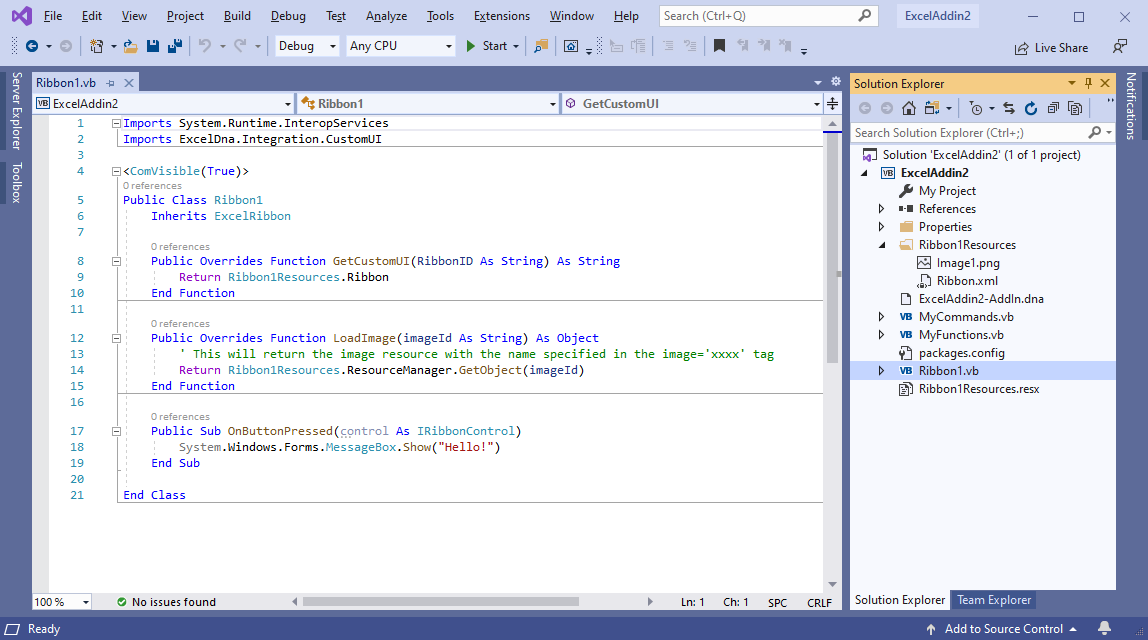
Created ribbon item templates, restricted to our project subtype:
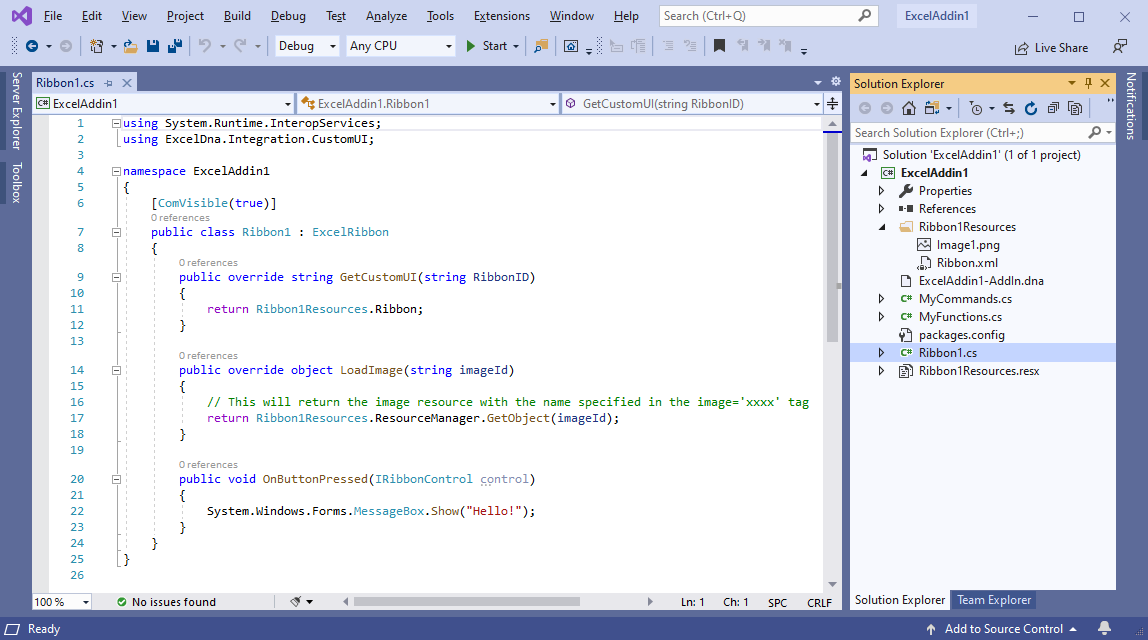
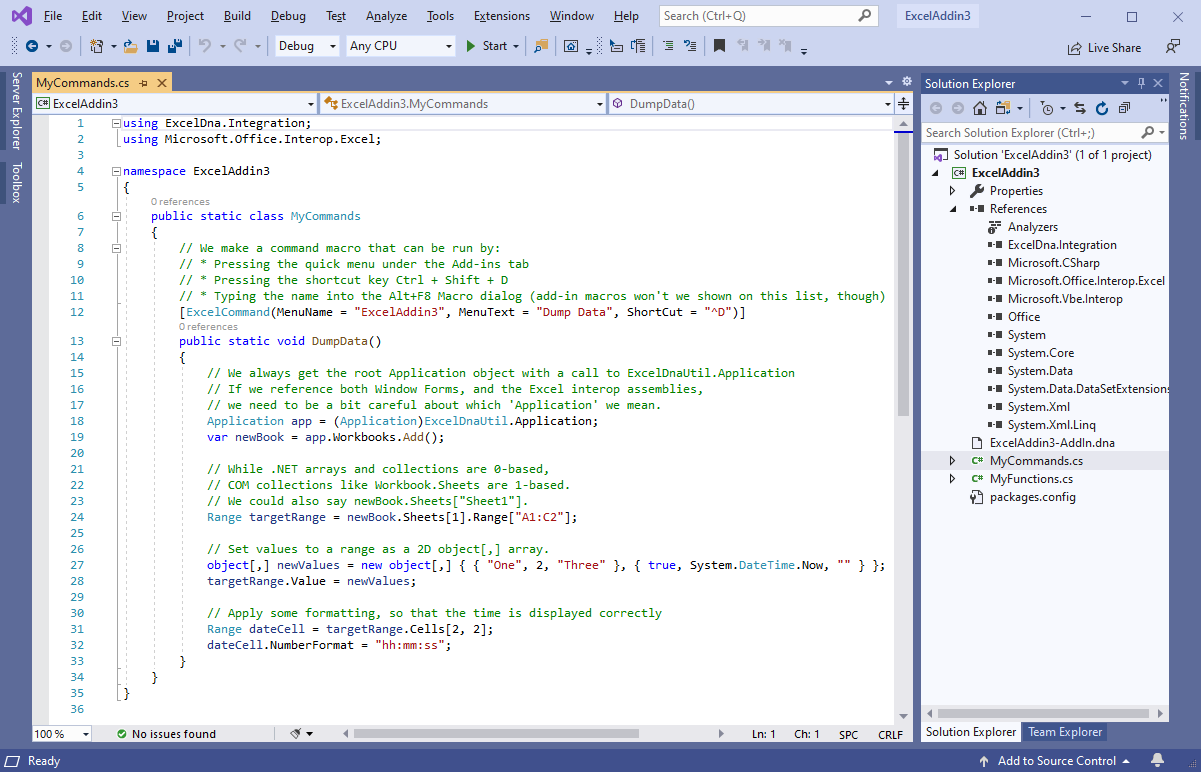
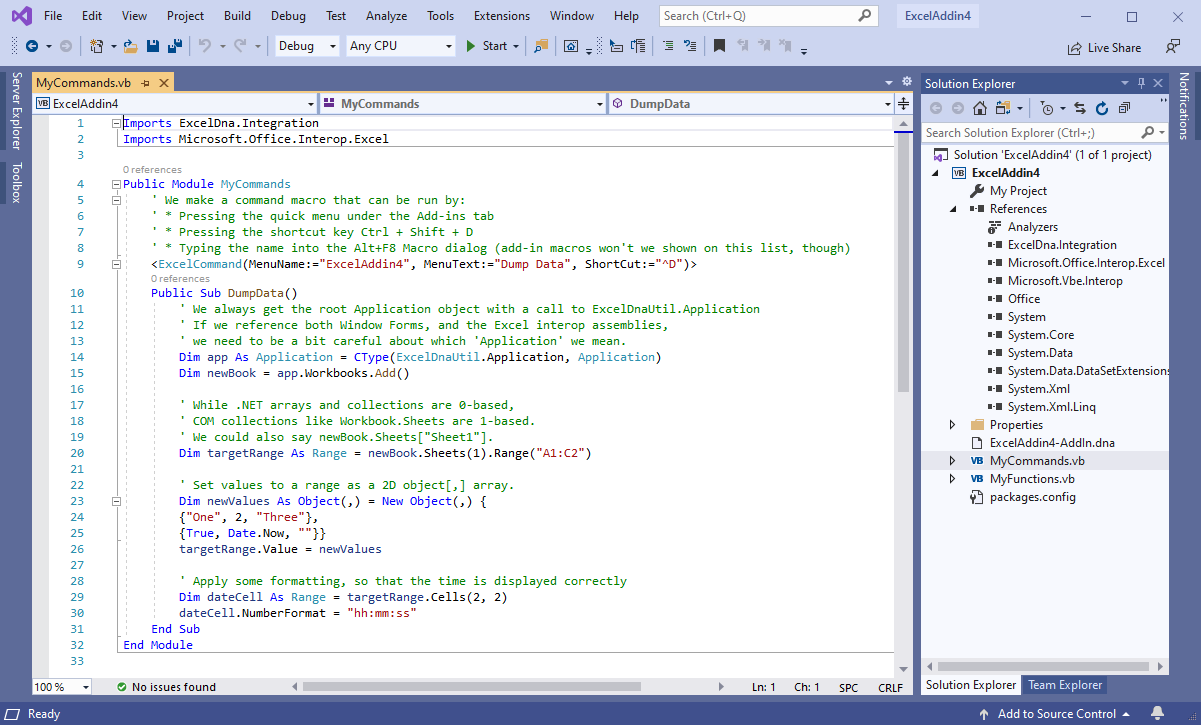
Added the ExcelDna.Interop NuGet package and added a command example to the project templates:
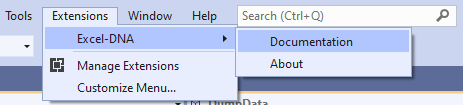
Added an "Excel-DNA" submenu under the Extensions menu with Documentation and About items:
VS extension v1.0.1
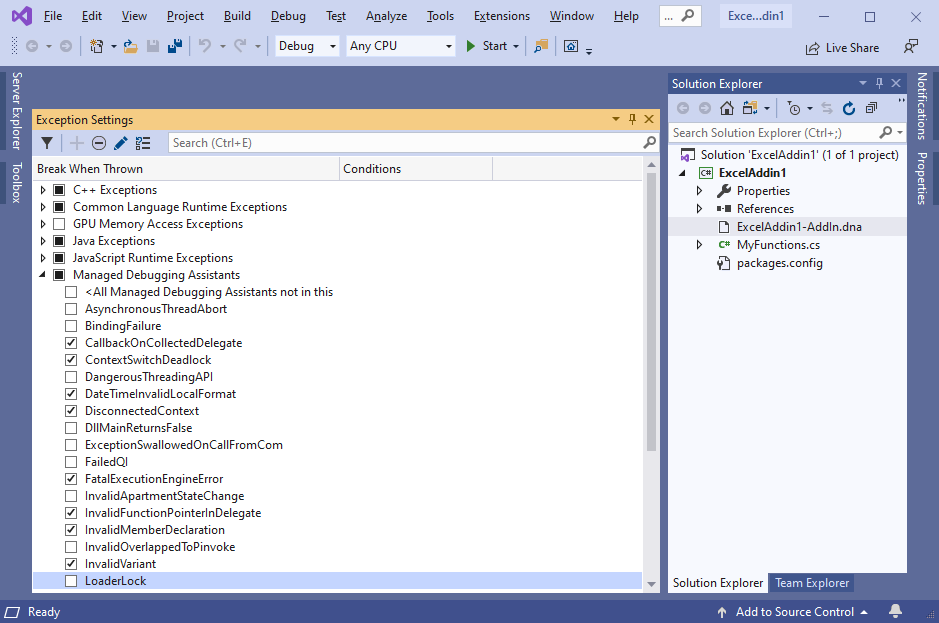
When a project is created from our template, the LoaderLock MDA is now disabled for the solution:
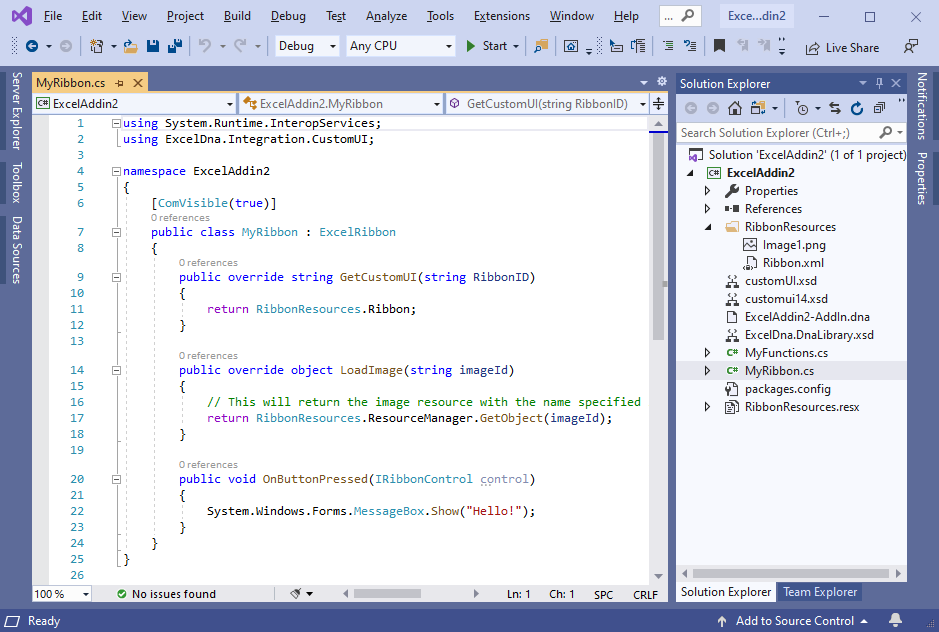
C# and VB project templates now include a ribbon sample:
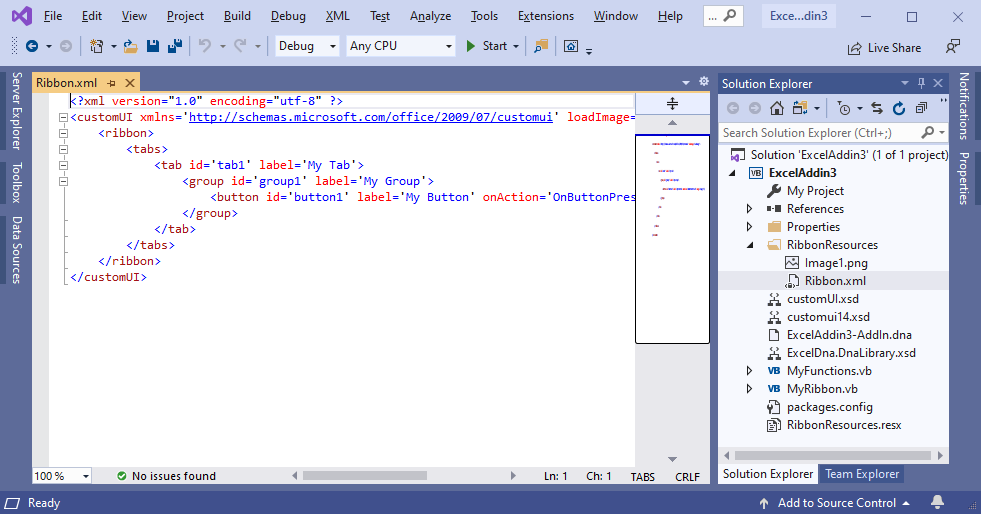
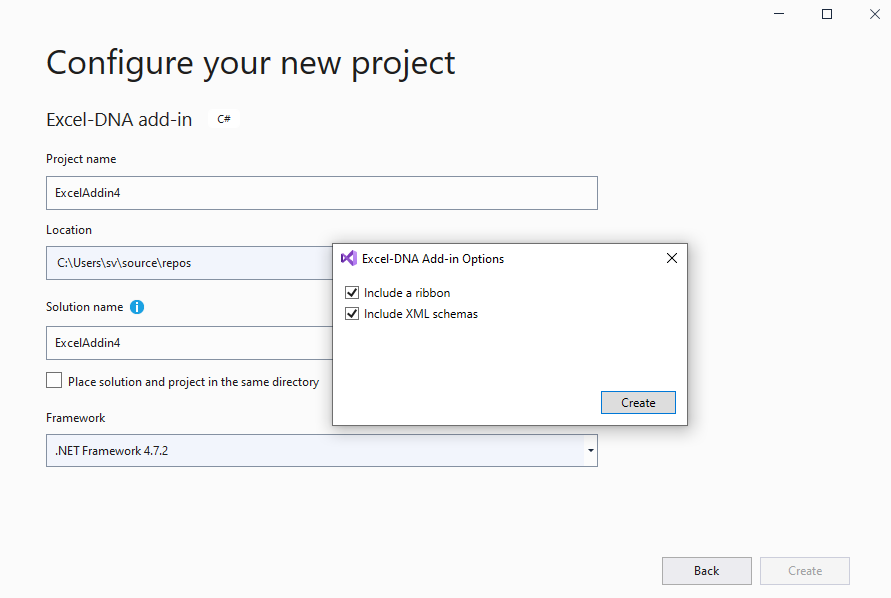
During project creation from our template it is now possible to select whether to include a ribbon sample and XML schemas:
VS extension v1.0.0
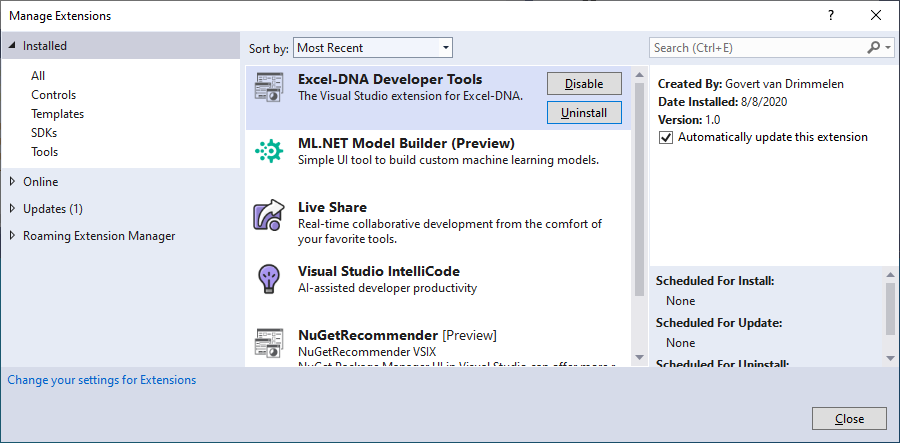
I've created the first version of the Excel-DNA Developer Tools extension:
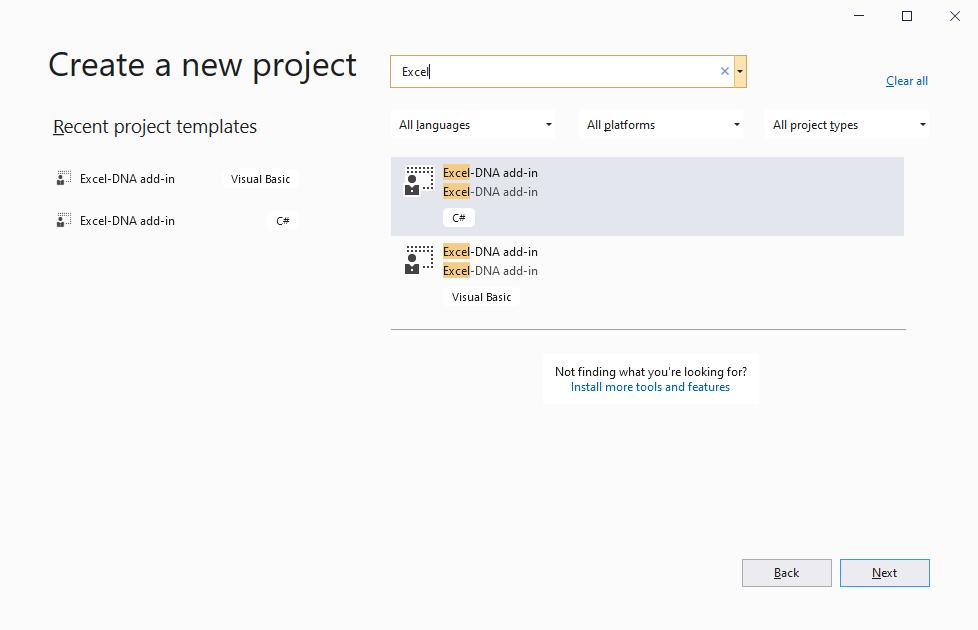
It includes C# and VB project templates:
Creating a project from a template includes exceldna.addin and exceldna.integration packages, SayHello sample function and XML schemas:
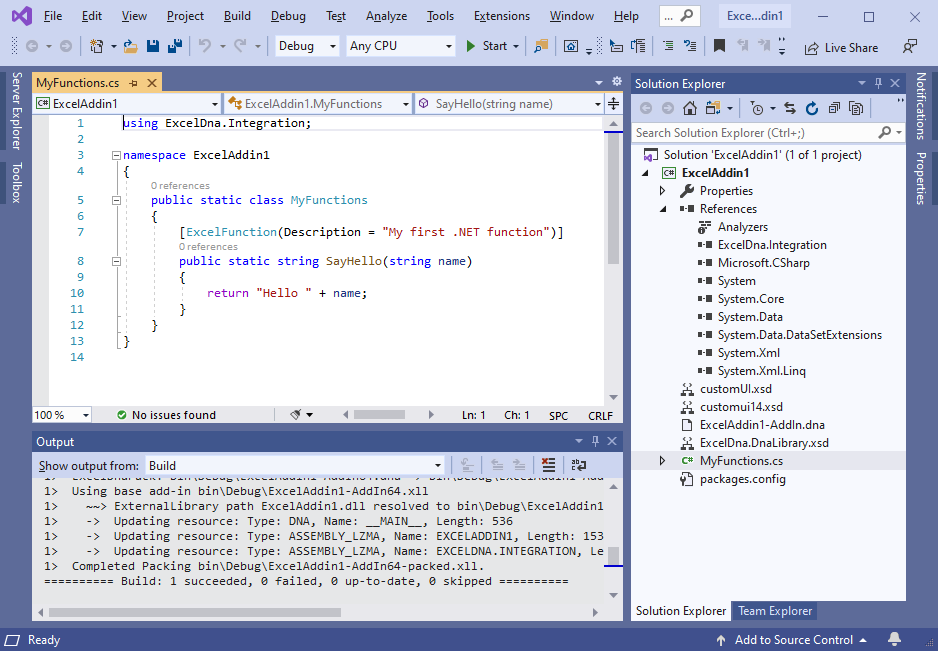
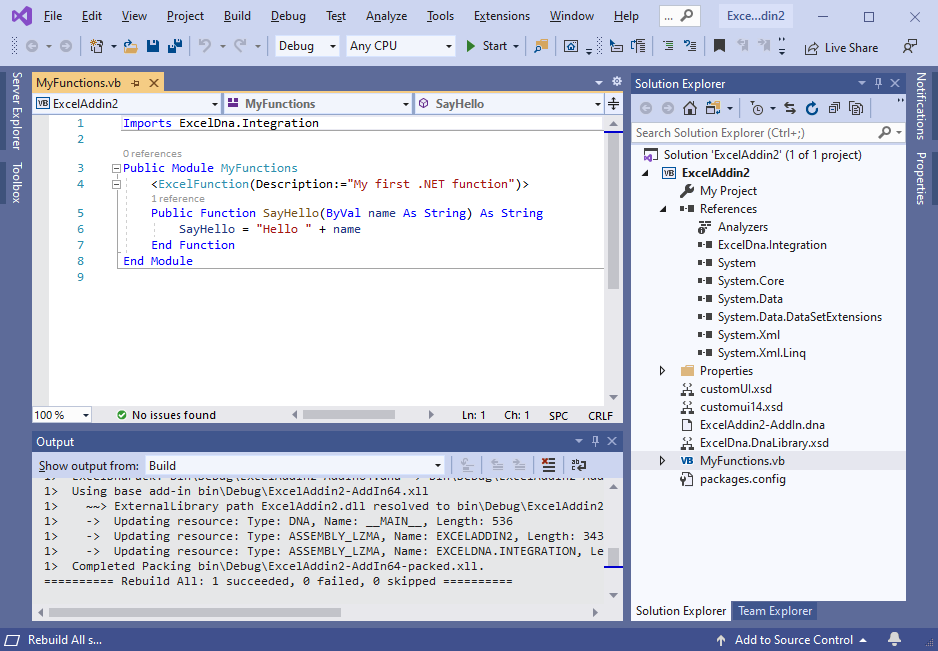
XML schemas are added to the project only if they are not installed in the global schema cache.
Implementation details:
-
To detect installed schemas at runtime, I've implemented IWizard project creation interface. We can add UI to it to offer project creation options.
-
I haven't found any API to check installed schemas and just check corresponding files existence in the %VSInstallDir%\xml\Schemas directory and the localized directory (like 1033).
-
The extension includes specific versions of exceldna.addin.1.1.1.nupkg and exceldna.integration.1.1.0.nupkg. Documentation says it is the best practice: "This prevents package updates from breaking the template, leaving the choice to update the package to the developer using the template."
https://docs.microsoft.com/en-us/nuget/visual-studio-extensibility/visual-studio-templates