Help Match is a Django-based web application designed to connect users who need help with those who can provide assistance. The application leverages the OpenAI API to extract relevant information from user-provided descriptions and matches them with appropriate helpers in help channels.
- User Authentication: Users can sign up, log in, and log out using Django Allauth.
- Help Matching: Users can describe their help needs, and the application will match them with the appropriate channel, role, and specific help details.
- Chat Functionality: Real-time chat functionality using Django Channels and WebSockets.
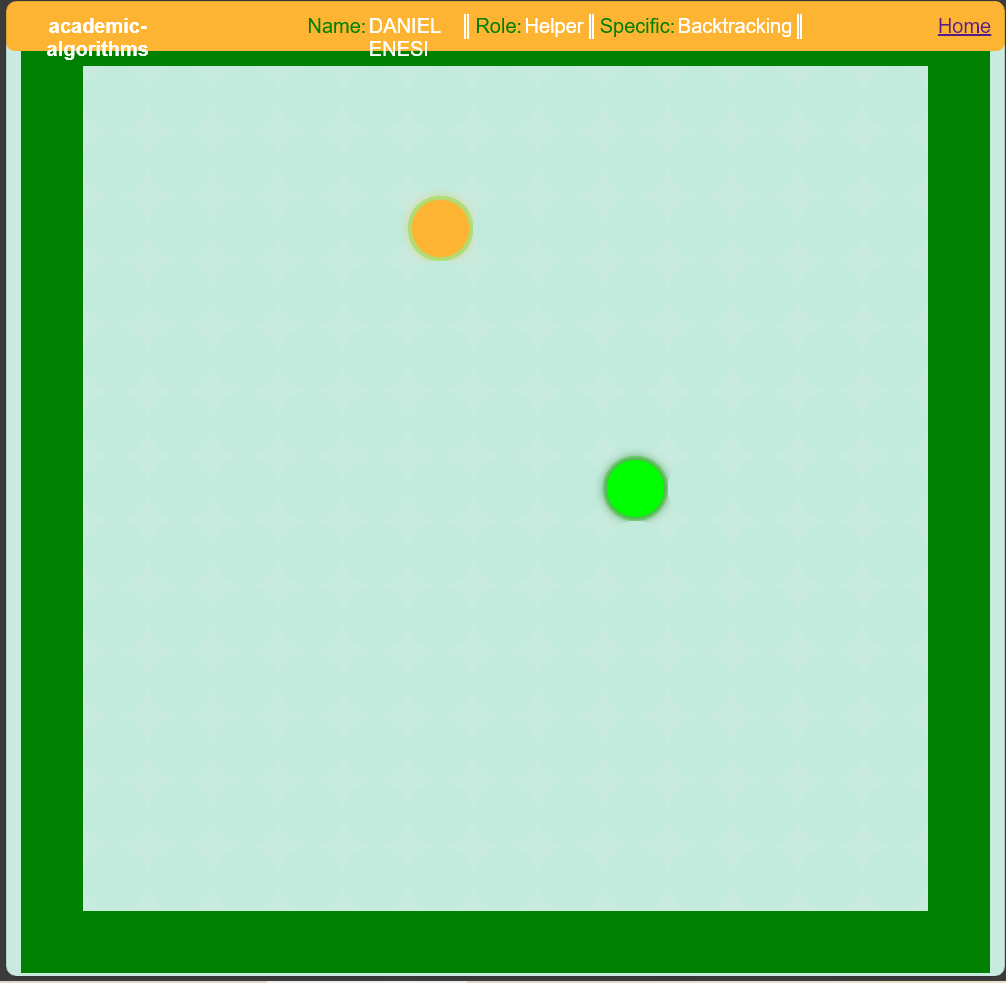
- Game Interaction: Users can interact in a game-like environment to facilitate help and collaboration.
- AI Integration: Utilizes OpenAI's GPT-3.5 API to extract information from user descriptions.
-
Clone the repository:
git clone <repository-url>
cd help-match
-
Create and activate a virtual environment:
python -m venv venv
source venv/bin/activate  # On Windows use `venv\Scripts\activate`
-
Install the dependencies:
pip install -r requirements.txt
-
Set up environment variables: Create a
.envfile in the root directory and add the following:OPENAI_API_KEY=<your-openai-api-key> DJANGO_SECRET_KEY=<your-django-secret-key> EMAIL_HOST_USER=<your-email> EMAIL_HOST_PASSWORD=<your-email-password> EMAIL_PORT=587 REDISCLOUD_URL=redis://localhost:6379/ -
Run migrations:
python manage.py makemigrations
python manage.py migrate
-
Start the development server:
python manage.py runserver
-
You can also use simple commands in the
runbash file:E.g ./run -r ./run -m/M etc
- Sign Up/Login: Create an account or log in using the provided authentication system.
- Request Help: Fill out the help form with your description and submit it.
- Chat: Use the chat interface to communicate with helpers.
- Game Interaction: Engage in the game environment to facilitate help and collaboration.
- Bash Functions: Use the bash functions provided via the
runcommand.
Contributions are welcome! Please fork the repository and submit a pull request for any improvements or bug fixes.
This project is licensed under the MIT License. See the LICENSE file for details.
Feel free to reach out if you have any questions or need further assistance.
Thank yoU!