A self-hosted Hetrixtools alternative



The main page, showing all your servers and a preview of their usage, with uptime.
The advanced view, shown when clicking onto a server on the main page.
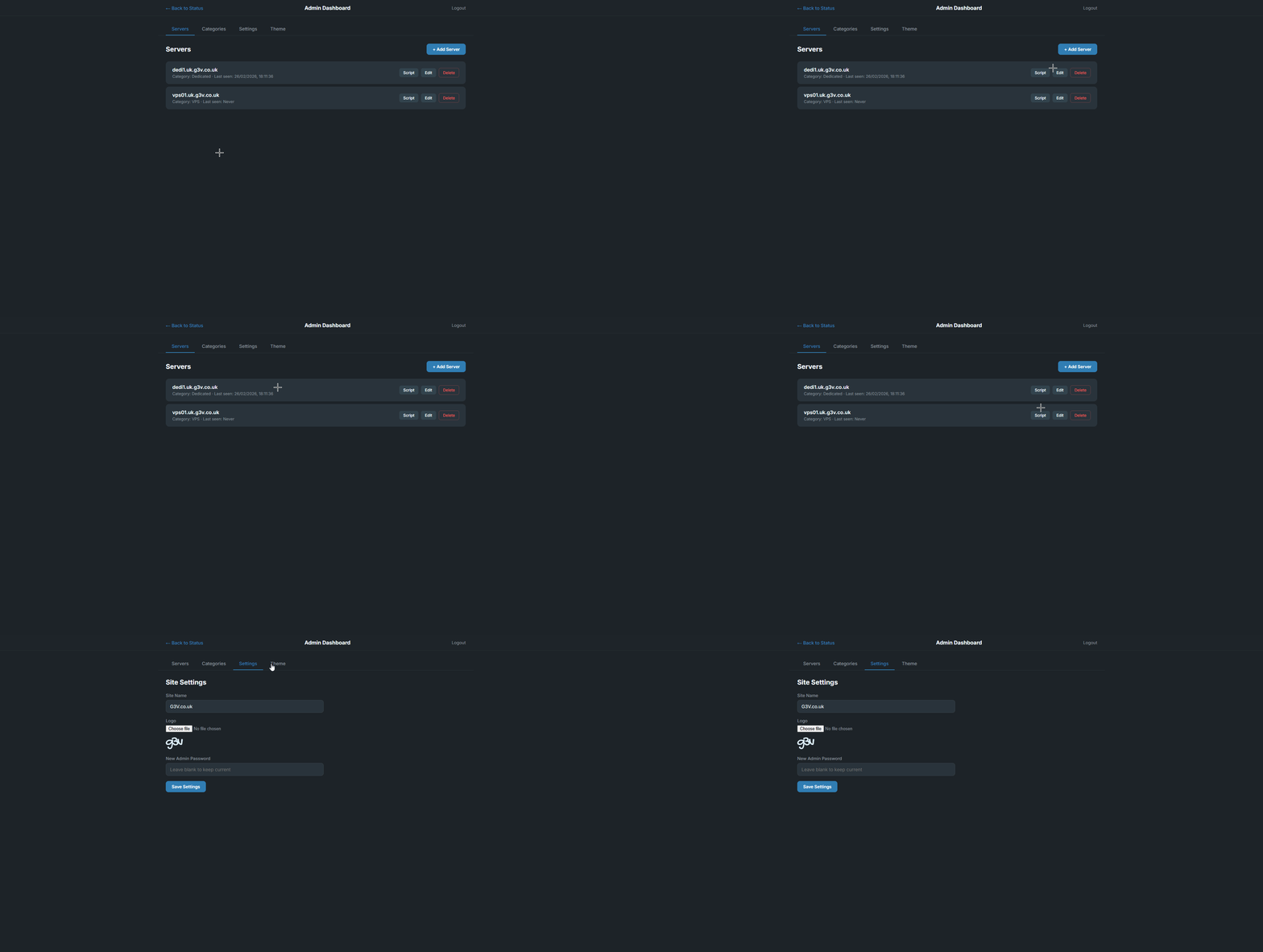
Admin panel, allowing you to set categories and add servers, alongside giving you a bash command to track statistics.
The status page is fully customisable, with every single little thing having a colour that you can change.
- Real-time monitoring — CPU, RAM, Swap, Disk, Network IN/OUT with live-updating bars
- 90-day uptime dots — Visual uptime history, PER server
- Admin panel — Easily accessible interface to add, edit and remove servers
- Theme editor — A bunch of colours to customize your status page
- Bash monitoring agent — One-command install via auto-generated bash script with systemd service
git clone https://github.com/G3VV/lucidstatus.git
cd lucidstatuspip install -r requirements.txtCreate a .env file in the project root:
# Server port
PORT=5000

# Enable debug mode (true/false)
DEBUG=false

# Secret key (leave empty to auto-generate)
SECRET_KEY=python app.pyThe status page will be available at http://localhost:5000.
Navigate to /admin to access the admin panel.
Default password: admin (change this in settings).
The admin panel has four tabs:
| Tab | Description |
|---|---|
| Servers | Add, edit, delete servers. Copy the auto-generated install script for each server. |
| Categories | Create and reorder categories to group your servers. |
| Settings | Change site name, upload a logo, update admin password. |
| Theme | Customize every color on the status page with live color pickers. |
LucidStatus uses a lightweight bash agent that runs as a systemd service on each monitored server.
- Go to
/admin→ Servers tab - Click + Add Server, give it a name and category
- Click the Script button next to the server
- Copy the install command and run it on the target server:
curl -sS 'https://your-domain.com/agent/SERVER_API_KEY' | sudo bash- Installs as a systemd service called
lucidstatus - Collects CPU, IOWait, Steal, RAM, Swap, Buffered, Cached, Disk, and Network stats every 30 seconds
- Reports metrics to your LucidStatus instance via a simple HTTP POST
- Auto-starts on boot, auto-restarts on failure
# Check status
sudo systemctl status lucidstatus

# View logs
sudo journalctl -u lucidstatus -f

# Restart the agent
sudo systemctl restart lucidstatus

# Stop the agent
sudo systemctl stop lucidstatus

# Uninstall
sudo systemctl stop lucidstatus
sudo systemctl disable lucidstatus
sudo rm /etc/systemd/system/lucidstatus.service
sudo rm /opt/lucidstatus-agent.sh
sudo systemctl daemon-reload| Method | Endpoint | Description |
|---|---|---|
GET |
/api/status |
All servers with current stats, uptime dots & theme |
GET |
/api/server/<id>?hours=24 |
Single server detail with stat history |
| Method | Endpoint | Description |
|---|---|---|
POST |
/api/report |
Submit server metrics (requires api_key in body) |
| Method | Endpoint | Description |
|---|---|---|
GET/POST |
/admin/api/settings |
Get/update site settings |
GET/POST |
/admin/api/theme |
Get/update theme colors |
GET/POST |
/admin/api/categories |
List/create categories |
PUT/DELETE |
/admin/api/categories/<id> |
Update/delete a category |
GET/POST |
/admin/api/servers |
List/create servers |
PUT/DELETE |
/admin/api/servers/<id> |
Update/delete a server |
GET |
/admin/api/servers/<id>/script |
Get install script for a server |
- Backend: Python 3.10+, Flask 3.0, SQLAlchemy, SQLite
- Frontend: Vanilla JS, CSS custom properties, Chart.js 4
- Agent: Bash, systemd, cURL
- Fonts: Inter (Google Fonts)
MIT