
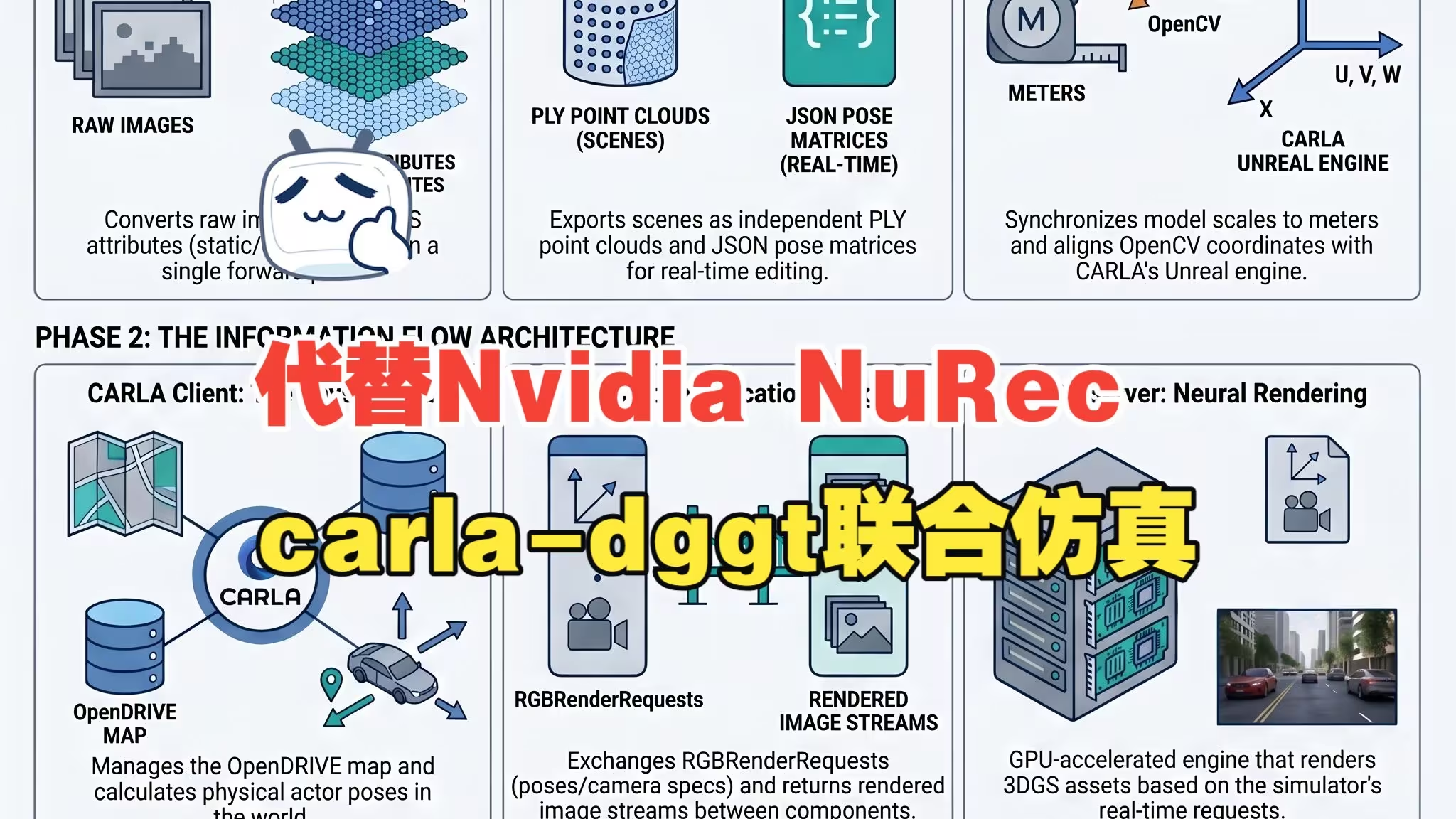
carla-dggt is an experimental project that explores the integration of feedforward 3D Gaussian Splatting (3DGS) into closed-loop autonomous driving simulation. It serves as an open-source, highly customizable alternative to the official NVIDIA NuRec integration in CARLA 0.9.16+.
By leveraging the DGGT (Driving Gaussian Grounded Transformer) framework, this project enables the reconstruction of editable 3D scenes directly from unposed RGB images in a single forward pass, effectively filling the "last piece of the puzzle" for scalable simulation.
Videos:
Blog article:
代替NVIDIA NuRec,CARLA-DGGT使用前馈重建与仿真软件联合仿真
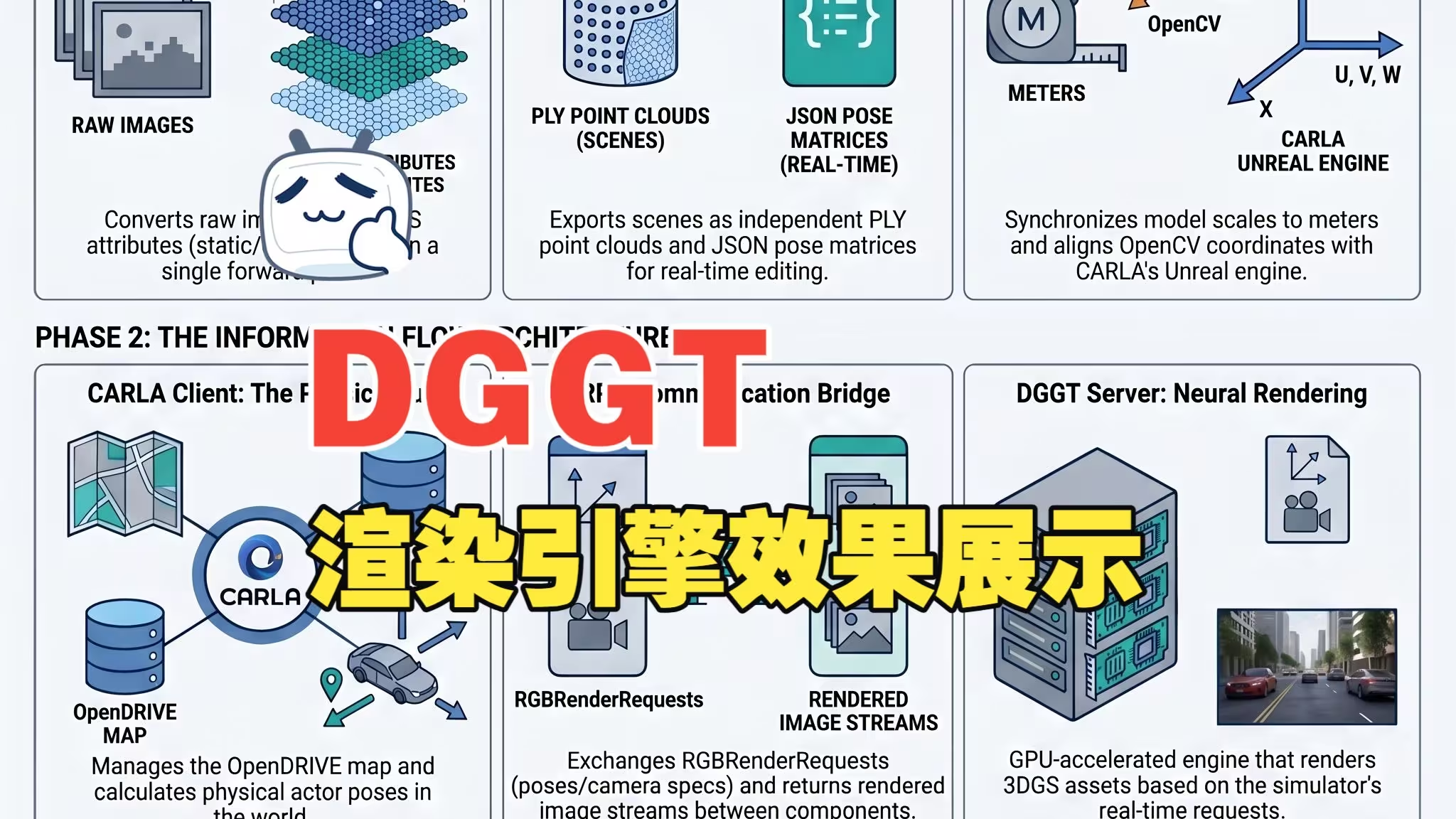
The core objective of carla-dggt is to replace the closed-source NuRec Render Server with a self-developed DGGT Render Server, allowing for deep customization of the rendering pipeline and digital assets.
- Advanced Inference & Asset Export: We modified the original DGGT inference pipeline to export "atomized" digital assets, including static backgrounds, sky models, and frame-wise dynamic objects stored in local coordinate systems.
- Scale & Pose Bridging: Since feedforward models often output normalized coordinates, we implemented a robust Metric Scale Recovery logic and a Dynamic Yaw Inference algorithm to align virtual assets with CARLA’s physical world.
- gRPC-based Co-Simulation: We replicated the official
sensorsim.protocommunication protocol. The CARLA client manages physics and actor poses, while our DGGT server performs real-time splatting to synthesize high-fidelity images. - Engineering Hacks for Stability:
- Hybrid Control: Solves the "drop-shock" issue by using deterministic teleportation for the first 8 frames before handing over control to the PID trajectory follower.
- Z-Offset Snapping: Dynamically "vacuums" the trajectory to the OpenDRIVE road mesh to prevent vehicles from floating or falling through the map.
- Dilation Defense: Expanded dynamic masks during static scene accumulation to eliminate "ghosting" artifacts left behind by moving vehicles.
| Component | Responsibility | Environment |
|---|---|---|
| CARLA Client | Physics engine, OpenDRIVE management, and Pose collection | Host Python |
| DGGT Render Server | Feedforward neural rendering and image synthesis via gRPC | Host/Remote GPU |
| Digital Assets | Standardized PLY (3DGS) and JSON (Metadata) formats | Unified Storage |
As a practice project in the realm of AI coding, carla-dggt is currently a functional demo with known limitations:
- Data Redundancy: Static scene accumulation currently lacks voxel downsampling, leading to large PLY files.
- Long-Sequence Drift: Precision tends to degrade in long sequences.
- Next Steps: We are working towards Delta Updates to reduce gRPC overhead and Asynchronous Inference Threading to decouple physics calculation from neural rendering.
-
Make sure you have compiled and installed CARLA 0.9.16 using the "build from source" method.
- Reference: CARLA 0.9.16 Build Documentation
-
Clone this repository and copy it into the
PythonAPI/examples/nvidia/nurecdirectory within your CARLA root folder. -
Copy the contents of the
dggtfolder from this project into your originaldggtproject directory. -
Create and configure the Conda environment:
conda create -n dggt python=3.10
conda activate dggt

pip install torch==2.4.1 torchvision==0.19.1 torchaudio==2.4.1
pip install -r requirements.txt

# Install CARLA wheel into the dggt conda environment:
python3 -m pip install ${CARLA_UE4_ROOT}/PythonAPI/carla/dist/carla-0.9.16-cp310-linux_x86_64.whlFollow the official DGGT documentation to preprocess the Waymo and nuScenes datasets.
- Reference:DGGT Official Repository
Run the inference script to generate scenes:
python inference.py \
    --dataset waymo \
    --image_dir ./data/waymo/processed/training/ \
    --scene_names 1 \
    --input_views 1 \
    --intervals 2 \
    --sequence_length 20 \
    --start_idx 40 \
    --mode 2 \
    --ckpt_path ./pretrained/model_latest_waymo.pt \
    --output_path ./output/waymo/training/scene1/ \
    -images \
    -metrics
Key Command Line Arguments:
dataset: Determines the scaling factor for metric scale recovery (choose betweenwaymoornuscenes).start_idx: The starting frame index from the original dataset.
The inference.py script will save the simulation scenes in the specified output_path for the next steps.
Validation:
You can modify the relevant paths in dggt_engine.py and run it to validate the simulation scenes generated by inference.py. Setting draw_bboxes=True will draw bounding boxes of separated dynamic objects in the output images, as shown below:

Put the data/map.xodr into scene folders as a default opendrive map for carla simulation.
In your CARLA root directory:
make launchEnsure you are in the dggt conda environment and navigate to PythonAPI/examples/nvidia/nurec, then run:
python -m dggt_server \
    --scene-path /home/junchuan/e2e/dggt/output/waymo/training \
    --port 50051 \
    --device cuda \
    --log-level INFO
Note: The --scene-path should point to the root directory where the simulation scenes are stored (e.g., output/waymo/training/ which contains scene0, scene1, etc.).
In a new terminal (within the dggt conda environment and PythonAPI/examples/nvidia/nurec directory), run:
python example_dggt_replay.py --config configs/dggt_waymo_training_0.yaml --num-frames 20A Pygame window will launch, displaying one DGGT-rendered view alongside three different camera views from the CARLA simulation environment.
For a detailed analysis of the CARLA-NuRec co-simulation architecture, please check out the project wiki:
👉 CARLA-NuRec Co-Simulation Deep Dive (Wiki)
This project is built upon the research DGGT from Xiaomi & Tsinghua AIR. Special thanks to the open-source community for the gsplat and CARLA ecosystems.
- DGGT Project:DGGT: FEEDFORWARD 4D RECONSTRUCTION OF DYNAMIC DRIVING SCENES USING UNPOSED
- CARLA-NuRec Official Docs: Use NVIDIA Neural Reconstruction with CARLA