
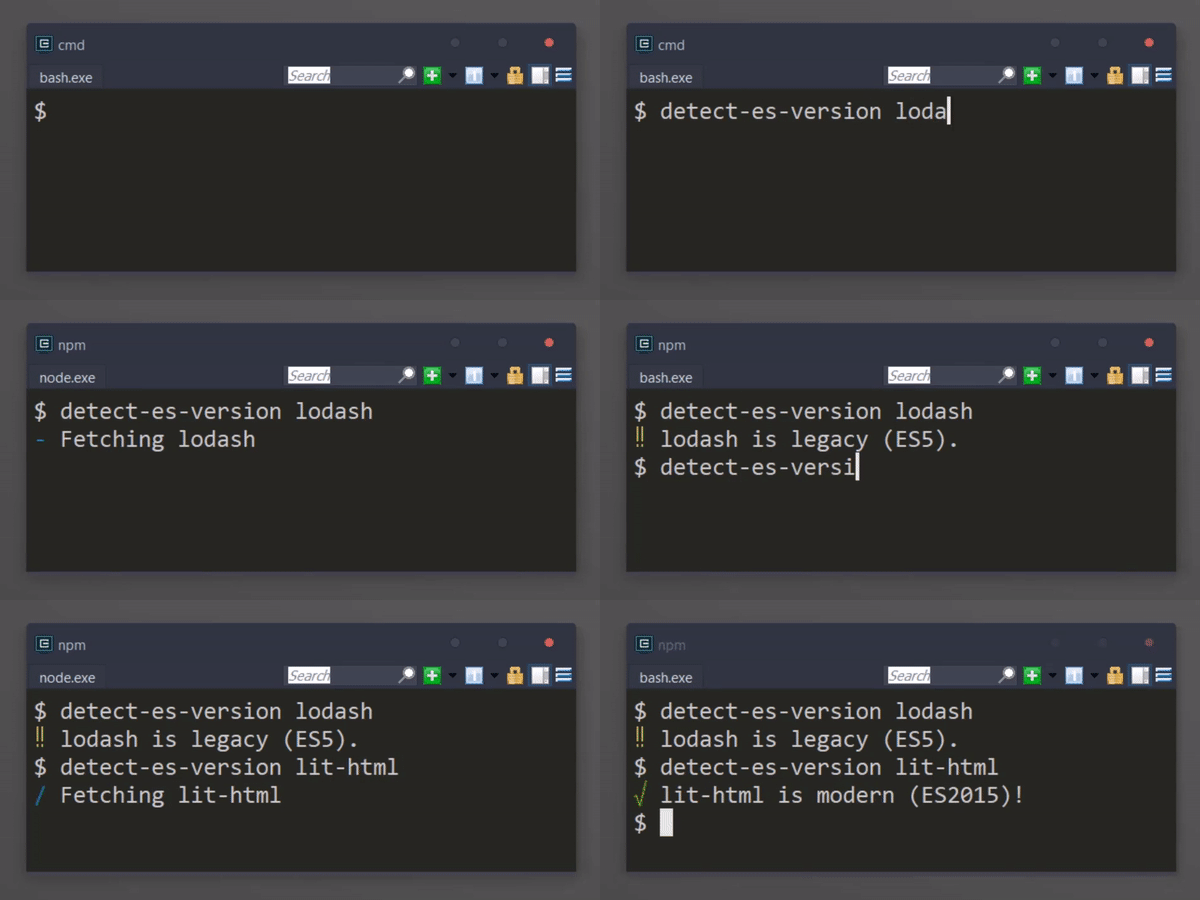
Given a package name, filepath, or string of code, returns the ecma version. You can try out the web app version here!
const { getEcmaVersion } = require('detect-es-version');
const ecmaVersion = getEcmaVersion('const foo = 123;');
console.log(ecmaVersion); // prints 2015packageString(String): A string representing a package. e.g. “react”, “[email protected]” to be pulled from npm.resolverOptions(Object): An options object to pass to enhanced-resolve. This can be used to control which entry points are analyzed.- Returns (
Number): The ecma version of the package. e.g. 2017.
packagePath(String): An absolute path to a package’s directory. The directory must contain an index file or package.json.resolverOptions(Object): An options object to pass to enhanced-resolve. This can be used to control which entry points are analyzed.- Returns (
Number): The ecma version of the package. e.g. 2017.
entryPoint(String): An absolute path to an entry point.resolverOptions(Object): An options object to pass to enhanced-resolve. This can be used to control which entry points are analyzed.- Returns (
Number): The ecma version of the package. e.g. 2017.
code(String|Object): The source code or AST to inspect- Returns (
Number): The ecma version of the source code or AST. e.g. 2017.
ecmaVersion(Number): A number representing an ECMA version. e.g. 5, 2015, or 2016- Returns (
Boolean): True if the ECMA version is considered modern; False otherwise