This is a repository with course content that gets you started with Cloud Native ramping up to containerization

The course begins with pre-reads & then followed by a live hands-on lab. It further proceeds as a self-paced course. Every week you will receive a new lab courseware, which you will be expected to complete during that week before you receive details about the next week's lab. Links will be live as we progress each week.
- Note: pre-reads are expected to be completed before the
90 mins live hands-on labsession.
- 90 mins live hands-on lab
- Week 1: Red Hat OpenShift on IBM Cloud - Part 1
- Week 2: Red Hat OpenShift on IBM Cloud - Part 2
- Week 3: IBM Log Analysis with LogDNA and OpenShift
- Week 4: IBM Cloud Monitoring with Sysdig and OpenShift
- Digital Badge & Certification : Building Cloud Native and MultiCloud Applications
To understand the topics we would be talking in depth in the hands-on lab during the session, here are a few videos & articles that will get you upto speed.
What are virtual machines and containers, and how do they fit into our modern cloud-native way of building and architecting applications?
In this lightboard video, Nigel Brown with IBM Cloud, answers this question and much more in four parts. He also breaks down why users should not just look at virtual machines and containers as competing technologies because there can be a lot of benefits of having them work together for particular use cases.

- Optional: In depth: Containers Vs. VMs
In this video in the application modernization key concepts series, you’ll learn about the key concepts for developing for containers with Docker and about container orchestration with Kubernetes.
Containers offer a standardized way to build and run code independently of an environment, giving you freedom to develop from anywhere and deploy to anywhere. Being small and lightweight, containers are ideal for running the code that is specifically related to the functionality you build, which is then loosely coupled to other services in containers that make up the application. Explore key concepts driving the development and use of containers, including Docker, and container orchestration systems, like Kubernetes.
Watch the video : Containers and Container Orchestration
In this video in the application modernization key concepts series, you’ll learn about Red Hat OpenShift, which is an enterprise open-source container orchestration platform, providing additional features large organizations need, on top of Kubernetes. After being introduced the the main components of OpenShift, learn about leveraging OpenShift Source to Image (S2I) and templates to speed development and deployment of containerized applications.
Watch the video : Introducing OpenShift
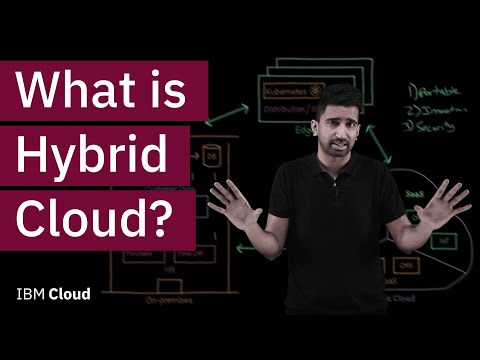
By the book Hybrid Cloud is referred to as a cloud computing architecture with two or more environments consisting of public and private clouds, on-premises, and these days even edge environments. However, without the right strategy, hybrid cloud can pose a lot of challenges.
In this lightboard video, Sai Vennam with IBM Cloud, uses a fictional distribution company that is starting to undergo their hybrid cloud transformation process as an example to shed light on the key advantages the company can gain with the correct Hybrid Cloud strategy.
Red Hat® OpenShift® is a critical component of creating a secure cloud-native development environment. The recent release of OpenShift 4 is the best enterprise platform for building production-ready applications today and for the decade ahead. In this article, I highlight some of the new features of OpenShift 4 that I find most helpful for building secure cloud-native applications.
- Read the article here : An introduction to OpenShift 4
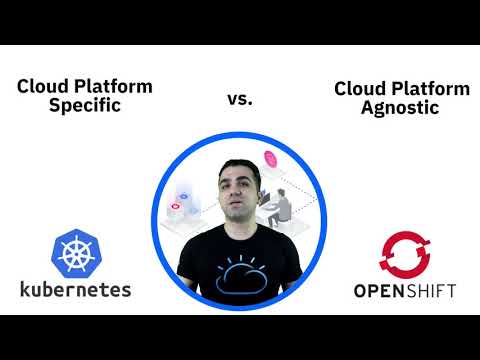
Comparing Kubernetes with Red Hat OpenShift is similar to the classical example that compares an engine with a car. You can’t do much with an engine by itself. You need to assemble it with other components in order to get the car from point A to B.
OpenShift is built on top of Kubernetes and includes its core components, but it bundles those with some essential features that are missing in Kubernetes. Those extra features ultimately provide the best experience to both developers and operation engineers.
So, let me ask you — do you want to learn all these commands and essentially manage your applications from the command line interface — or do you prefer to save yourself some time and deploy, run, and manage your applications from a simple web console in your browser? The answer should be obvious.
Running applications as containers is the new default for cloud-native developed software and solutions. Many books, articles, and blog posts describe how to realize benefits by using a containers-based platform. But what about your legacy applications? What are you going to do with them? Can they benefit from a run-as-containers approach?
This article addresses the question of how benefits can be realized by moving legacy applications to containers and to the cloud. I elaborate on the concept that containerization is not a binary thing, such as to be on containers or not to be. It is much more like a matter of scale to what extent the container concepts can be adopted and at what granularity.
- Read the article here : Containerization of legacy applications
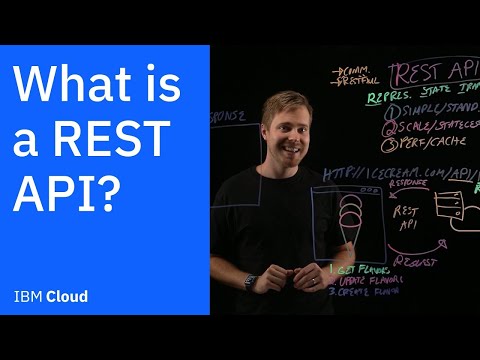
What is a REST API? What are the benefits and how are they fundamental to your cloud application?
In this lightboard video, Nathan Hekman with IBM Cloud, answers these questions and much more as he visually shows the benefits a company can gain with using REST API.
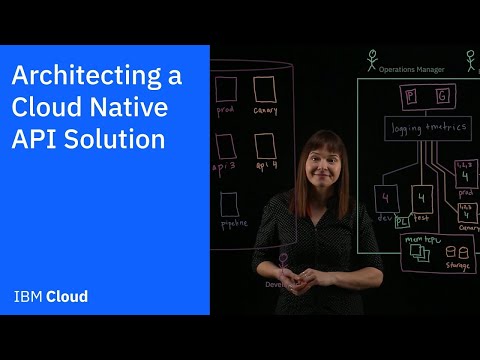
What is an efficient yet robust way to architect an API solution in the cloud?
In this lightboard video, Whitney Lee with IBM Cloud, explains how a cloud native API solution that uses Infrastructure as Code can ultimately provide you a way to continually collaborate and have visibility in the event that a piece of the system should go down.
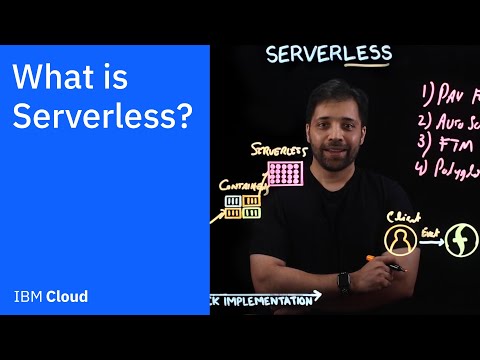
In this lightboard video, Ashher Syed with IBM Cloud, walks through how serverless computing can help developer solely focus on writing and deploying their applications without the headaches of managing any infrastructure, as well as covering many other benefits associated with serverless computing.
Note: Please complete the below prequisites before the hands - on lab session.
- Create an IBM Cloud account.
- A general understanding of IBM Cloud Functions and its concepts
- A general understanding of API Management.
- Go through & familiarise with the hands-on lab on Create, expose and secure serverless functions using IBM Cloud API Gateway.