


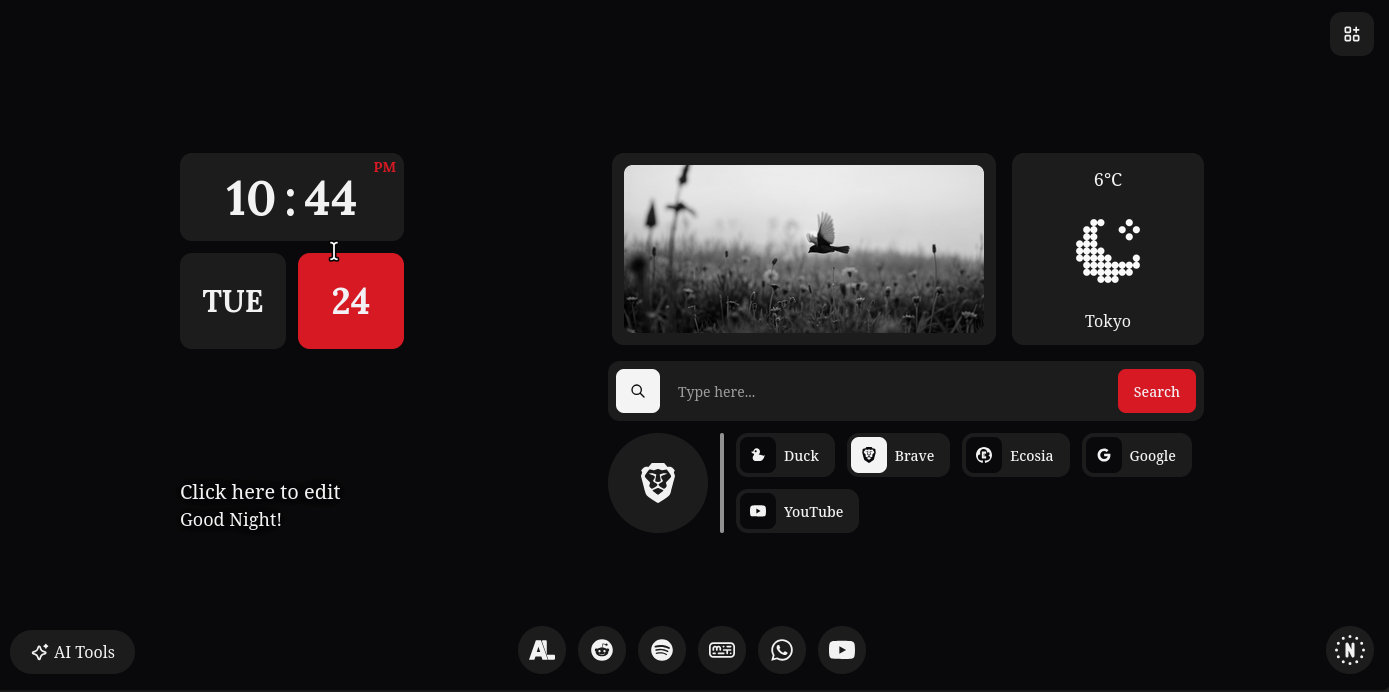
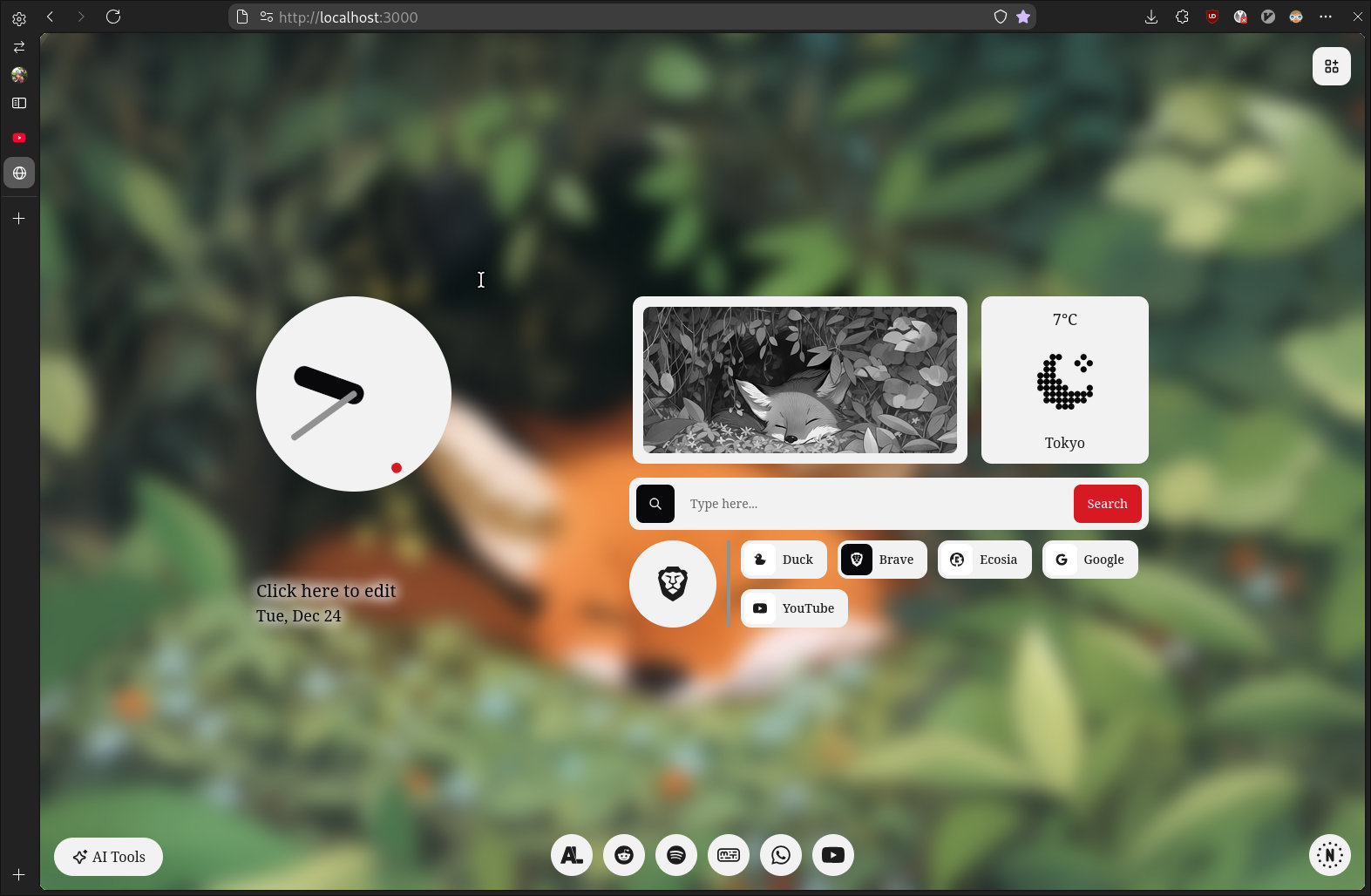
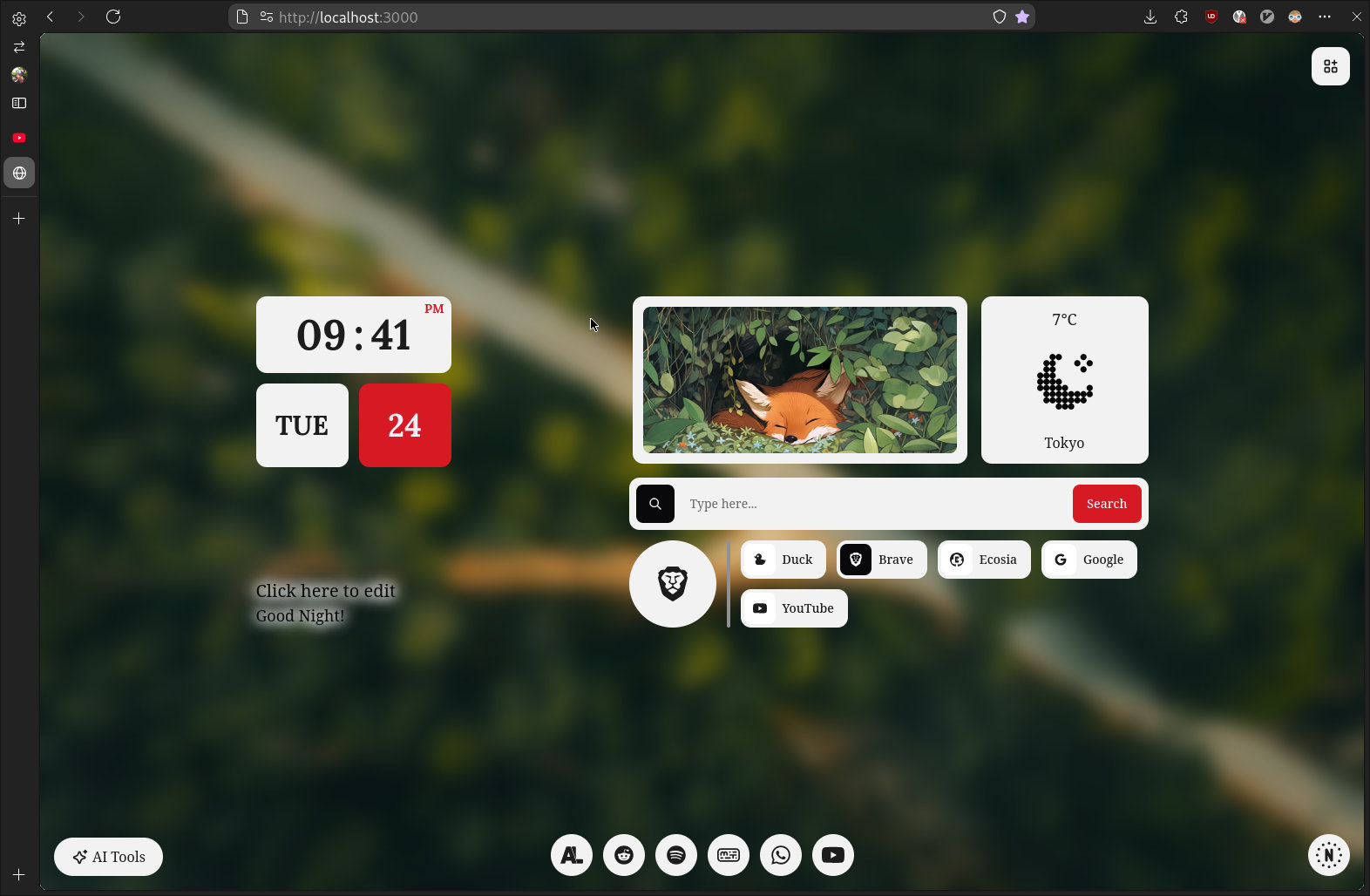
Elegant & feature-rich start page for your browser, heavily inspired by Material You NewTab. Designed with customization and user experience in mind
 |
|---|
 |
 |
 |
|---|
 |
 |
 |
|---|
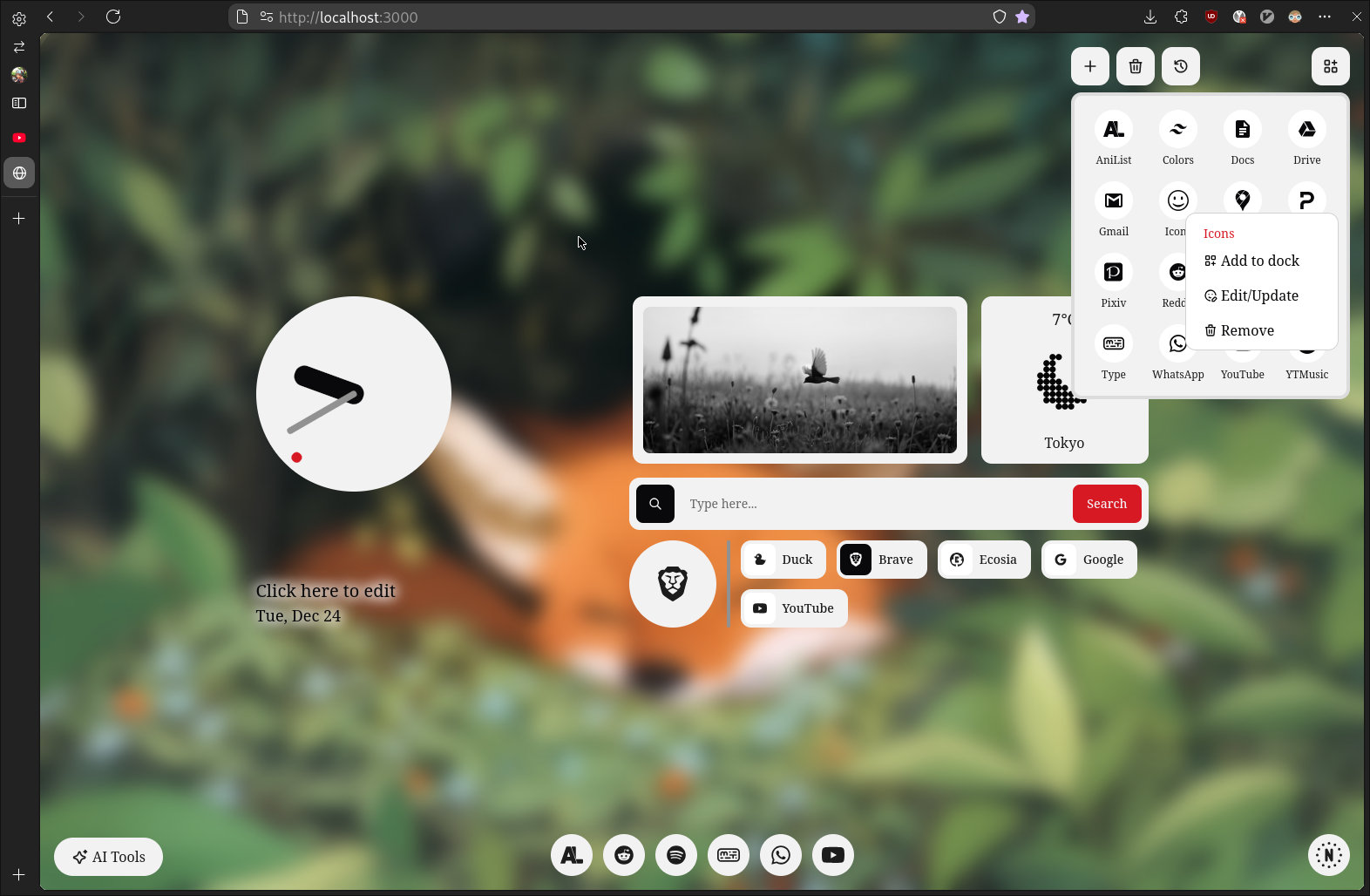
- Create, Update & Remove app
- Dynamic app icon upon adding
- Custom icon from iconify
- Custom images for gallery widget, and custom bg image
- Toggle monochrome(grayscale) image on gallery widget, and background
- Toggle blur effect background image
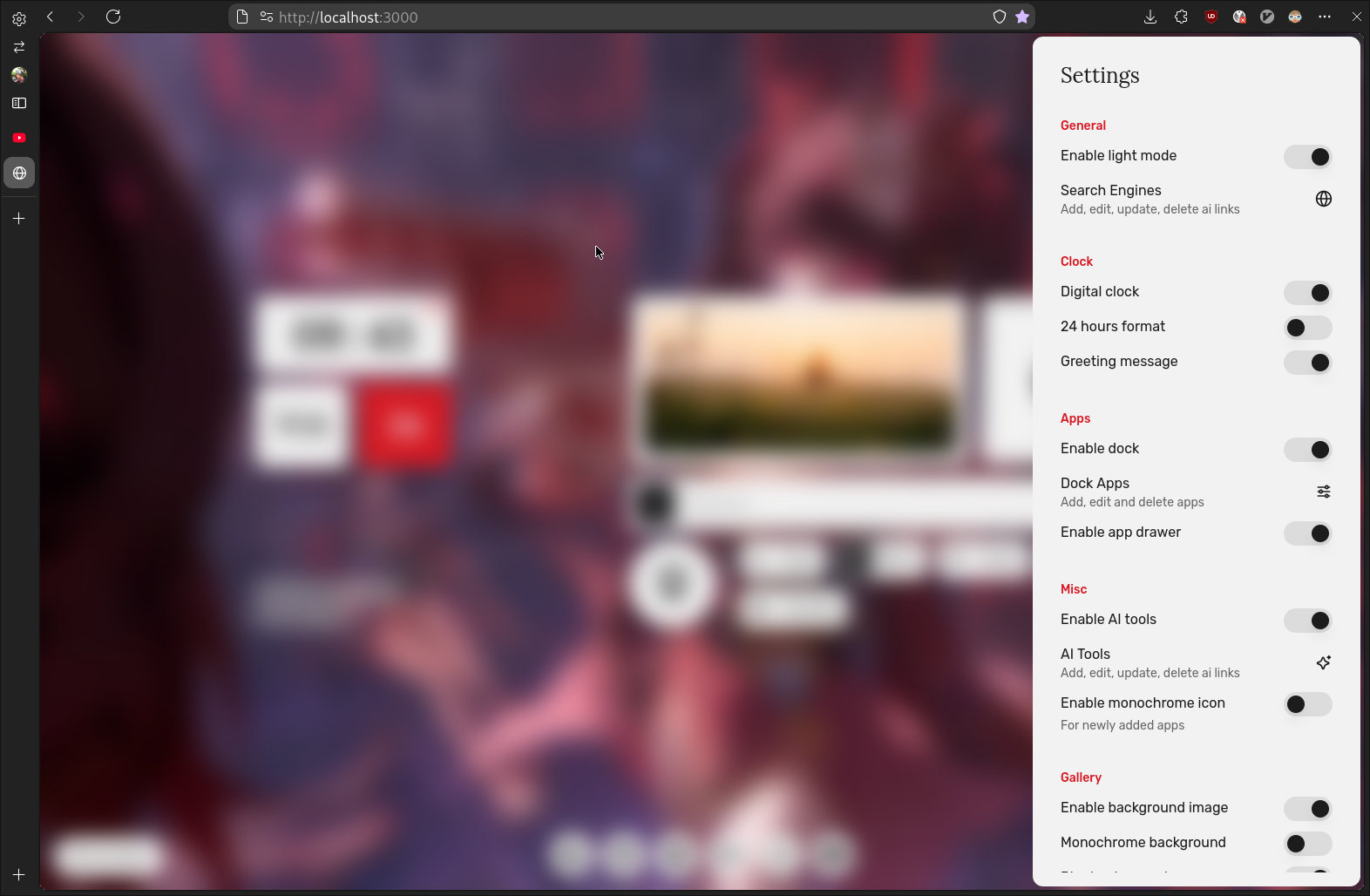
- Toggle dock, app drawer, ai-tools, greeter
- Toggle between digital & analogue clock
- Weather ofc, necessary
- Custom greeting text
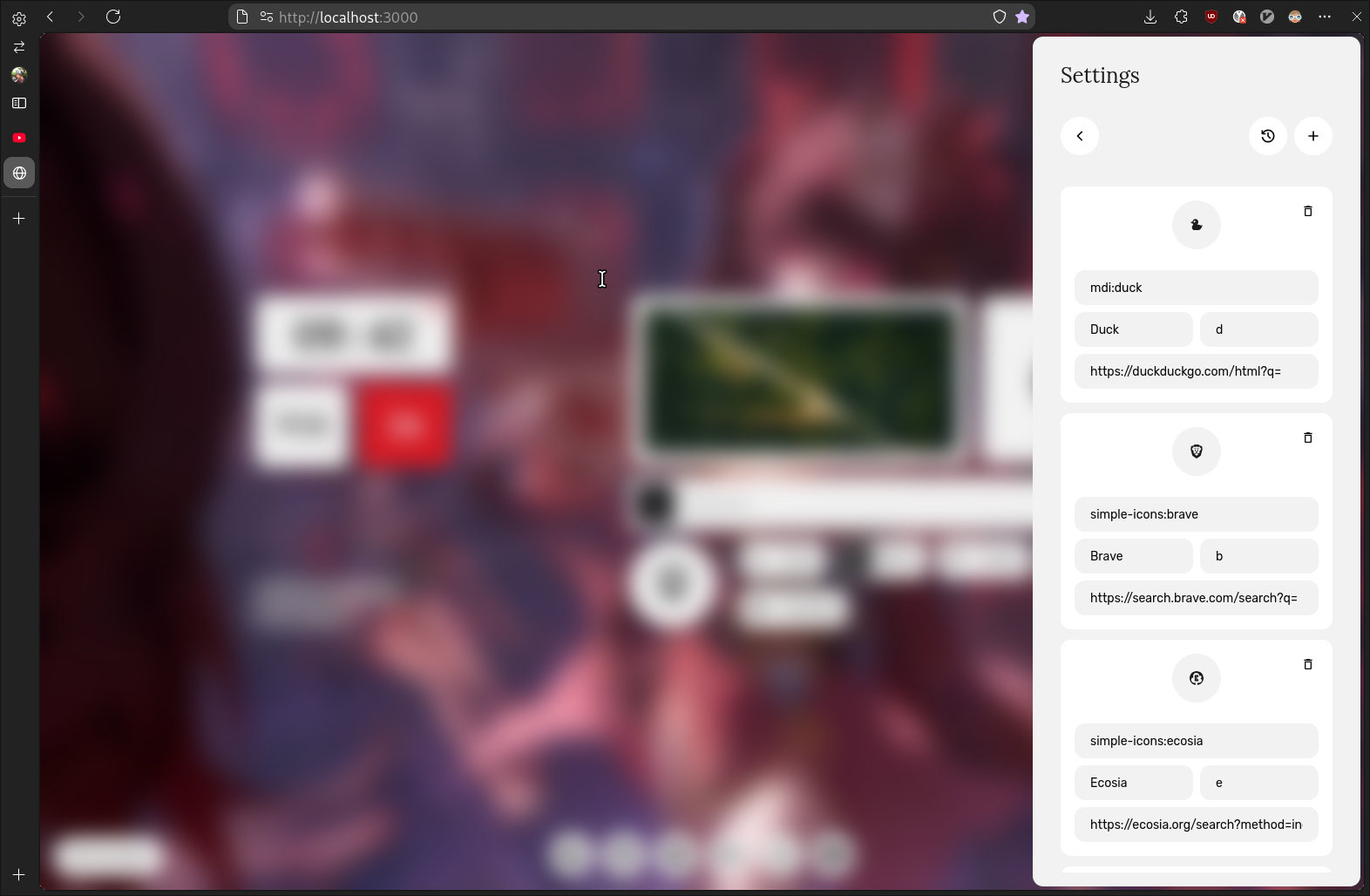
- Add search engines, set icon
- Set shortcut for search engine to quick switching
- Search suggestions
- Offline support
- Show android like splash screen when opening links
Planned Features
- Random image from unsplash or something
- Different color-schems
- Glass widgets
- Popup to add websites directly to app drawer, dock
...more unplanned features
Requirements
bunpodmanordocker(optional)
Build
git clone https://github.com/ImRayy/nothing-ui-newtabcd nothing-ui-newtabbun installbun run build
NOTE: You can build docker/podman image as well
There are multiple ways to use this as a Firefox extension. The first and easiest method is to host this website on a hosting provider and use New Tab Override to set it as your new tab page. My preferred method is to use this as docker/podman image and start with systemd or add it to init script or something to start when system boots automatically
Tip
When using New Tab Override extension make sure you check Set focus to the web page instead of the address bar option
git clone https://github.com/ImRayy/nothing-ui-newtab
cd nothing-ui-newtab

## Podman
podman build -t nothing-ui-newtab .

## Docker
docker build -t nothing-ui-newtab .## Podman
podman run -d -p <your-desired-port>:4173 nothing-ui-newtab
## Docker
docker run -d -p <your-desired-port>:4173 nothingui-newtab:latest## Generate systemd service
podman generate systemd --new --name <container-id> > ~/.config/systemd/user/nothing-ui-newtab.service
## Restart systemd daemon which will reload and re-execute the systemd
## user instance without stopping the currently running services
systemctl --user daemon-reload
## Enable & start container service that you just created
systemctl --user enable nothing-ui-newtab.service --now- Copy following content in
nothing-ui-newtab.containerand move to~/.config/containers/systemd
[Unit]
Description=Nothing UI New Tab
After=graphical-session.target

[Container]
Image=localhost/nothing-ui-newtab ## Could be something else, check with `podman container ls`
PublishPort=<your-desired-port>:4173
systemctl --user daemon-reloadsystemctl --user enable nothing-ui-newtab.service --now
docker run --restart unless-stopped -d -p <your-desired-port>:4173 nothingui-newtab:latest- Install & build
- Click on extension icon somewhere in top right corner, click on extension button >
Manage extensions> enableDeveloper Mode>Load Unpacked> Select nothing-ui-newtab/dist