
Bookmark any shortcut via easy drag & drop to access later. Supports files, links, images and text.




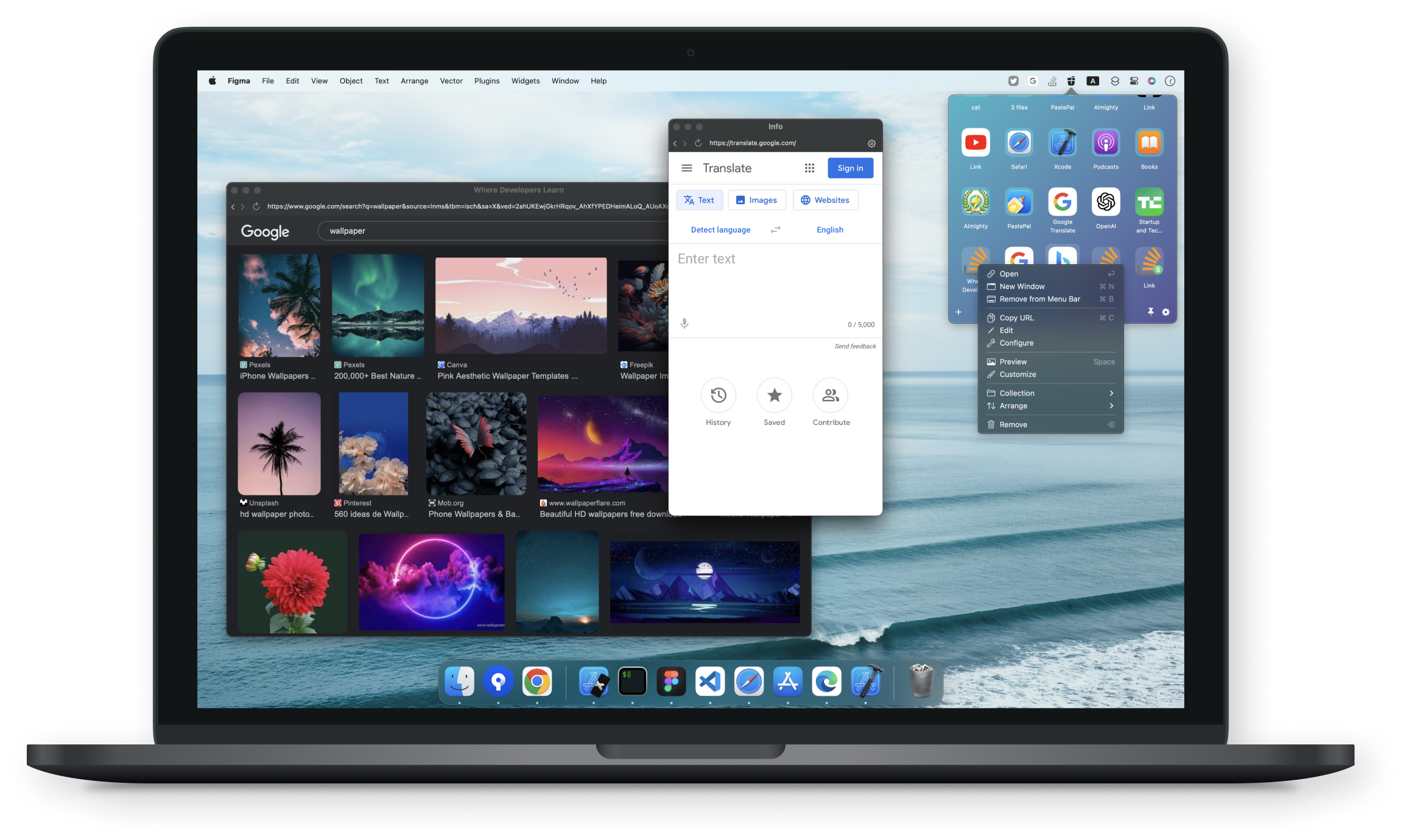
- Native — Written in pure Swift and truly native to embrace the Mac experience
- Free to download — Free to try. Upgrade for unlimited bookmarks and advanced features
- No tracking — No analysis and no data collecting
- Launch at login — Always available when your Mac awakes
- Dark mode — Gorgeous light and dark mode themes
- Multiple content types — Supports files, folders, links, text and images
- Keyboard shortcut — Quick access without lifting your hands off the keyboard
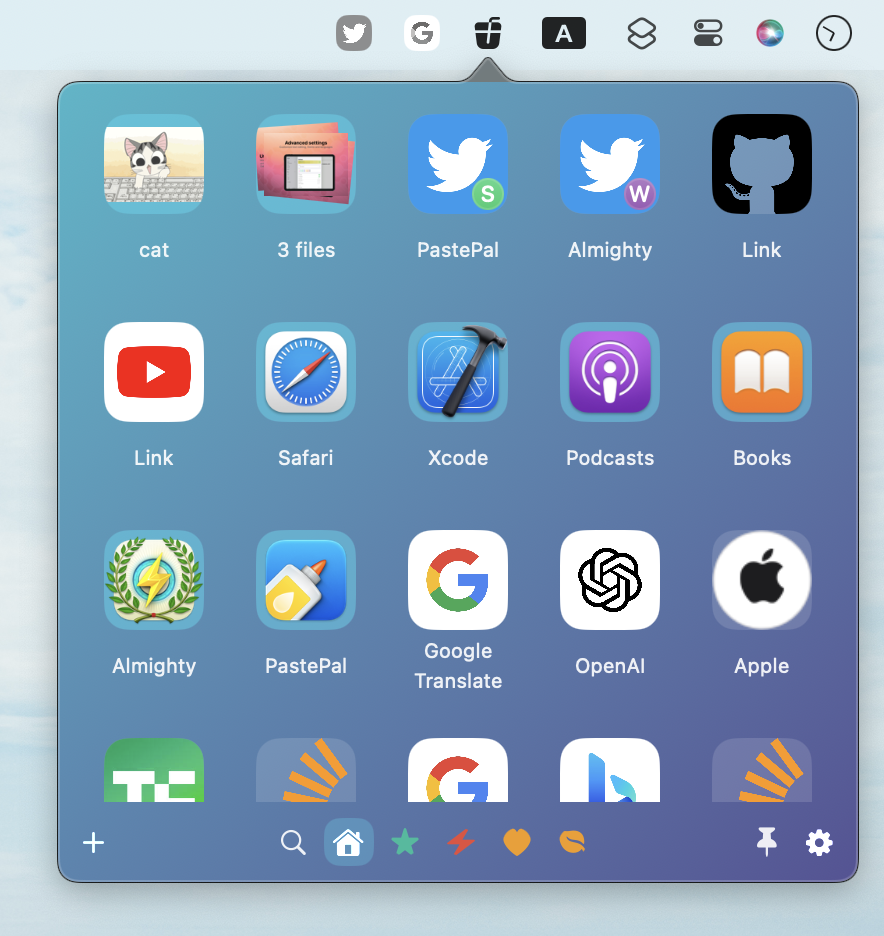
Drag any file, link or text directly into the Coolbar menu bar icon to save it as a bookmark. Access everything with a single click.
| Standalone (Mac) | Direct download — purchase via Gumroad |
| Mac App Store | View on App Store |
See Releases for full changelog.
- Open a GitHub issue for bug reports or feature requests
- Visit indiegoodies.com/coolbar for more information
- Follow @IndieGoodies for updates