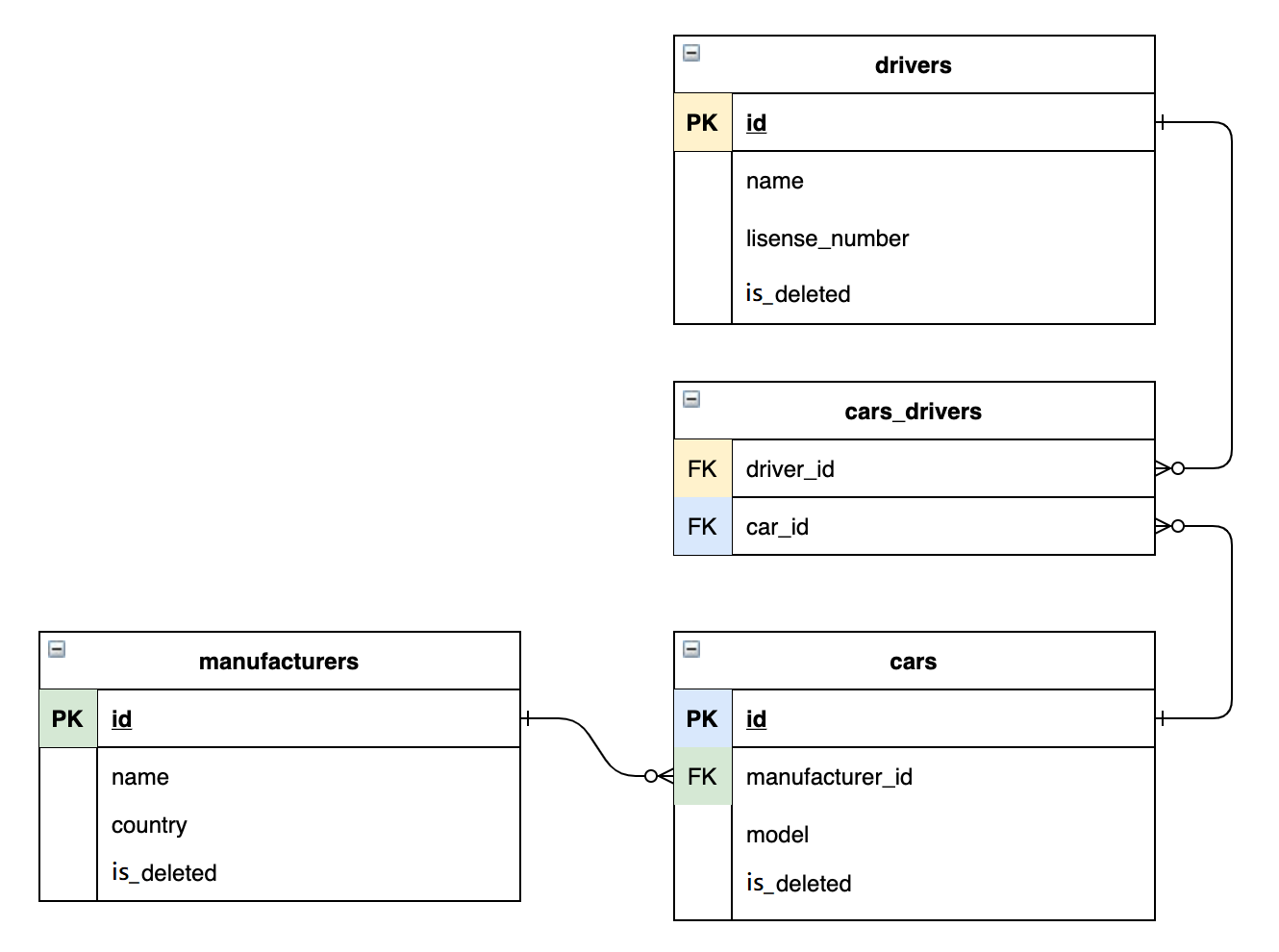
This is a web application which simulates work of taxi service. It contents with backend and frontend parts. The main purpose of this application is to keep records of taxi service drivers and cars. You can try this app here.
Non-authorized users are able to:
- login to the service with existing crendtials
- register a new account
so firstly you have to register yourself as a taxi driver:

After registration you must to login:
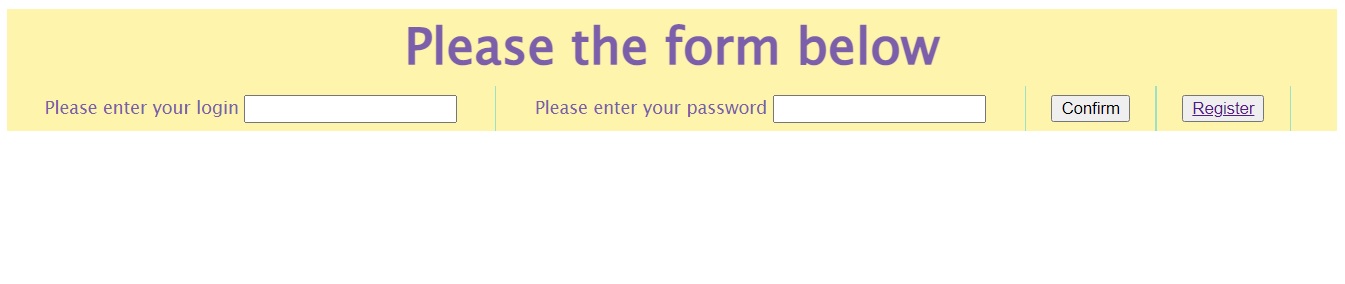
After logging in to the user authentication system, the following functionality is available to him:
- Add car, driver or manufacturer
- Display car, driver or manufacturer
- Delete car, driver or manufacturer
- Add driver to car
- Display all drivers for current car
- Open the list of cars you can drive

Project based on 3-layer architecture:
- Presentation layer (controllers)
- Application layer (services)
- Data access layer (DAO)
This manual describes main steps for application running. To run this project you will need to install and set up following components:
- JDK 11 or higher
- Apache Maven
- Apache Tomcat (required: 9.0.50)
- MySQL
- Clone this project to your IDE as Maven project.
- Check a pom.xml file if any errors are occurred - fix them.
- Configure Apache Tomcat and MySQL.
- Add new Tomcat Server configuration and select war-exploded artifact to deploy. Set application context parameter to "/".
- Create tables. Open MySql. Create SQL query and copy all from init_db.sql
- Initialize database. It can be local or remote database.
- In the package util, open a ConnectioUtil class and set there your credentials instead of dummies for DB connection.
    private static final String USERNAME = "<DATABASE_USERNAME>";
    private static final String PASSWORD = "<DATABASE_PASSWORD>";
    private static final String JDBC_DRIVER = "com.mysql.cj.jdbc.Driver";
where:
- <URL_TO_DATABASE> - URL to Database (for local database: localhost)
- - port number of database (for local database: 8080)
- <DATABASE_NAME> - name of database(for local database: taxi-service)
- <DATABASE_USERNAME> - username to get permission to read and write to database
- <DATABASE_PASSWORD> - password for <DATABASE_USERNAME> user
- Start Tomcat.
- JDK 11
- Maven
- MySQL 8.0.28
- JDBC
- HTML, CSS
- Java Servlet API 4.0.1
- Tomcat 9.0.50
- JSTL 1.2
- Junit jupiter api 5.9.0
- Log4j logging apache 2.18.0