A mini e-commerce application built with Rails 6.1. The goal of this project was to use existing code style and approach to implement new features in unfamiliar territory.
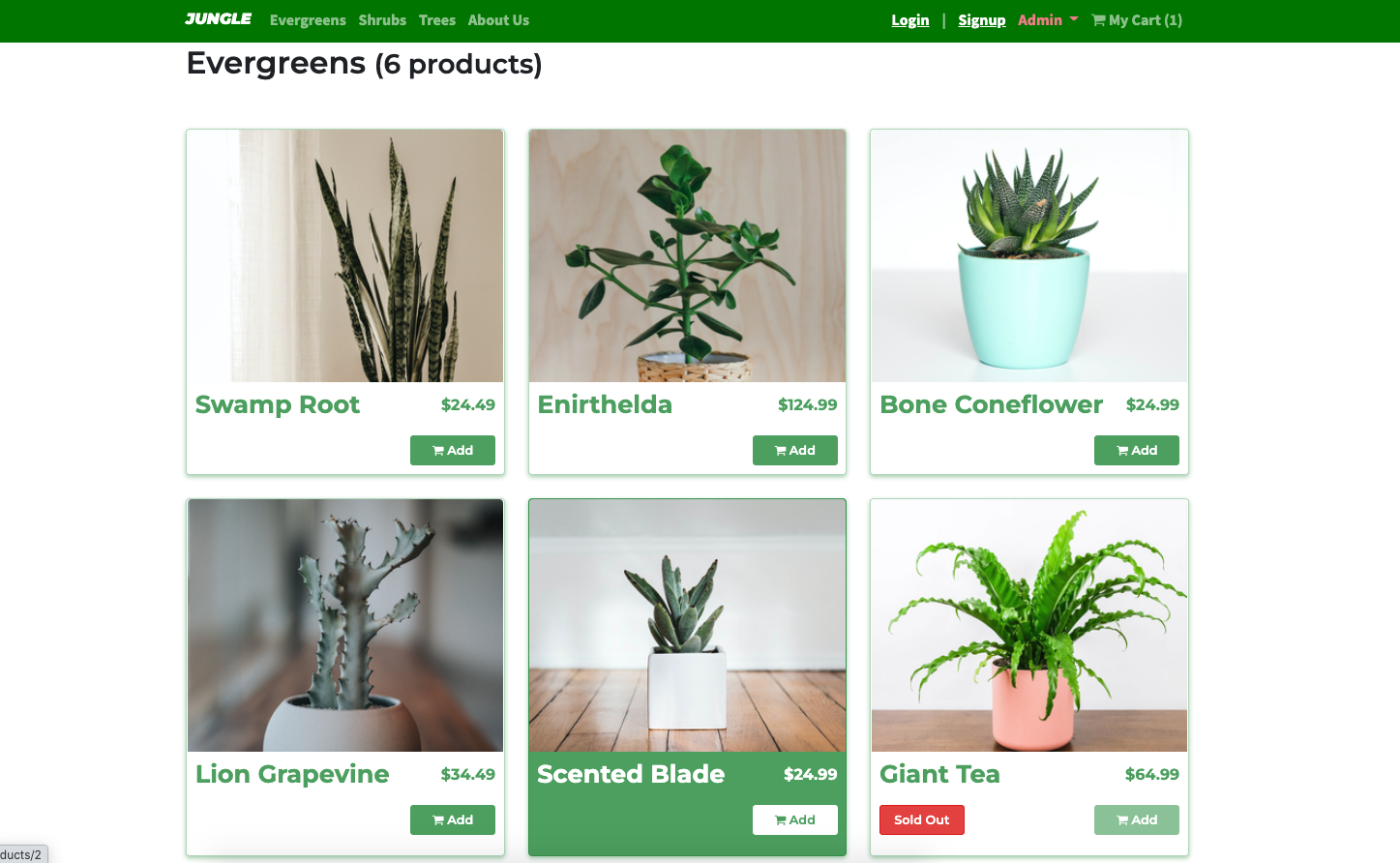
Jungle Main Page with Sold-Out Items
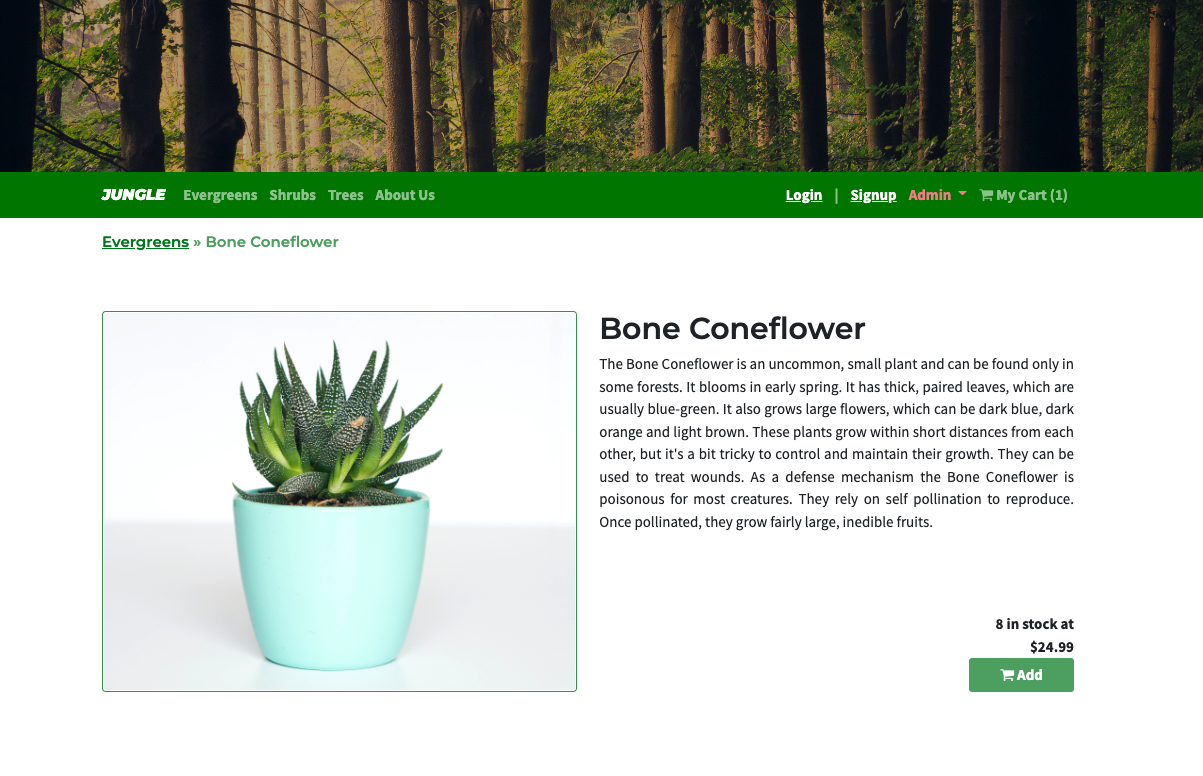
Products Details
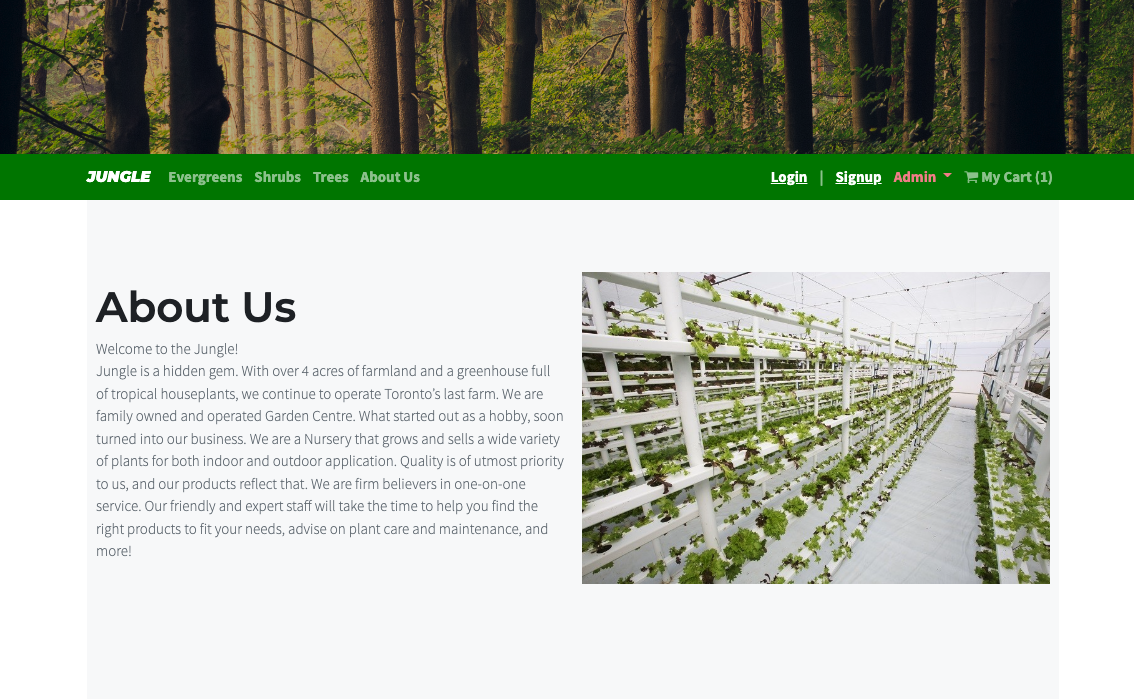
About Us Page
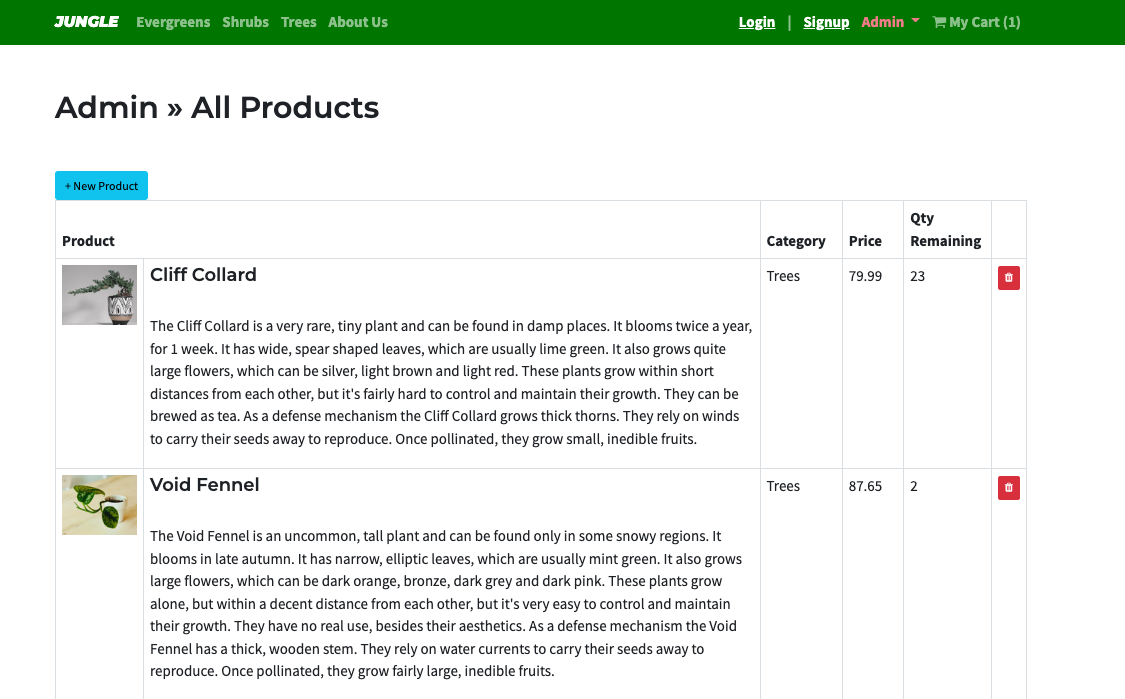
Admin / Products Page
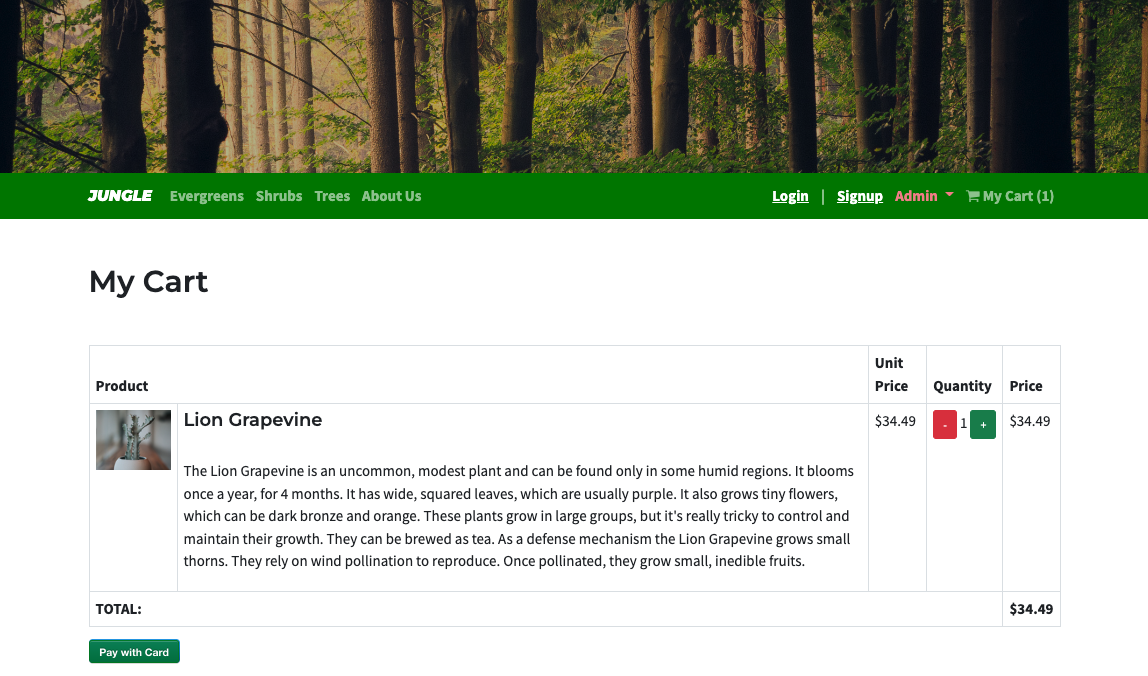
My Cart Page
- Feature: Sold Out Badge
- Feature: Admin Categories
- Feature: User Authentication
- Enhancement: Order Details Page
- Bug Fix: Missing Admin Security
- Bug Fix: Checking Out with Empty Cart
- Run
bundle installto install dependencies - Create
config/database.ymlby copyingconfig/database.example.yml - Create
config/secrets.ymlby copyingconfig/secrets.example.yml - Run
bin/rails db:resetto create, load and seed db - Create .env file based on .env.example
- Sign up for a Stripe account
- Put Stripe (test) keys into appropriate .env vars
- Run
bin/rails s -b 0.0.0.0to start the server
If Rails is complaining about authentication to the database, uncomment the user and password fields from config/database.yml in the development and test sections, and replace if necessary the user and password development to an existing database user.
Use Credit Card # 4111 1111 1111 1111 for testing success scenarios. More information in their docs: https://stripe.com/docs/testing#cards
- Rails 6.1 Rails Guide
- Webpack
- Bootstrap 5
- PostgreSQL 9.x
- Stripe
- Cypress