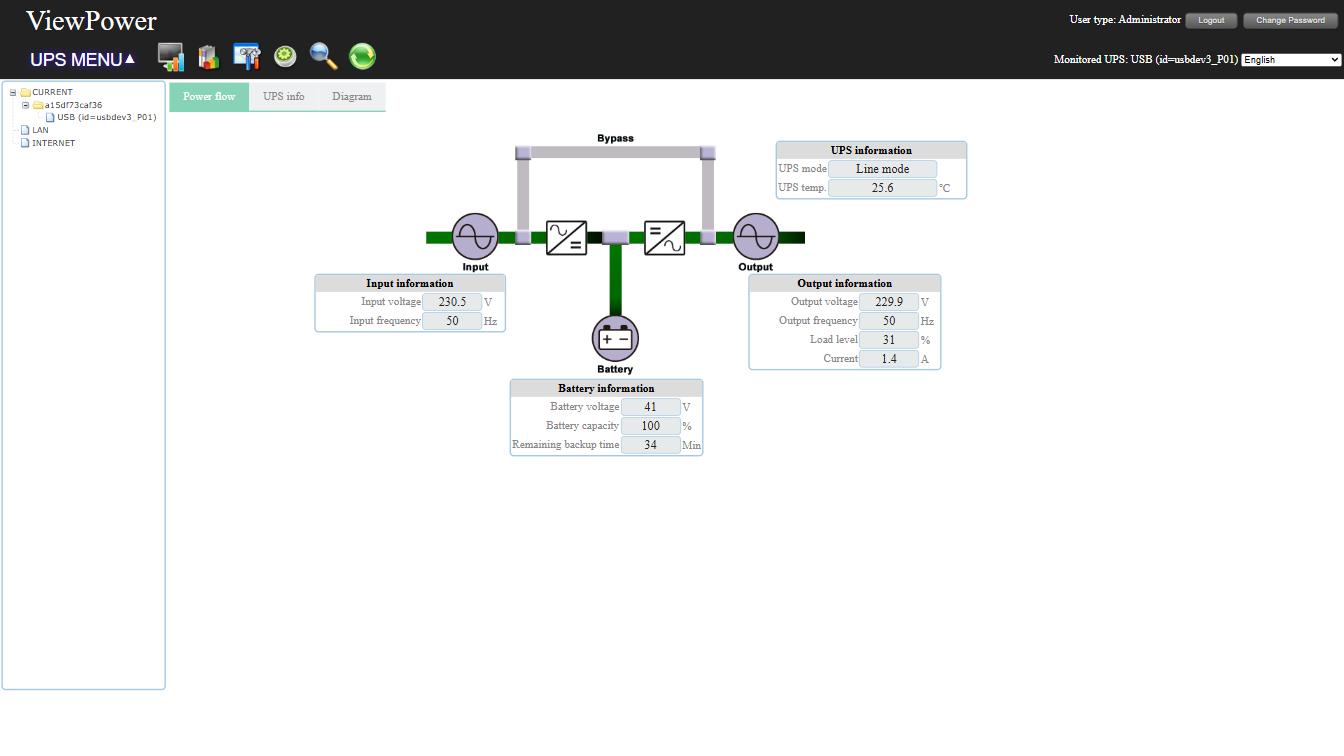
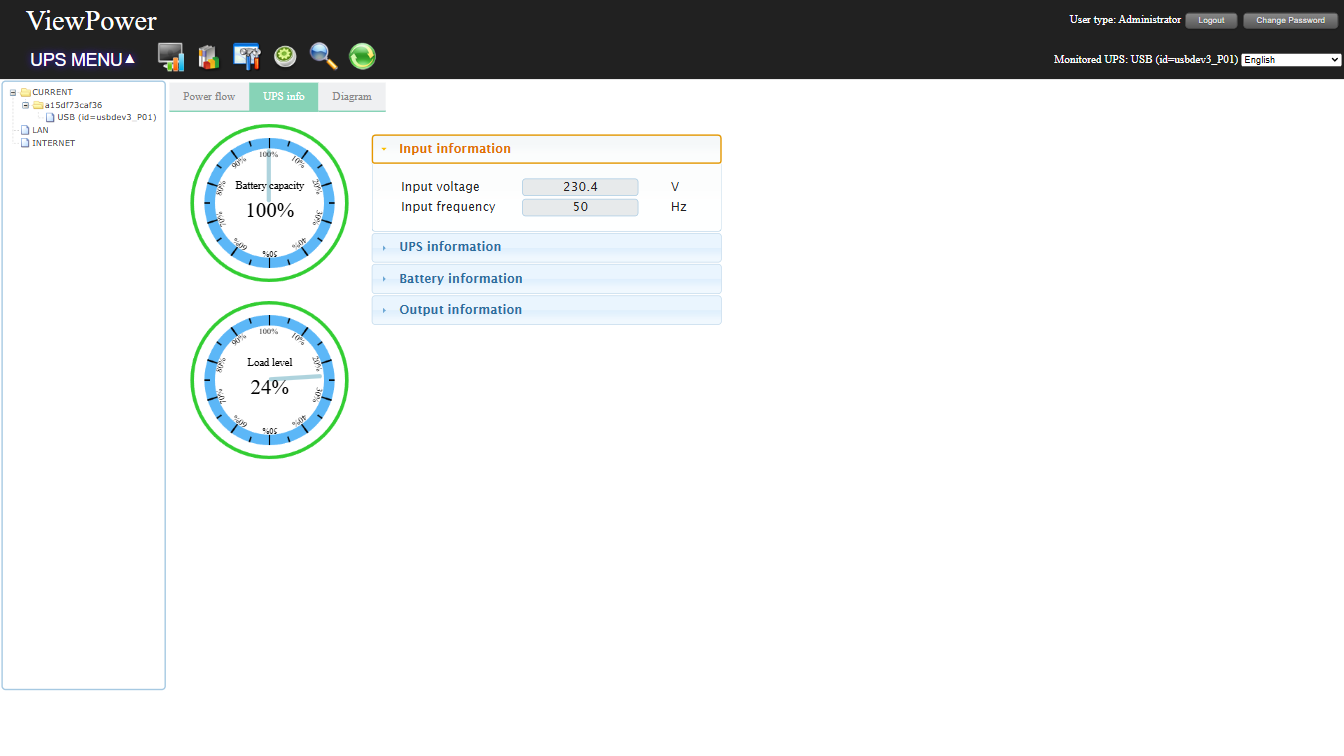
ViewPowerHTML 1.04-25300 is an advanced UPS management software. It allows remote monitoring and management of multiple UPS devices over a LAN or INTERNET connection. It prevents data loss during power outages, enables safe system shutdown, and provides scheduling and analysis features.
After successful installation, access the ViewPower web interface at: http://YOUR_SERVER_IP:15178/ViewPower/
- Monitor and control multiple UPS devices over LAN/Internet
- Supports auto/manual online updates
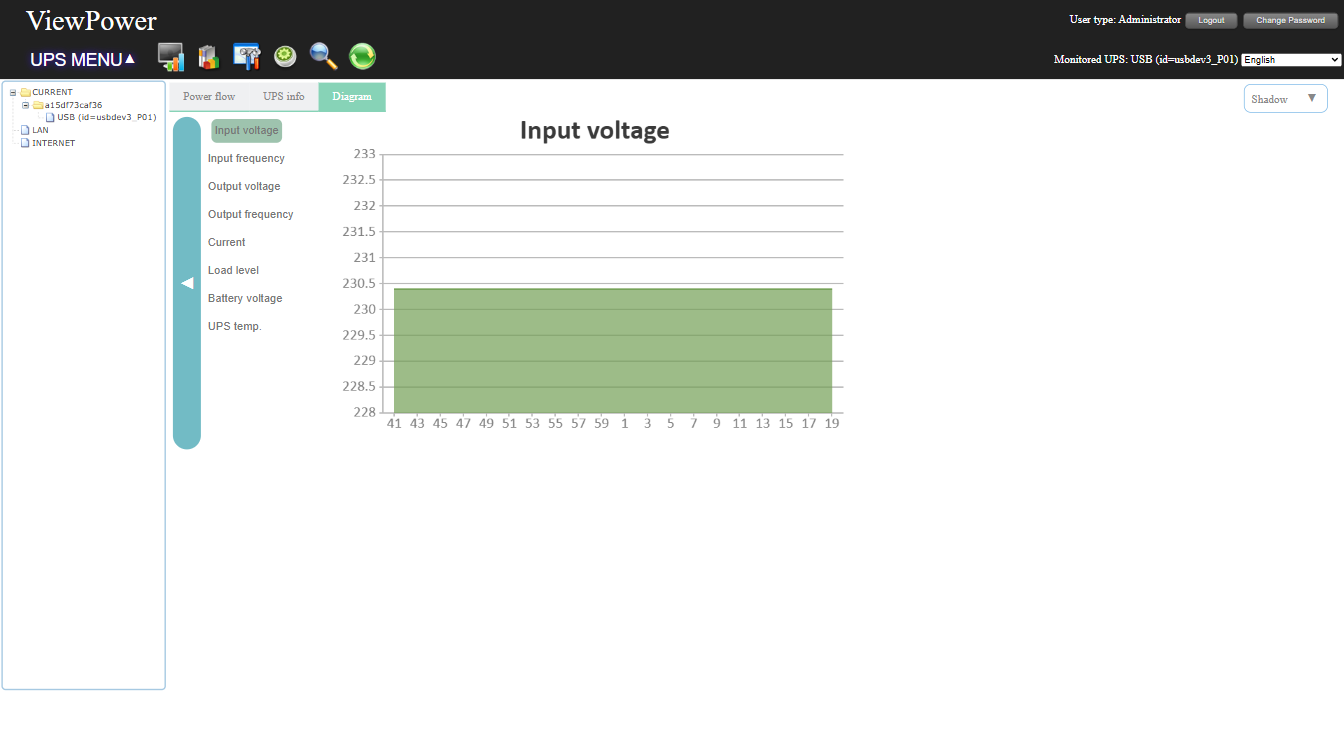
- Real-time UPS status graphs (voltage, frequency, load, battery level)
- Safe OS shutdown to prevent data loss during power failure
- Alerts & notifications via alarms, broadcast, email, and mobile messenger
- Scheduled UPS actions (power on/off, battery tests, outlet control)
- Secure remote access with password protection
- Multi-language support: English, Chinese, French, German, Spanish, Russian, Portuguese, Ukrainian, Italian, Polish, Czech, Turkish
15178– Web service port8005– Web service shutdown port
docker run -d --name viewpower \
  --privileged \
  -p 15178:15178 \
  -p 8005:8005 \
  -v /path/to/config:/opt/ViewPower/config \
  -v /path/to/datas:/opt/ViewPower/datas \
  -v /path/to/datalog:/opt/ViewPower/datalog \
  -v /path/to/log:/opt/ViewPower/log \
  -v /dev/bus/usb:/dev/bus/usb \
ggong5/viewpower:latestCreate a docker-compose.yml file:
services:
  viewpower:
    image: ggong5/viewpower:latest
    ports:
      - "15178:15178"
      - "8005:8005"
    volumes:
      - /path/to/config:/opt/ViewPower/config
      - /path/to/datas:/opt/ViewPower/datas
      - /path/to/datalog:/opt/ViewPower/datalog
      - /path/to/log:/opt/ViewPower/log
      - /dev/bus/usb:/dev/bus/usb
    healthcheck:
      test: ["CMD", "pgrep", "upsMonitor"]
      interval: 30s
      timeout: 10s
      retries: 3
      start_period: 10s
    privileged: true
    restart: unless-stopped
Then start the container:
docker-compose up -dThe container cannot directly shut down the host because Docker containers are isolated from the host system. Instead, the shutdown mechanism works using a flag file:
File Placement
1. Shutdown script in container
- Path: /usr/local/bin/shutdown.sh
- Purpose: Writes a flag file when ViewPower triggers a shutdown
shutdown.sh
The shutdown script is already included in this repository! You do not need to create it manually unless you want to customize it.
#!/bin/bash
echo "shutdown=1" > /ups-events/shutdown.flag- Make executable:
chmod +x /usr/local/bin/shutdown.sh2. Shared volume for host interaction
-
Example host folder: /opt/ups-events
-
Mount it to container:
volumes:
  - /opt/ups-events:/ups-events
3. Host shutdown checker script
-
Path: /usr/local/bin/check-ups.sh on host
-
Purpose: Monitors the flag file and executes shutdown on host and optionally other machines
check-ups.sh
#!/bin/bash
FLAG_FILE="/opt/ups-events/shutdown.flag"

if [ -f "$FLAG_FILE" ]; then
    STATUS=$(grep "shutdown=1" "$FLAG_FILE")
    if [ ! -z "$STATUS" ]; then
        echo "$(date): UPS trigger shutdown" >> /var/log/ups-shutdown.log
        echo "shutdown=0" > "$FLAG_FILE"
        /sbin/shutdown -h now
    fi
fi- Make executable:
chmod +x /usr/local/bin/check-ups.sh-
Open ViewPower > (🔧) Set Control Param > Local shutdown > Linux system local shutdown settings
-
Set Linux system shutdown command to the container shutdown script path:
/usr/local/bin/shutdown.shOption A – Cron
- Run the host checker every minute:
sudo crontab -eAdd:
* * * * * /bin/bash /usr/local/bin/check-ups.sh >> /var/log/ups-shutdown.log 2>&1Option B – Systemd Timer (Recommended)
- Create service /etc/systemd/system/ups-check.service:
[Unit]
Description=Check UPS shutdown flag

[Service]
Type=oneshot
ExecStart=/usr/local/bin/check-ups.sh
User=root- Create timer /etc/systemd/system/ups-check.timer:
[Unit]
Description=Run UPS check every 30 seconds

[Timer]
OnBootSec=1min
OnUnitActiveSec=30s
Unit=ups-check.service

[Install]
WantedBy=timers.target
3. Enable and start:
sudo systemctl daemon-reload
sudo systemctl enable --now ups-check.timer📂 ViewPower Docker GitLab Repository
git clone https://git.kohtnas.com/publicgroup/viewpower-docker.gitThis Dockerfile is based on the original work from Michuu/viewpower-docker, with modifications and improvements for better health checking and performance.
Let me know if you need any modifications! 🚀