Note
This repository is still acting as a placeholder. The latest Ops content is in the process of being individually validated and added to the public facing repo that has GitHub visibility enabled. The official launch is anticiapted to be about 90 days out.
Ops is a rust language based agentic interface to control and visualize distributed render tasks running on HPC systems. It is cross-platform compatible and works across Linux, Windows, and macOS. A Swift UI based iOS, VisionOS, and macOS Catalyst app acts as a thin client to interface with Ops when you are on the go.
Ops is the secret-sauce that helps takes the pain out of data heavy workflows like volumetric video production. You can generate rapid onset previews of your volumetric assets as fully trained models, transcode media to meet delivery requirements, and automate away the drudgery of tasks you do regularly.
The Ops development effort was bootstrapped using open-source LGPL licensed Kartaverse technology.
- ReadMe (You are here)
- ChangeLog
- Deployment
- Usage
Go to the Releases page to access the latest builds (when they are shipped publicly). The v26.05 update adds initial support for Apple Vision Pro HMDs.
Lightfielder is a primarily a multi-view workflow automation toolset that streamlines the creation of volumetric experiences. The clip sequencer interface makes short work of browsing through volumetric camera array media. The Sequencer app can run on iOS, VisionOS, and macOS Catalyst.

It doesn't matter if you have 50 cameras, or 200+ cameras in the array, you can check what's up with your latest captures, and generate timecode aligned OpenTimelineIO EDLs on the spot.
Each take of the multi-view footage is grouped into "Stacks" which can be expanded or collapsed on demand. You can swizzle your stacks between a horizontal or vertical layout to better use available screen space on a monitor. Each stack has several override controls you can toggle On/Off for sound, grades, reframing, and XYZ transforms.
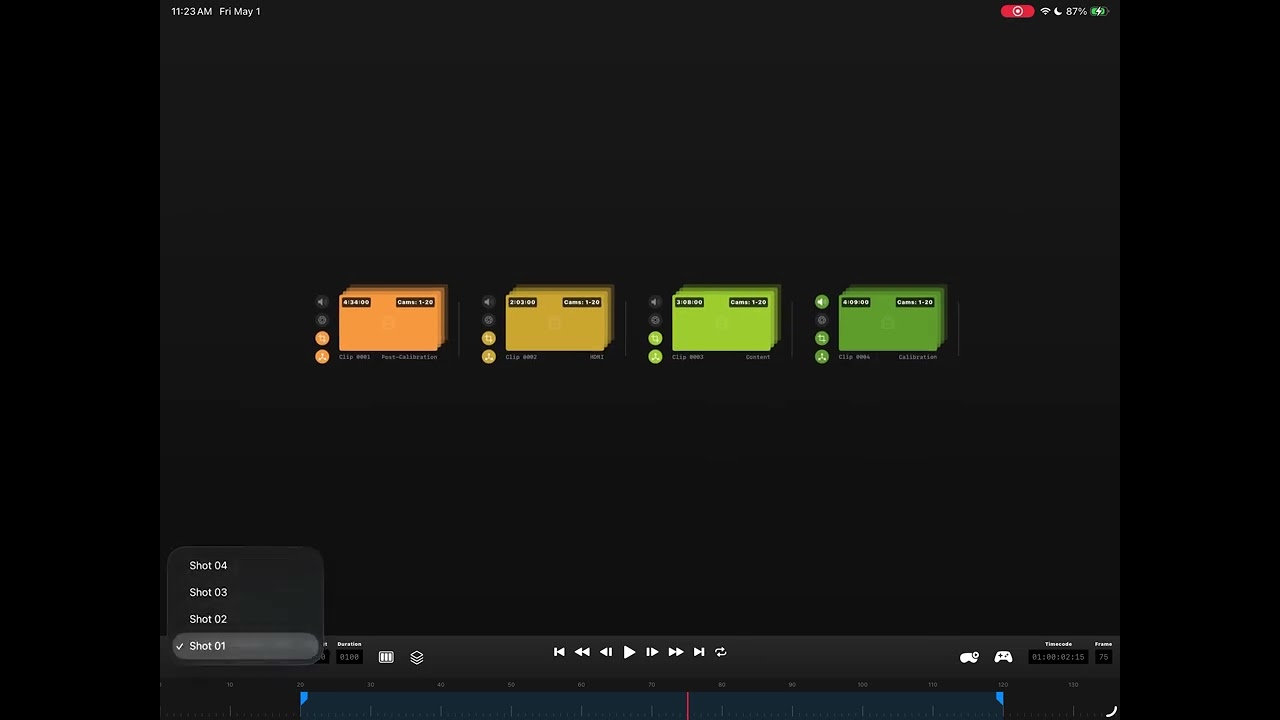
A lite version of the sequencer works on iOS and VisionOS so you can work on the go from anywhere. You can optionally enable clip thumbnails, which are generated on the server side with Ops so you don't need to burn bandwidth on mobile devices just to confirm each volcap take has all the clips you expect.
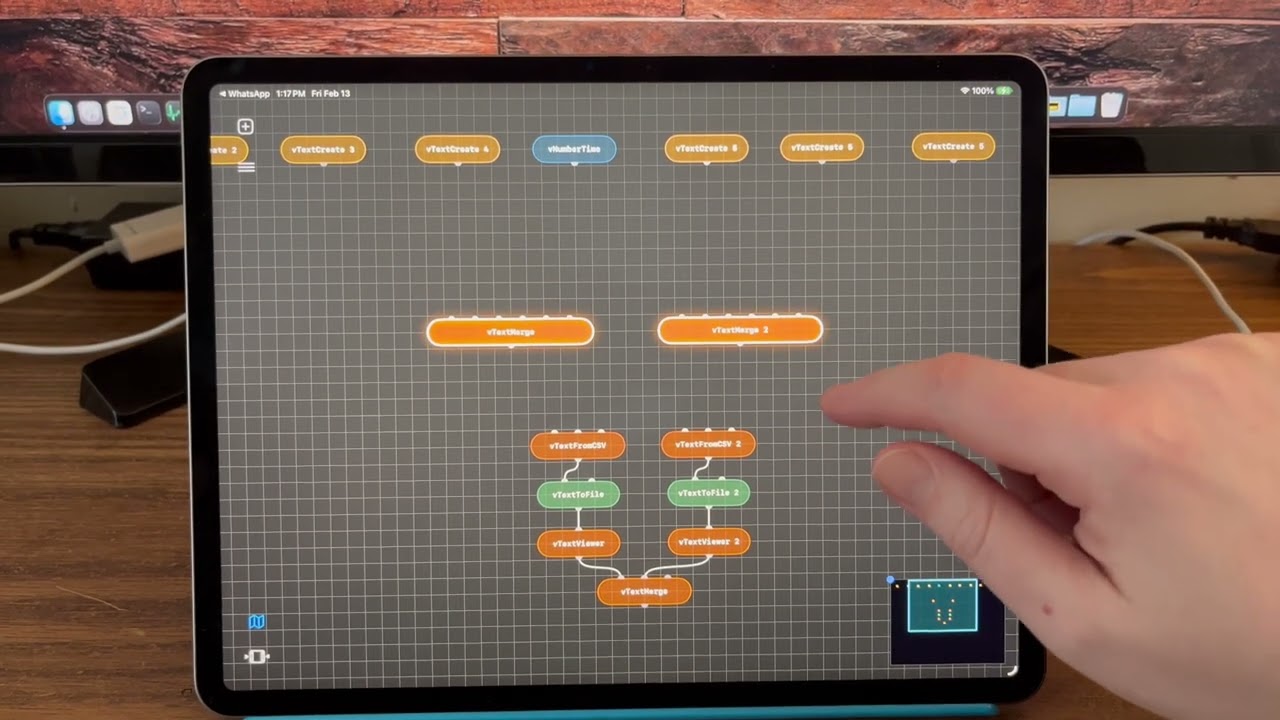
This video shows a pre-alpha version of the Lightfielder Ops thin-client app running on iPadOS. This interface lets you quickly build automation friendly node graphs using the same ideas found in the existing "Vonk Ultra" data nodes toolset in Kartaverse.
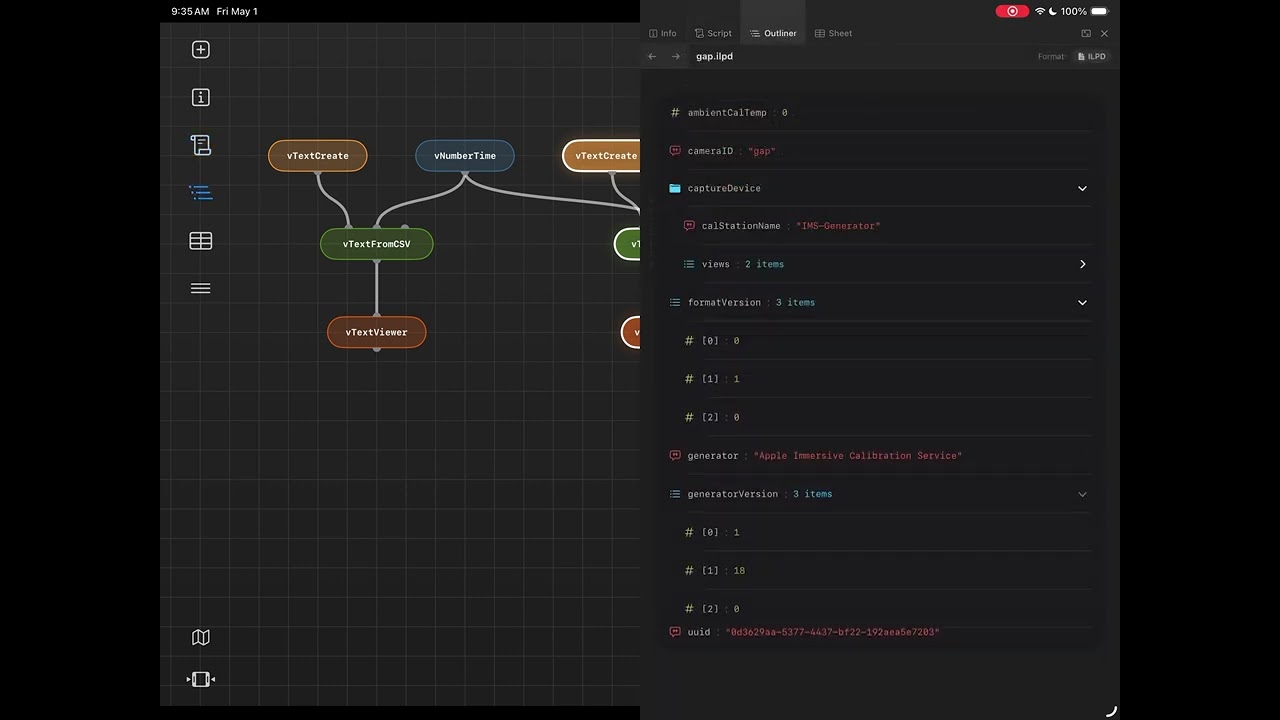
With the toolbar controls on the left side of the window, you can hide and show the timeline or the mini-map view, perform file operations, add nodes to the flow, or show the scripts panel.
The docked panel on the right side of the view makes it easy to view and edit scripts, text, markdown, html, or other document formats with syntax highlighting. The object model viewer works with formats like JSON, YAML, and XML. There is a Sheet interface to view table based data like CSV files or an IFL (image file list).
Here is something to hopefully make you smile as an easter egg. This video shows how Lightfielder Ops extends the traditional node based compositing approach of "shaking" a node to disconnect the connection wirelines. This idea has been updated to year 2026 with the addition of physics to add lively noodle based real-time dynamics. You also get noodle based destruction (and wireline disconnections) based upon the location along the noodle where you double tap.