






✨ A real-time music platform where users can create clubs, add songs, and vote to decide what plays next — built using Next.js + WebSockets + Prisma + Clerk.
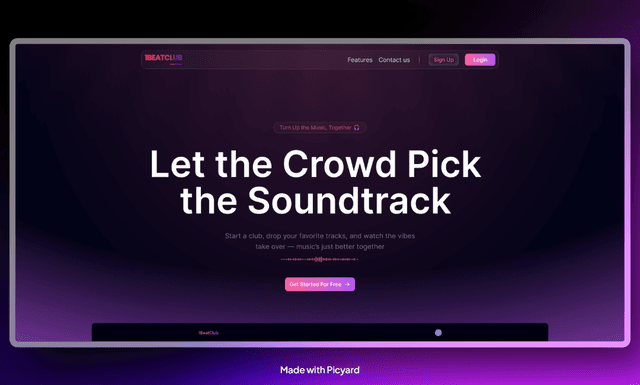
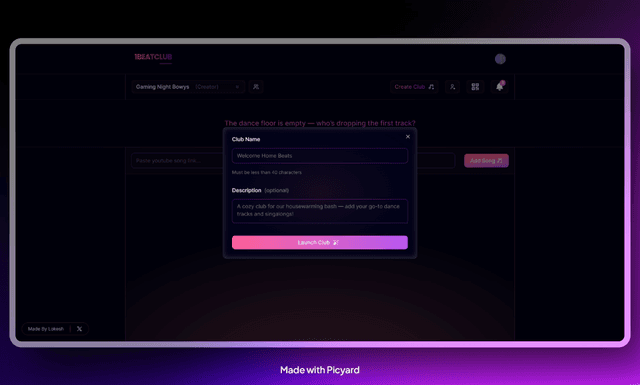
1BeatClub lets anyone create a collaborative “music club” where users join, add music, vote songs, and enjoy a shared playlist—completely live.
Perfect for:
- 🔥 Parties
- 🏋️ Gyms
- 👨💻 Office working sessions
- 💍 Events
- 🎂 Birthday gatherings
Bring your group together with music everyone chooses ❤️
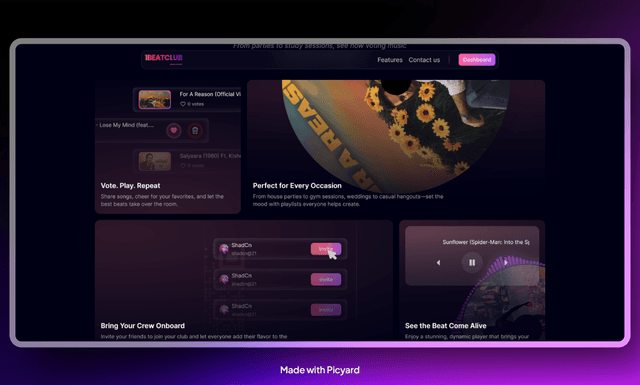
- 🎵 Create music clubs
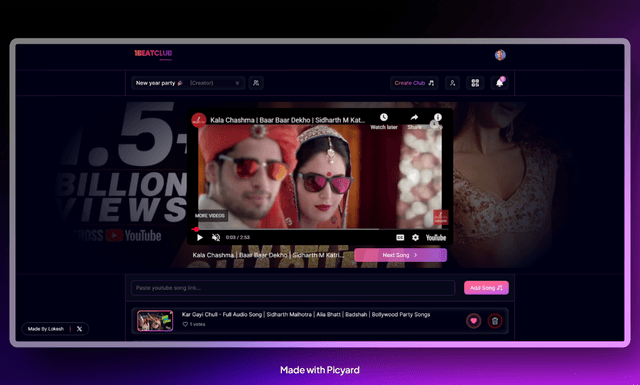
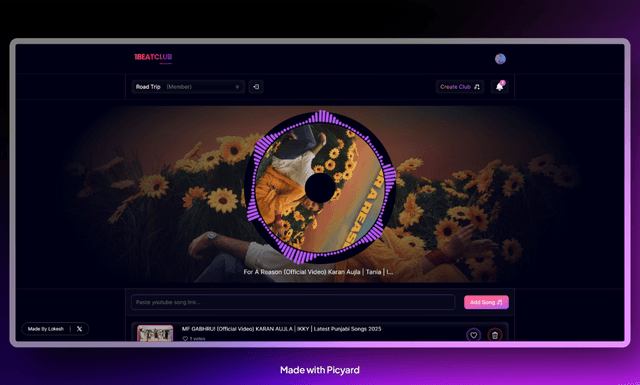
- 🎧 Add songs from YouTube
- 🚀 Vote what plays next
- 🔁 Live real-time playback updates
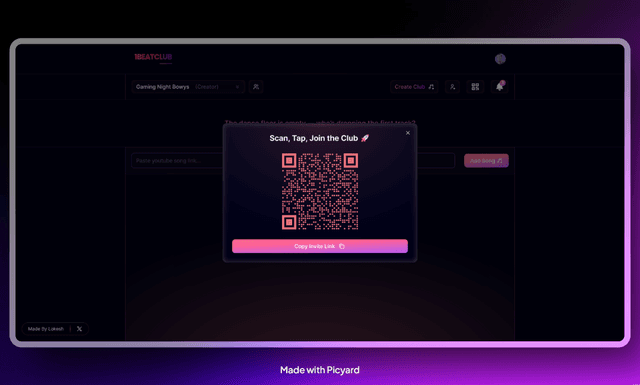
- 🎟 Join via QR Code or invite link
- ⚡ Optimistic updates (instant button feedback)
- 📱 Fully responsive (mobile-first)
- 🎨 Modern UI
- ⚡ Next.js 15 – App router, fast builds with Turbopack
- ⚛️ React 19 – Latest React features
- 🎨 Tailwind CSS 4 – Utility-first styling
- ❄️ Websocket – Enabling Realtime updates
- ✨ Lucide / Tabler Icons – Beautiful icon sets
- 🌀 Motion – Smooth animations
git clone https://github.com/LokeshXs/1BeatClub.git
cd 1beatclubnpm installcp .env.example .envDATABASE_URL=<your-postgres-url>
CLERK_SECRET_KEY=<your-clerk-secret-key>
NEXT_PUBLIC_CLERK_PUBLISHABLE_KEY=<your-clerk-public-key>
GOOGLE_API_KEY=<your-google-api-key>npx prisma migrate dev- Clone and run the WebSocket server from the repository below 👇
👉 https://github.com/LokeshXs/1beatclub-ws-server.git
-
Follow the instructions in that repository to start the WebSocket server locally.
-
After starting it, come back to this project and update the WebSocket endpoint inside:
// /lib/config.ts

export const WEBSOCKET_SERVER_URL = "ws://localhost:8080";npm run dev
After the server starts successfully, open your browser and visit:
http://localhost:3000If everything is setup correctly, you should now see the 1BeatClub app running locally 🎉
✨ Why I built this
Because music brings people together — and every gathering deserves a shared playlist based on what everyone loves, not just the DJ 😄
Lokesh Singh
🔗 Portfolio — https://lokesh-singh.vercel.app/