




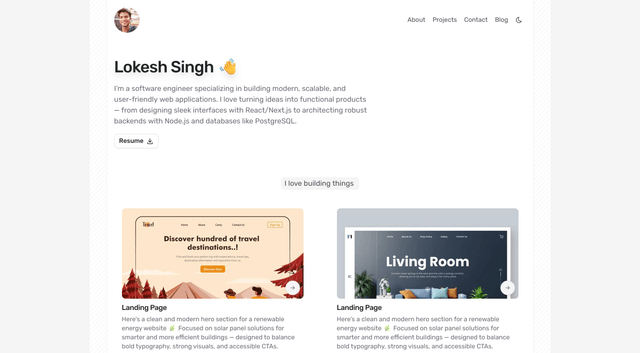
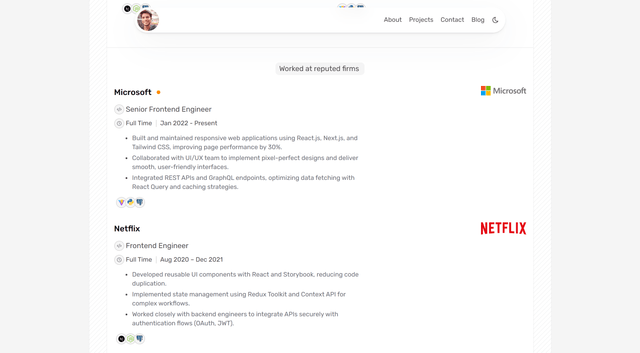
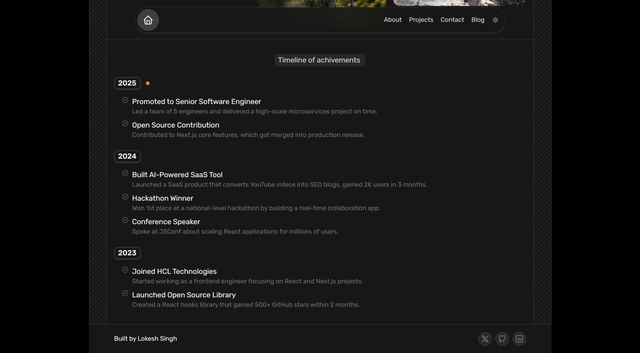
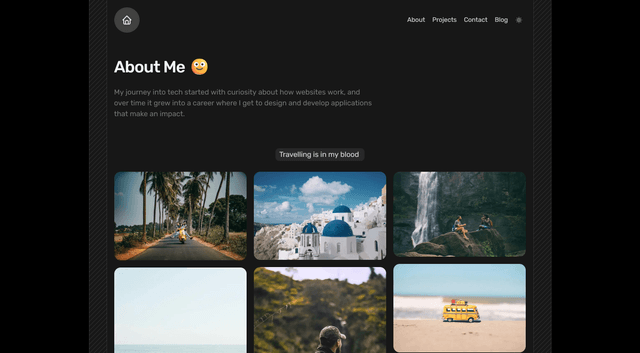
✨ A clean and modern Next.js portfolio template built with Next.js — designed to showcase your projects, skills, and experience with style.
This template is a great starting point for building your developer portfolio.
You can easily showcase:
- 🌟 Projects – Highlight your best work with clean UI sections.
- 📝 Blog – Share knowledge with a built-in blog powered by Next.js & MDX (optional).
- 📱 Responsive Design – Works seamlessly across mobile, tablet, and desktop.
- 🎨 Customizable Theme – Dark/light mode out of the box with
next-themes. - 🚀 Fast Performance – Optimized with Turbopack, TailwindCSS, and image optimization.
- 🔗 Contact & Social Links – Make it easy for recruiters/clients to reach you.
Showcase your GitHub contributions and top repositories directly on your portfolio.
This section automatically fetches your GitHub activity, visualizing your open-source footprint beautifully.
-
Generate a GitHub Token
- Go to Settings → Developer Settings → Personal Access Tokens → Tokens (classic)
- Click "Generate new token", give it a name (e.g.,
portfolio-token) - Check the
repopermission, and then generate your token
-
Add Token to
.envFile- Create a
.envfile in the root directory of your project - Add the following line:
GITHUB_ACCESS_TOKEN=your_generated_token_here
- This token will be used securely to fetch your contribution and repository data
- Create a
-
Add your GitHub username
- Open the file:
src/lib/data.ts
- Replace the placeholder username with your actual GitHub username
- Open the file:
-
Edit Repository Names
- In the same file, update the list of repositories you want to showcase under the repos array.
💡 That’s it! Your live GitHub contributions and repositories will appear automatically on your portfolio.
- ⚡ Next.js 15 – App router, fast builds with Turbopack
- ⚛️ React 19 – Latest React features
- 🎨 Tailwind CSS 4 – Utility-first styling
- 🧩 Zod + React Hook Form – Schema validation & form handling
- 🌙 next-themes – Dark/light mode support
- ✨ Lucide / Tabler Icons – Beautiful icon sets
- 🌀 Motion – Smooth animations
git clone https://github.com/LokeshXs/Minimal-Portfolio-Template.git
cd Minimal-Portfolio-Template-mainnpm installnpm run dev
Open https://minimal-portfolio-template-by-lokesh.vercel.app/ with your browser to see the result.
✨ Build, showcase, and share your journey — because your portfolio isn’t just a website, it’s your story.