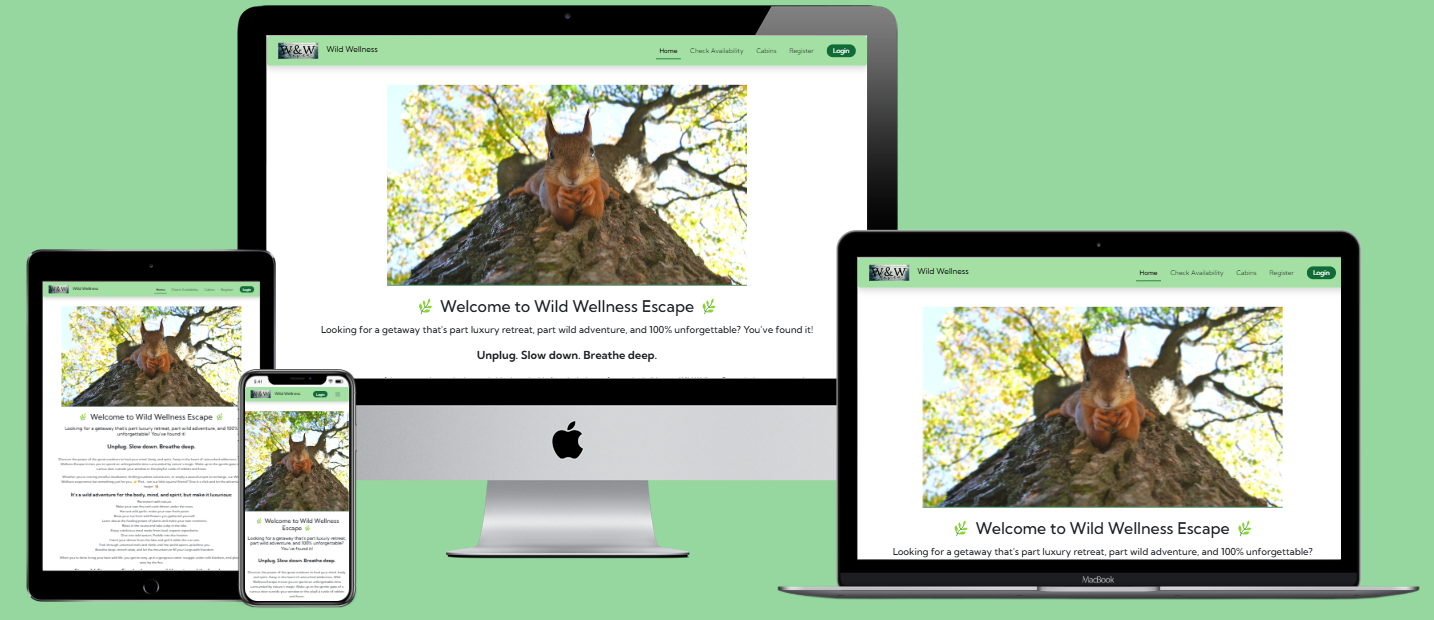
Wild Wellness is a platform designed to help people reconnect with nature through wellness retreats, outdoor adventures, and cozy cabin stays. Whether you're looking to relax, meditate, or go on an adventurous journey surrounded by wildlife, Wild Wellness offers a variety of activities to recharge and rejuvenate the mind, body, and spirit.
This website is designed for nature enthusiasts, wellness seekers, and anyone in need of a peaceful getaway. It's perfect for those who want to escape from the stresses of modern life, and their routine, and experience the healing powers of nature.
Wild Wellness was built using Agile approach, allowing me to stay flexible and deliver features in incremental steps. I followed Agile principles to manage tasks and ensure continuous improvement throughout development.
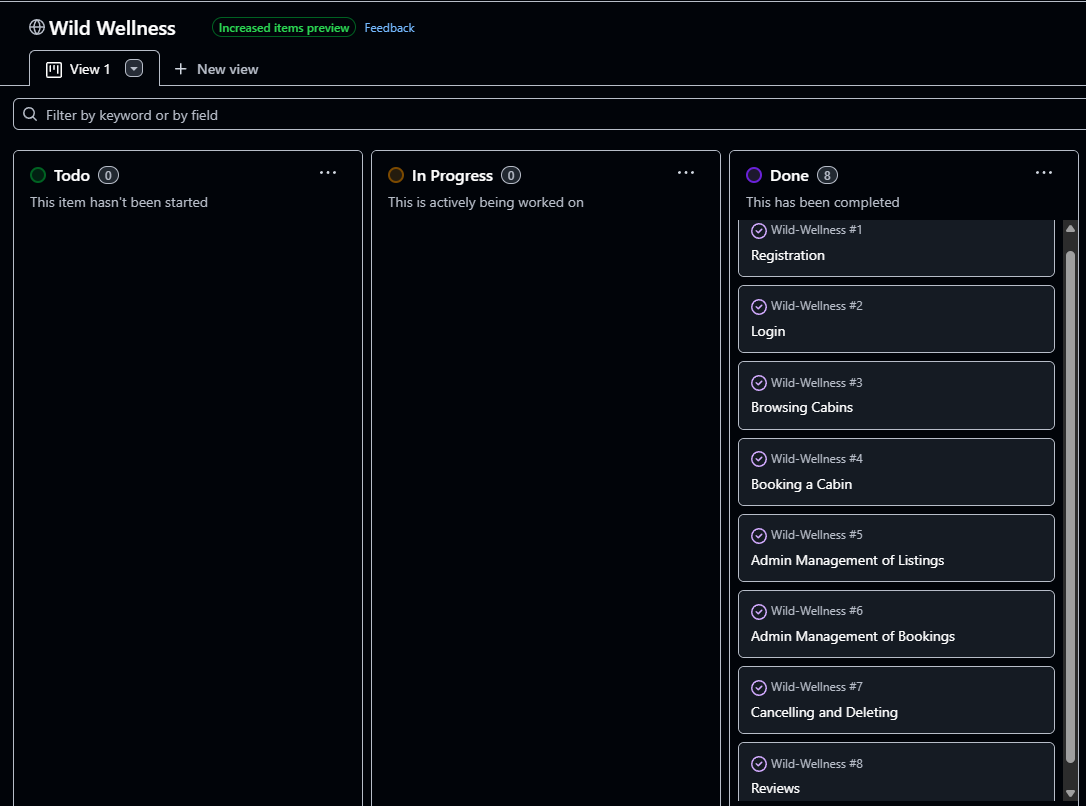
To keep track of tasks and progress, I used a Kanban board to visually organize work, monitor the flow of tasks, and ensure that each feature was delivered efficiently.
- Sprint Planning:
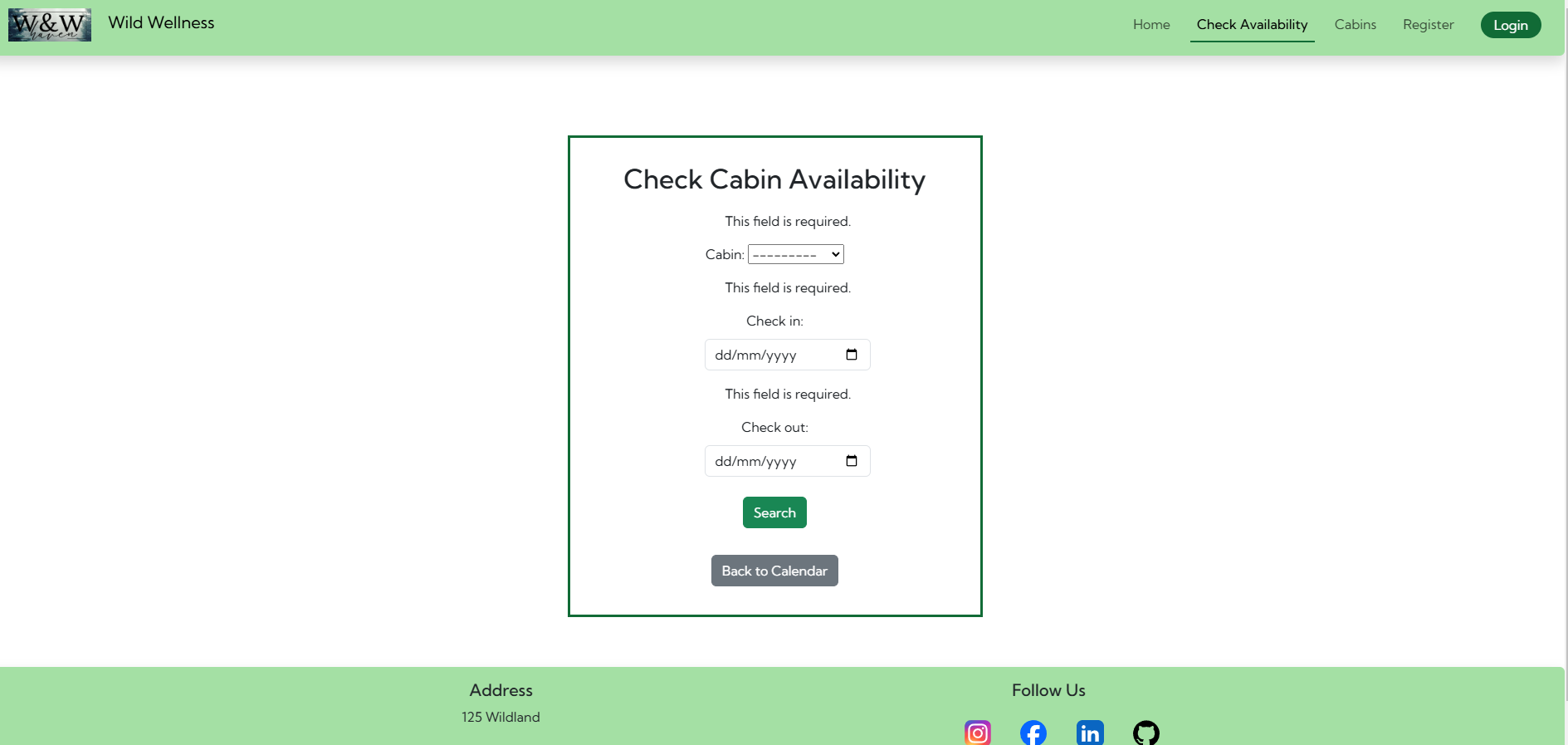
- I planned my tasks in short sprints, typically lasting 1-2 weeks, to stay focused on specific goals. I focused first on functionality of my project. Each sprint would target the development of core features, like user authentication, checking cabin availability, booking system and view of booking list, updating and deleting booking.
- Kanban Board:
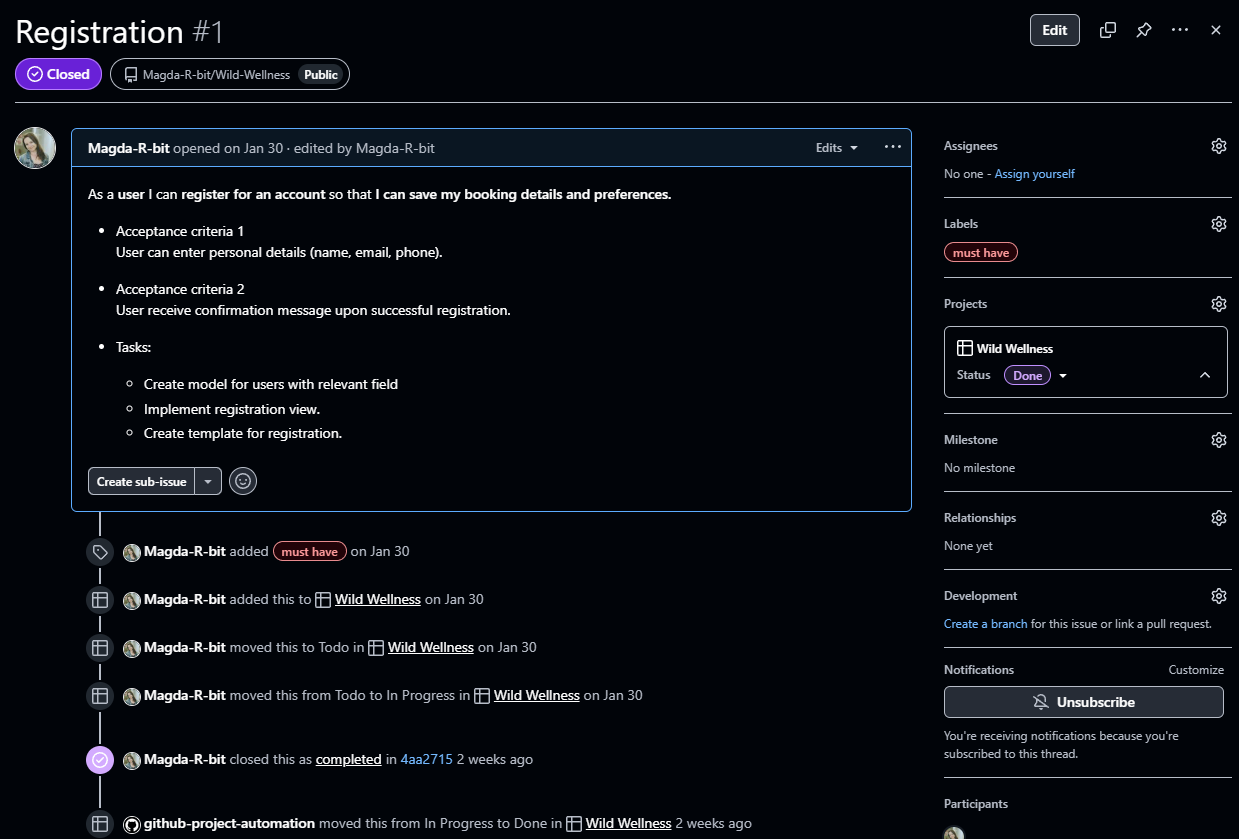
- I created GitHub Project to help me manage tasks by moving them trough various stages from To Do, to In Progress, and finally to Done.
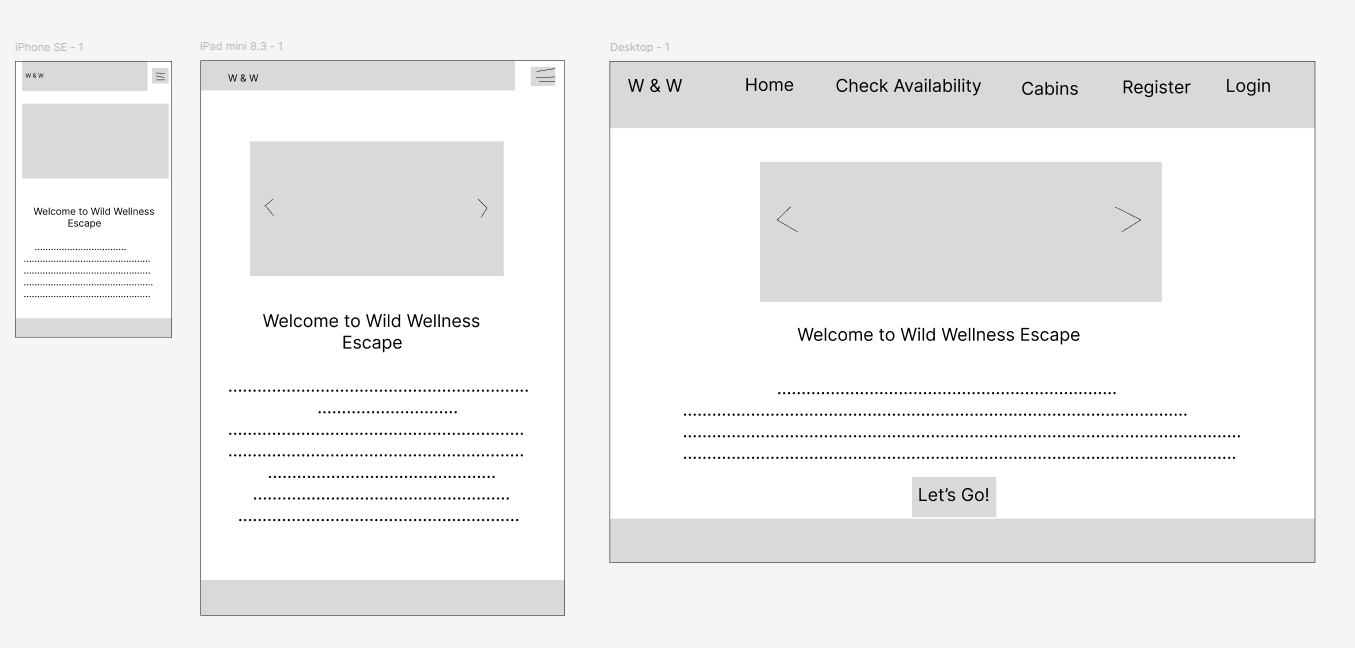
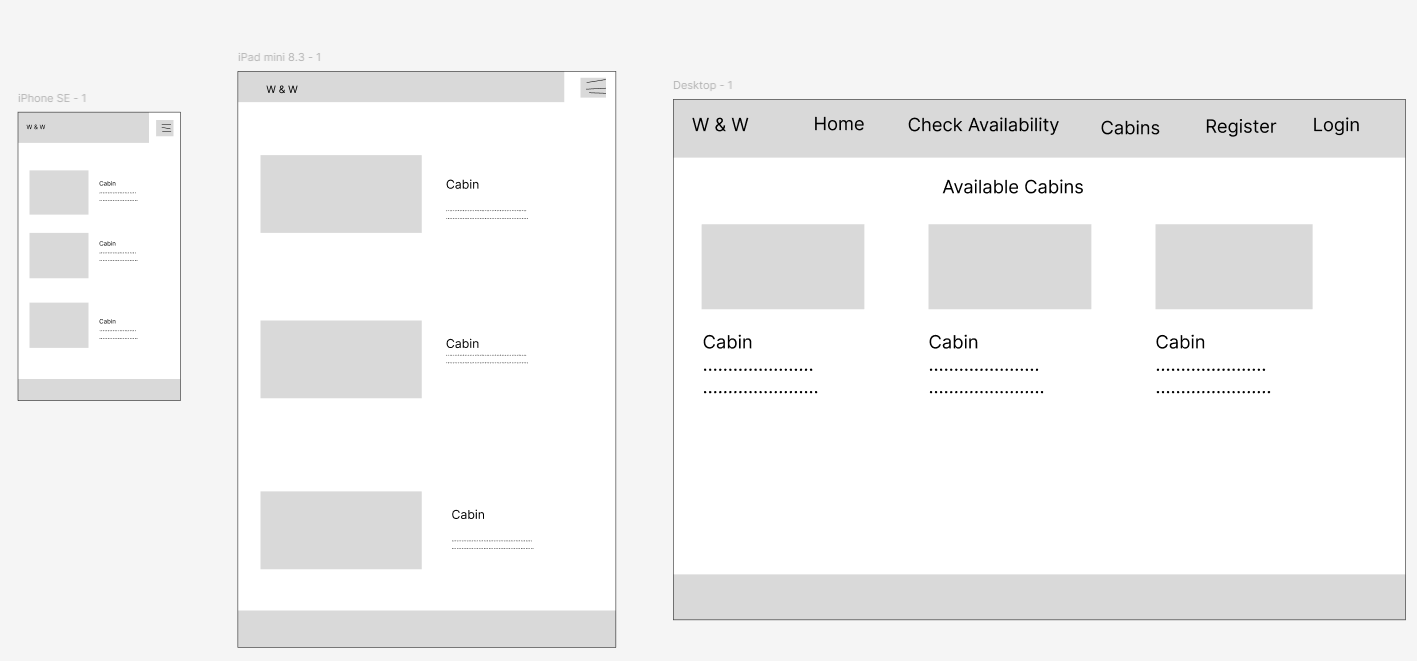
- Figma (Used to create Wireframes)
- Graphviz (ERD Generated using django-extensions and Graphviz to visualize the relationships between the models and improve the understanding of the database structure)

The primary colours chosen for this website are green: rgb(17, 107, 54) and light-green: rgb(164, 224, 164), for its association with nature, health, and well being.
Green is often associated with relaxation and harmony, which aligns perfectly with the theme of wellness and self-care.


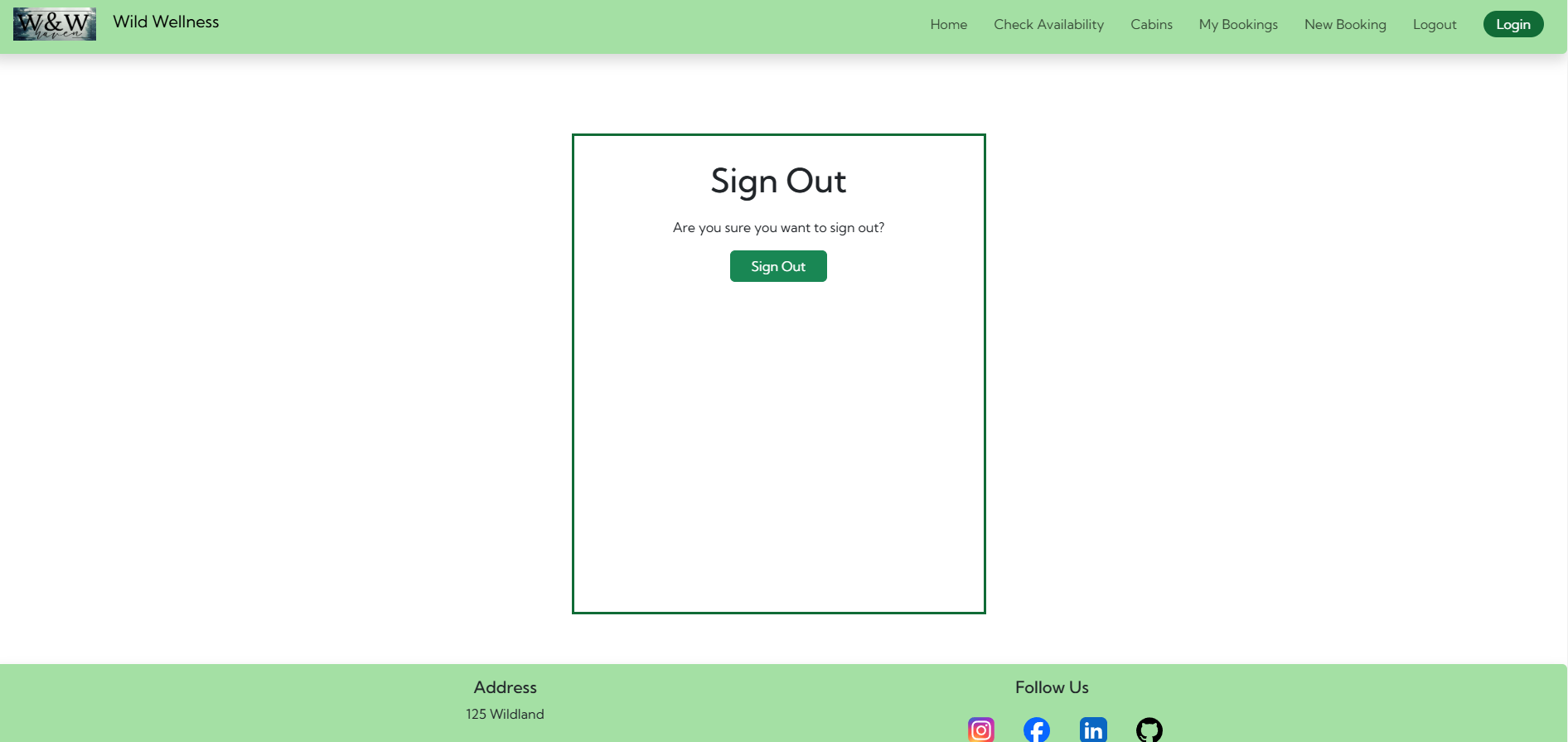
- User authentication with Django Allauth (signup, login, logout).
- Responsive UI with Bootstrap 5.
- Booking system with availability validation.
- Review system with modals for easy editing.
- CRUD Functionality:
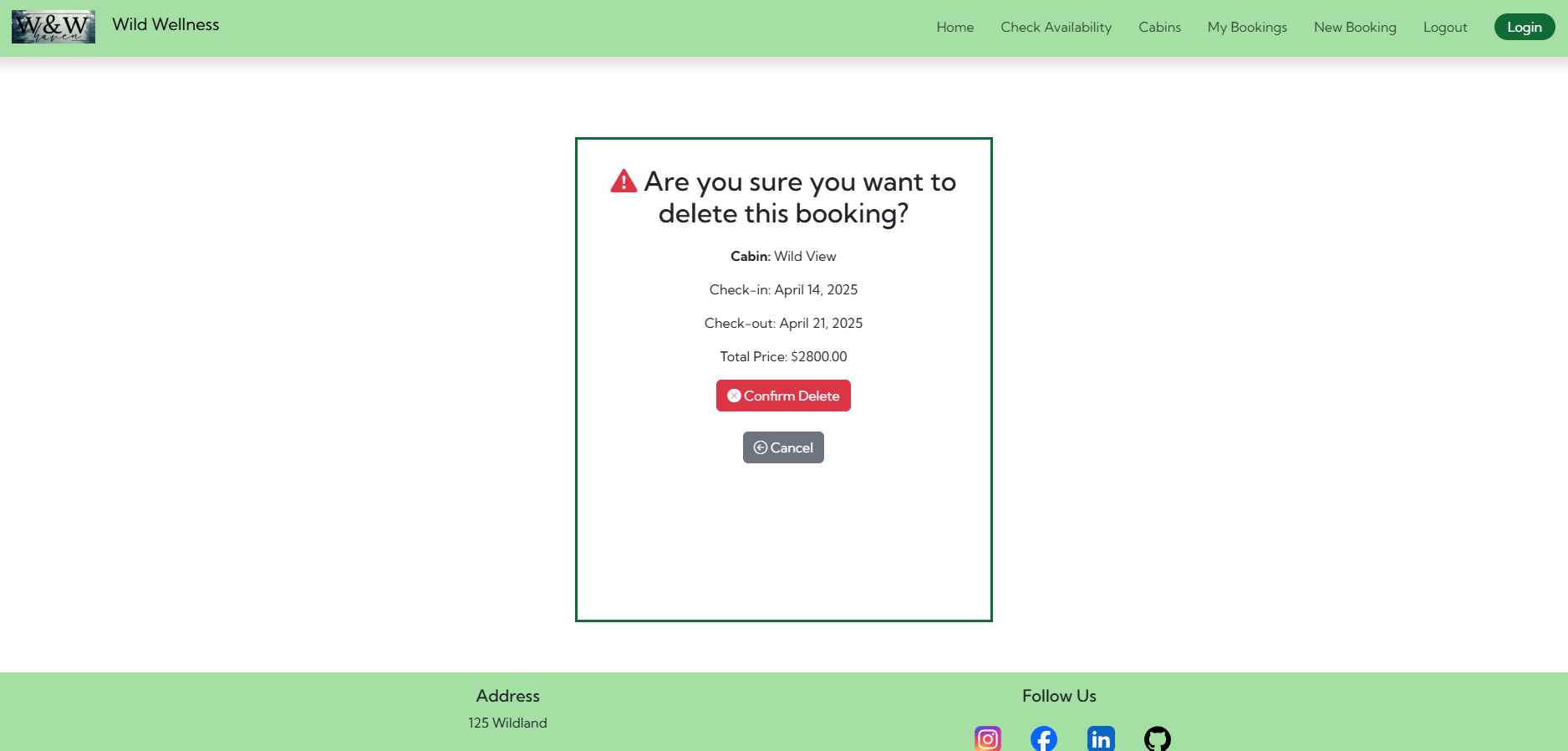
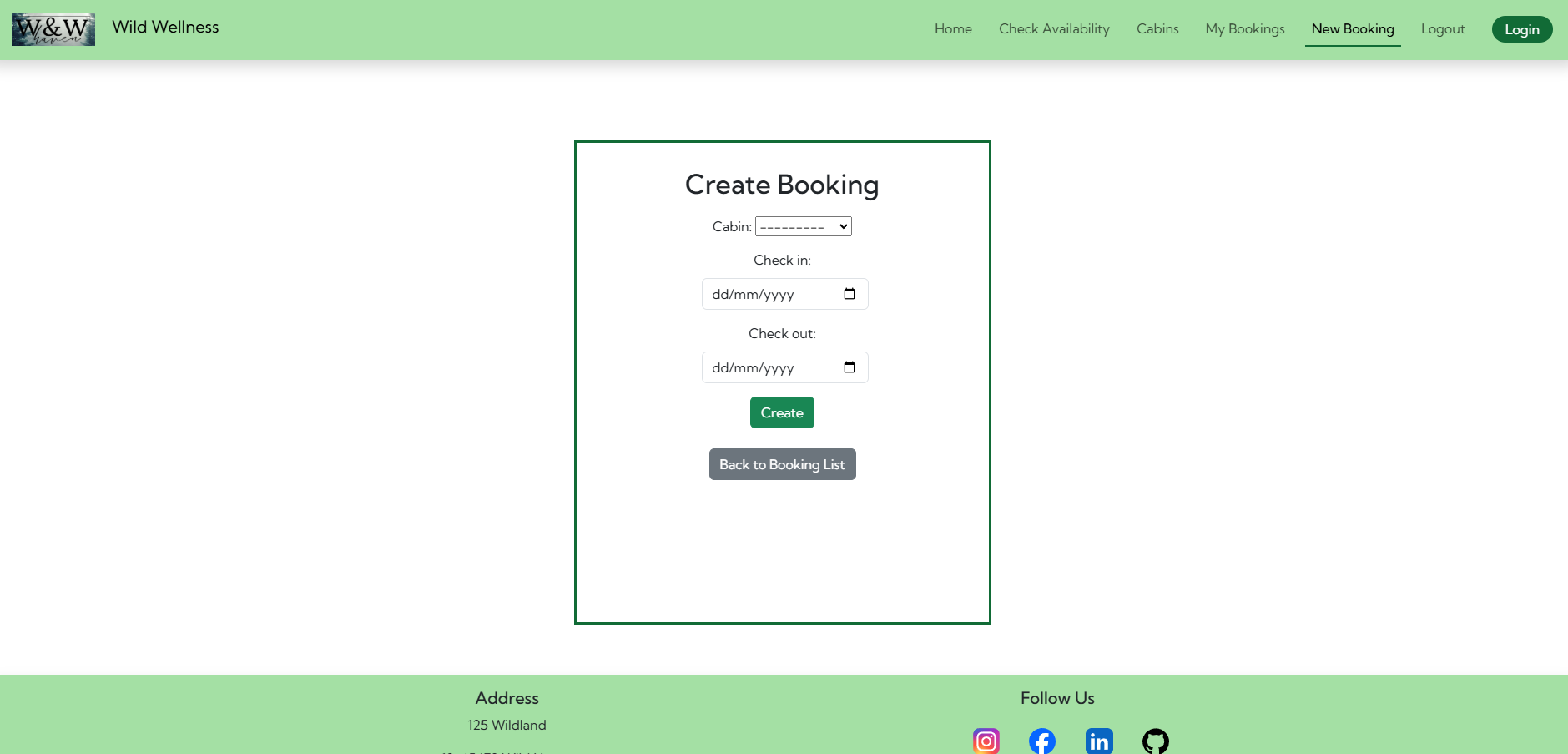
- Bookings – Users can create, view, update, and delete their bookings.
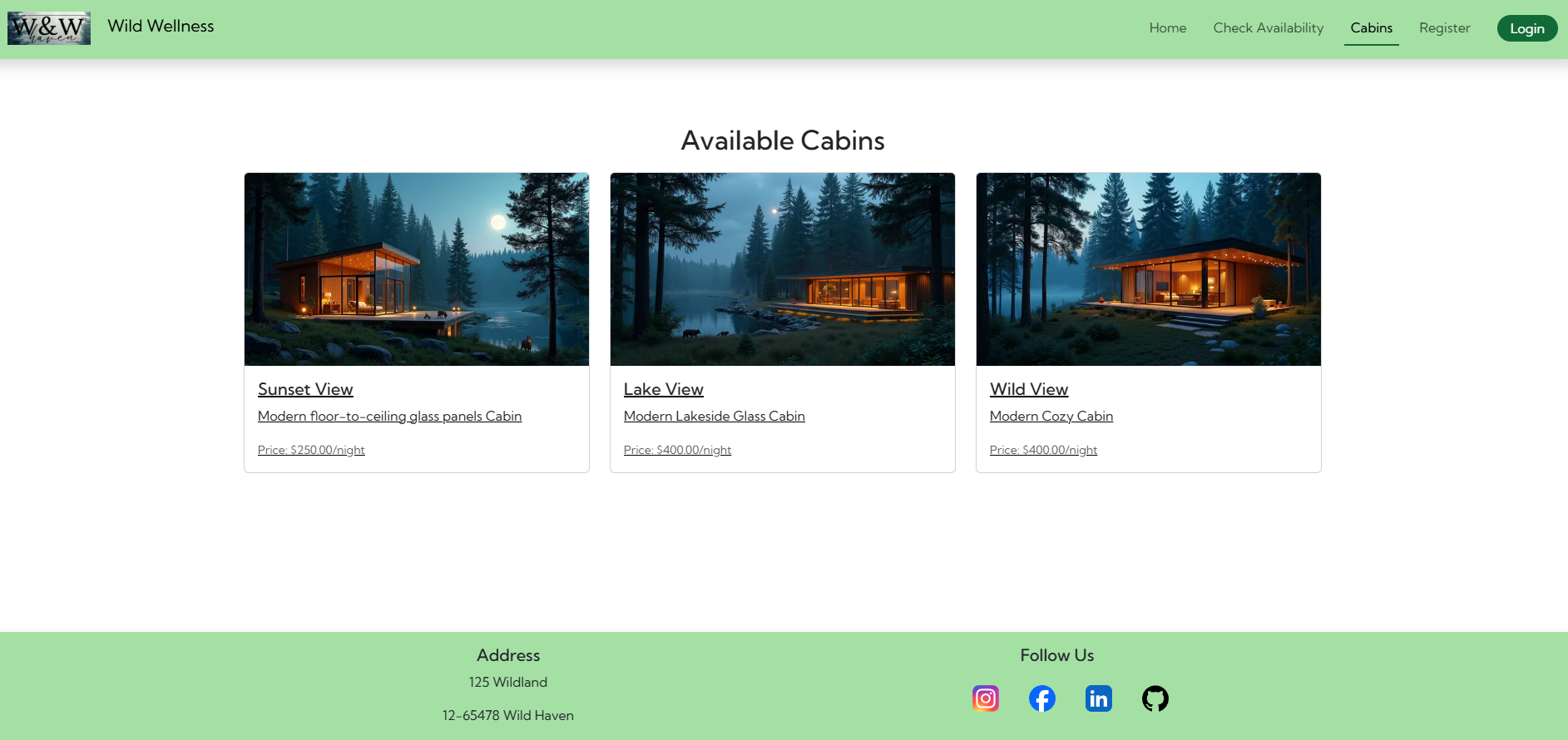
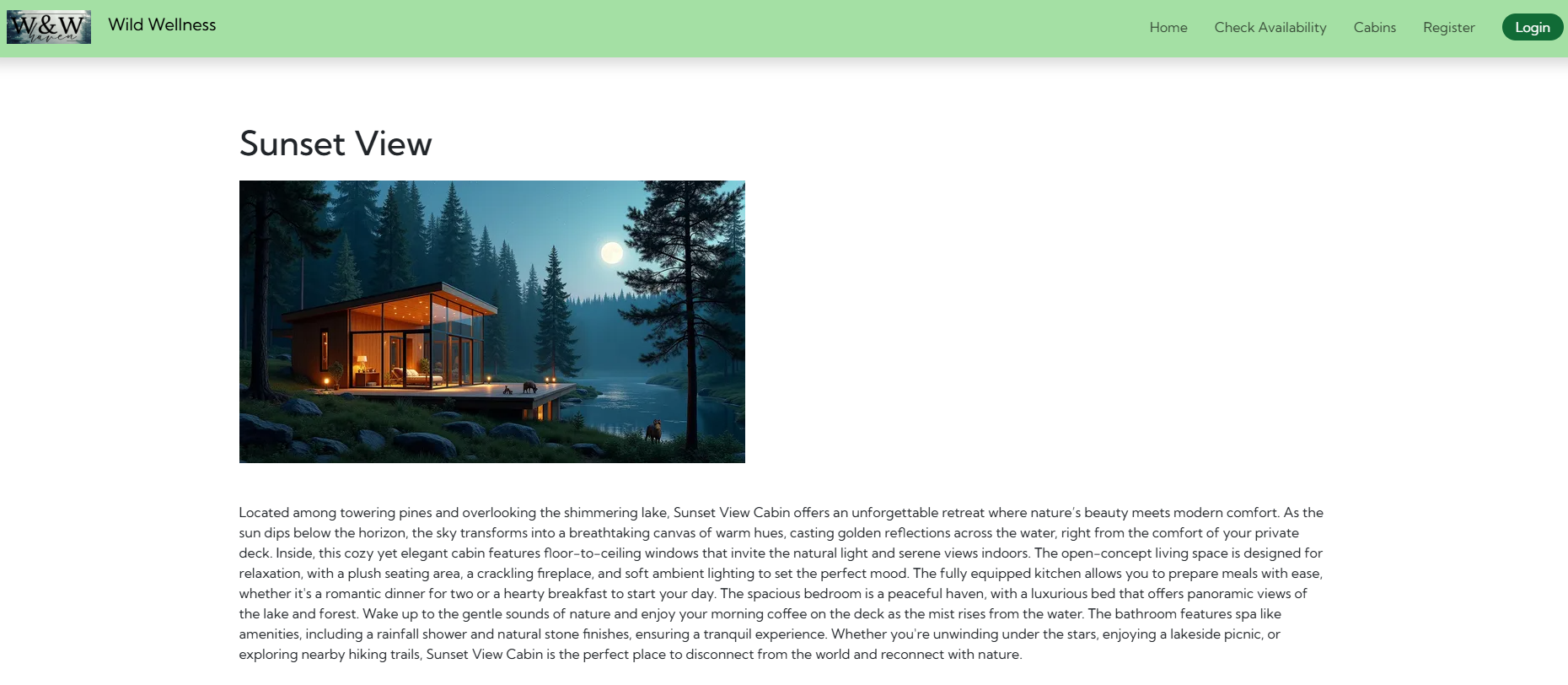
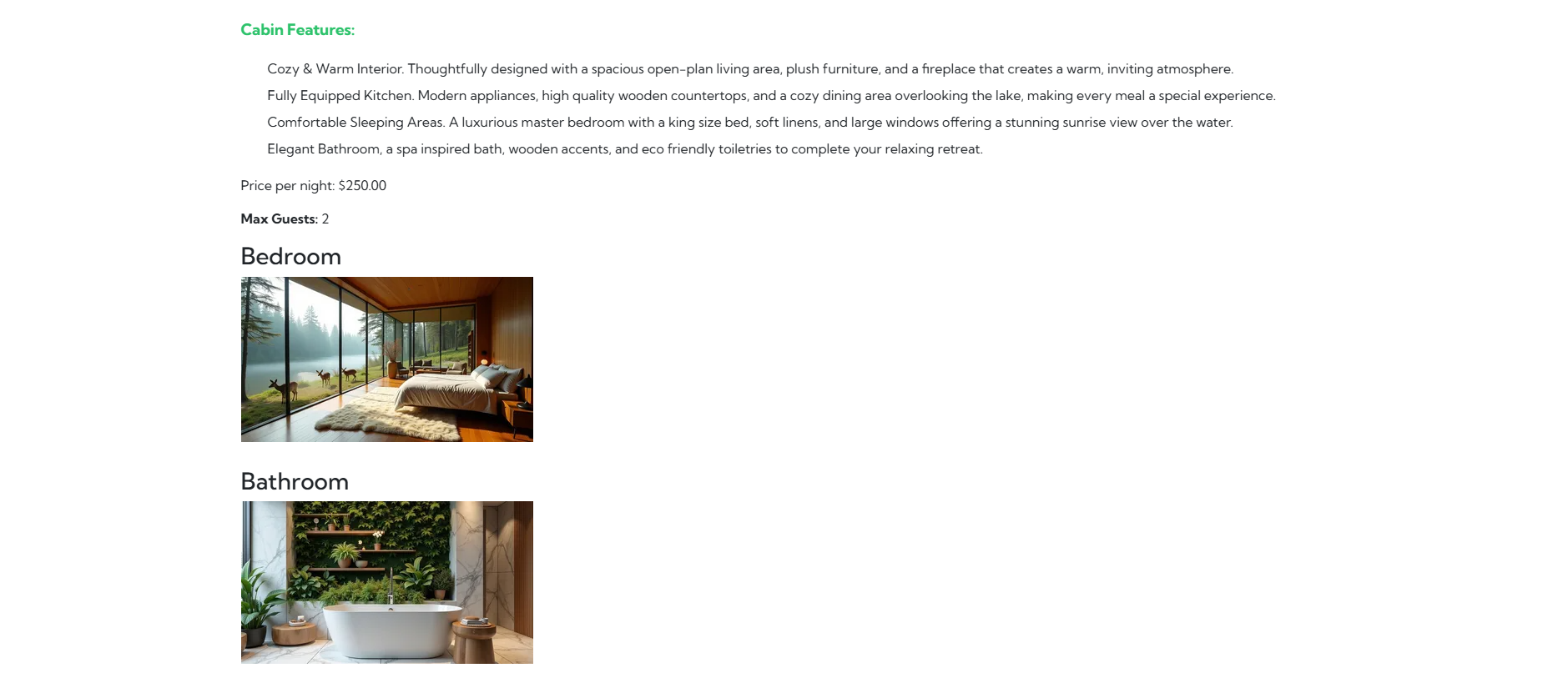
- Cabins – Admins can manage available cabins.
- Reviews – Users can add, edit, and delete their feedback. Admin can approve or delete review.
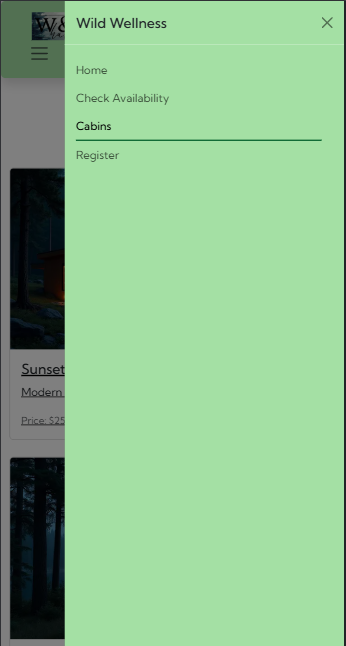
- Responsive Navbar with burger dropdown manu
- Navigation options depend of user authentication

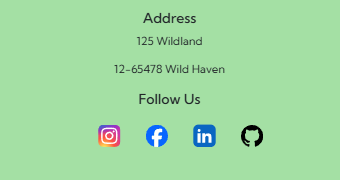
- Responsive Footer with social media links and address

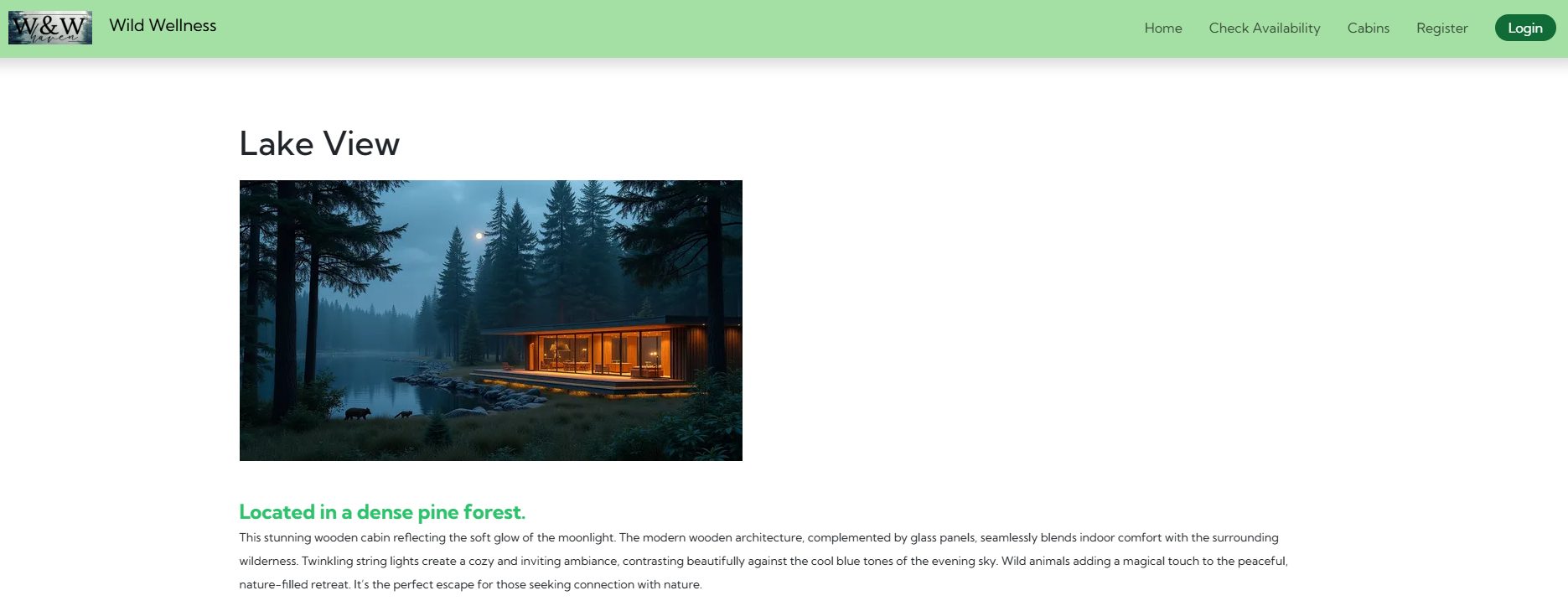
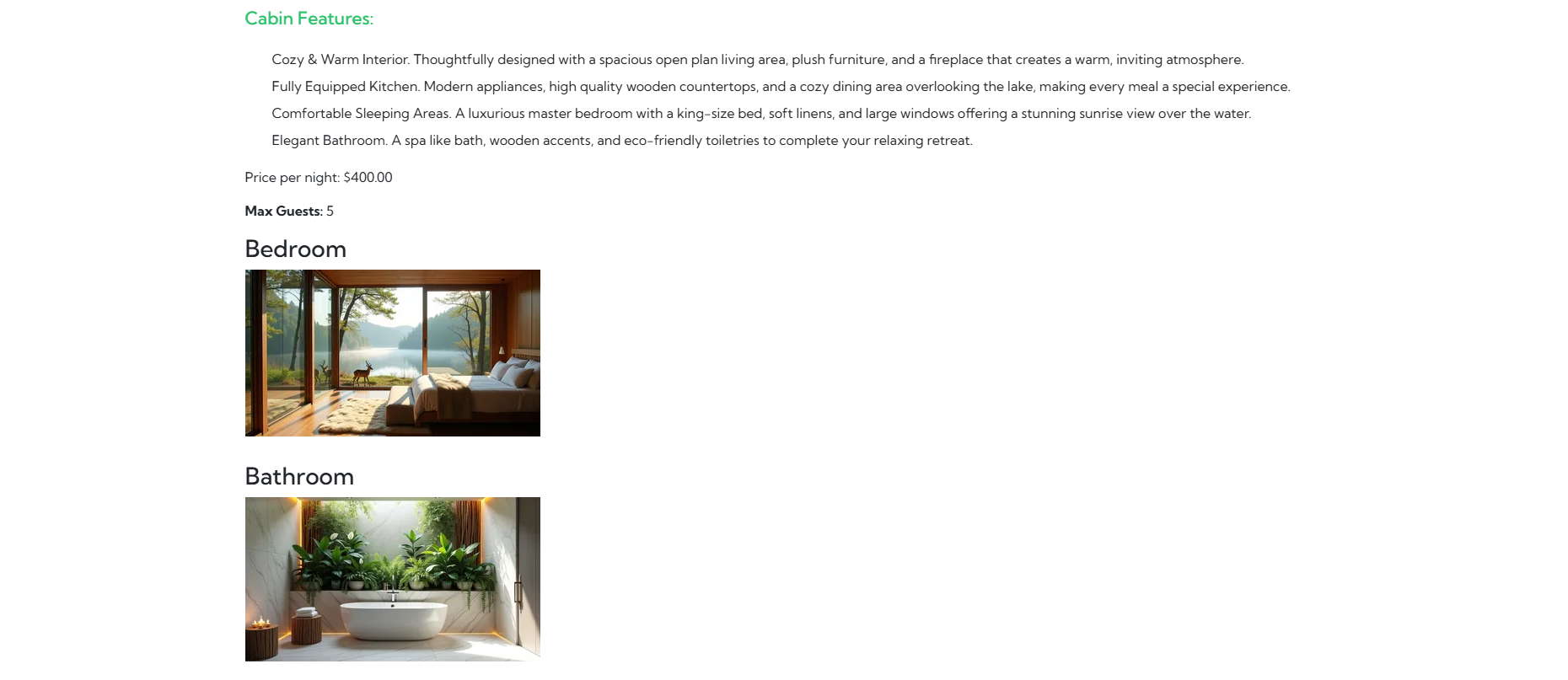
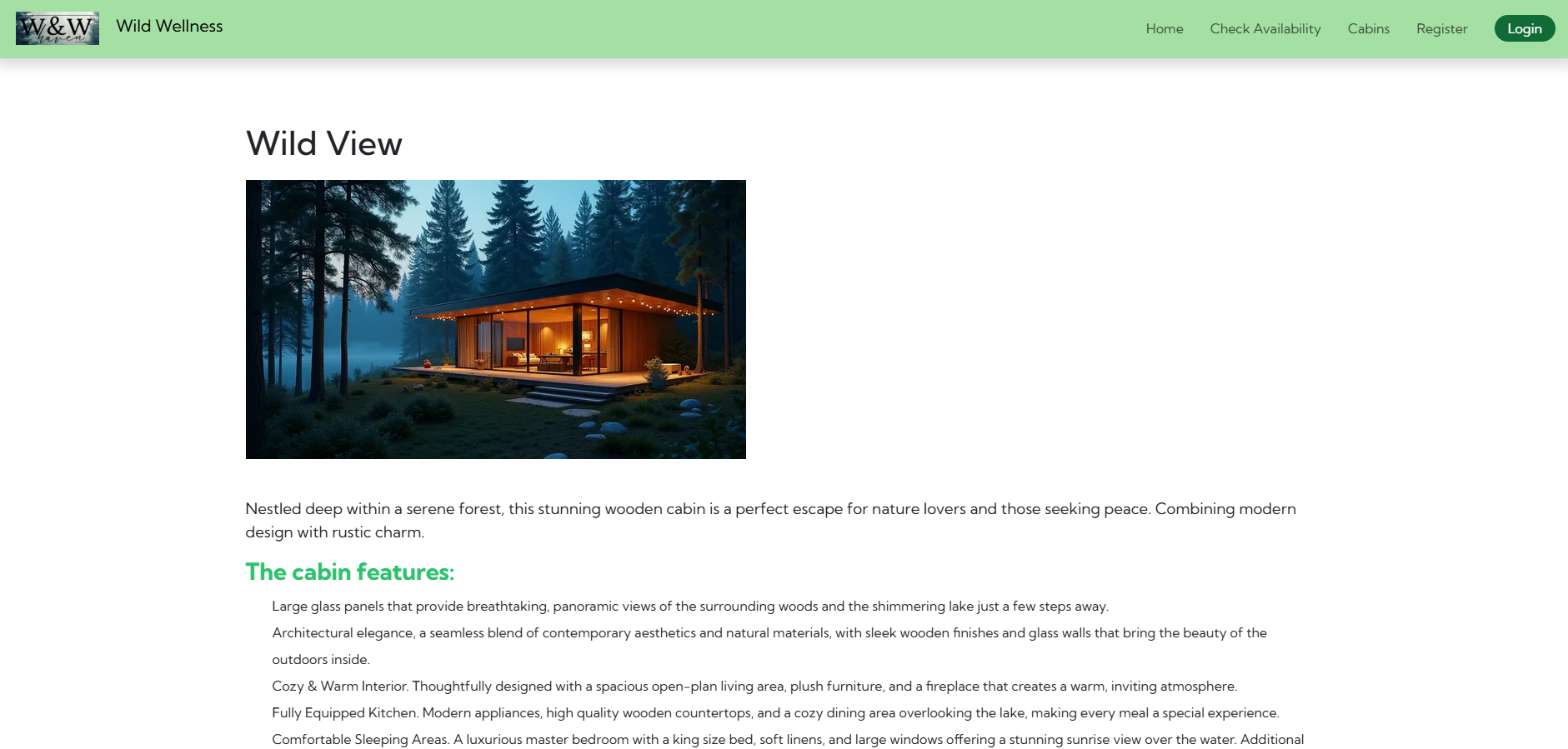
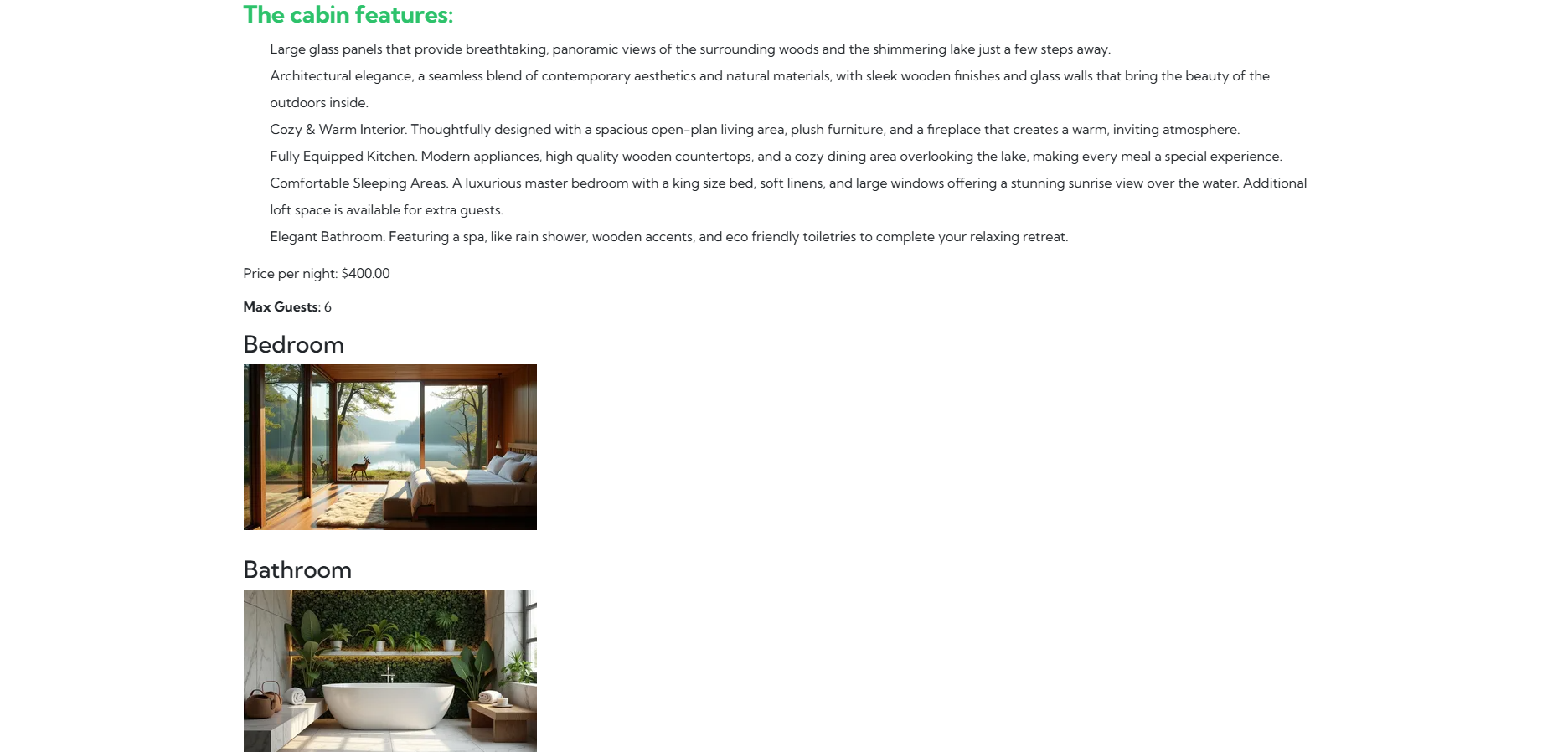



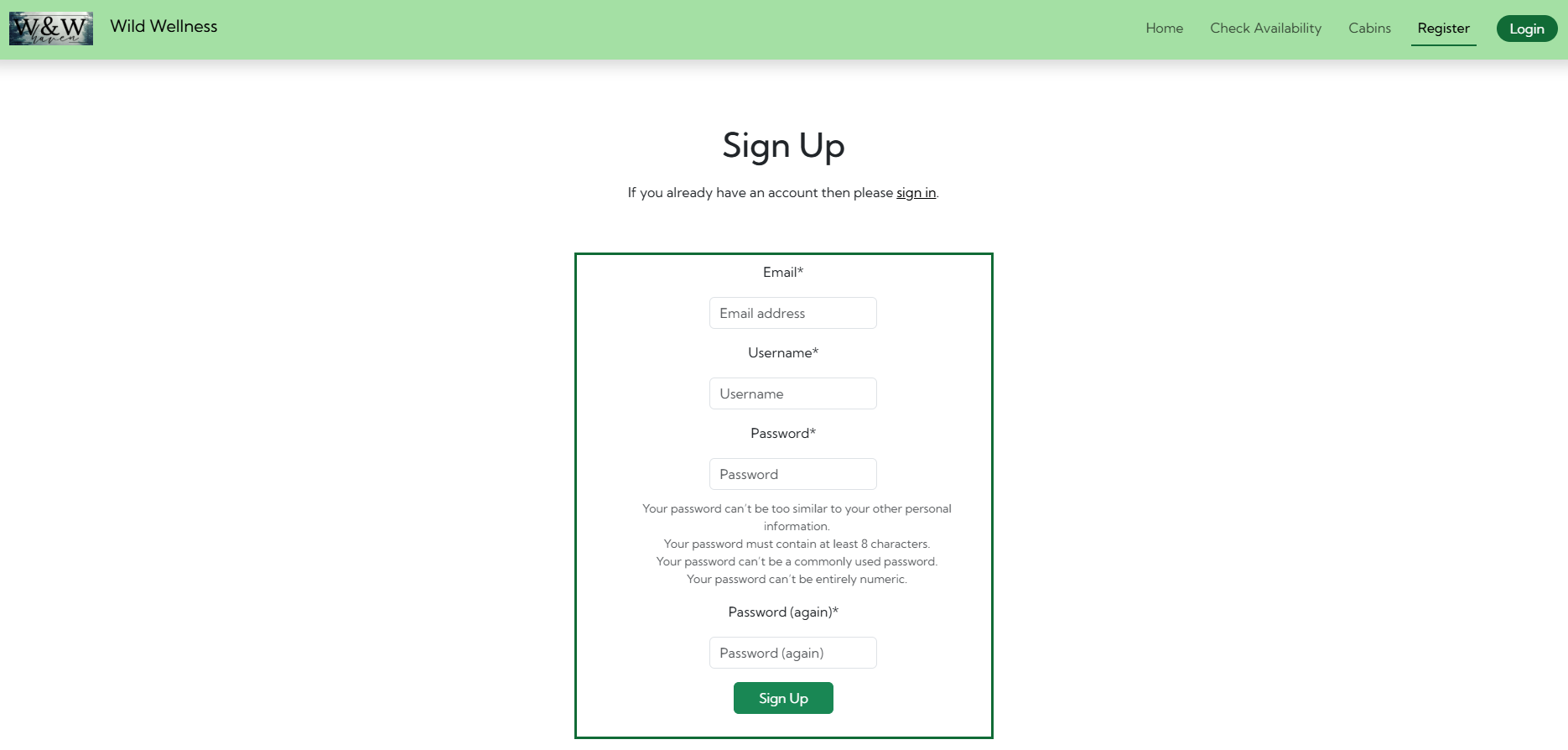
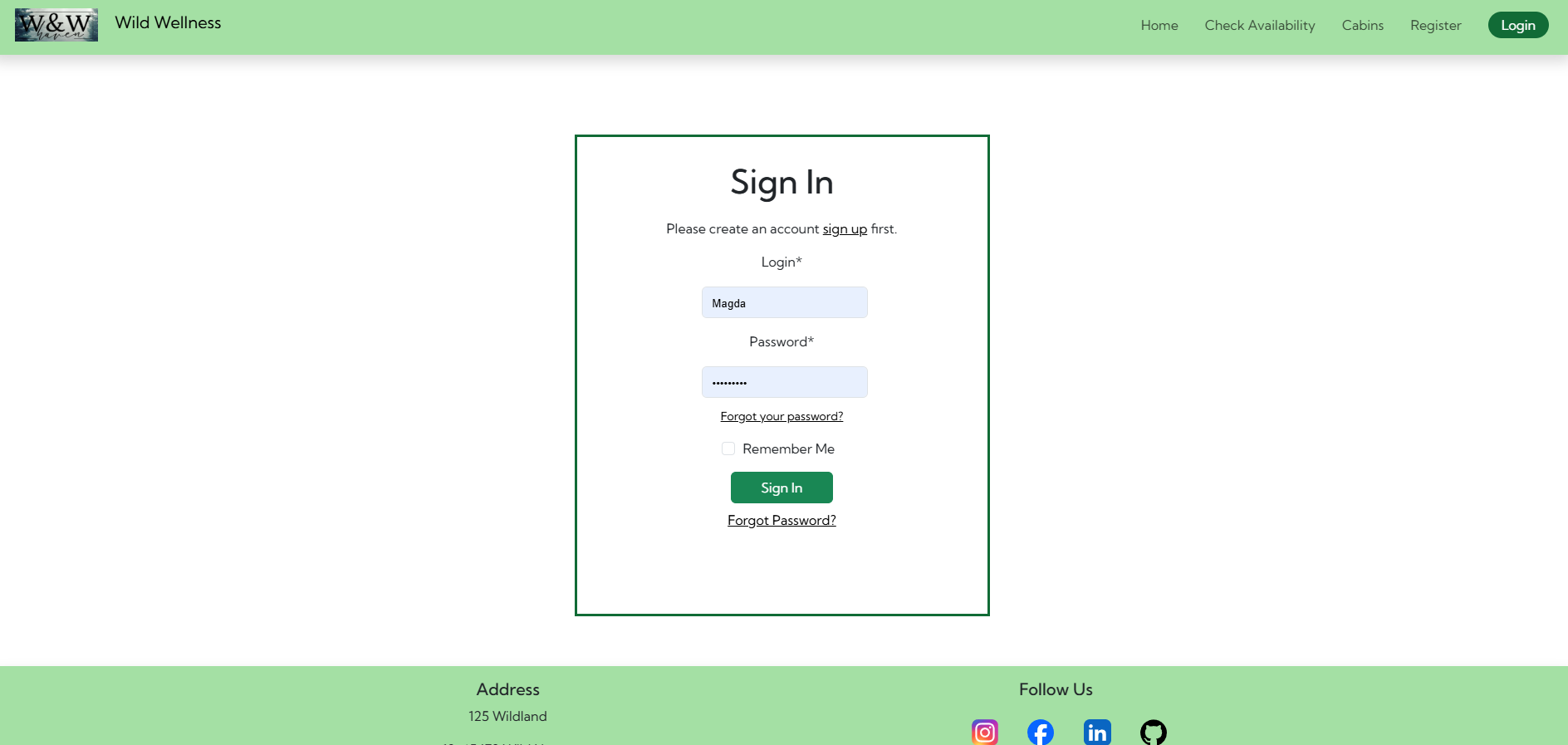
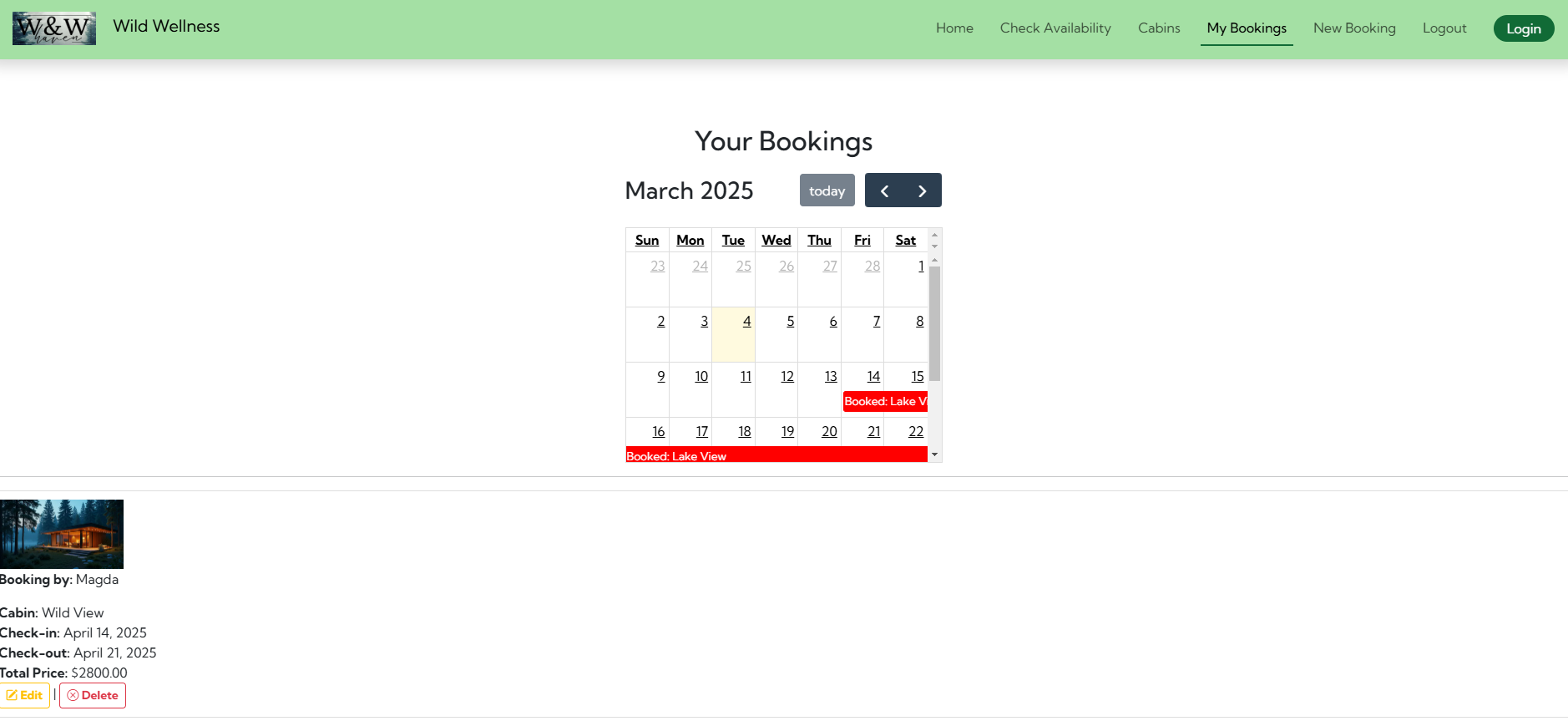
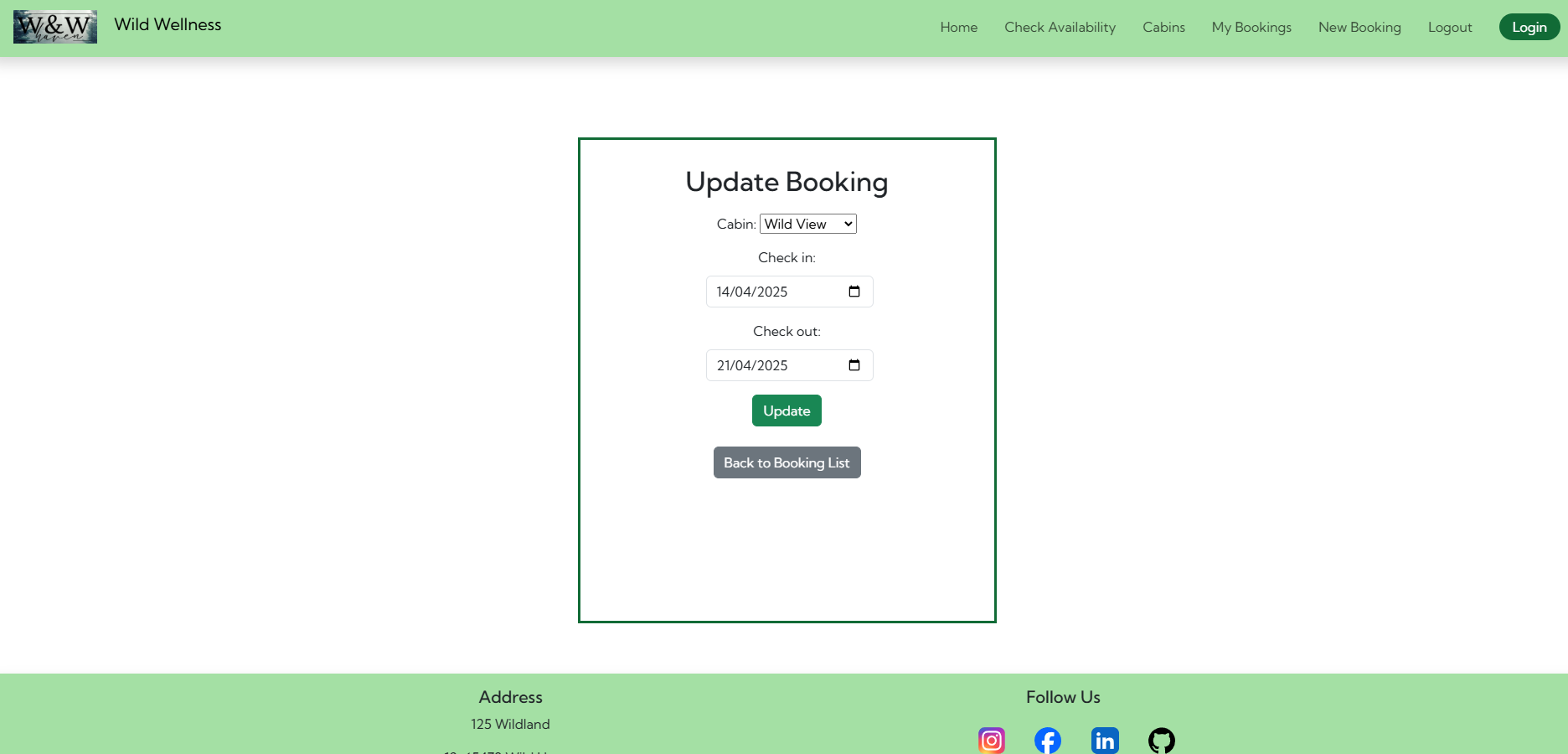
- Create Treatments app.
- Create Meals app.
- HTML (Used to structure the content and pages of the application. HTML templates are used to display dynamic data in the frontend)
- CSS (Used for styling the application)
- Bootstrap 5 (Used for styling, layout, and modals)
- Gunicorn (Python HTTP server for WSGI applications)
- WhiteNoise (Serves static files efficiently in production)
- django-allauth (User authentication)
- django-crispy-forms (Control the rendering behaviour of Django forms)
- crispy-bootstrap5 (Support for crispy forms)
- django-cloudinary-storage (Manages media and static files)
- django-resized (Optimizes image resizing)
- django-richtextfield (Provides rich text editing, used in the admin for creating cabin descriptions)
- django-extensions (Provides additional management commands, including graph_models for generating Entity Relationship Diagrams (ERD))
- Pillow (Python Imaging Library)
- Black (Python code formatter)
- Flake8 (Python linter used for python code validation)
- GitHub ( Repository hosting service used for version control)
- Heroku (Cloud platform where project was deployed)
- Cloudinary (Cloud storage for images)
- Visual Studio Code (VS Code) (Main code editor used for writing and testing this project)
- Gitpod (Online development environment for coding and testing)
-
Testing for layout and functionality completed on the below browser:
- Chrome ✅
- Edge ✅
- FireFox ✅
- DuckDuckGo ✅
-
For more manual tests please refer to Manual Testing
- Automated test created for booking app to test app functionality. All tests ok, no errors found.
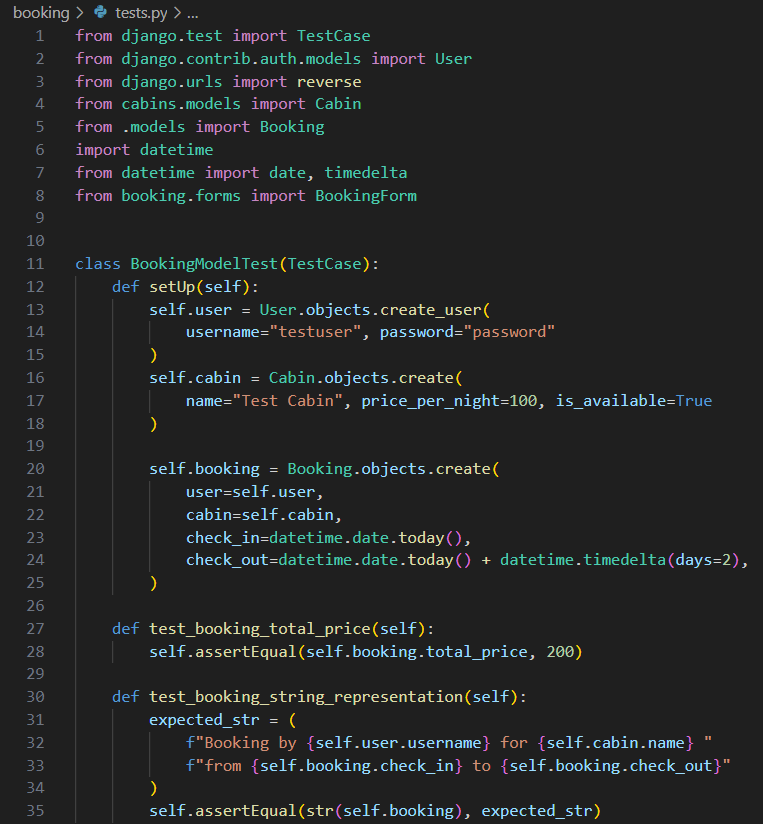
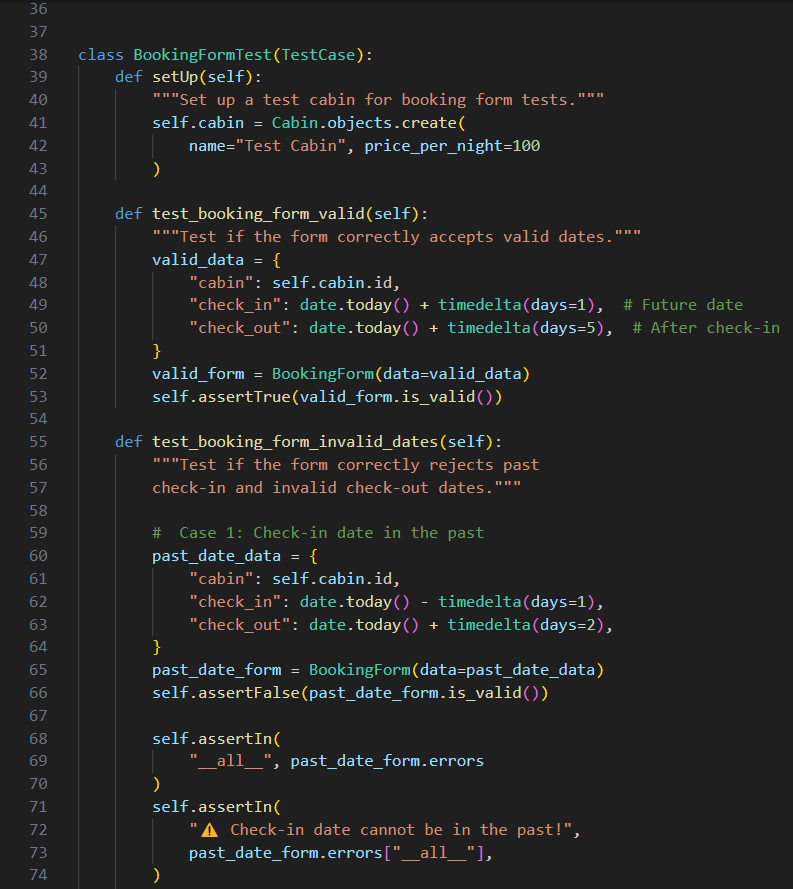
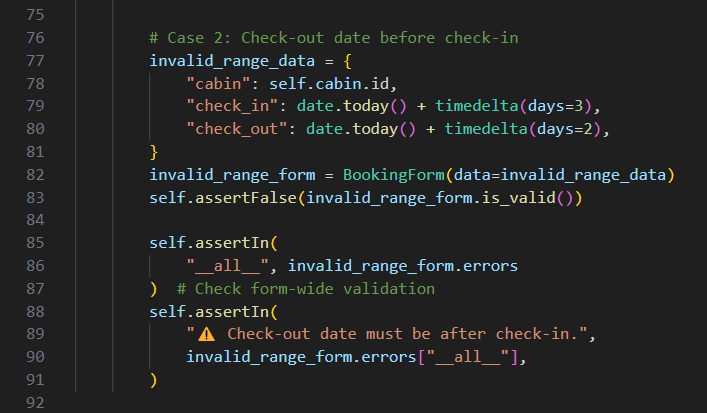
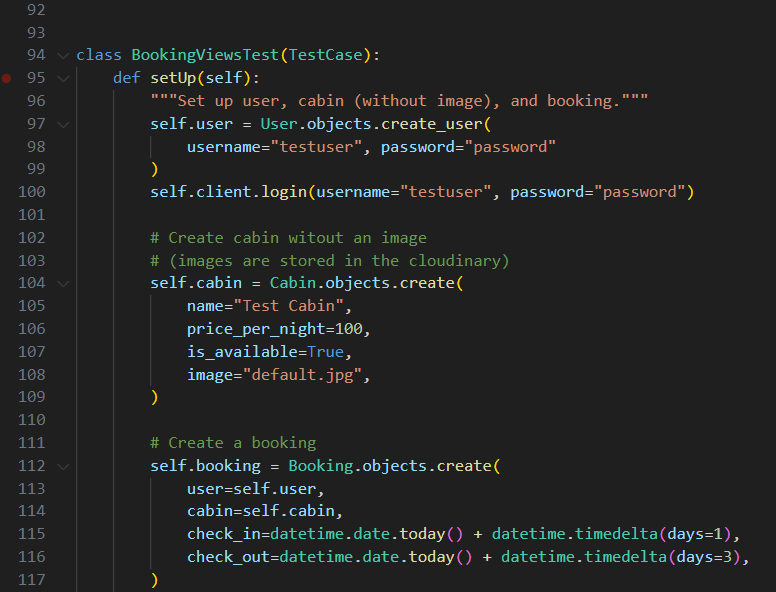
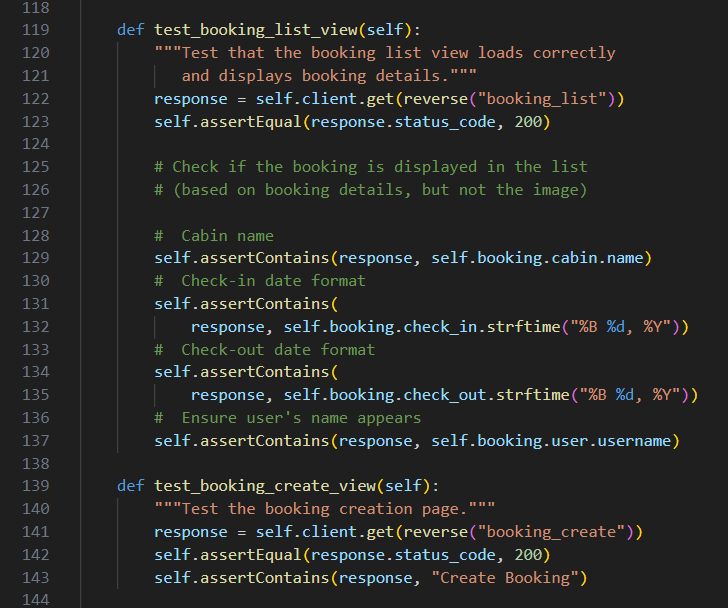
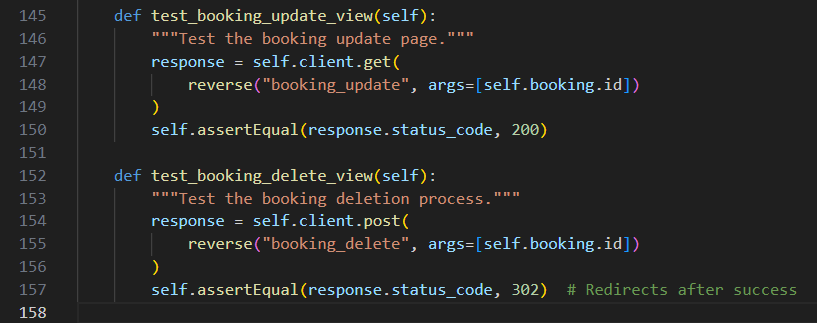
- Tests Results
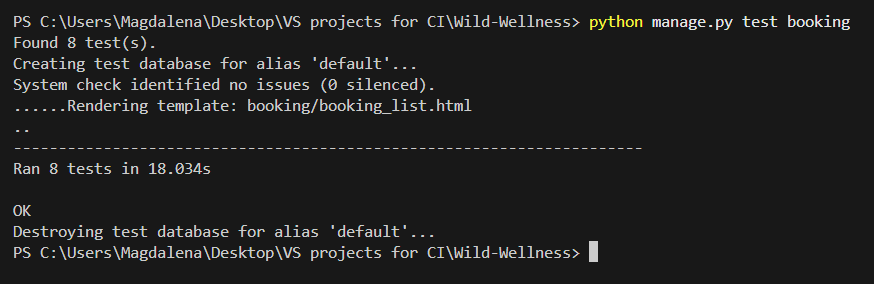
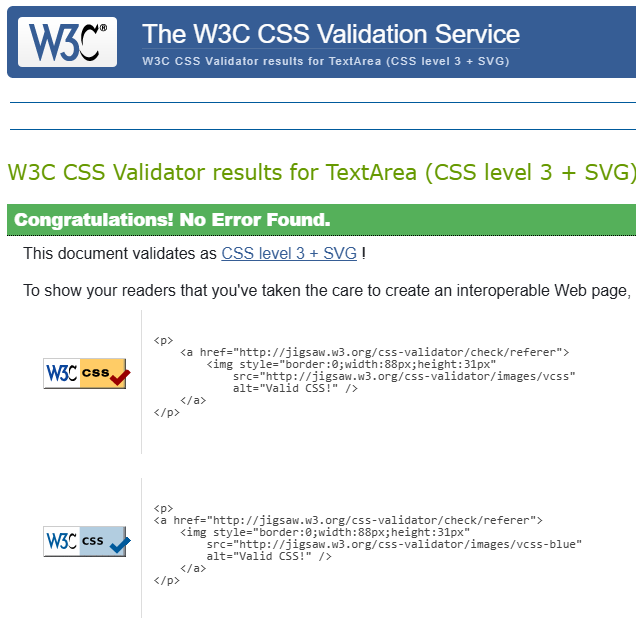
base.html
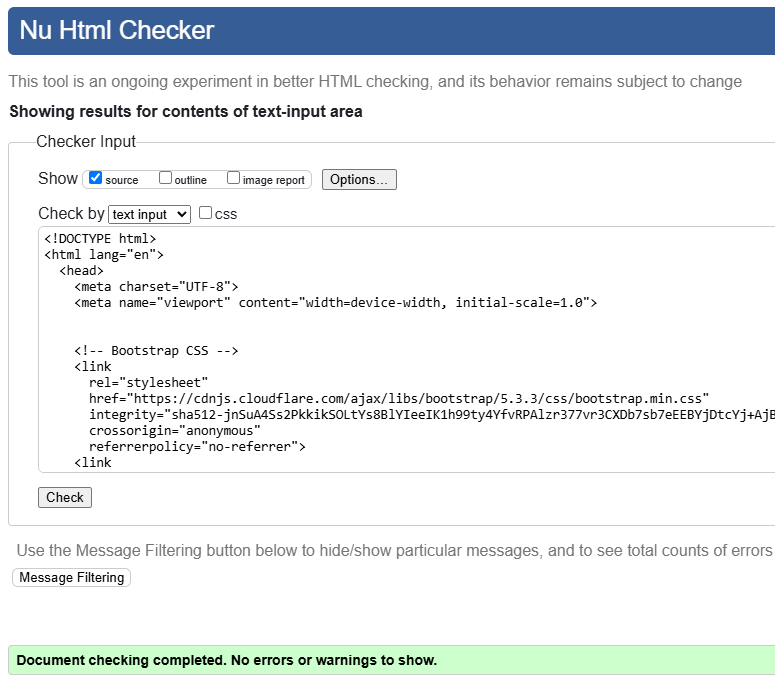
index.html
header.html
footer.html
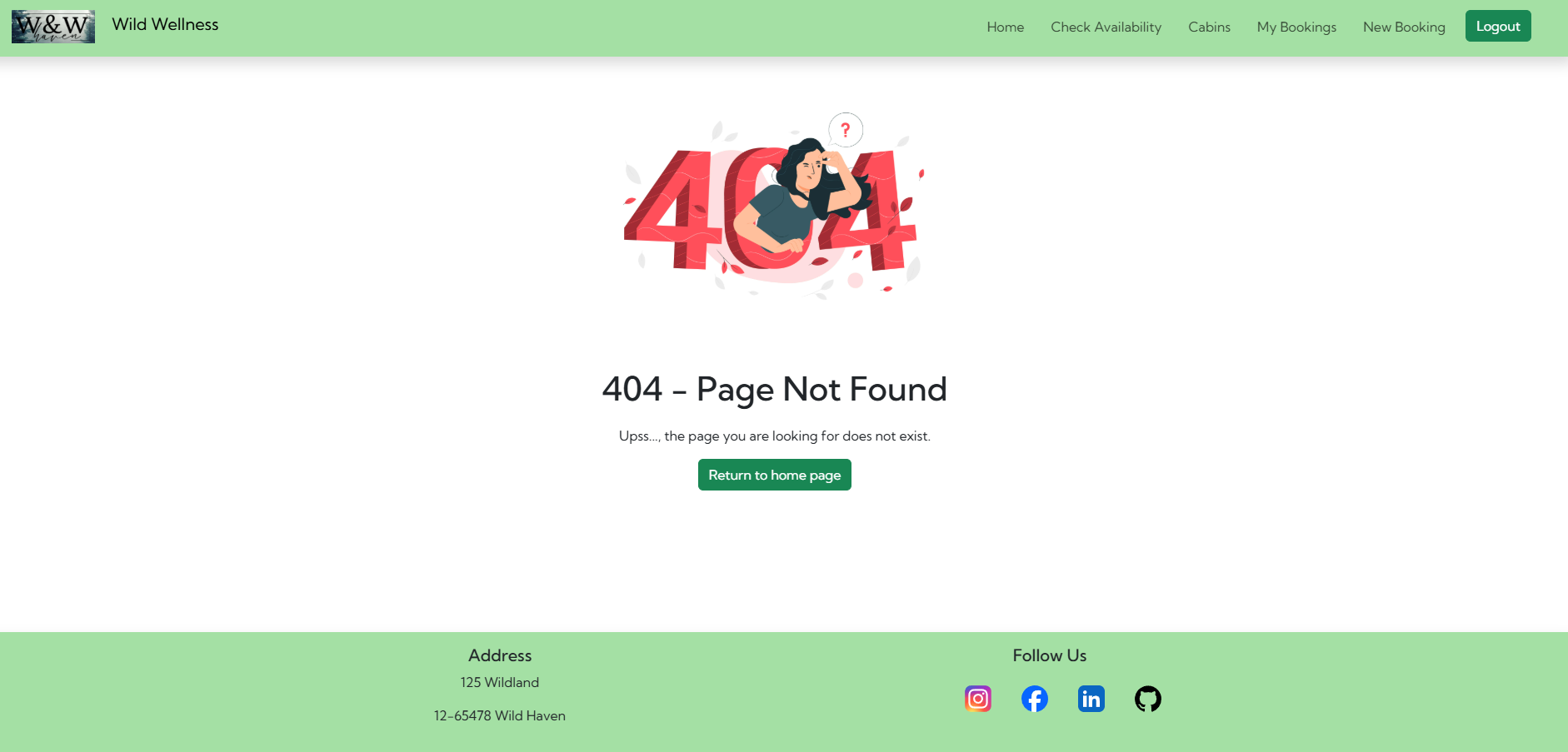
404.html
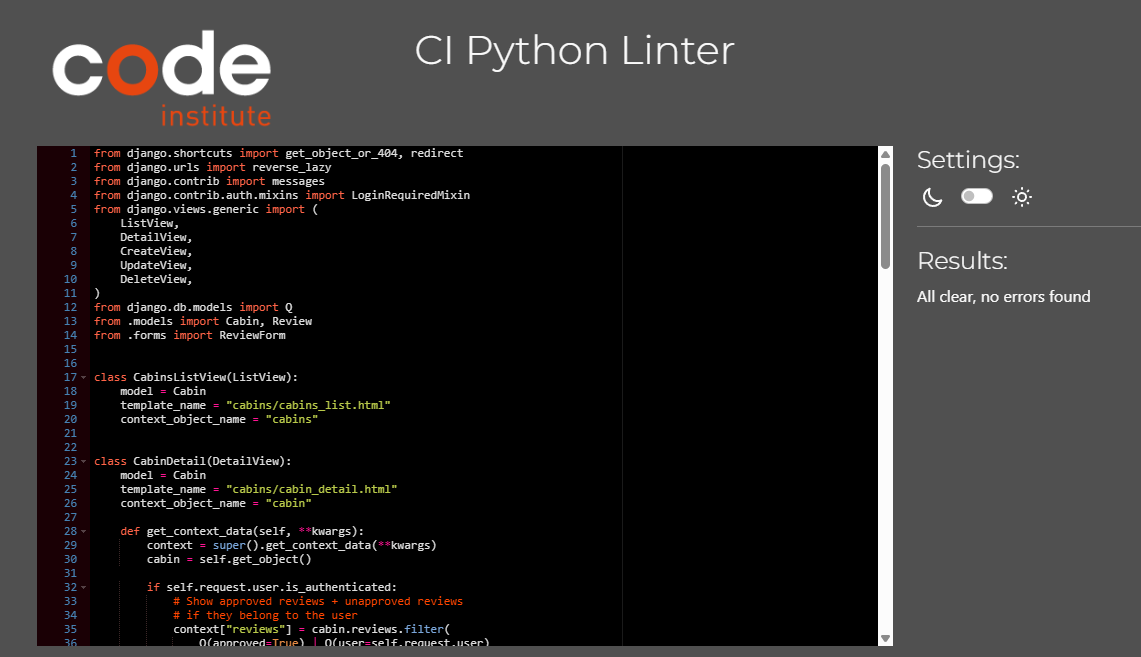
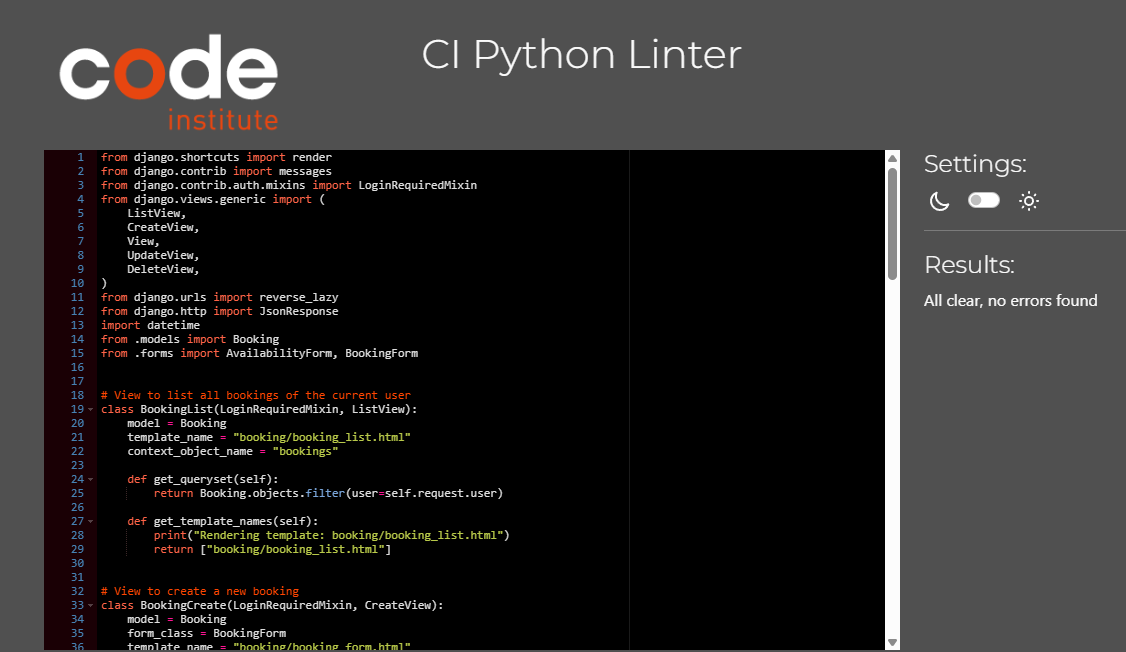
To maintain clean, readable, and PEP8 compliant code throughout the project:
- Black was used as an automatic code formatter. Since the project contains multiple Python files, Black ensured consistency and adherence to PEP8 standards across all files.
- Flake8 was used as a Python linter to check for potencial errors and enforce coding standards.
Special attention was given to views.py files for cabins and booking apps to ensure high quality code, so double checked these files with CI Python Linter
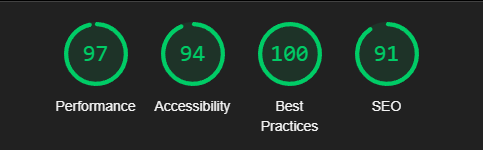
Mobile
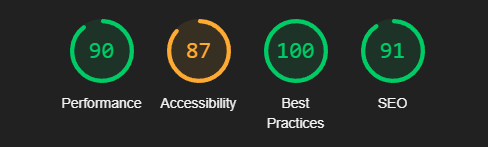
Desktop
-
Modal for Updating Reviews did not work
- Issue: The update review modal was not functioning properly, preventing users from editing their reviews.
- Fix: Fixed the form submission method inside the modal and ensured the correct review ID was passed to update the right review.
-
Booking Form overlapping validation did not work
- Issue: The form was incorrectly flagging valid booking updates as overlapping. When a user tried to adjust their booking (e.g., shorten the stay), the system incorrectly rejected the update.
- Fix: Adjusted the overlapping booking validation logic in forms.py to exclude the current booking instance when checking for conflicts.
-
Booking List View Test failed
- Issue: The test cases for booking views were failing due to image handling by ResizedImageField and Cloudinary
- Fix: Adjusted the test setup to exclude image validation when testing views. This ensured that tests didn't attempt to access Cloudinary stored images.
-
Static Files did not load in Deployment (WhiteNoise Issue)
- Issue: CSS and JavaScript files were not loading correctly after deployment.
- Fix: Configured WhiteNoise in settings.py and made sure collectstatic was running properly.
- No unfixed bugs.
- The project was developed using the Code Institute Template, the Gitpod editor, and was pushed to GitHub in the remote repository Wild-Wellness.
- Git commands were used to push the code to the repository.
- The project was deployed to Heroku with the following steps:
- Create an account and log in to Heroku
- Go to the dashboard, click New, then Create new app
- Navigate to Settings
- Go to Config Vars, click Reveal Config Vars, and add the KEY, and the VALUE for Database, Cloudinary and Secret Key. Click add
- Go to VS Code project settings and allow Heroku as a host (ALLOWED_HOSTS = ['app-name.herokuapp.com', 'localhost'])
- Navigate to the Deploy tab at the top
- Click GitHub, then Connect to GitHub
- Search for the repository you want to deploy and click connect
- Select Enable Automatic Deploys or Deploy Branch
- Go to the https://github.com/Magda-R-bit/Wild-Wellness reposotory on GitHub
- Click on the Code button located above the project files
- Select HTTPS and copy the repository link
- Open your work environment, type git clone and paste the copied Git URL and press Enter
- The project is now created as a local clone
- Log into GitHub and click on repository to download (Wild-Wellness)
- Click the Fork button in the top right-hand corner
- Click Create Fork
- The repository is now in your chosen account and can be cloned or changed
- Special Thanks:
- Spencer Barriball- For your mentorship. Your insights and advices were crucial to the success of this project
- ChatGPT-4 - For creating Cabins description and debugging
- Slack Community - For helping me solving issues with settings
- w3schools
- stackoverflow
- I Think Therefore I Blog Walkthrough Project
- Dee Mc
- DarshanDev
- Antonio Melé: "Django 5 By Example"
- Leonardo AI Used for creating Cabins images
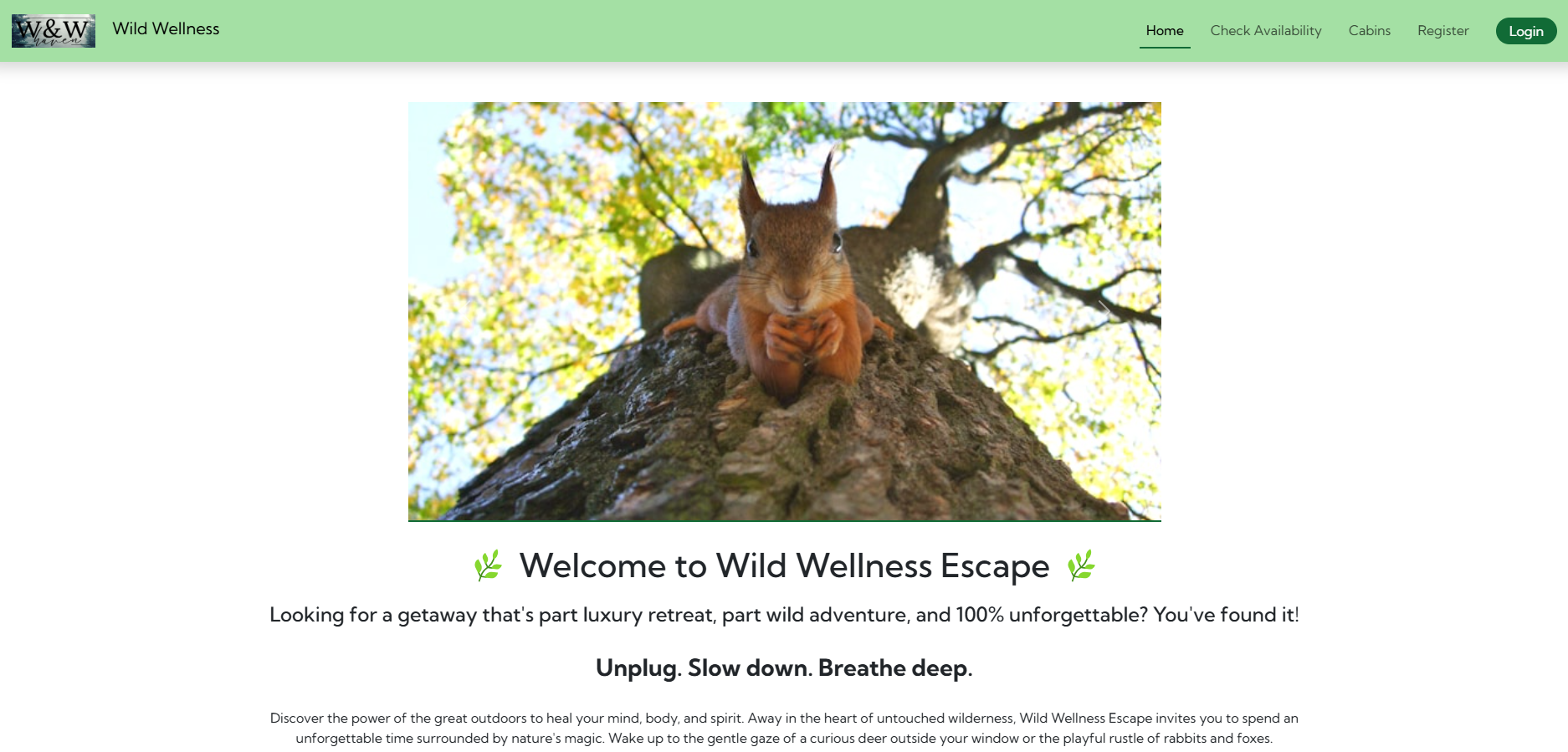
- Unsplash Used for images in the Home Page
- Canva Used for creating Logo
- Favicon Used for generating favicon