Good to know
The System Channel is the default chat and main text-channel of a server.
A servers system channel can be configured in the server settings under Overview -> SYSTEM MESSAGES CHANNEL
Almost every object on a server is equipped with a unique identifier code called ID. To access these IDs you have to enable the Developer Mode in your client settings.
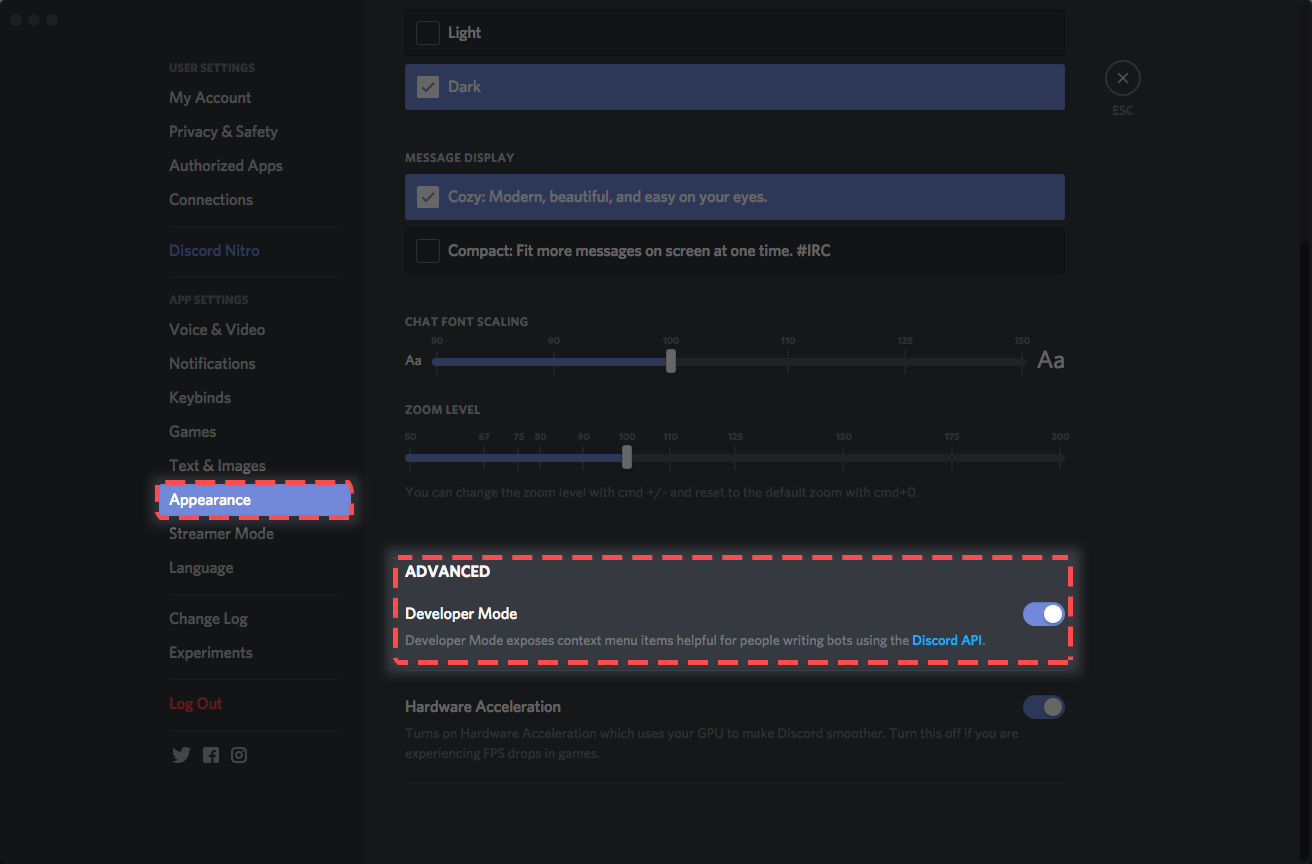
Now with Developer Mode enabled, right-click on users, channels, or roles to obtain their ID
Mentions help you to find the right user when executing a command. Simply use @username and Spark will search for users.