
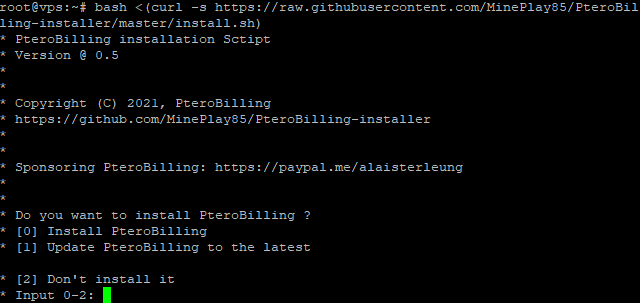
Go to your SSH root. (Use PuTTY or anymore ssh client)
- Execute the following command:
bash <(curl -s https://installer.pterobilling.org/install.sh)
You can read documentation: Official PteroBilling docs
| Operating System | Version | Can run the script? |
|---|---|---|
| Ubuntu | 18.04 | ✅ |
| 20.04 | ✅ | |
| 22.04 | ❌ Soon | |
| Debian | 9 | ✅ |
| 10 | ✅ | |
| 11 | ✅ | |
| CentOS | 6 | ❌ |
| 7 | ✅ | |
| 8 | ✅ |