

| Windows | Linux | OSX |
|---|---|---|
 |
 |
 |
 |
 |
 |
 |
||
 |
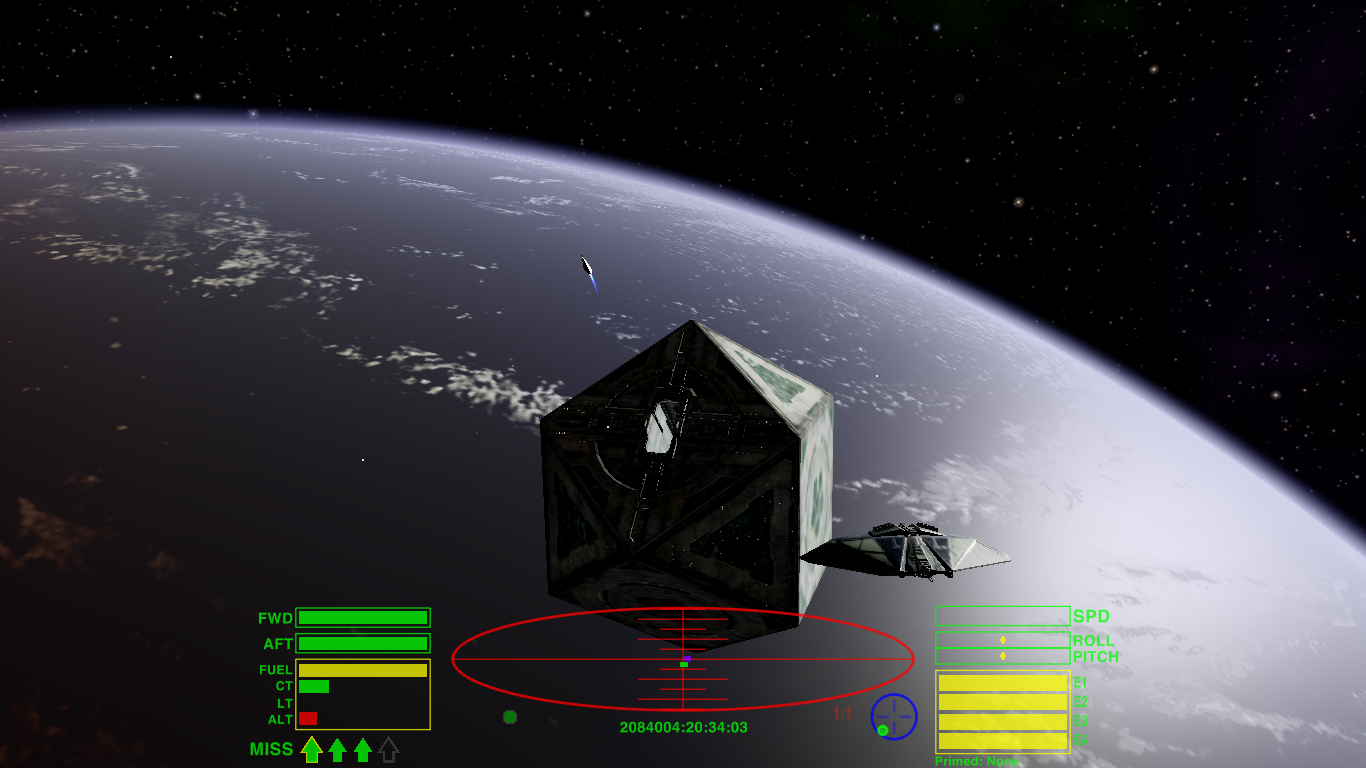
Oolite can be heavily customized via expansions. These modify the gameplay, add ships, improve graphics - the possibilities are almost endless:
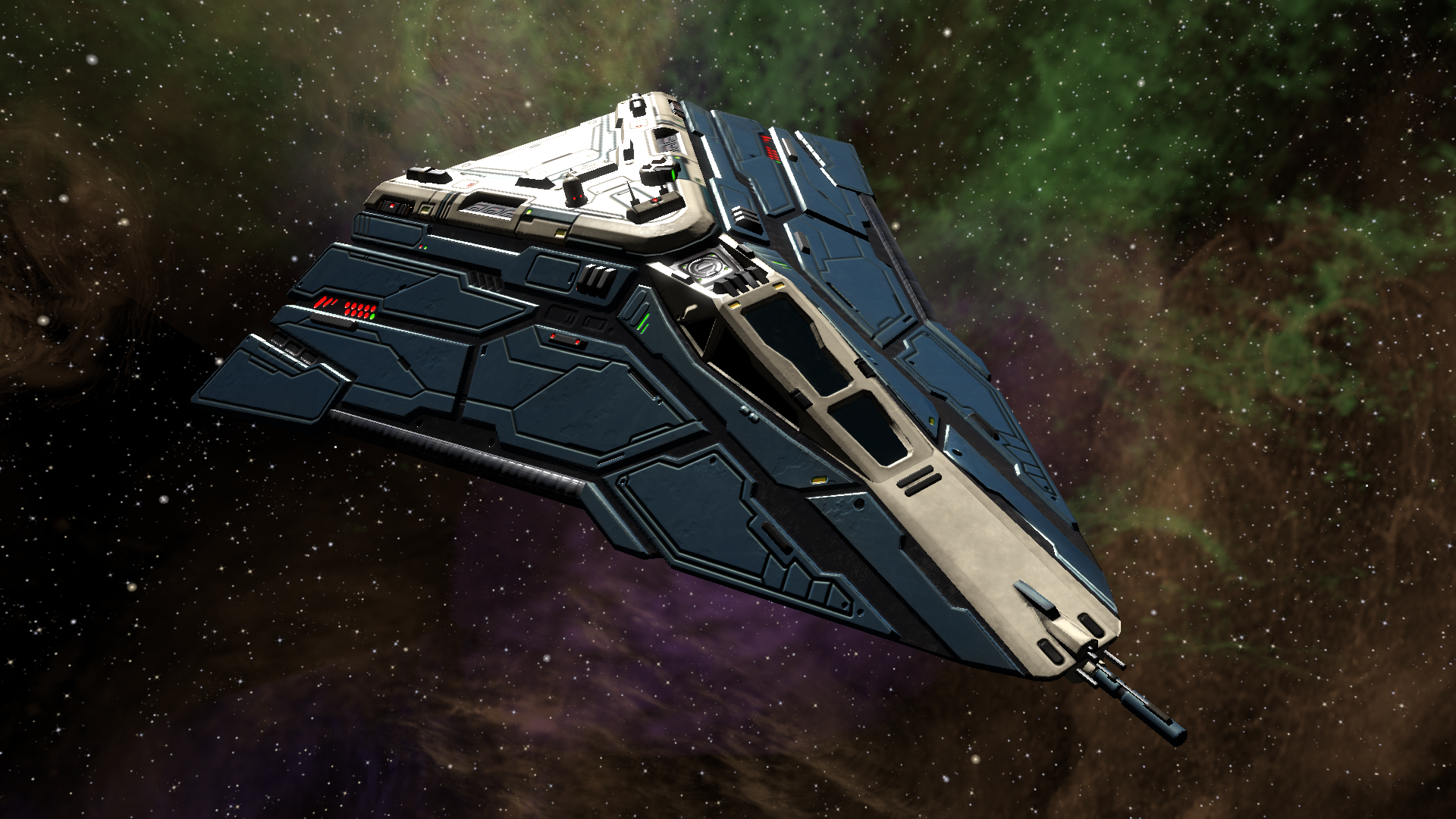
Oolite for all platforms can be built from this repository. Here is a quick guide to the source tree.
For end-user documentation, see oolite.space and Elite Wiki.
Please join the Oolite Bulletin Board, a friendly community of Oolite fans and developers!
We welcome developers to work on Oolite! If you wish to build the project from source, please follow the instructions below. Note that the scripts require sudo for activities like installing dependent libraries built from source and for installing packages on some Linux distros. If you run into difficulties, you can seek help on the Oolite Bulletin Board.
The Oolite source is available from GitHub. With Git installed, check out the Oolite repository and its submodules:
git clone --filter=blob:none --recurse-submodules https://github.com/OoliteProject/oolite.git
cd ooliteSee the Oolite wiki: http://wiki.alioth.net/index.php/Running_Oolite-Windows
After checking out the Oolite repository and its submodules, run the following to check out the dependencies of Oolite that need to be built from source:
DevEnvironments/Linux/checkout_deps.shNext run this to install required packages and build dependencies and Oolite:
DevEnvironments/Linux/install.sh releaseThe completed build (executable and games files) can be found in the Oolite.app directory.
Subsequently you can clean and build as follows:
source /usr/local/share/GNUstep/Makefiles/GNUstep.sh
make -f Makefile clean
make -f Makefile release -j$(nproc)
Other targets are release-deployment for a production release and release-snapshot for a debug release.
This target builds an AppImage for testing which can be found in installers/appimage:
make -f Makefile pkg-appimage -j$(nproc)The target pkg-appimage-deployment is the production release, while pkg-appimage-snapshot is for debugging.
You will need the latest version of Xcode from the App Store. Then double click on the Xcode project in the Finder, select one of the Oolite targets from the Scheme pop-up, and hit Build and Run (the play button in the toolbar).
-
If you get errors like
fatal error: jsapi.h: No such file or directory, there was probably an issue with checking out the submodules. -
On Fedora: If you get errors like
gcc: fatal error: environment variable ‘RPM_ARCH’ not defined, try the following workaround before compiling:
export RPM_ARCH=bla
export RPM_PACKAGE_RELEASE=bla
export RPM_PACKAGE_VERSION=bla
export RPM_PACKAGE_NAME=bla- If you can't see any textures, try deleting the following files, and compile again although these are already excluded from modern builds.
rm deps/Linux-deps/include/png.h
rm deps/Linux-deps/include/pngconf.h- If you get compiler errors, you can try compiling with:
make -f Makefile release OBJCFLAGS="-fobjc-exceptions -Wno-format-security" -j$(nproc)- debian: Files to enable automatic setup under Linux using dpkg (Debian package manager) tools
- DebugOXP: Debug.oxp, the expansion pack that enables console support in debug and test release builds
- deps
- Cocoa-deps: Dependencies for Mac OS X
- Cross-platform-deps: Dependencies for platforms other than Mac OS X
- Linux-deps: Dependencies for Linux on x86 and x86_64 processors
- URLs: URLs used for binary dependencies on Mac OS X
- Windows-deps: Dependencies for Windows on x86 and x86_64 processors
- Doc: Documentation (including user guides)
- DevEnvironments: Scripts to build from source on Windows and Linux
- installers: Files used to create various installers
- Mac-specific: Additional projects used only on Mac OS X
- DataFormatters: Debugger configurations for Xcode
- DebugBundle: Implements the Debug menu and in-app console
- OCUnitTest: A small number of unit tests
- Oolite-docktile: An embedded plug-in which implements the Oolite dock menu when Oolite is not running
- Oolite-importer: A Spotlight importer to make saved games and OXPs searchable
- Oolite.xcodeproj: The OS X Xcode project to build Oolite
- Resources: Game assets and resource files for Mac and GNUstep application bundles
- Schemata: Plist schema files for the OXP Verifier
- src: Objective-C and C sources, incuding header files
- BSDCompat: Support for BSDisms that gnu libc doesn't have (strl*)
- Cocoa: Files that are only compiled on Mac OS X
- Core: Files that are compiled on all platforms
- SDL: Files that are only compiled for platforms that use SDL
- tests: A mixed bag of test cases for manual testing and ad-hoc code tests.
- tools: Various tools for preparing files, builds, releases etc.