So I came across this awesome, kinda skeuomorphic-ish custom switch design on Dribbble and thought it was cute, so here you go:
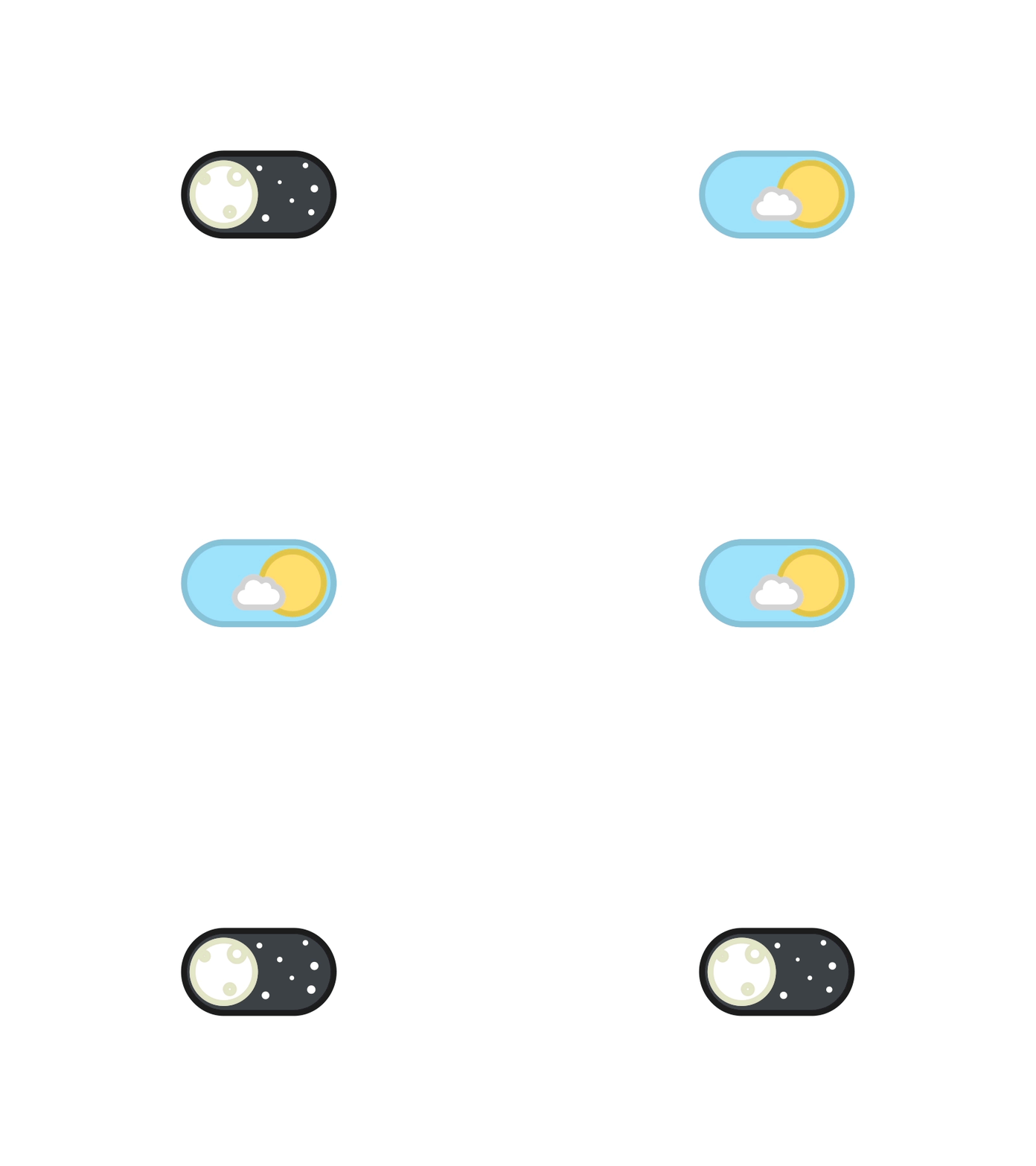
- Add
pod 'DayNightSwitchto yourPodfile - Run
pod install
- Clone or download the repo, drop the
DayNightSwitch.swiftfile in your project and - Either drop a
UIViewinto your storyboard and set its class toDayNightButtonor create an instance of the switch like so:
    let dayNightSwitch = DayNightSwitch(center: self.view.center)
    dayNightSwitch.changeAction = { on in
        print("The switch is now " + (on ? "on" : "off"))
    }
    self.view.addSubview(dayNightSwitch)
Original credit for the design goes to Ramakrishna and for the animations to Tsuriel MIT.