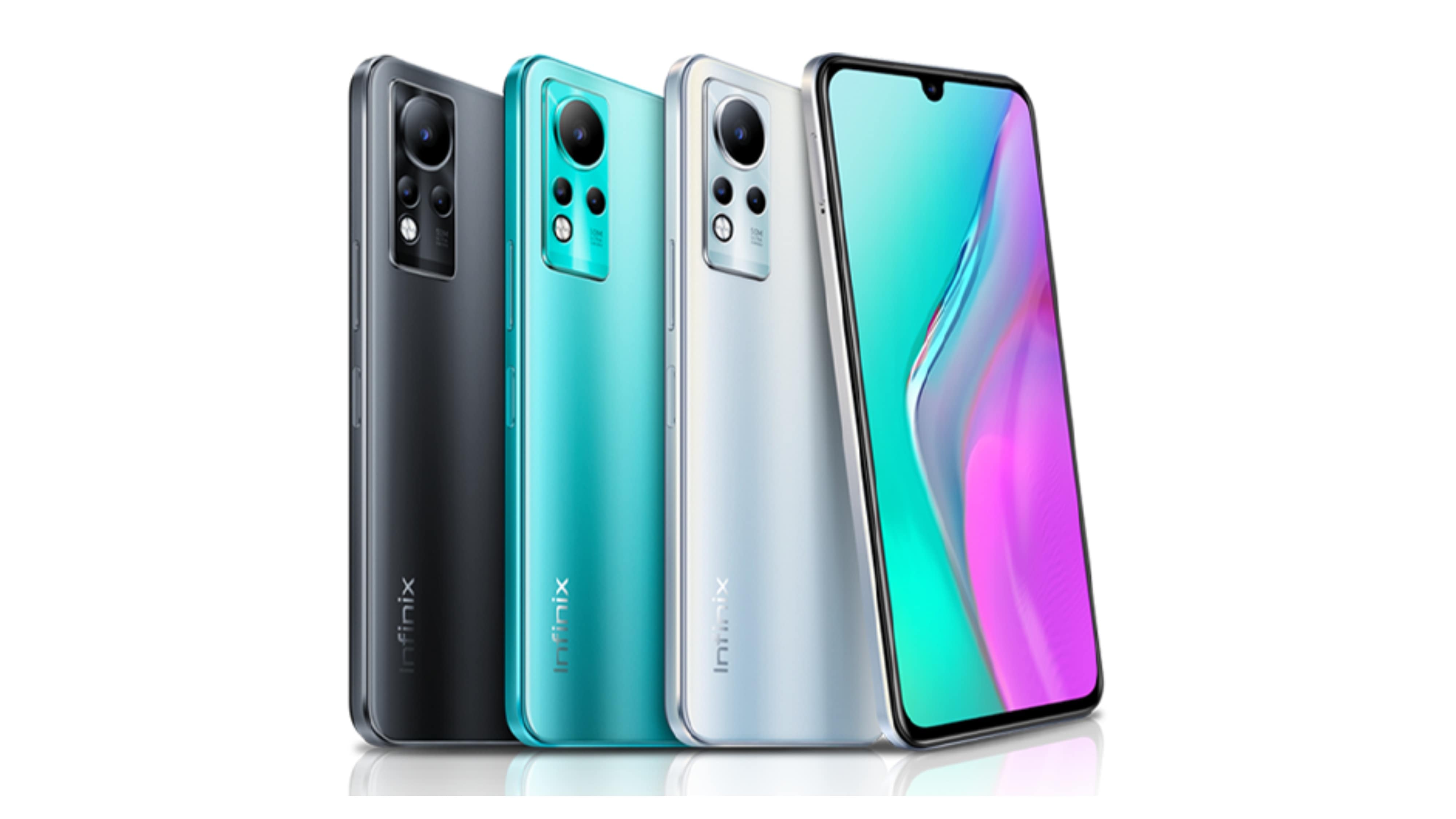
Custom TWRP (Team Win Recovery Project) for Infinix Note 11 X663 (X663).
| Spec | Details |
|---|---|
| Device | Infinix Note 11 |
| Model | X663 |
| Manufacturer | Infinix Mobility |
| SoC | MediaTek Helio G88 |
| RAM | 4GB / 6GB |
| Storage | 64GB / 128GB |
| Display | 6.7" IPS AMOLED, 60Hz |
| Battery | 5000 mAh |
| OS | Android 12 |
- ✅ Android 12 based TWRP
- ✅ Full decryption support (with/without password)
- ✅ Vibration support
- ✅ Brightness control
- ✅ Complete backup and restore functionality
- ✅ ROM flashing support
- ✅ Kernel flashing support
- ✅ System modification support
- ✅ Built from official TWRP source
- ✅ All TWRP features working
- Bootloader must be unlocked
- Must be on firmware: v363
- Boot partition: 96MB (recommended via repartitioner) → 📥 Download Repartitioner
- Old TWRP → 📥 Download Old TWRP
- Bootloader unlocked
- Old TWRP installed
- USB cable
- Firmware v363+-
Boot into current recovery
Power off → Hold Volume Up + Power -
(Optional) Flash repartitioner zip
- Only if boot partition not at 96MB
- Select Install → repartitioner zip
- Swipe to confirm
- Reboot to recovery
-
Flash TWRP boot image
- Select Install
- Choose TWRP.img flash to boot or recovery ramdisk
- Swipe to confirm
- Wait for completion
-
Reboot to recovery
- Select Reboot → Recovery
- Device reboots into TWRP
✅ TWRP is ready for use!
TWRP supports full decryption:
- With Password: Provide device PIN/password when prompted
- Without Password: Automatic decryption without input
- Full file system access for backup and modification
- Boot into TWRP recovery
- Wipe (optional)
- Select Install
- Choose ROM zip file
- Swipe to confirm
- Reboot to system
- Boot into TWRP
- Install → Select kernel zip
- Swipe to confirm
- Reboot
- Backup → Select partitions
- Choose backup destination
- Swipe to confirm
- Restore → Select backup
- Choose partitions to restore
- Swipe to confirm
- Base: TWRP Source (https://github.com/TeamWin/android_bootable_recovery)
- Device Tree: Custom for X663
- Android Version: 12
- Build Type: Full featured release
Currently, no known major issues. All features tested and working.
Report issues with:
- Device model: X663
- Firmware version
- Detailed description of issue
- Steps to reproduce
- Error logs (if available)
Found an issue? Please report it with:
Device: Infinix Note 11 X663
Firmware: v363 or higher
Issue: [Clear description]
Steps: [How to reproduce]
Logs: [If available]
Built with ❤️ for X663 Community