Hi everyone! This project was made for evaluation purposes. It is a simple Portfolio website. Clone this repo and run it on your systems using ng serve. Hope you like it! :)
Here are a few screenshots from the website:
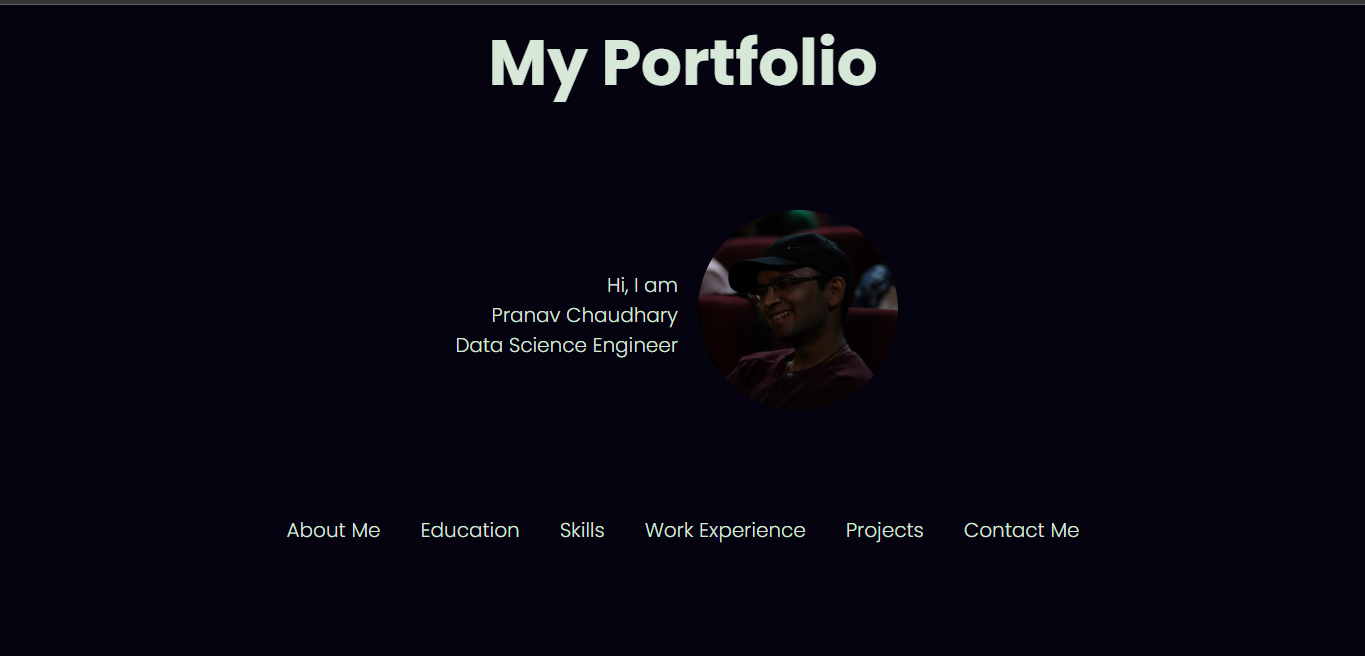
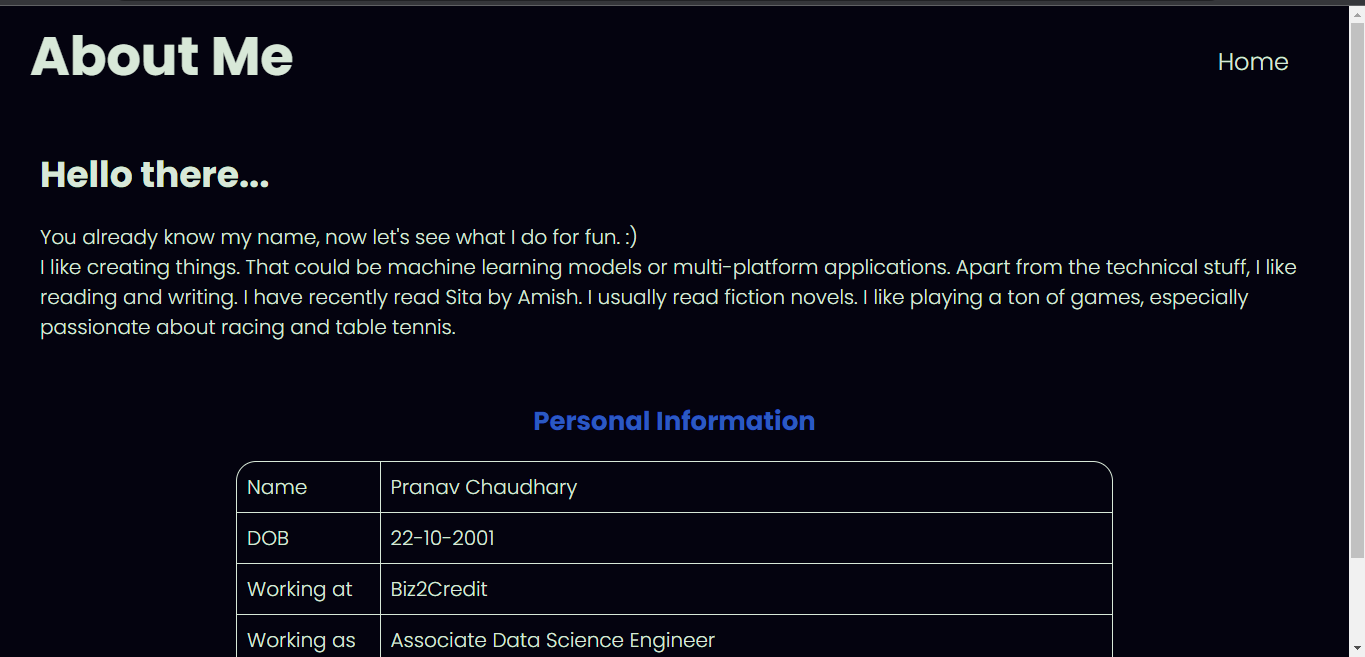
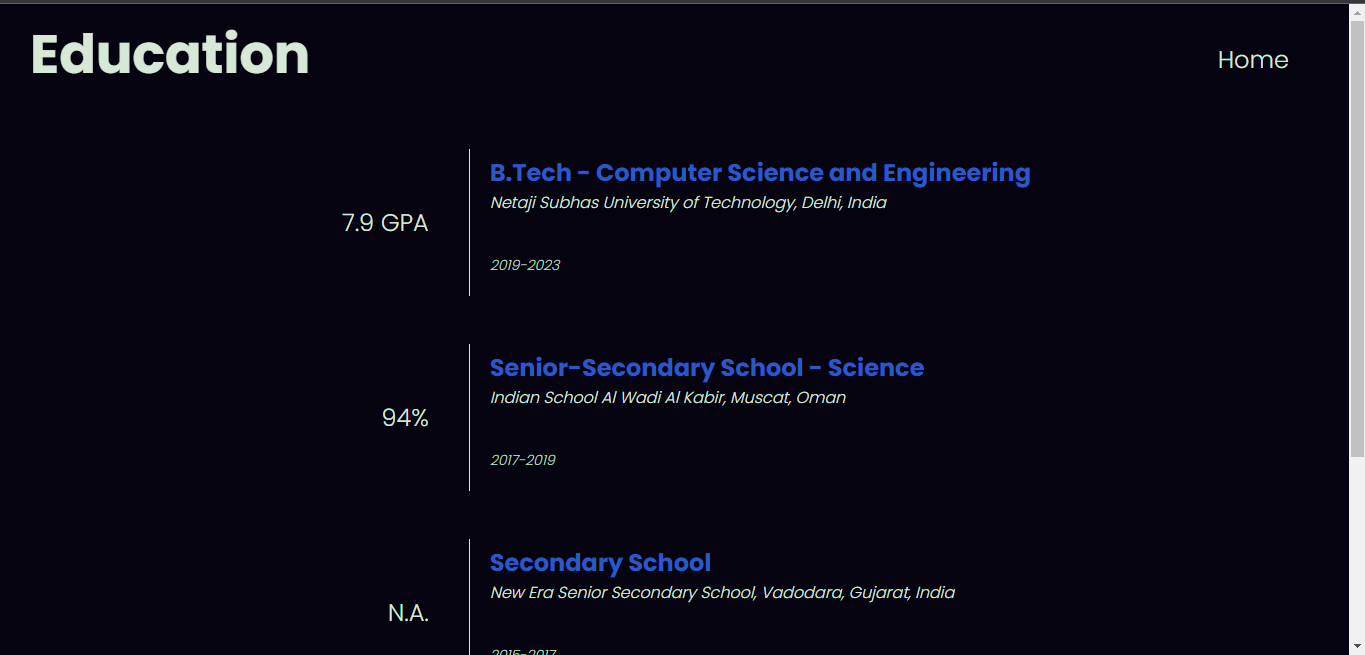
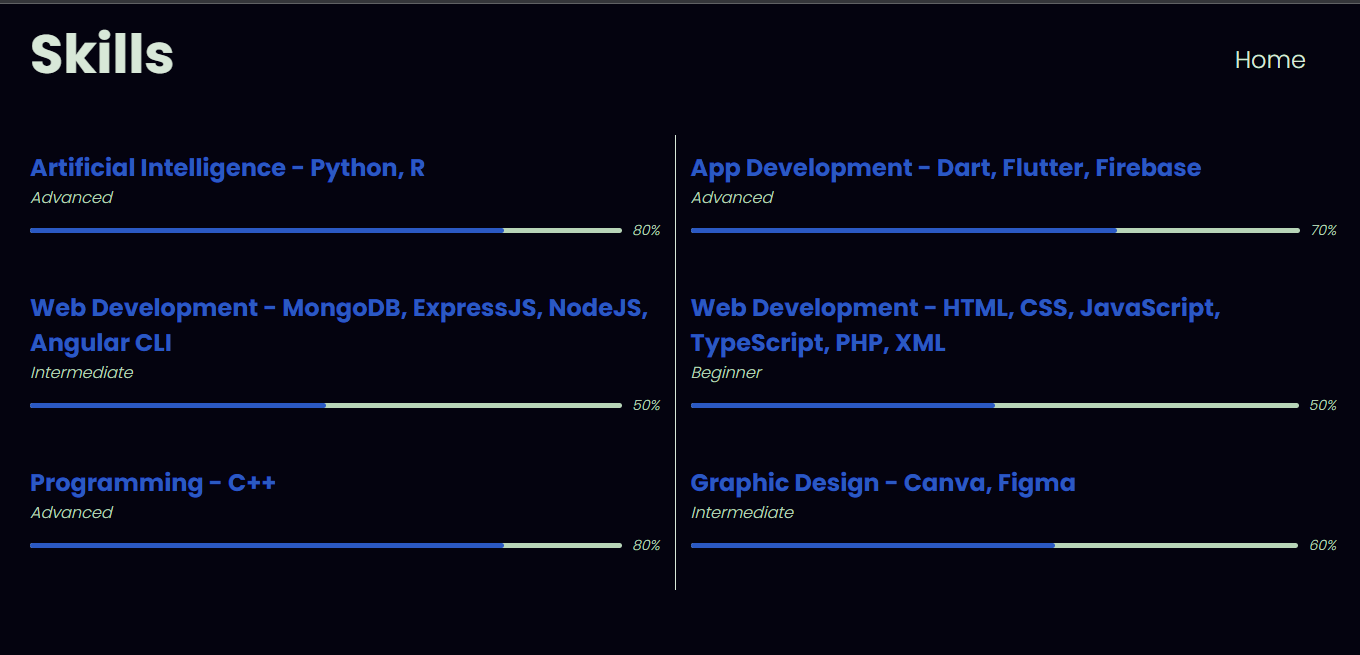
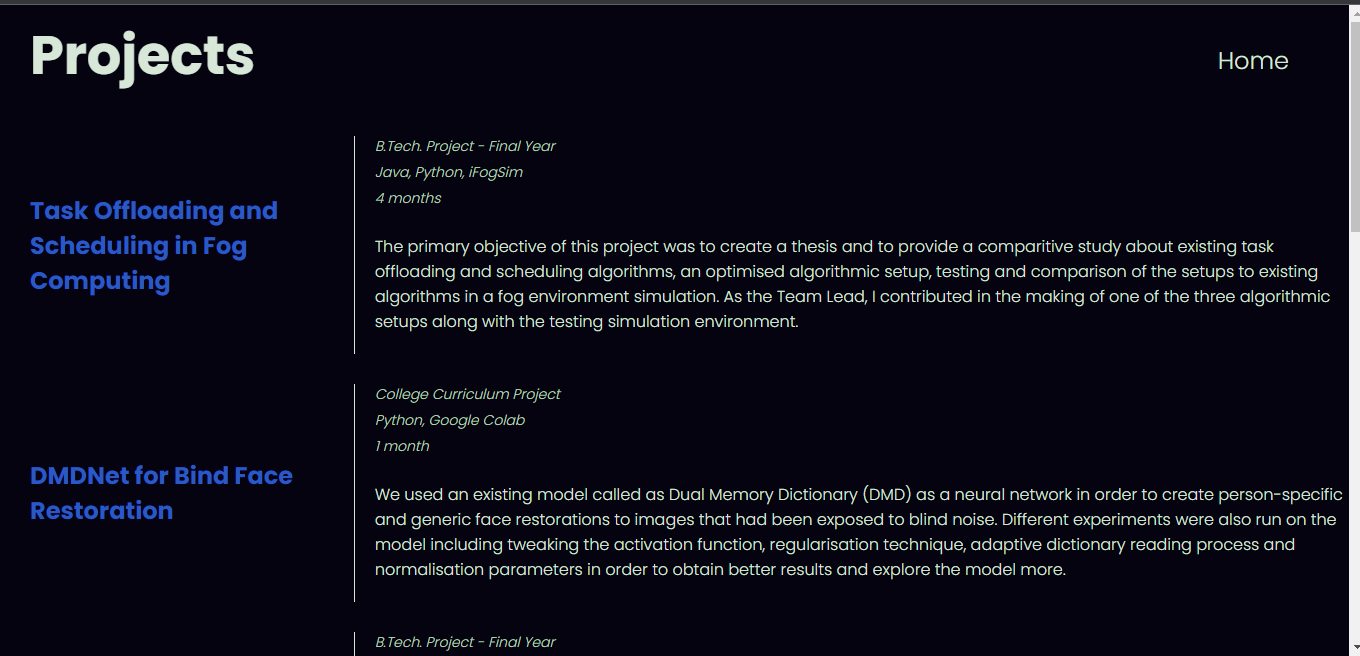
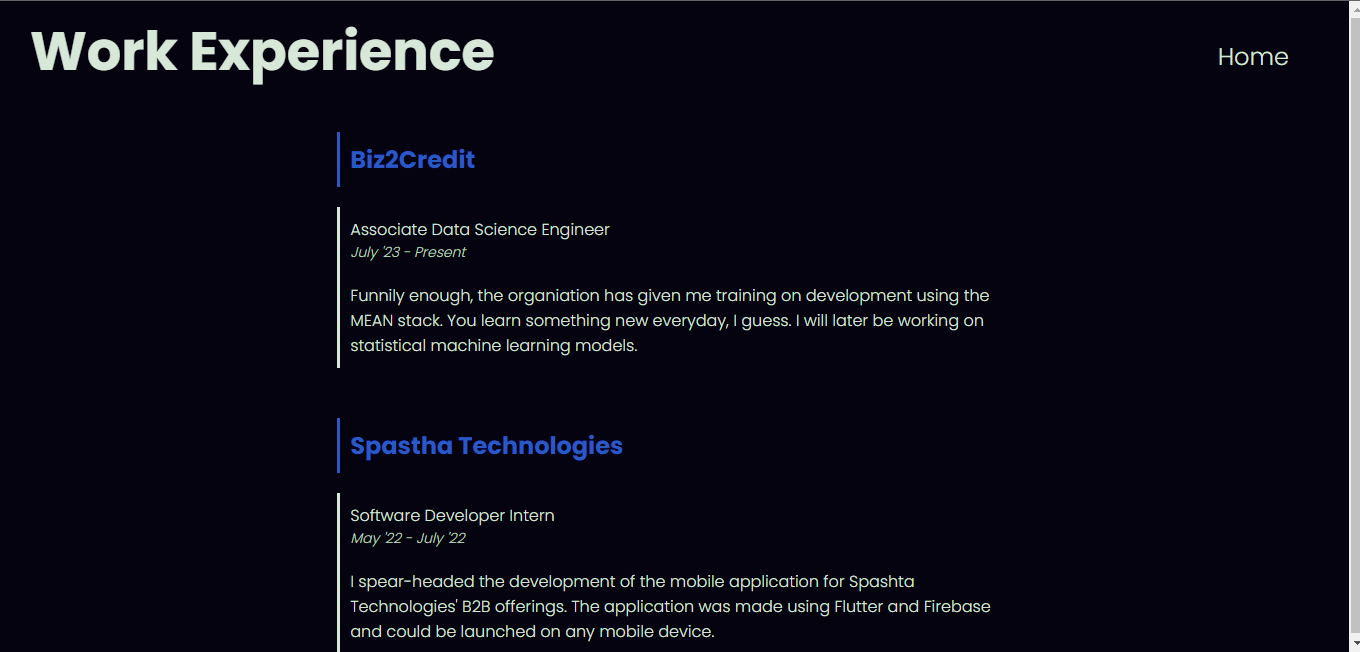
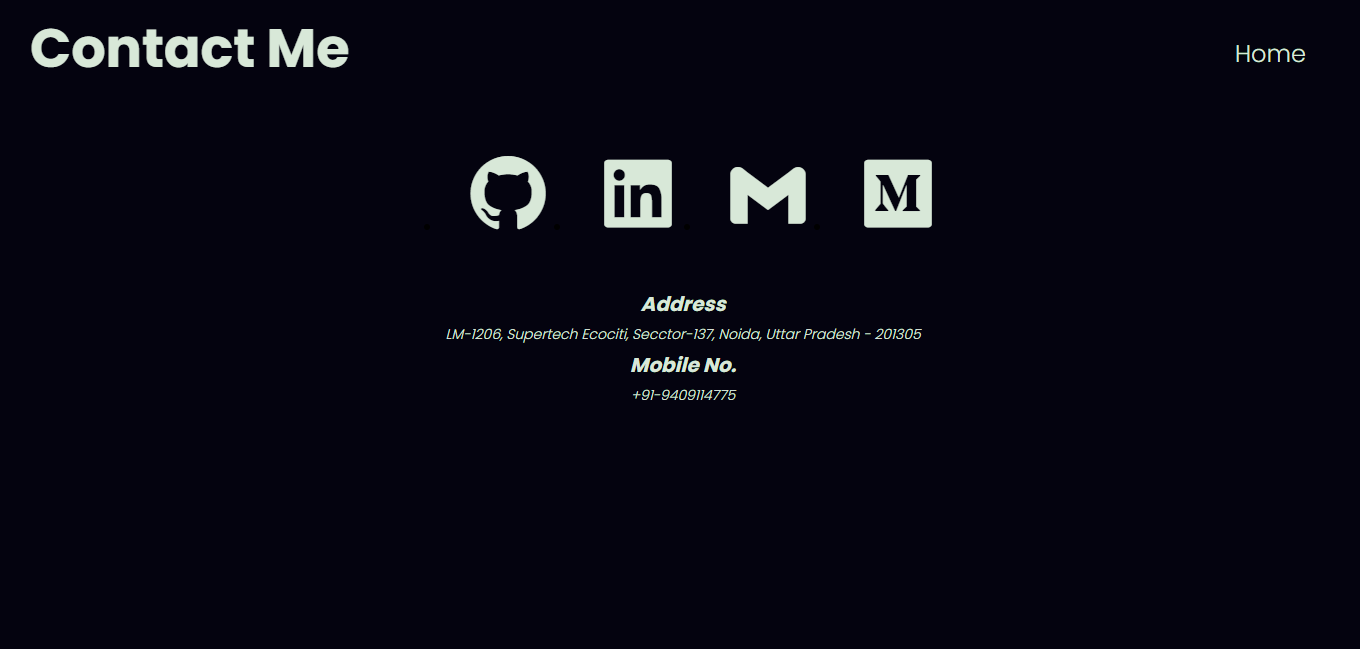

(These can be found in the screenshot folder.)
The project has eight components which can be found in the app folder.
The website has the following components and they are connected through routes:
about-me: It contains information about me.contact: It has links to my social media pages and my contact address.education: It contains information about my education background.error: It is the error handling page. (Error - 404 Not Found)header: It is the landing/home page. It provides routes to the other components.projects: It contains details and links to my projects.skills: It lists the skills I am equipped with and my guess on how well I know them.work-ex: It lists all my work experiences till date.
The project also has the following folders:
models: Contains the models for the data used in various components.assets: Contains the fonts and images used in the project.directives: Contains a directive to detect the orientation of the website. (Responsive behaviour)(Not implemented)
The following can be incorporated into the project in the future:
- Light and Dark mode themes and toggling buttons.
- CSS styling classes to enable Responsive behaviour.
- Connection to backend to enable someone to send messages through the contact me page.
I have learnt a great deal through this project and the various projects we have made during our training. To sum up, I have learnt:
- Front-end Development using Angular: Using HTML, CSS and TypeScript, we have learnt creating different elements of a webpage.
- Back-end Development using Angular: Using MongoDB, ExpressJS and NodeJS, we have learnt how to create databases, schemas and connect the front-end to the back-end.
- Authorisation and Authentication techniques using JSON Web Tokens, Local Storage and bcrypt.