A lightweight, customizable crosshair overlay for competitive gaming on Windows.








Download • Documentation • Report a bug • Request a feature • Support
LightCrosshair adds a customizable crosshair overlay to Windows 10/11 games and desktop apps, with quick hotkeys, profiles, optional performance information, and supported per-app GPU driver settings. It is designed for borderless or windowed play and does not inject into games or use game hooks.
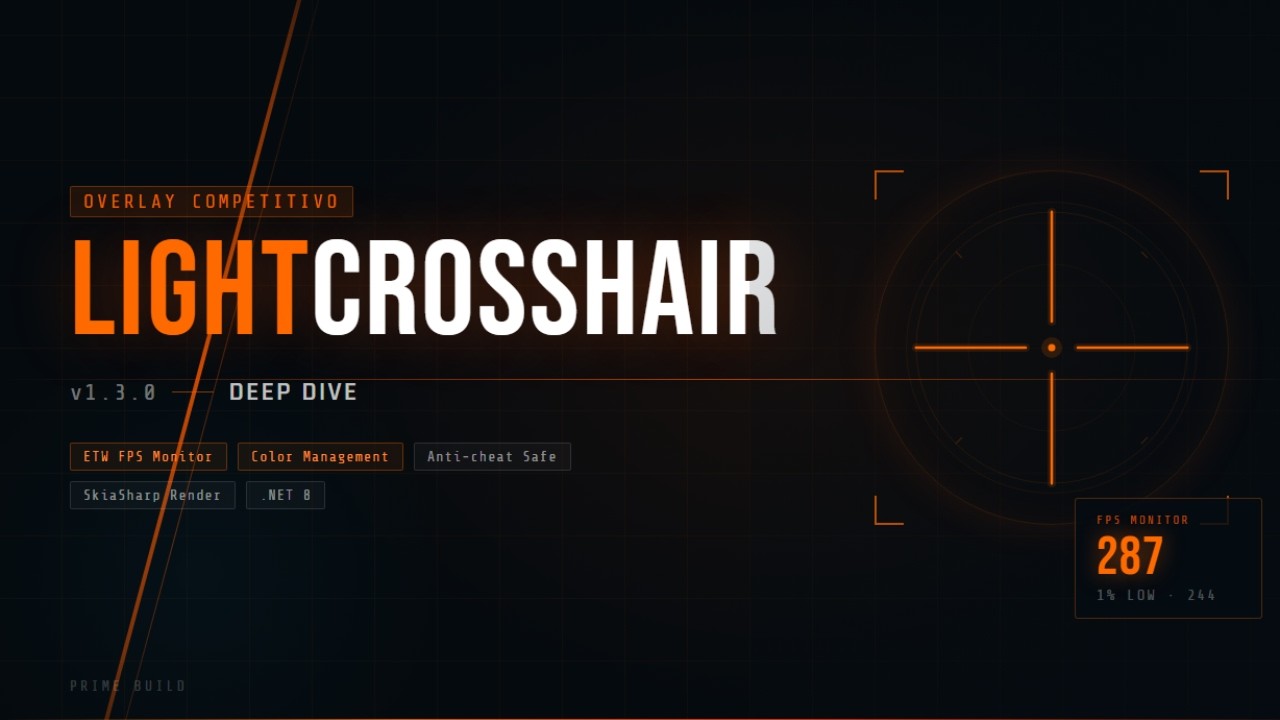
Watch the demo on YouTube

|

|

|

|

|

|
Download the latest build from the GitHub Releases page.
Use the installer for the normal Start Menu experience:
LightCrosshair-Setup-1.7.0.exeSHA256:82E4D878DF7881F5DE88C4A9444C200F18CE1BD14E0C88AFEF9C05099808090E
Use the portable ZIP if you want to extract and run the app from a folder you control:
LightCrosshair-v1.7.0-x64.zipSHA256:672BC0E0C6DA33761969ACD3DD1D9BBC0A027B73140DCF64FD6C0C8B82765FD3LightCrosshair-v1.7.0-ARM64.zipSHA256:4AC93A4B3AC6DE15C08ECBA3CA151E387D701B1624689EA673FF4478ADDC0FBE
WinGet package updates may lag behind GitHub Releases. When available, this may install the latest approved package version, not necessarily v1.7.0:
winget install --id PrimeBuild.LightCrosshair --exactChocolatey submission updates are pending and are not advertised as a live install channel yet.
- Launch LightCrosshair from the Start Menu or run
LightCrosshair.exefrom the portable folder. - Open Settings with
Alt + Lor the tray icon. - Customize the crosshair shape, size, gap, color, opacity, and outline.
- Save profiles for different games or visibility needs.
- Enable the performance overlay only when you need it.
| Hotkey | Action |
|---|---|
Alt + X |
Toggle crosshair visibility |
Alt + C |
Next profile |
Alt + V |
Previous profile |
Alt + L |
Toggle Settings window |
- Custom crosshair builder with shape, size, thickness, gap, color, opacity, and outline controls.
- Profile workflow for switching quickly between games or setups.
- Visibility presets for high-contrast crosshairs.
- Optional performance overlay with Off, Minimal, and Detailed modes.
- Frame Cap Assistant for target-FPS guidance.
- Supported NVIDIA per-app profile controls and AMD-related display/color paths.
- Multi-monitor and DPI-aware overlay behavior.
- Non-injected design with no game hooks.
- Fixed NVIDIA FPS cap profile binding so supported per-app cap controls target the selected application profile.
- Added NVIDIA profile audit information before applying supported per-app settings.
- Added NVIDIA Low Latency Off/On and VSync per-app controls.
- Added read-only NVIDIA G-SYNC and Low Latency CPL state display.
- Kept safety boundaries: no global NVIDIA profile writes, no raw setting editor, no DLSS writes, no G-SYNC writes, and the app remains
asInvoker.
- Windows 10 or Windows 11.
- .NET 8 Windows Desktop Runtime for framework-dependent builds.
- Borderless windowed or windowed game mode is recommended for overlay visibility.
- LightCrosshair does not inject into games and does not use game hooks.
- Exclusive fullscreen can hide normal overlays; use borderless windowed or windowed mode when possible.
- Frame Cap Assistant provides guidance only and does not enforce a real FPS cap.
- Frame pacing diagnostics use conservative heuristics, ETW-style present telemetry analysis, and optional RTSS fallback paths; PresentMon integration remains a future target and is not implemented as a live runtime backend.
- Frame-generation and DLSS runtime control are not implemented.
- NVIDIA profile writes are per-app only where supported; LightCrosshair does not write global NVIDIA profiles.
- Some games or anti-cheat systems may block overlays or behave differently.
git clone https://github.com/PrimeBuild-pc/LightCrosshair.git
cd LightCrosshair
dotnet build LightCrosshair.sln --configuration Release
dotnet test LightCrosshair.sln
Contributions are welcome through focused bug reports, feature requests, documentation updates, and tested pull requests.
This project is licensed under the MIT License. See LICENSE.
If LightCrosshair is useful to you, consider supporting the project.





Every star, issue report, feature request, and donation helps keep the project alive.
Made with ❤️ for the gaming community.