Releases: QoderAI/changelog
Releases · QoderAI/changelog
Experts Mode is Here

Features
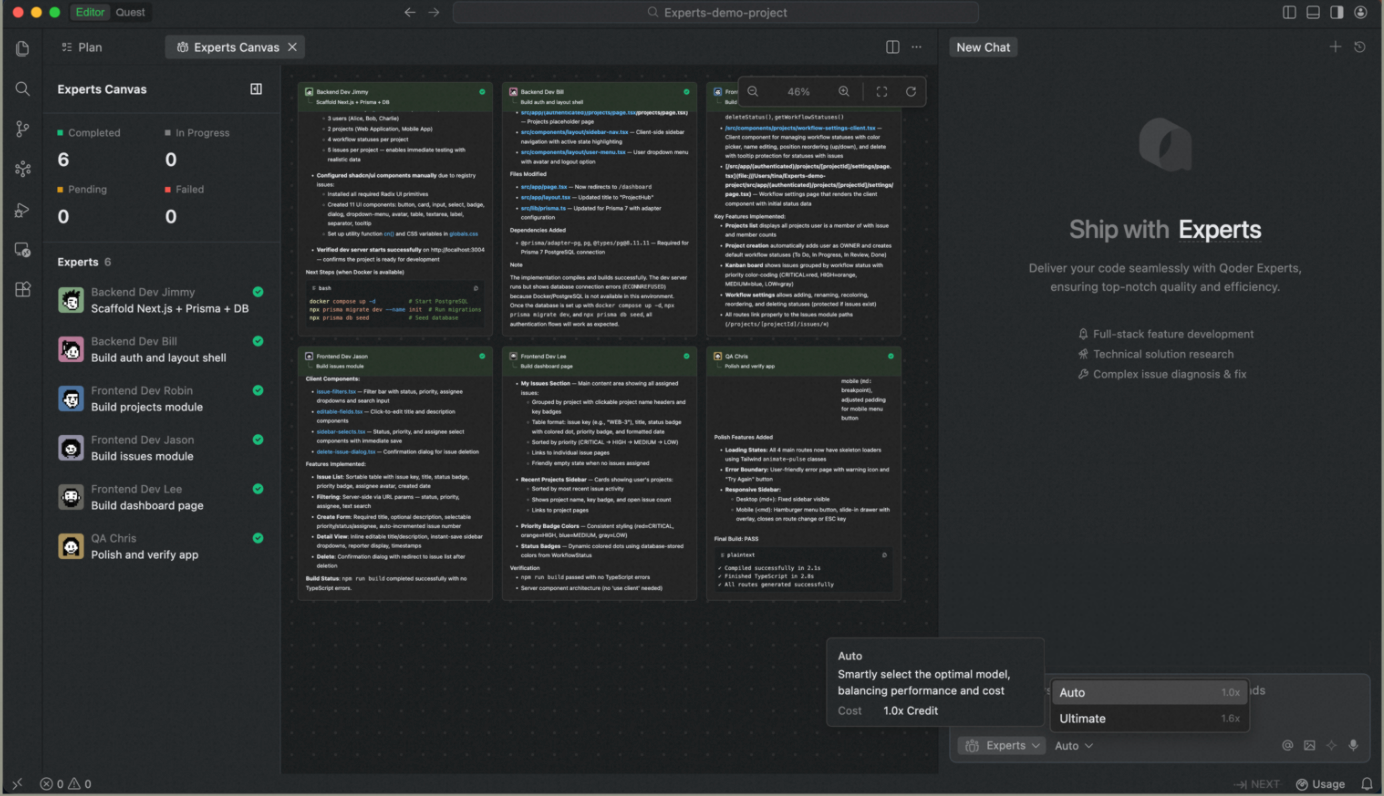
- Introducing New Auto Model Tier: 50% fewer Credits than "Ultimate" tier in Experts mode, delivering high-quality output at significantly reduced cost.
Improvements
- Enhanced Experts Canvas view with clearer collaboration visibility and smoother interactions.
- Optimized terminal execution in Experts mode with sandboxed isolation and silent operation for safer, distraction-free workflows.
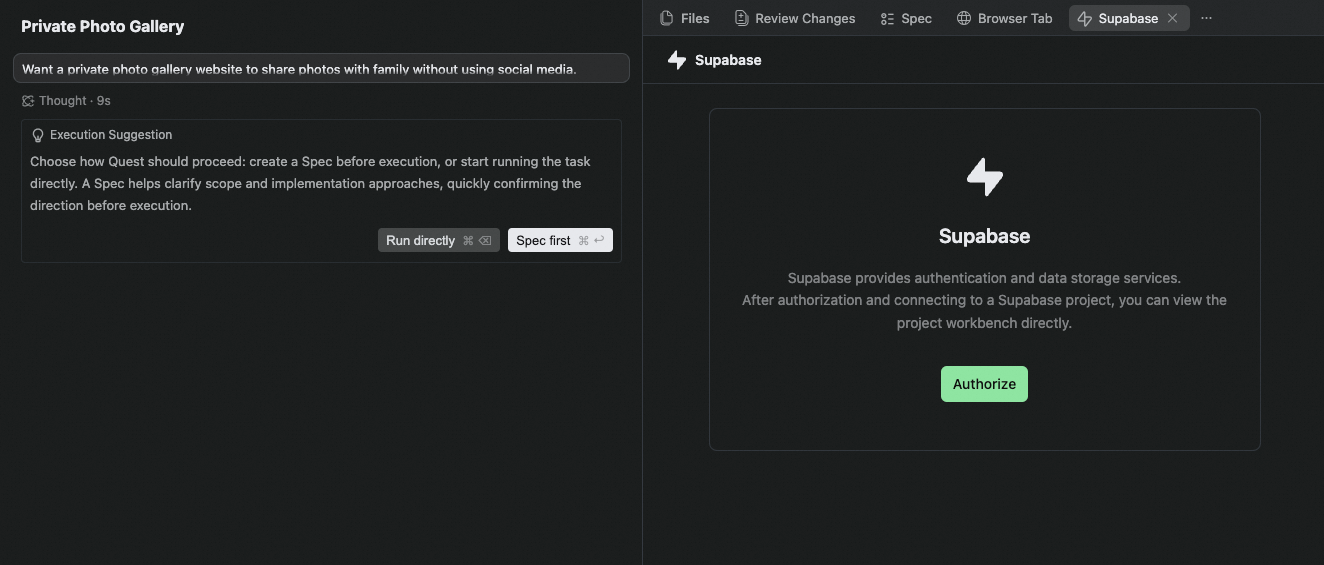
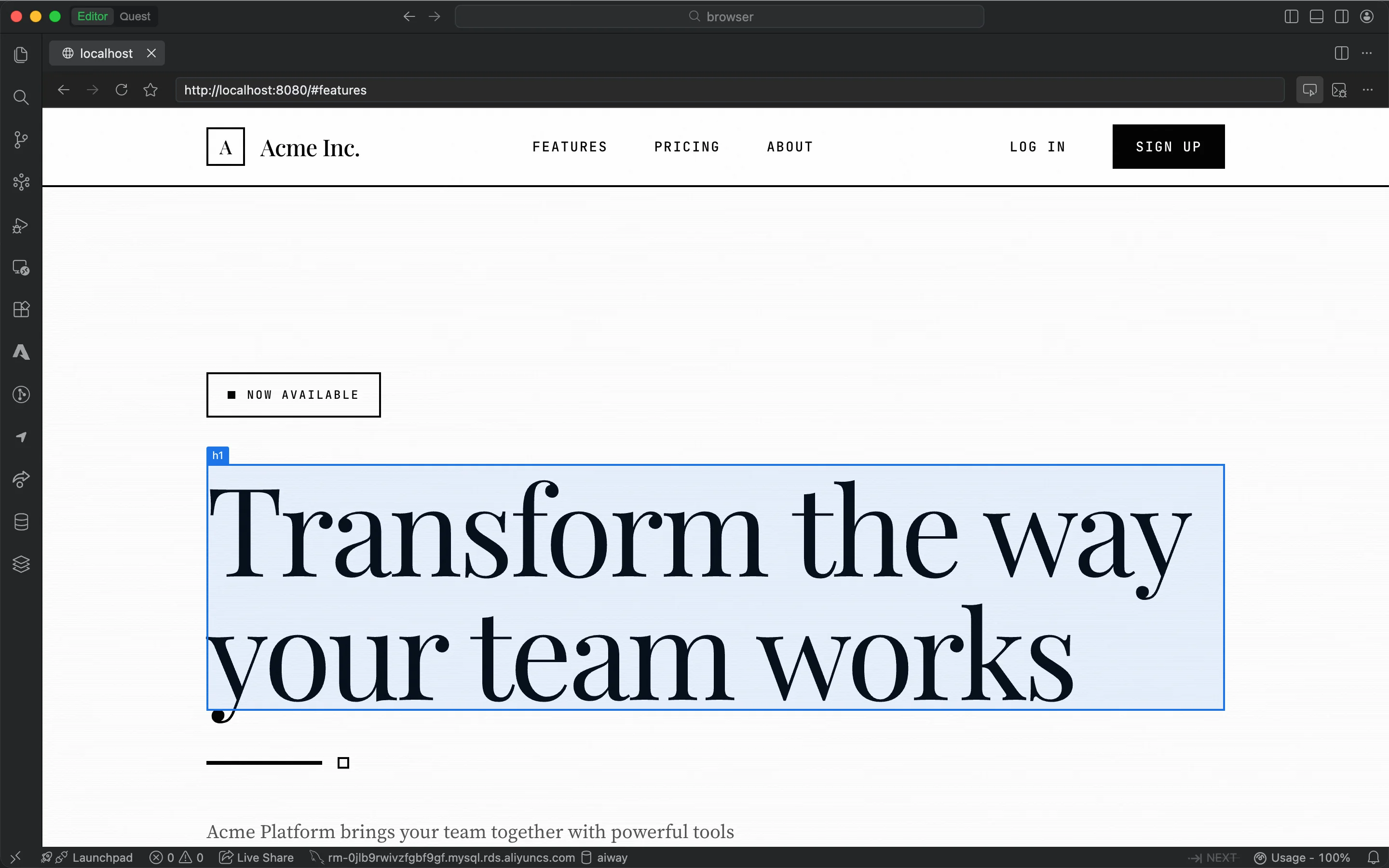
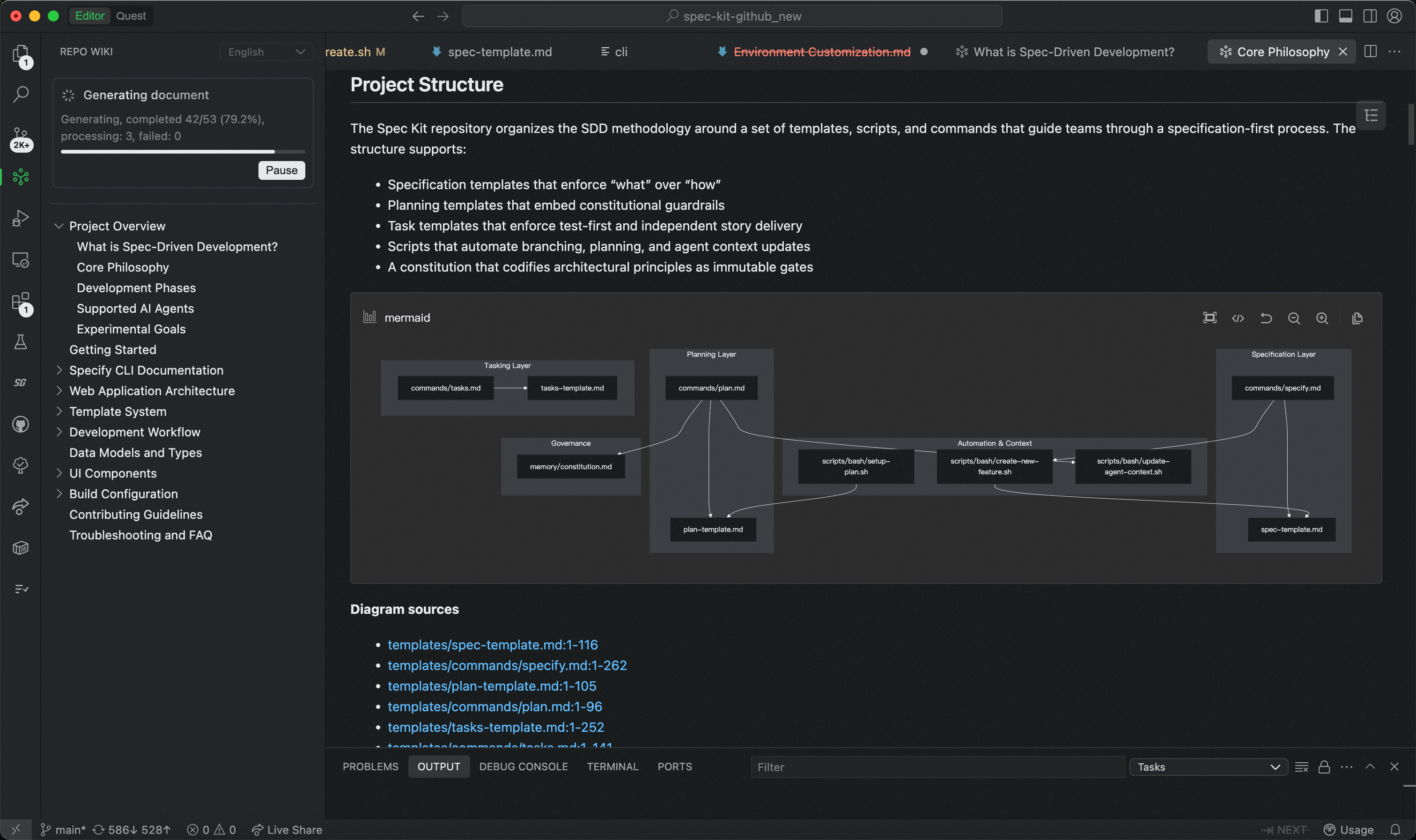
Quest mode supports Supabase and with enhanced navigation; Experts mode launches view of the full expert team; built-in browser fully upgraded
Features
- Expert Team Canvas in Experts Mode: A real-time dashboard that visualizes each expert's task progress and execution workflow, giving users complete visibility into complex multi-agent operations.
- Supabase Integration in Quest Mode: Authorize and connect to multiple Supabase projects, with enhanced database capabilities and in-IDE preview of database table schemas.
Improvements
- Credits Usage: Improved quota information display and added explanations for Shared Add-on Credits, making usage and limits clearer.
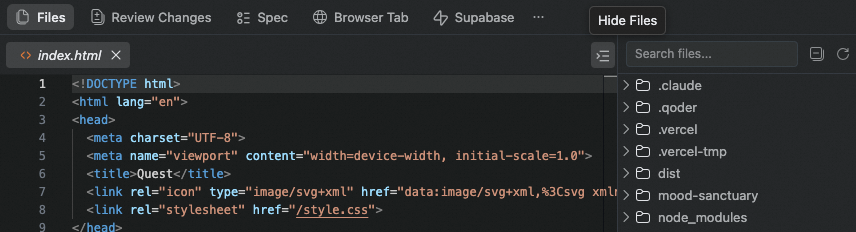
- Quest Mode Deliverable Panel Navigation Upgrade: Optimized interaction experience of navigation bar and file tree hierarchy.
- Improved Quest mode experience when no project is open, making it easier to find historical tasks.
Improvements
- Improved Quest performance for large code changes.
- Enhanced conversation context handling across sessions.
- Optimized Next prediction trigger timing in editor.
- Refined Agent file operation decision logic.
Bug fixes
Experts Mode (Beta) is Now Available
Features
- Introducing Experts Mode (Beta): A multi-agent collaboration feature that assembles an AI expert team on demand. Describe your requirements, and the team handles everything—from solution design and implementation to testing and validation.
- A Team of Specialists, Collaborating in Parallel: Team Lead coordinates and orchestrates. It tracks progress throughout, consolidates results, and ensures delivery quality. Compared to single-agent sequential work, it's faster, more stable, and reduces rework.
- Self-Evolving AI Team That Learns and Grows with You: Expert skills continuously learn your tech stack and coding style, while team skills accumulate optimal task decomposition and collaboration patterns.
- From "Generating Code" to "Delivering Results": Covers the complete workflow of requirement analysis, solution design, code implementation, test cases, and quality checks—delivering high-quality engineering artifacts ready for the next phase.
- Fine-Grained Edits via "Add to Chat" in Quest Mode: In Quest mode, the artifacts in the Deliverables panel now support fine-grained edits via "Add to chat" — select any content to add it to the conversation. Works for both code files and Spec files.
- Search Agent Support in Agent Mode: The Agent mode supports the search agent, further enhancing retrieval performance (currently effective for the Ultimate mode).
Improvements
- In Quest mode, the task list sorting is optimized — tasks are now sorted by most recent conversation in descending order.
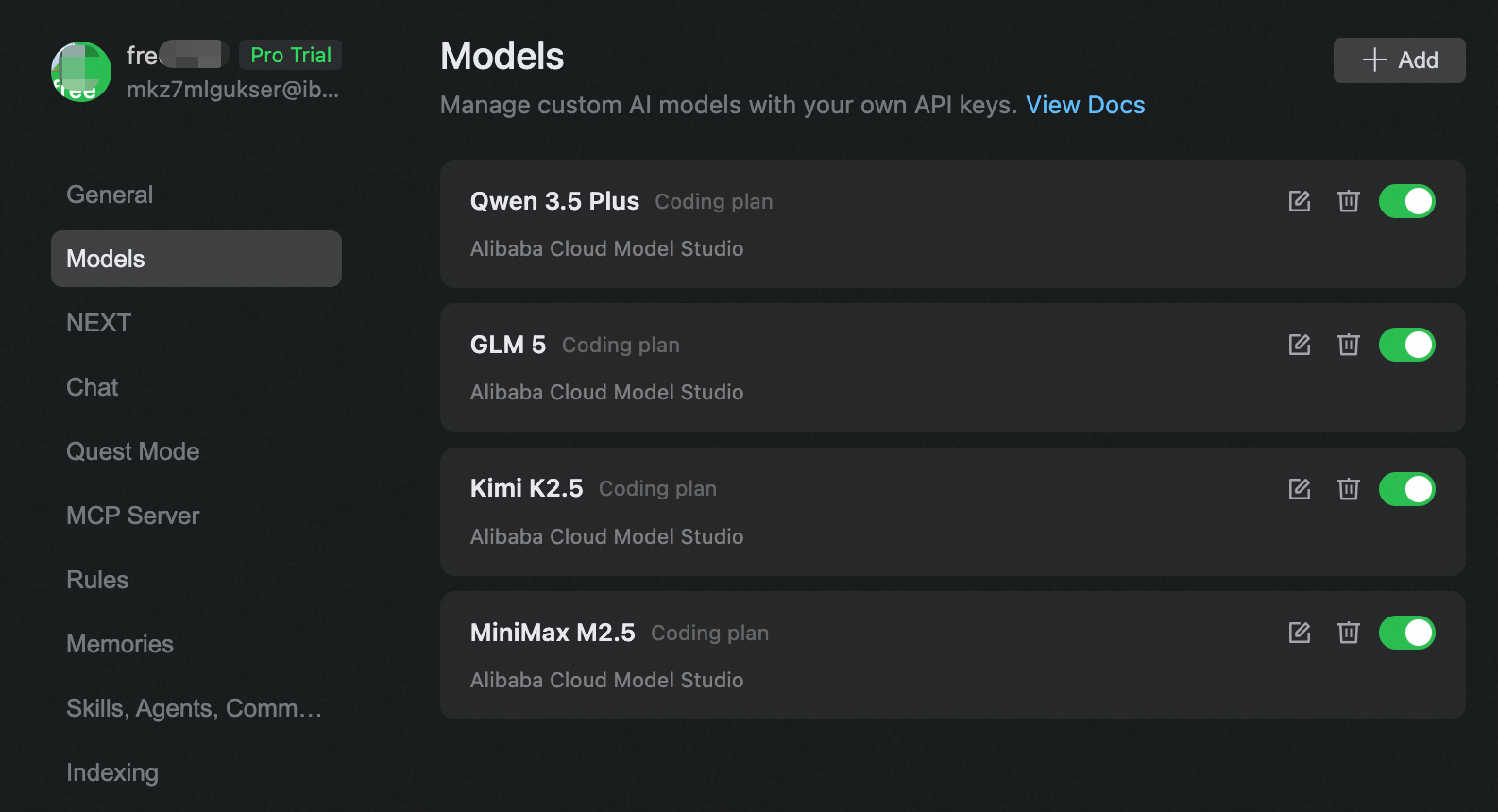
Support Custom Models
- Now supports BYOK (Bring Your Own Key) configuration for easy integration with Coding Plans from providers including Alibaba Cloud Model Studio.
Bug fixes
Agent mode supports cross-project search, VS Code base upgraded, Windows Terminal Sandbox supported
Features
- Agent mode supports cross-project search and file editing across the same workspace.
- Upgraded to VSCode base version 1.106.3.
- Agent mode supports Windows Terminal Sandbox: Commands executed by the Agent can now run within a secure sandbox, effectively isolating potentially risky operations (currently in phased rollout).
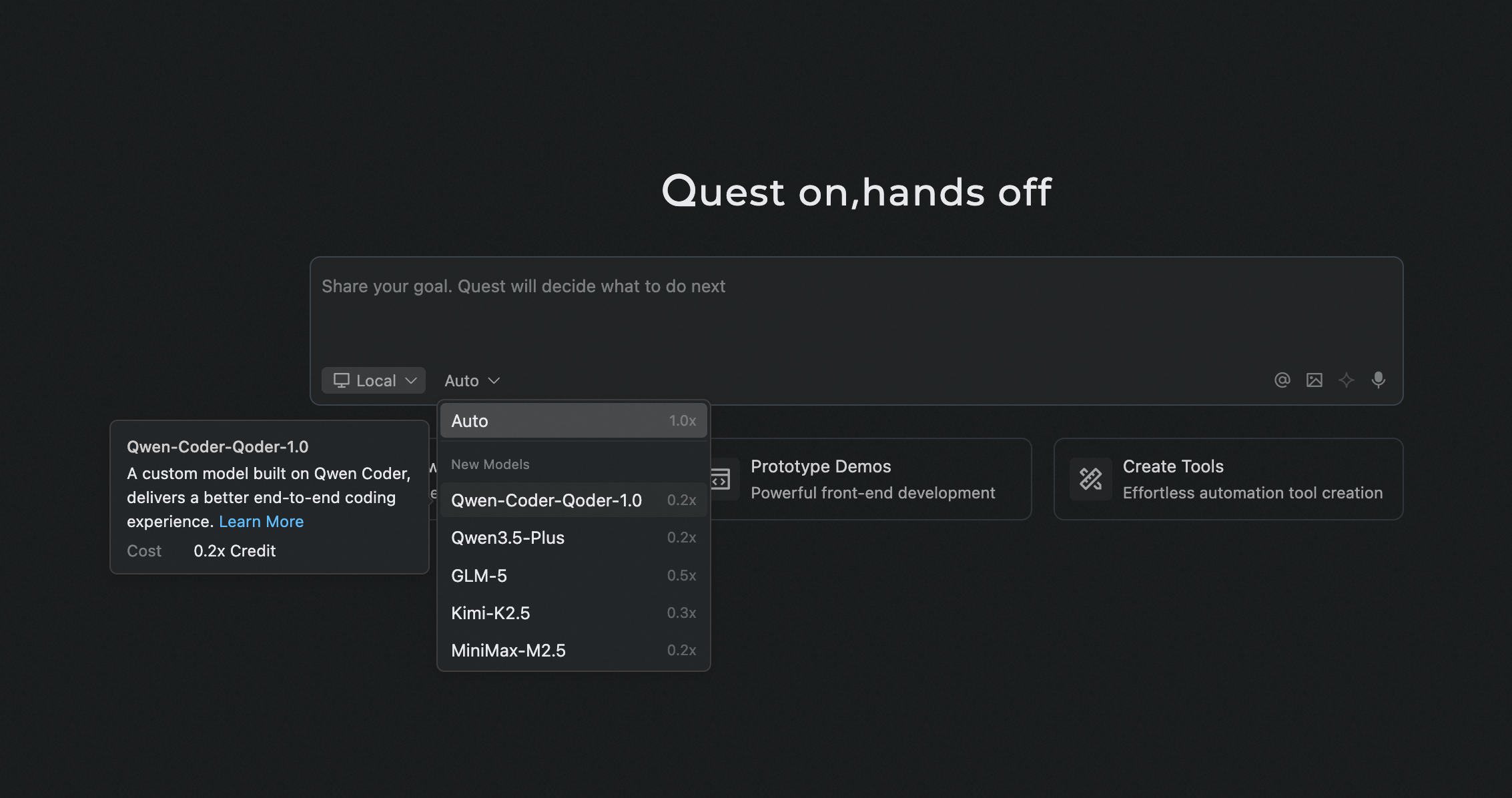
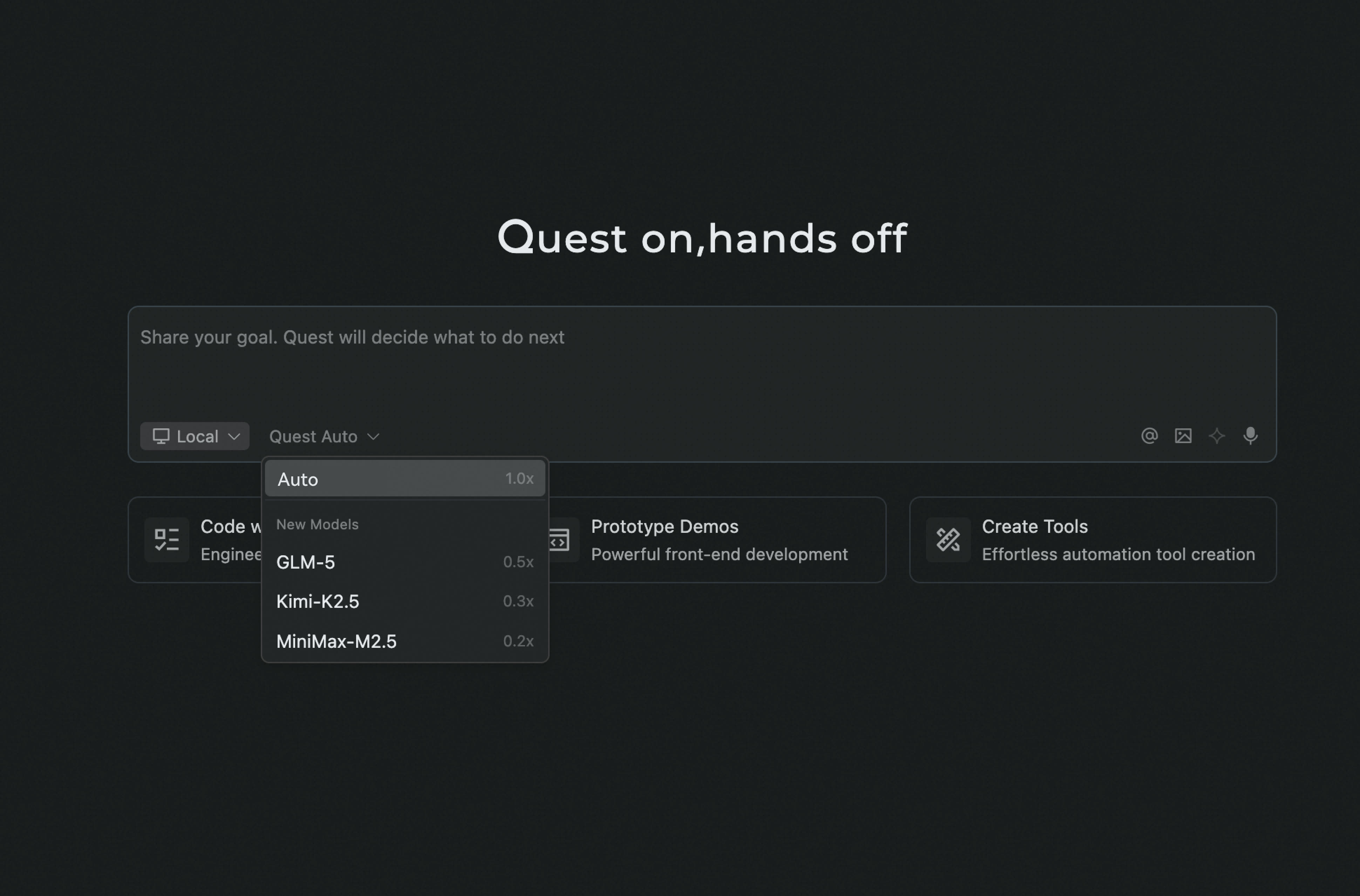
- New model supports in Quest mode: Qwen-Coder-Qoder, Qwen3.5 Plus
- Qwen-Coder-Qoder: A deeply customized model built to enhance the end-to-end programming experience in Qoder. Learn more.
- Qwen3.5 Plus: Alibaba's latest model, delivering a comprehensive leap in reasoning capability, efficiency, and multimodal experience.
Improvements
- The input box now supports attaching up to 20 images and 20 files.
- The file tree in Quest mode now supports right-click actions: Add to chat, Copy relative path, and Reveal in folder.
- Chat interaction optimization in Agent mode for an empty project.
Bug fixes
Code Review Agent, Skills Management, Model Selection & Vercel Deployment in Quest Mode
Features
- /Code Review Support: A built-in Code Review Agent is now available. Use /Code Review to start a focused review scoped to your needs.
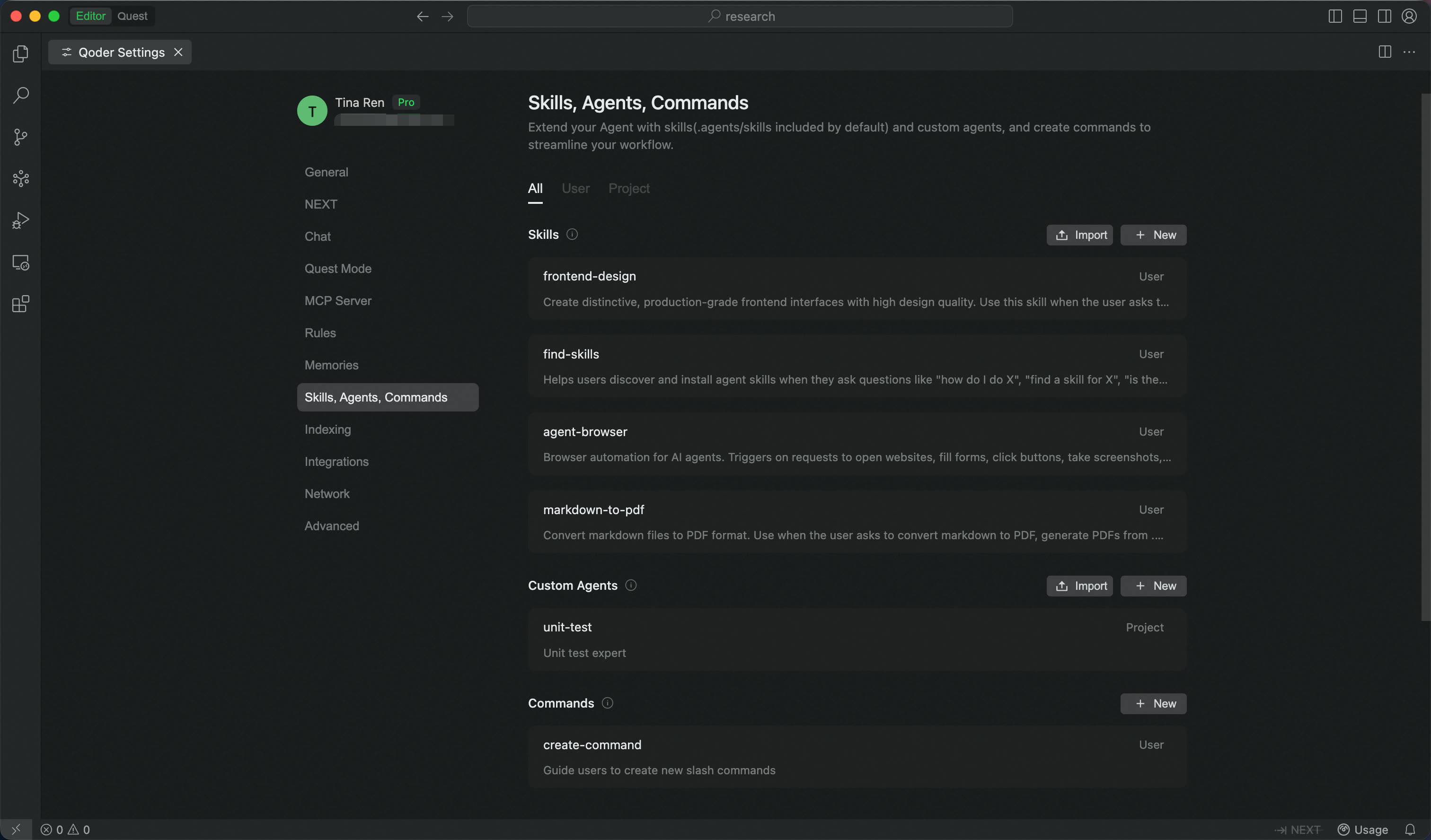
- Visual Management for Skills & Custom Agents: A unified visual interface for managing Skills, Custom Agents, and Commands. Auto-create, import, and configure with ease.
Improvements
- Improved guidance when credits are exhausted
- Custom Agents now support Skills configuration as part of their setup
- Improve the experience of open code files in Quest - Deliverables