Online chat application, and Discord clone, created using React, Sass, Node.js, Express, MongoDB, and Socket.IO. Its design is heavily inspired by Discord.
LIVE LINK: https://amussement.vercel.app/
User Authentication
- Register
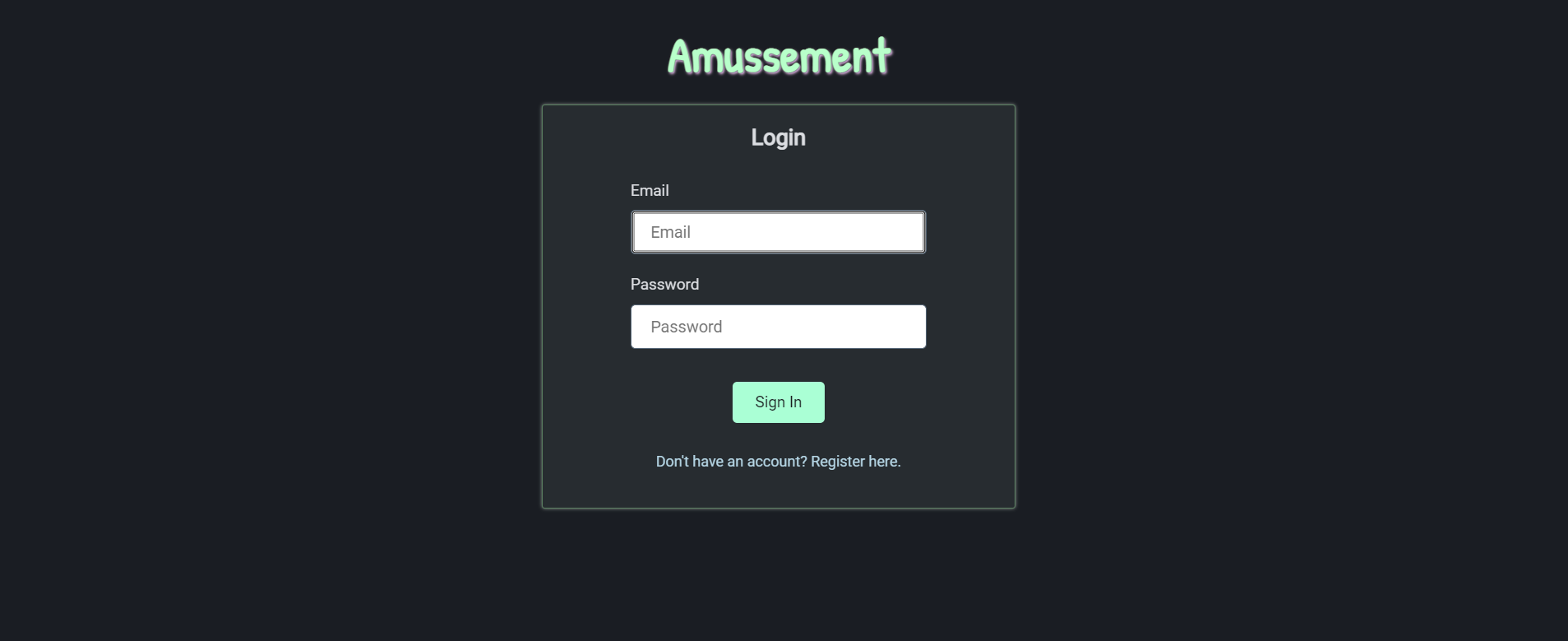
- Login
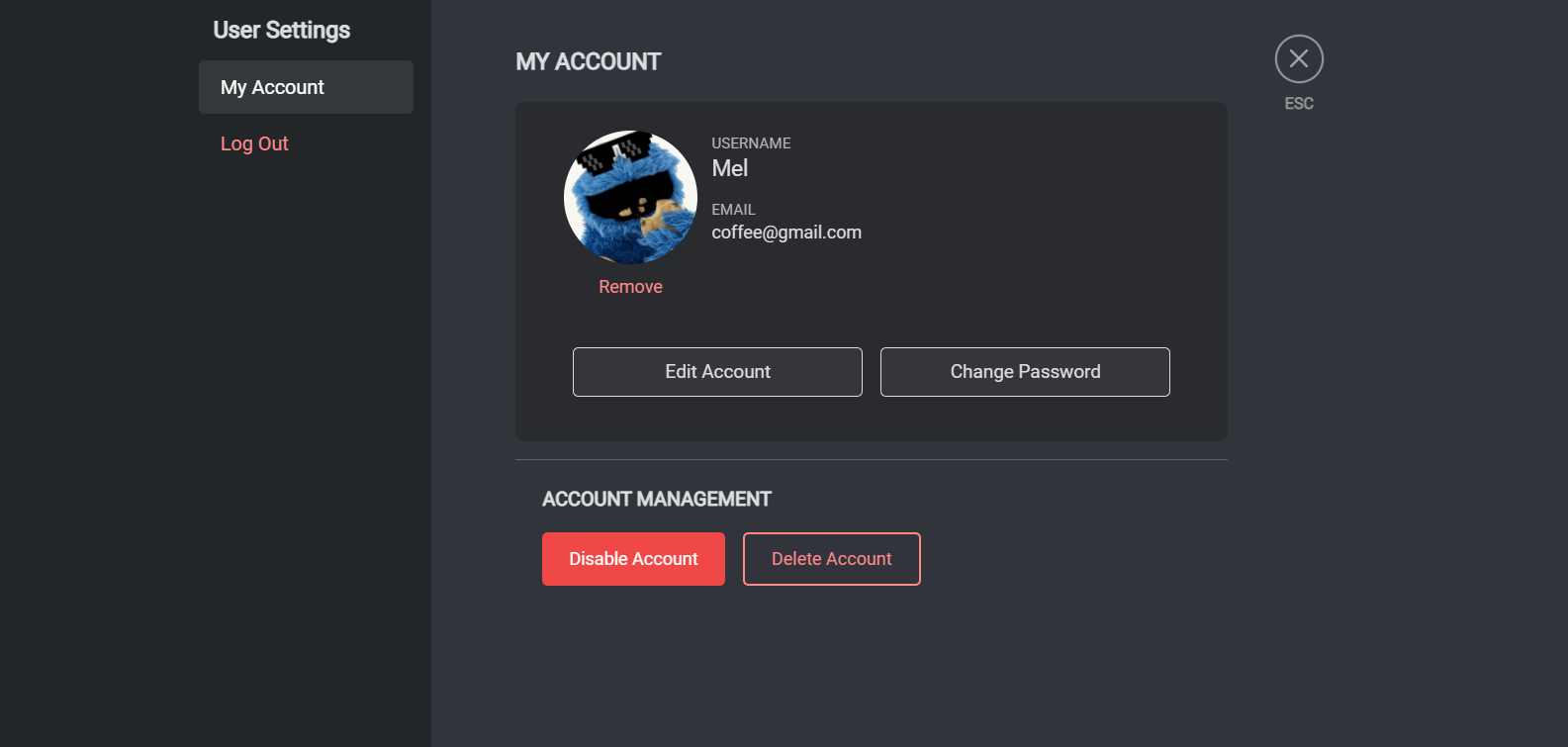
- Change username and email
- Change password
- Upload avatar
- Disable account
- Delete account
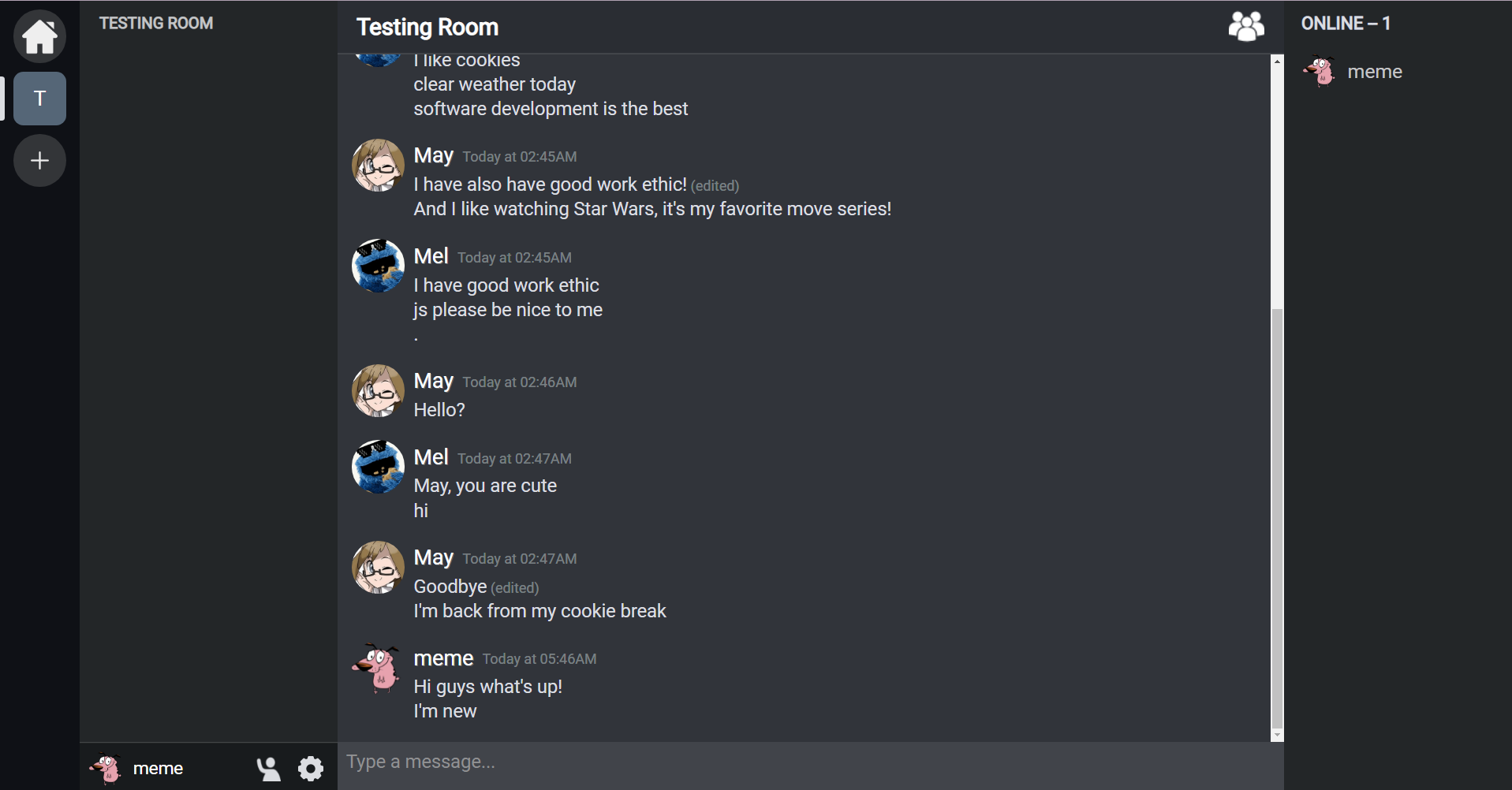
- Send, edit, and delete messages
- Public room chat
- Direct messaging
- Create room
- Join room
- Set password for joining
- Upload room icon
- Edit room name, icon, and password
- Delete and leave room







- Socket.IO
- Cloudinary (image hosting)
Clone this project locally and then follow the instructions below:
To start the backend server, go to the server folder:
cd serverInstall dependencies by running:
npm installThen, start the project's server in development mode on port 5000 by running:
npm run devThe application requires a .env file which contains the following keys:
- CLOUDINARY_API_KEY
- CLOUDINARY_API_SECRET
- CLOUDINARY_NAME
- MONGODBNAME
- MONGOPASS
- SECRETKEY
The SECRETKEY is used for JWT auth tokens.
To run the server, one must make an account for both MongoDB Atlas and Cloudinary.
Registration instructions for both sites can be found in:
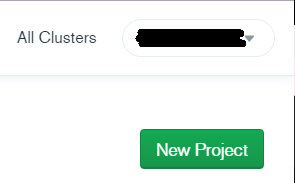
After creating an account, click New Project and follow the instructions.
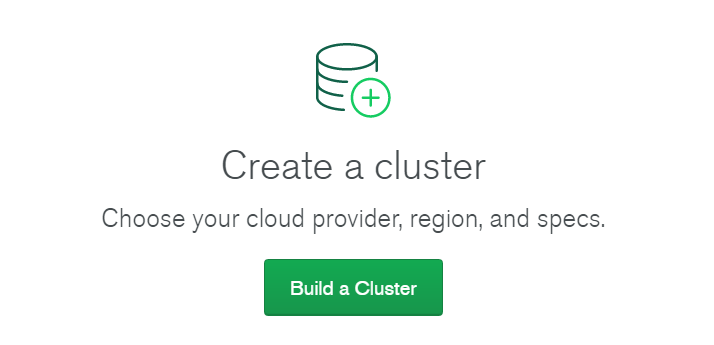
After creating a project, click Build a Cluster and follow the instructions for free tier.
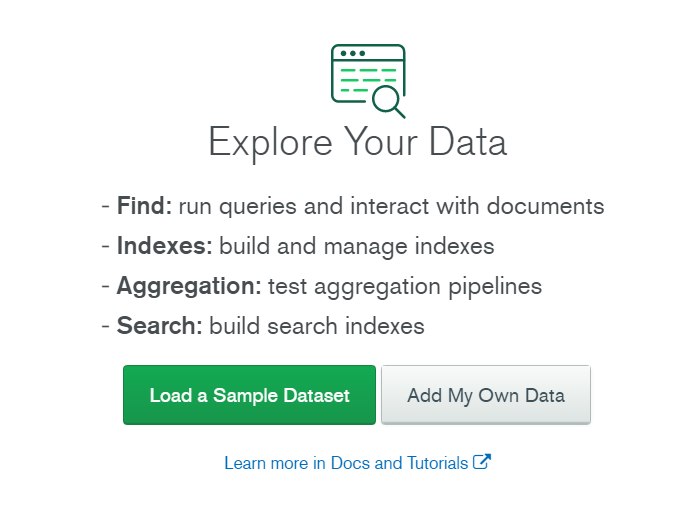
After creating a cluster, go to COLLECTIONS and then choose Add My Own Data to create a new database for the server to use.
After creating a database, click CONNECT, follow the instructions, choose Connect your application as the connection method, and then retrieve the following information to put on the .env file:
- MONGODBNAME
- MONGOPASS

To setup Cloudinary, one must first create an account. After registration, check the dashboard for the following information and put them on the .env file:
- CLOUDINARY_API_KEY
- CLOUDINARY_API_SECRET
- CLOUDINARY_NAME

To start the client-side application, go to the client folder:
cd clientInstall dependencies by running:
npm installStart the client application in development mode on port 3000 by running:
npm startTo run the build process:
npm run buildLogin Page
Room Chat
User Settings
Server
- async: ^2.6.2
- bcryptjs: ^2.4.3
- body-parser: ^1.19.0
- cloudinary: ^1.22.0
- compression: ^1.7.3
- config: ^3.3.1
- connect-flash: ^0.1.1
- cookie-parser: ~1.4.3
- cors: ^2.8.5
- debug: ~2.6.9
- dotenv: ^8.2.0
- express: ^4.17.1
- express-session: ^1.17.1
- express-validator: ^5.3.1
- helmet: ^3.15.1
- http-errors: ~1.6.2
- jsonwebtoken: ^8.5.1
- mongoose: ^5.9.27
- mongoose-friends: ^0.2.5
- morgan: ^1.10.0
- multer: ^1.4.2
- passport: ^0.4.1
- passport-http: ^0.3.0
- passport-jwt: ^4.0.0
- passport-local: ^1.0.0
- socket.io: ^2.4.1
- nodemon: 1.18.10
- @emotion/css: ^11.1.3
- ajv: ^8.0.5
- axios: ^0.21.1
- date-fns: ^2.17.0
- query-string: ^6.8.2
- react: ^16.9.0
- react-dom: ^16.9.0
- react-emoji: ^0.5.0
- react-redux: ^7.1.1
- react-router-dom: ^5.2.0
- react-scripts: ^3.4.1
- react-scroll: ^1.8.1
- redux: ^4.0.4
- redux-form: ^8.2.6
- redux-thunk: ^2.3.0
- sass: ^1.26.5
- socket.io-client: ^2.2.0
- uuidv4: ^6.2.6