- Browse and choose a quiz
- Filter quiz by categories
- Select quiz based on difficulty level and language
- Play quiz and see progress
Live version: click here
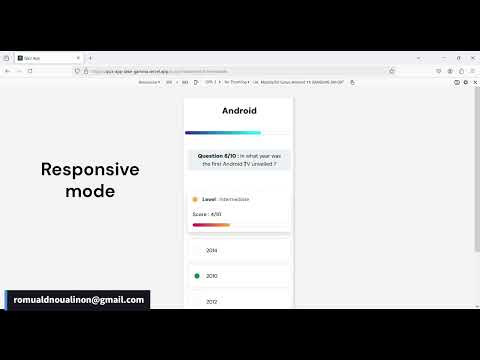
- Frontend: React, Bootstrap
- Backend: Python, Flask, Sqlite
First of all you need Git on your system to be able to clone the repository.
The following instructions assume that Git
is installed:
- Open your terminal
- navigate to the folder where you want to clone the repository
- clone the repository to your local machine by running:
git clone https://github.com/Romulad/quiz-app.git- then navigate to the newly created directory to follow the next instructions:
cd quiz-appTo run this app locally make sure you have the following prerequisites on your system:
- Node.js, this include
npm(Node Package Manager) will be used to run the React app (Front-end). - Python intepreter, will be used to run the Flask app (API).
In a terminal :
- Navigate to the
back-endsubdirectory under the project root directory:
cd back-end- Create a virtual environment:
python -m venv venv- Activate the virtual environment:
- On windows
.\venv\Scripts\activate- On macOS/Linux:
source venv/bin/activate/- Install the required packages:
pip install -r requirements.txt- once the installation is completed start the app with:
flask --app app.server runNext step to see the full app.
In a new terminal :
- Navigate to the
front-enddirectory by running:
cd front-end- install the necessary packages by running this command:
npm install- once the installation is completed start the app with:
npm startAnd you're done! Visit localhost:3000 to view the app.