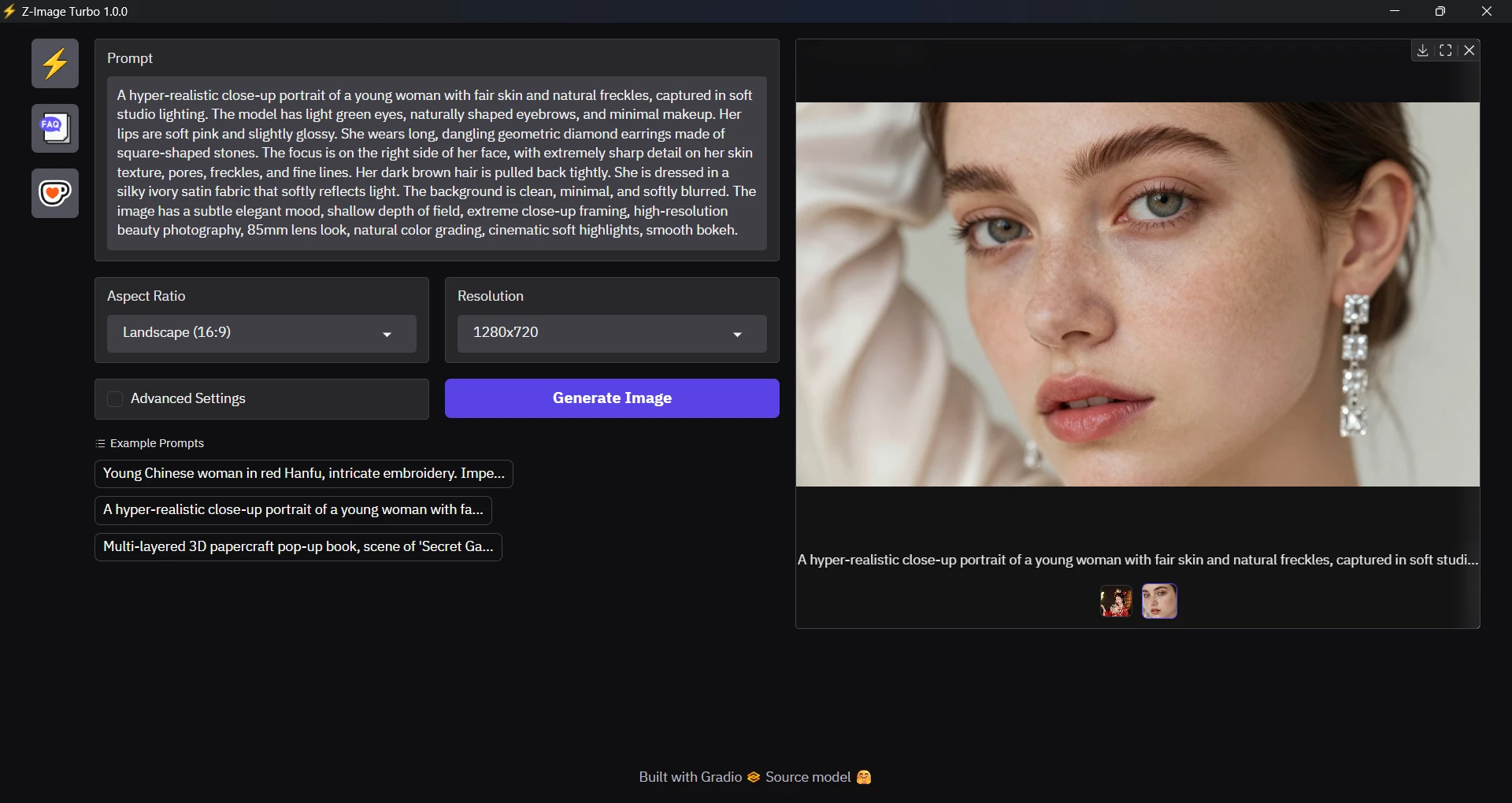
Generate images easily, for free, using solely the power of your GPU.
No watermarks, no limits. Images are computed on your computer.
- Download and extract Z-Image-Turbo-v1.0.2.zip
- Run
Z-Image-Turbo.exe- If SmartScreen pops, click on "More info", "Run anyway"
- If a DLL is missing, install Visual C++ Redist and re-run
- Write a prompt
- Click on "Generate Image"
- Download (export) generated image if you want
- GPU: NVIDIA RTX 30/40/50 series with 8GB VRAM or more
- 32GB RAM (16GB also works but slower)
All images below were generated using Z-Image Turbo for Windows:


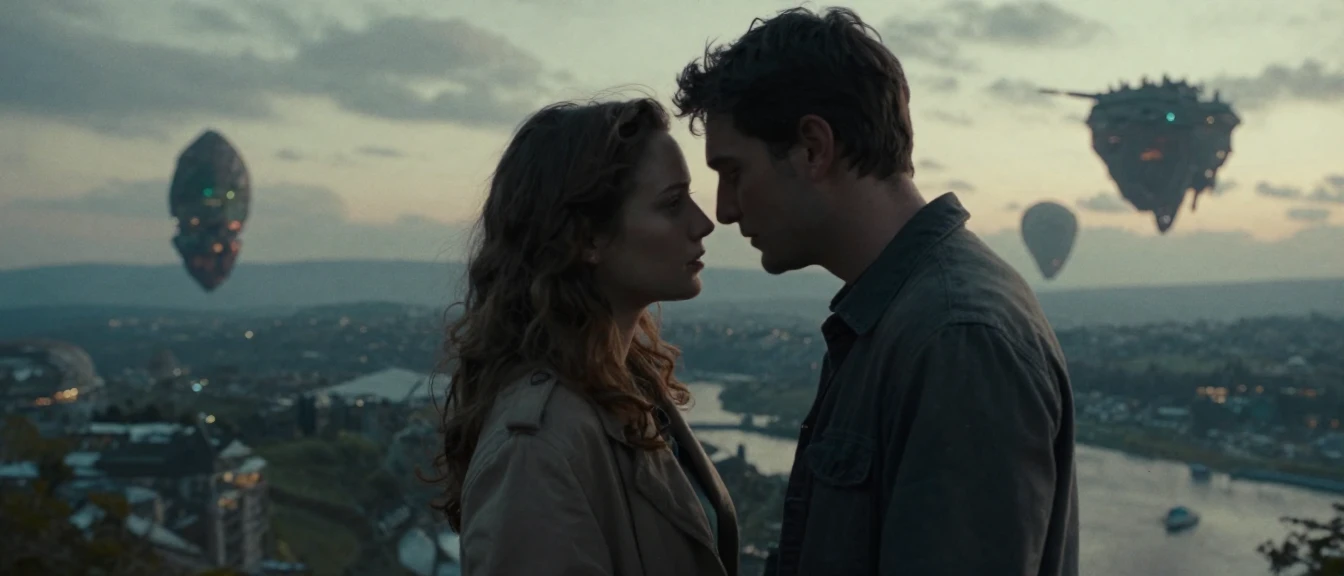
See more examples here.
Please get to FAQ page.
Quantized model: Z-Image-Turbo-SDNQ by Disty0.
Base model: Z-Image-Turbo by Tongyi-MAI.
Python packages: Torch, Triton Windows, Diffusers, SDNQ, and Gradio.
Python tools: uv and Ruff by Astral.
C++ libraries: WebView2 by Microsoft.
C++ tools: CMake by Kitware, and vcpkg by Microsoft.
Icons: High voltage by Google, and FAQ by Kerismaker.

Thanks to TGS for beta testing this program.
This program is free software: you can redistribute it and/or modify it under the terms of the GNU General Public License version 3 or later.
© 2026 Samuel Tallet