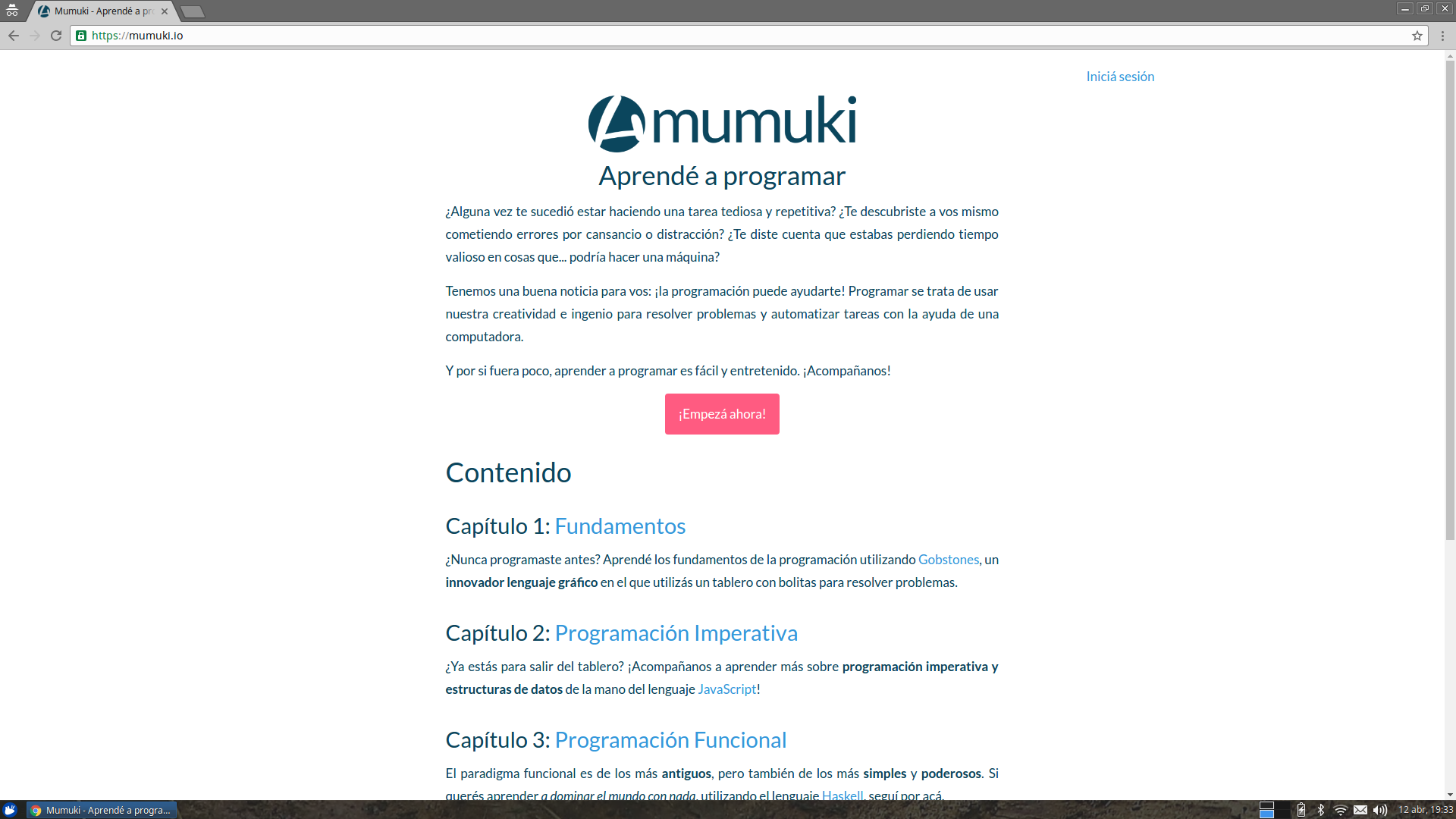

Code assement web application for the Mumuki Platform
Laboratory is a multitenant Rails webapp for solving exercises, organized in terms of chapters and guides.
First, we need to install some software: PostgreSQL database, RabbitMQ queue, and some common Ruby on Rails native dependencies
sudo apt-get install autoconf curl git build-essential libssl-dev autoconf bison libreadline6 libreadline6-dev zlib1g zlib1g-dev postgresql libpq-dev rabbitmq-serverrbenv is a ruby versions manager, similar to rvm, nvm, and so on.
curl https://raw.githubusercontent.com/fesplugas/rbenv-installer/master/bin/rbenv-installer | bash
echo 'export PATH="$HOME/.rbenv/bin:$PATH"' >> ~/.bashrc # or .bash_profile
echo 'eval "$(rbenv init -)"' >> ~/.bashrc # or .bash_profileNow we have rbenv installed, we can install ruby and bundler
rbenv install 2.3.1
rbenv global 2.3.1
rbenv rehash
gem install bundlerBecause, err... we need to clone this repostory before developing it 😛
git clone https://github.com/mumuki/mumuki-laboratory
cd mumuki-laboratoryWe need to create a PostgreSQL role - AKA a user - who will be used by Laboratory to create and access the database
# create db user
sudo -u postgres psql <<EOF
  create role mumuki with createdb login password 'mumuki';
EOF

# create schema and initial development data
./devinitIf you want to start the server quickly in developer environment, you can just do the following:
./devstartThis will install your dependencies and boot the server.
If you just want to install dependencies, just do:
bundle install
You can boot the server by using the standard rackup command:
# using defaults from config/puma.rb and rackup default port 9292
bundle exec rackup

# changing port
bundle exec rackup -p 8080

# changing threads count
MUMUKI_LABORATORY_THREADS=30 bundle exec rackup

# changing workers count
MUMUKI_LABORATORY_WORKERS=4 bundle exec rackup
Or you can also start it with puma command, which gives you more control:
# using defaults from config/puma.rb
bundle exec puma

# changing ports, workers and threads count, using puma-specific options:
bundle exec puma -w 4 -t 2:30 -p 8080

# changing ports, workers and threads count, using environment variables:
MUMUKI_LABORATORY_WORKERS=4 MUMUKI_LABORATORY_PORT=8080 MUMUKI_LABORATORY_THREADS=30 bundle exec puma
Finally, you can also start your server using rails:
rails sbundle exec rspec