Spine-IO Open source Spine 4.3 JSON Exporter for Blender — OCA/OCO-friendly pipeline
Author: Simon Heggie Status: Experimental (Alpha) Blender: 4.2+ Spine Target: 4.3.39-beta License: GPL-3.0 license
CLICK THE VIDEO THUMBNAIL BELOW TO SEE A DEMONSTRATION:
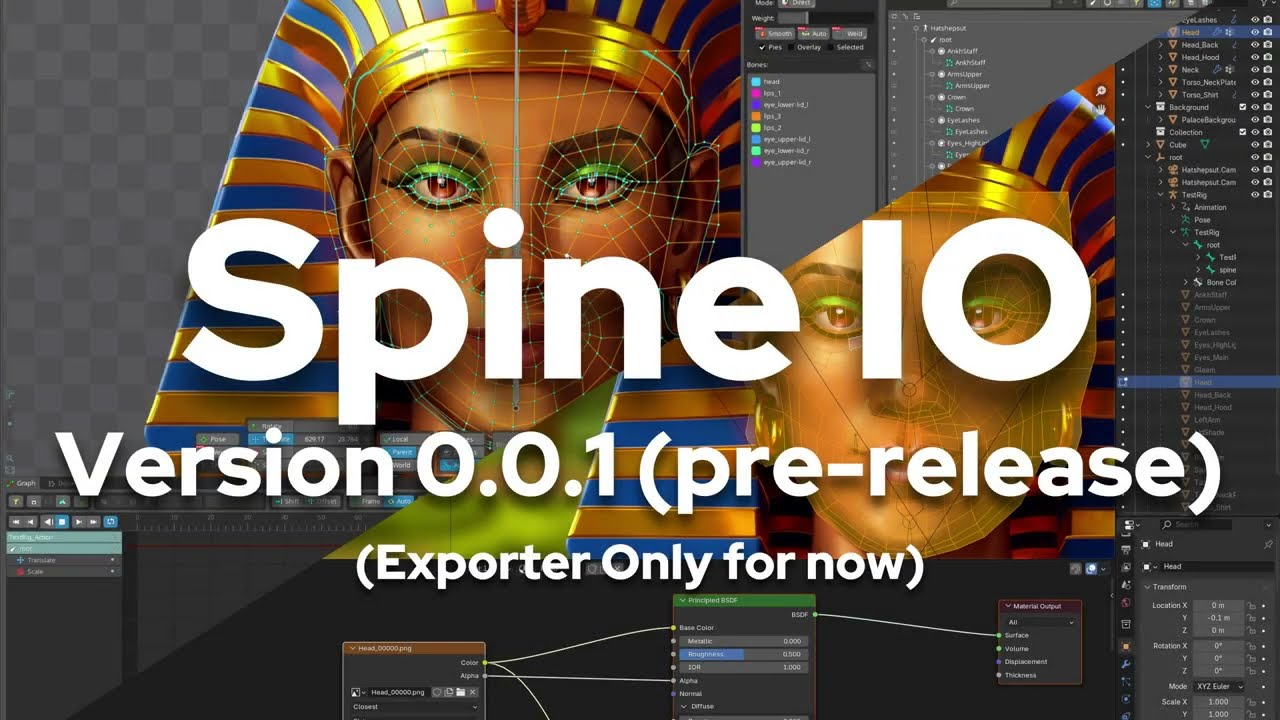
Spine-IO is a set of tightly-integrated Blender extension modules that export Blender armatures, meshes, weights, UVs, and blend-modes into valid Spine 4.3 JSON — supporting complex deformation meshes, OCA/OCO workflows, and non-destructive material setups.
For now this is just an exporter, but I called this IO because Importing is planned.
Go to your Extensions manager in Preferences, search for 'Spine-IO' and download.
As a Blender 4.2+ Extension (recommended)
Go to Edit → Preferences → Extensions.
Install from ZIP (or symlink into the extensions directory).
Enable “Spine-IO (Spine 4.3 JSON Exporter)”.
As a legacy Add-on
Edit → Preferences → Add-ons → Install…
Choose the ZIP file.
Enable Spine-IO (Spine 4.3 JSON Exporter).
File → Export → Spine (.json) — opens export dialog
3D Viewport → Sidebar → Spine-IO tab — Quick Export + Blend-Mode Manager containing:
-
Quick Exporter (including Texture export ON/OFF)
-
Blender mode manager.
✔ Full Mesh Pipeline
Tris, quads, ngons → correctly triangulated
Internal edges supported
Spine-compatible edge encoding
Automatic hull detection
Works for weighted and unweighted meshes*
✔ Bones & Armature
All bones exported with correct parent hierarchy
Bone lengths correctly computed
Accurate transforms using local rig-space frame
Auto-scaled export (or constant scale mode)
✔ Weights
Up to 4 influences per vertex (configurable)
Automatic fallback bones
Correct per-bone coordinates in Spine space
✔ Animations
FK only (for now)
Exports one Blender Action bound to the armature
Spine-compatible timelines
✔ Materials → Spine Blend Modes
A full procedural BLEND-MODE node is generated automatically for materials with the BLEND-MODE node applied. On the right side menu in the viewport in 'Spine-IO' under 'Spine Blend-Modes', you can add this effect to your materials from a blend mode drop down from a list of your selected objects.
Normal
Add (screen)
Luminosity (Spine “additive”)
Multiply
The exporter detects the active material blend output and writes:
"blend": "normal|additive|multiply|screen"
✔ UI Tools
Quick Export (no dialog, uses remembered path)
Safe file-path resolver
Real-time blend-mode syncing via background timer
Material browser inside the Spine-IO panel
✔ OCA/OCO-compatible Image Pathing
Automatically strips .OCA/ folder
Normalizes child texture directories
Subfolders preserved automatically
Works even with mixed or unusual folder structures
Blender → Spine image mapping is stable and predictable
✔ Automatic Parenting Fix
Weighted meshes get properly attached to the correct armature bones even if the mesh was left unparented in Blender.
⚠ ### 1. Occasional UI Slowdown
The background sync timer (_sync_material_blend_modes) can cause:
momentary pauses in the UI
rare dependency graph updates
Cause: Scanning all materials every 0.5 seconds Status: Needs throttling, caching, or a smarter event-based trigger.
⚠ ### 2. Root bone world-space rotation hack
Currently the exporter still relies on the 90° rotation patch in rig-space conversion.
Status: Export still works, but we want a clean rig-space transform. You require to manually use a root bone as the first and top most bone in the hiearchy that stays in the centre of the world, and you must keep it locked and zeroed.
In the future I will automate this for the user and adjust the world coordinate conversation process so that he 90 degree is no longer required.
⚠ ### 3. Only FK animation supported
This is a limitation, not a bug — but worth noting. The next thing to be supported for this is IK controls.
⚠ ### 4. Only weighted meshes are supported at the moment. *
If you attatch a non-weighted mesh it will be in the centre of the world.
🔥 High Priority (Character Animation Requirements)
Correct world → Spine transform (remove 90° hack)
Add support for controller bones (non-deforming bones)
Driver support
especially bone-driven alpha
later: shader-based effects or colour drivers
IK and Constraints
🔥 Medium Priority
Multiple Action export → multiple Spine animations
Skin swapping (Spine skins)
Slot colour and dark-color export
Two-colour tint support
Automatic PSD/Krita layer naming → slot names
🔥 Low Priority (but eventually needed)
Full Importer for Spine → Blender
UI merging for multi-rig scenes
Export presets (profiles for Godot/Armory/Unity)