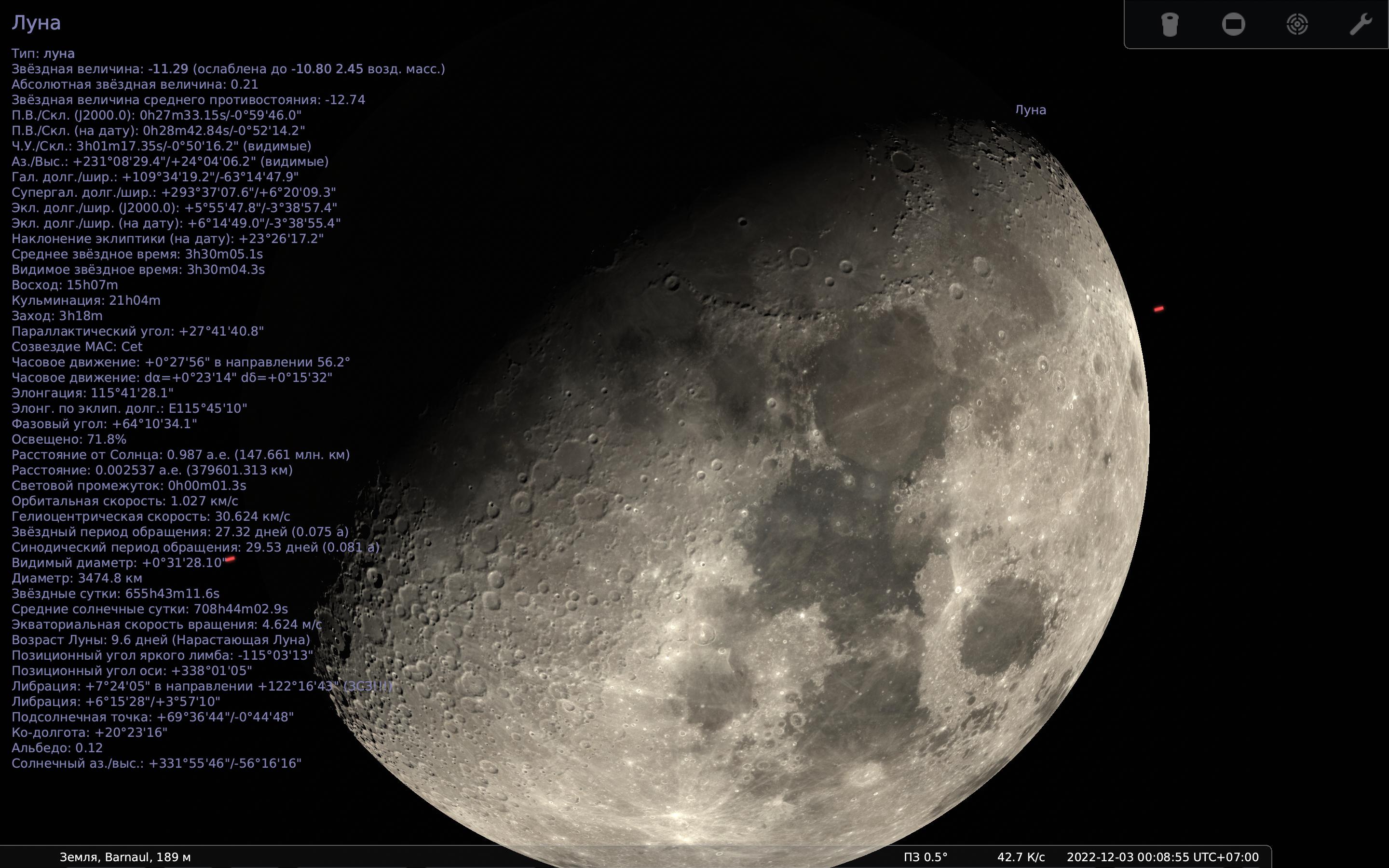
Skip to content

Add support for anisotropic filtering of StelTexture#2881

Merged
10110111 merged 1 commit into
Stellarium:masterfrom
10110111:anisotropic-filtering
Dec 11, 2022
Merged

Add support for anisotropic filtering of StelTexture#2881
10110111 merged 1 commit into
Stellarium:masterfrom
10110111:anisotropic-filtering

Conversation

@10110111
Copy link
Copy Markdown
Contributor

@10110111 10110111 commented Nov 28, 2022

Description

Highly detailed surfaces of planet-like objects, e.g. the Moon, suffer from over-blurring of the limbs due to isotropic mip mapping. This patch adds an option to use anisotropic filtering.

The default state is off. It might be OK to enable by default, since I haven't seen a GPU that suffers from performance drops with it, but this needs testing with e.g. software rendering or ANGLE.

Screenshots:

Default (anisotropy disabled):

Screenshot_2022-11-29_02-21-54

Anisotropy 16×:

Screenshot_2022-11-29_02-21-12

Type of change

  • Bug fix (non-breaking change which fixes an issue)
  • New feature (non-breaking change which adds functionality)
  • Breaking change (fix or feature that would cause existing functionality to change)
  • This change requires a documentation update

How Has This Been Tested?

Test Configuration:

  • Operating system: Ubuntu 20.04
  • Graphics Card: Intel UHD Graphics 620

Checklist:

  • My code follows the code style of this project.
  • I have performed a self-review of my own code
  • I have commented my code, particularly in hard-to-understand areas
  • I have made corresponding changes to the documentation (header file)
  • I have updated the respective chapter in the Stellarium User Guide
  • My changes generate no new warnings
  • I have added tests that prove my fix is effective or that my feature works
  • New and existing unit tests pass locally with my changes
  • Any dependent changes have been merged and published in downstream modules

@github-actions
Copy link
Copy Markdown

Great PR! Please pay attention to the following items before merging:

Files matching src/**/*.cpp:

  • Are possibly unused includes removed?

Files matching guide/**:

  • Did you remember to update screenshots to match new updates?
  • Did you remember to grammar check in changed part of documentation?

This is an automatically generated QA checklist based on modified files

@gzotti
Copy link
Copy Markdown
Member

gzotti commented Nov 28, 2022

Looks great! My main system is broken, hopefully I can test Qt5/ANGLE and RPi4 later this week.

@alex-w alex-w added this to the 1.2 milestone Nov 29, 2022
@alex-w
Copy link
Copy Markdown
Member

alex-w commented Nov 29, 2022

Looks good! I'll check it in macOS tonight

@gzotti
Copy link
Copy Markdown
Member

gzotti commented Dec 1, 2022

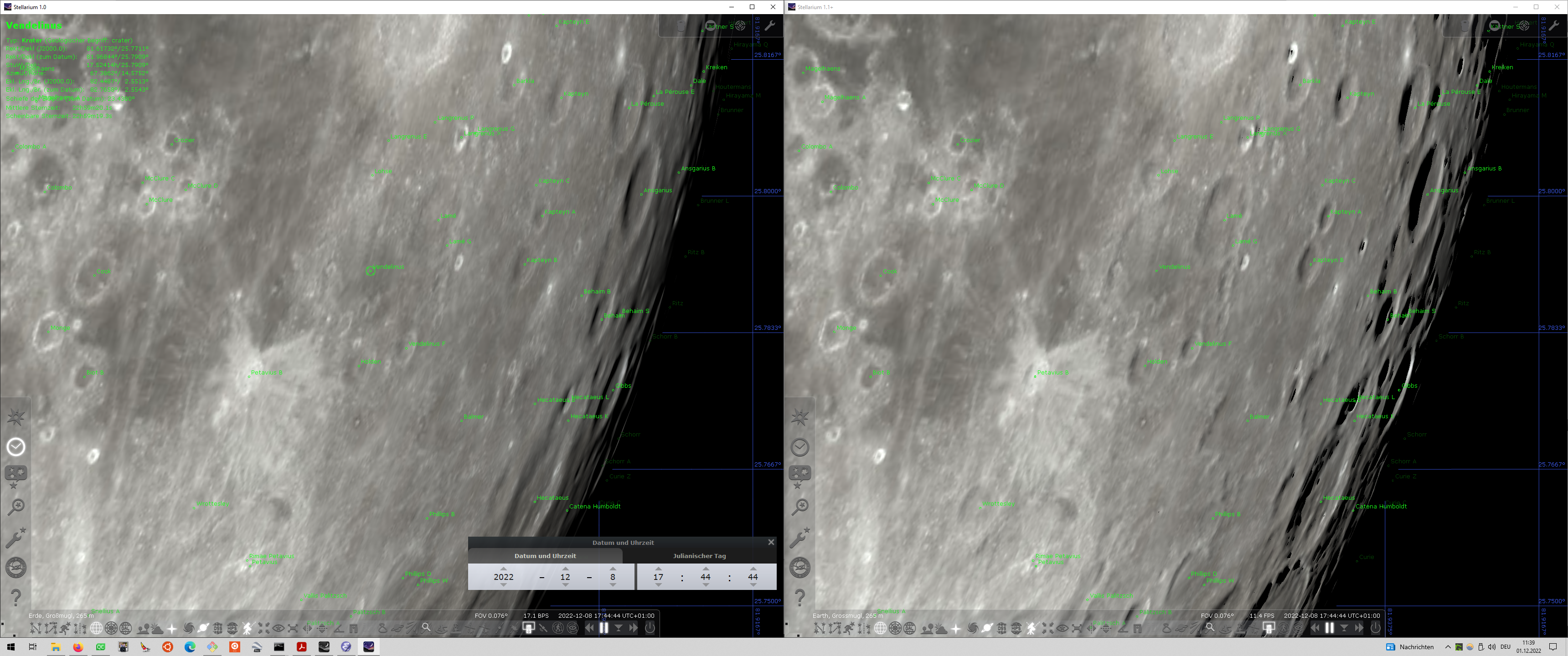
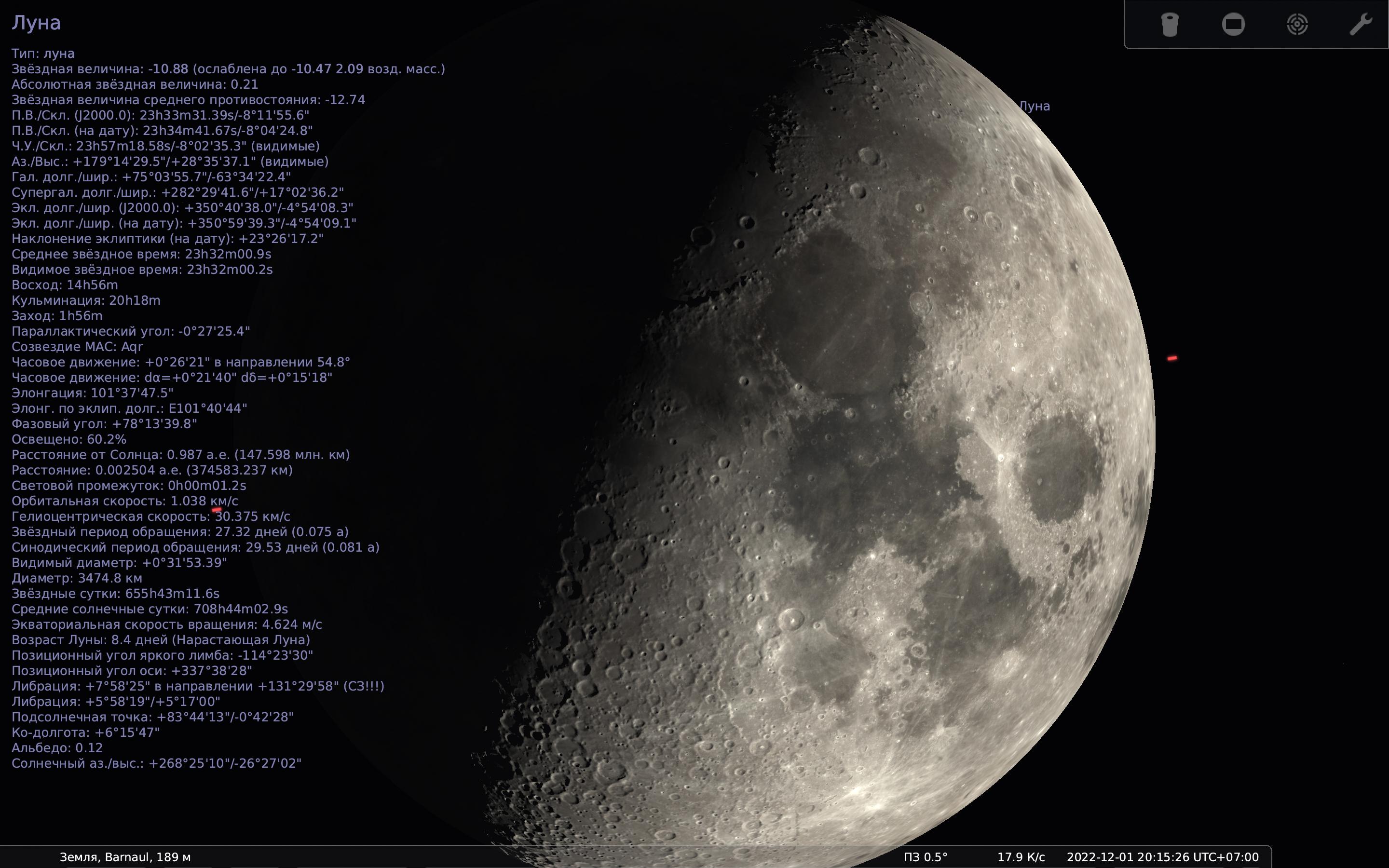
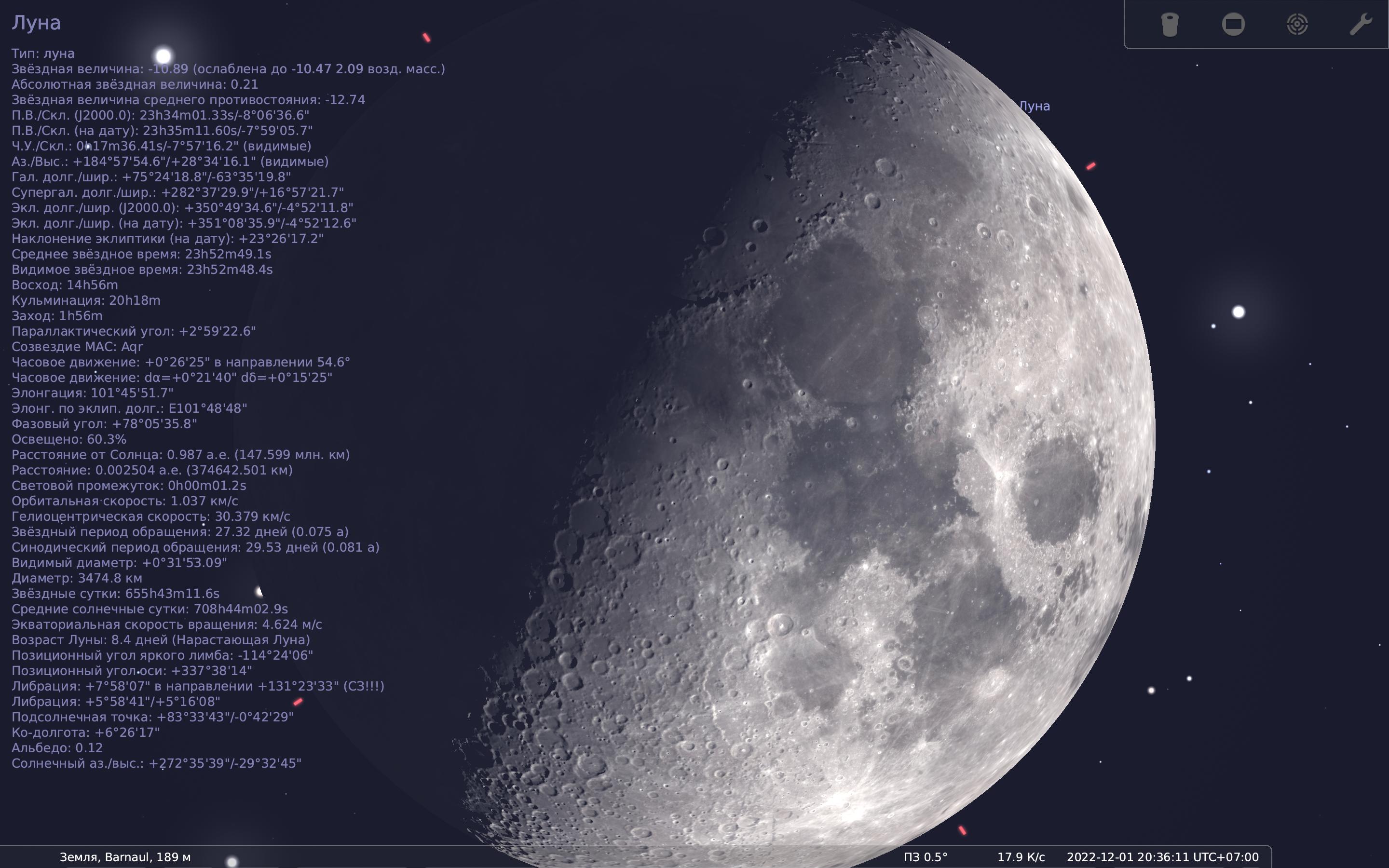
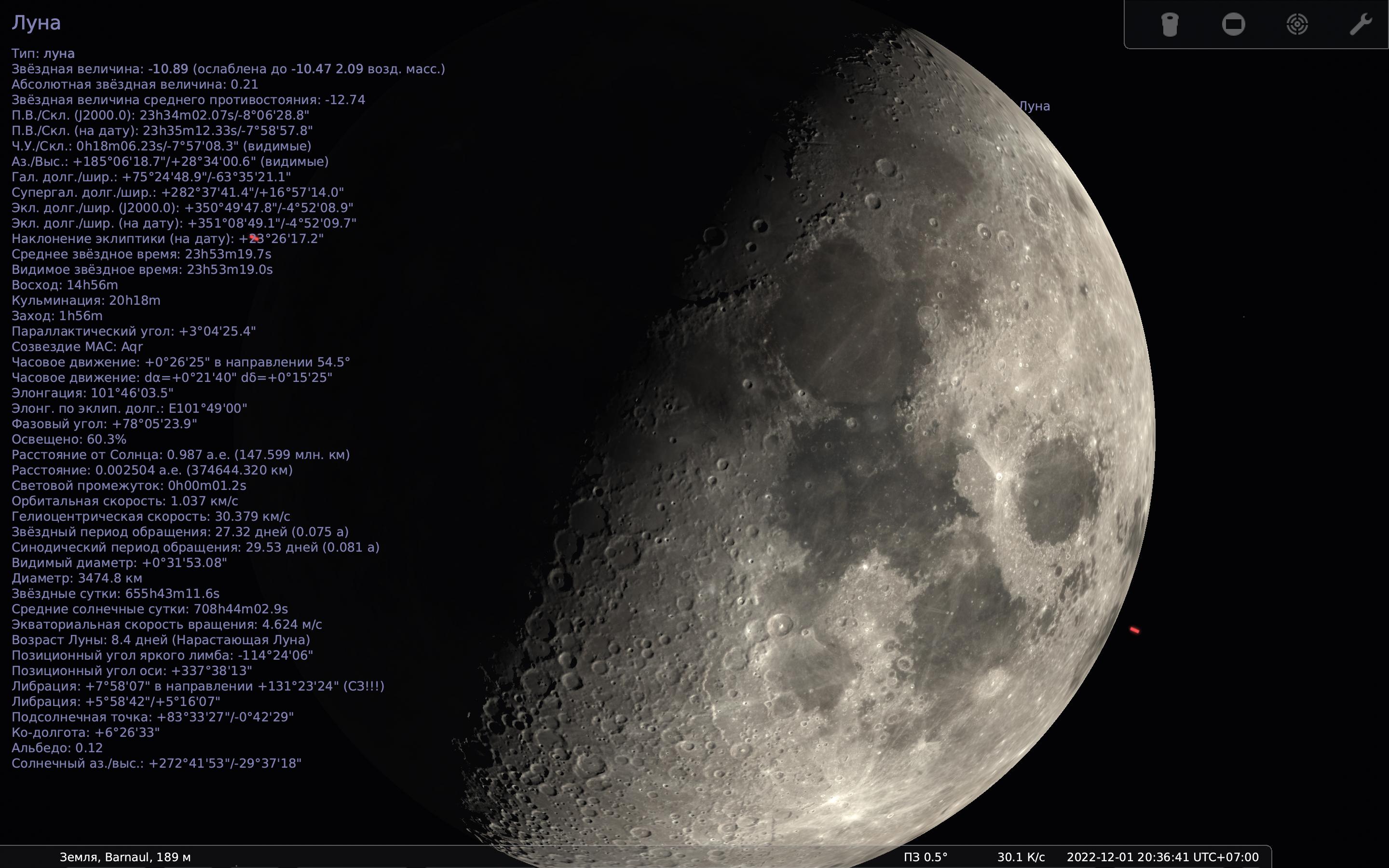
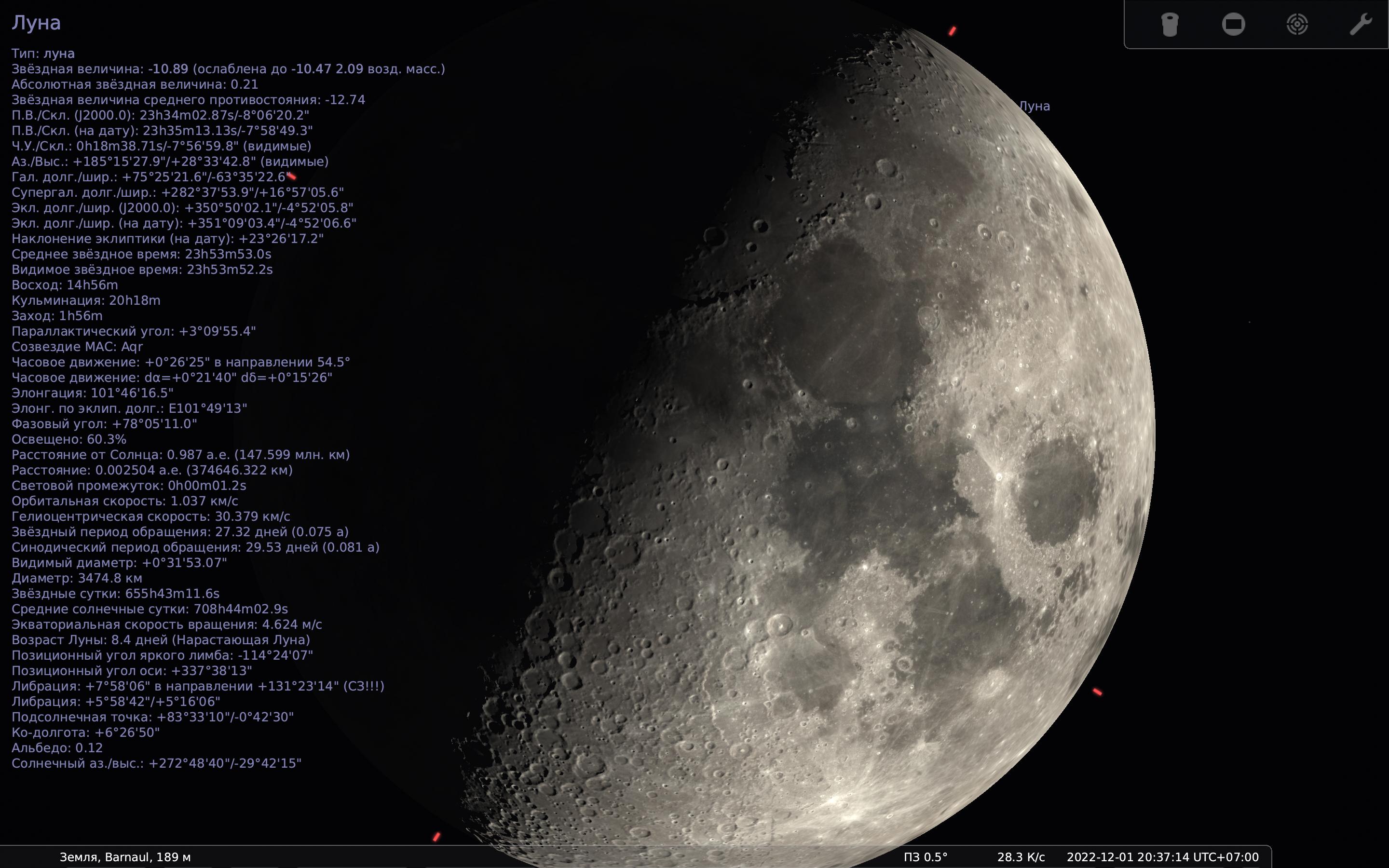
Screenshot (3)

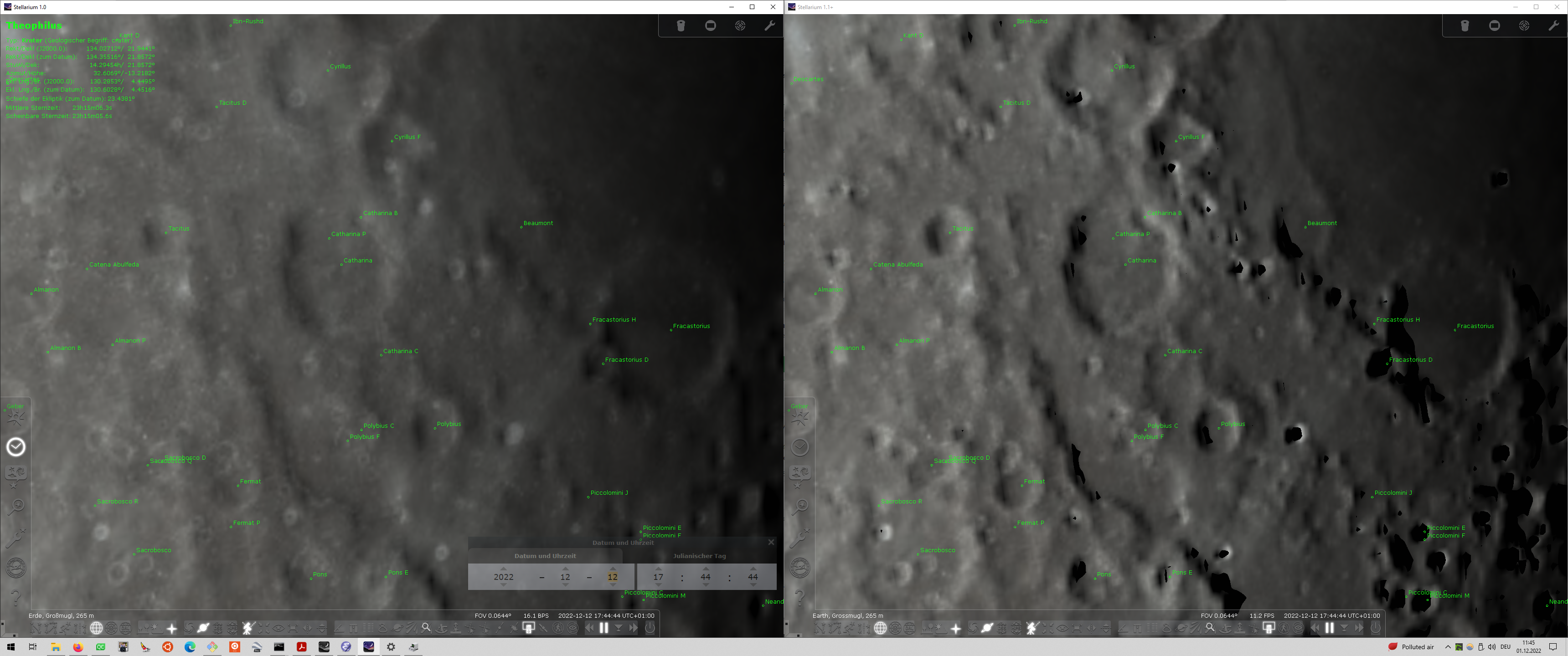
Screenshot (4)

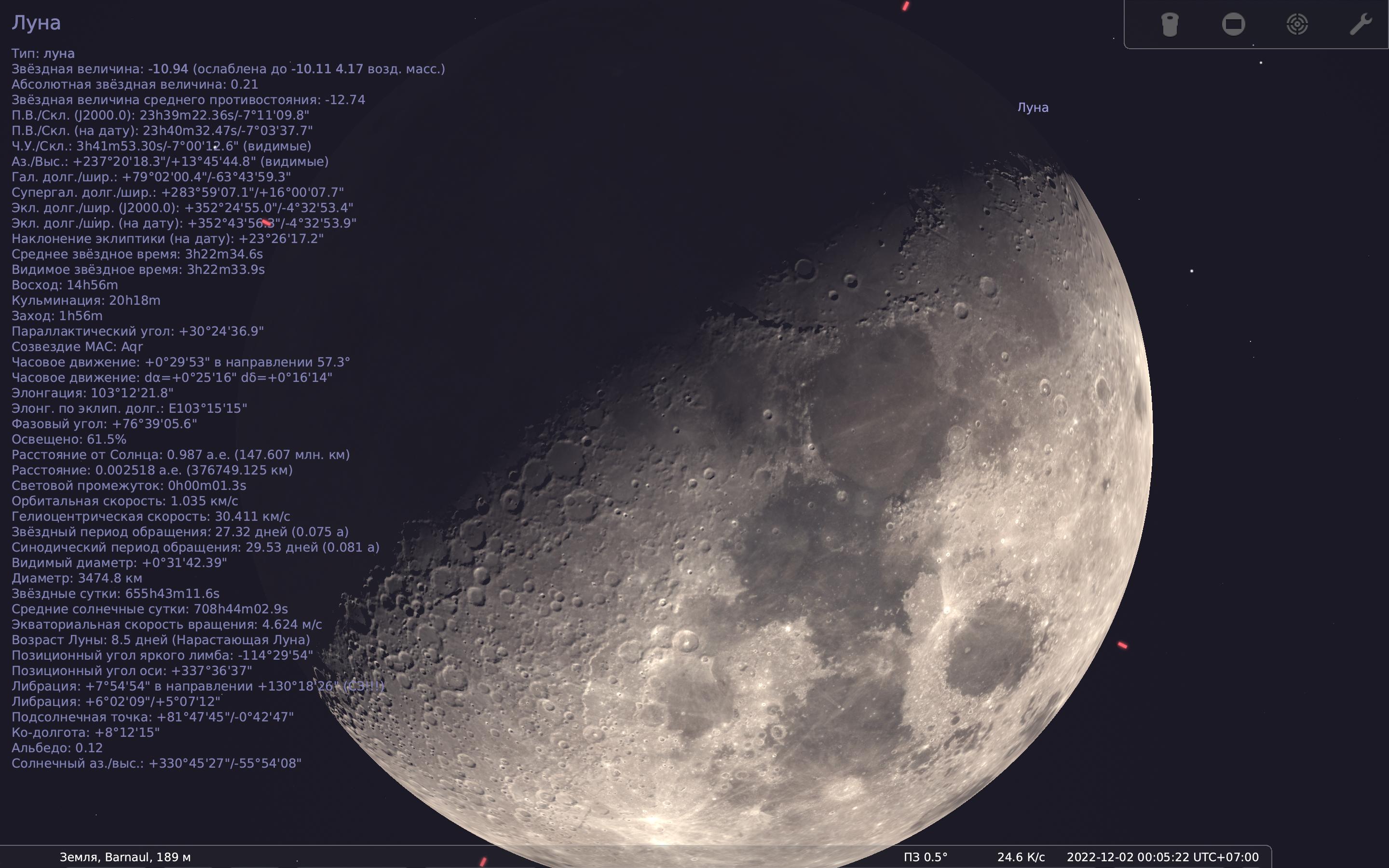
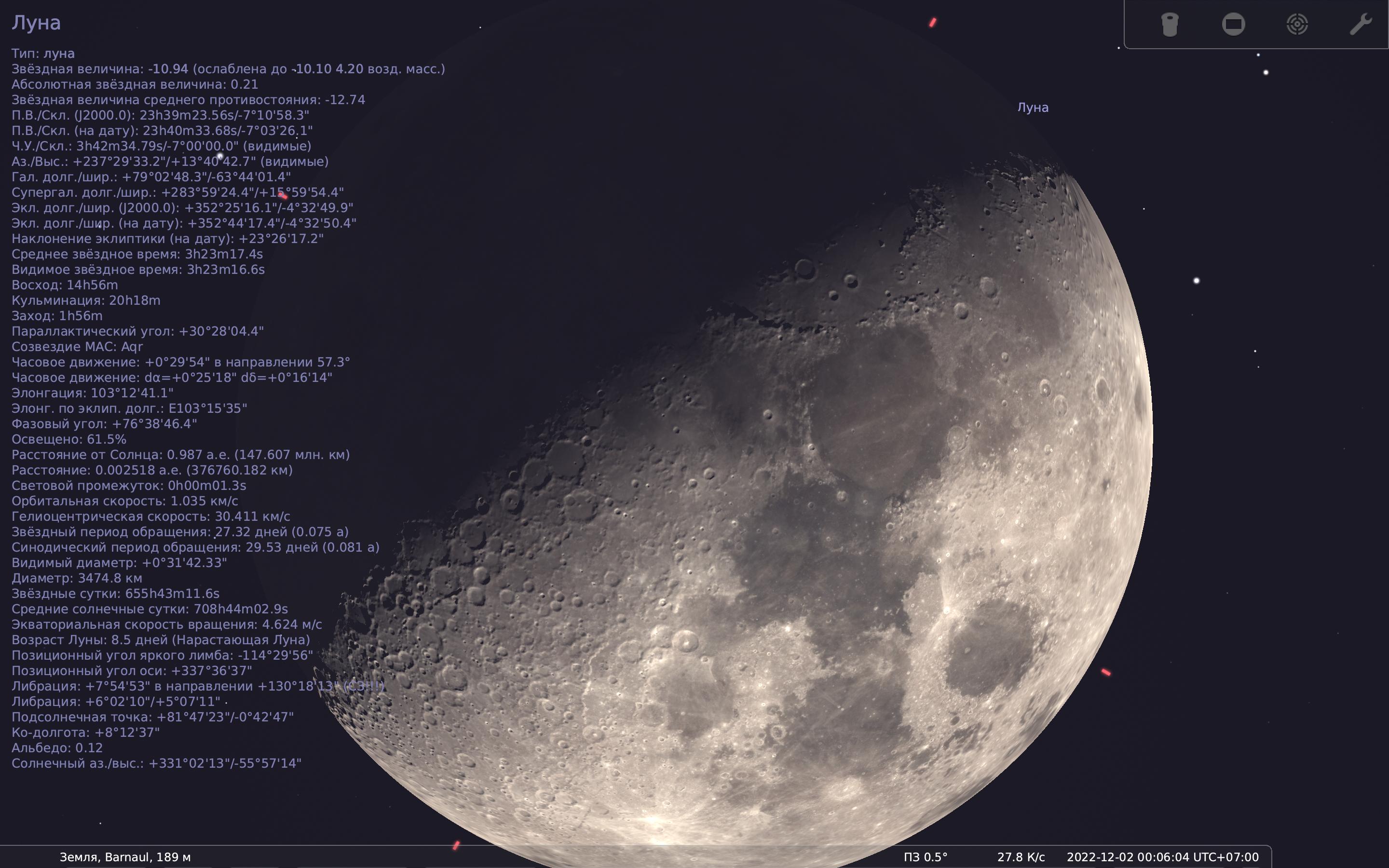
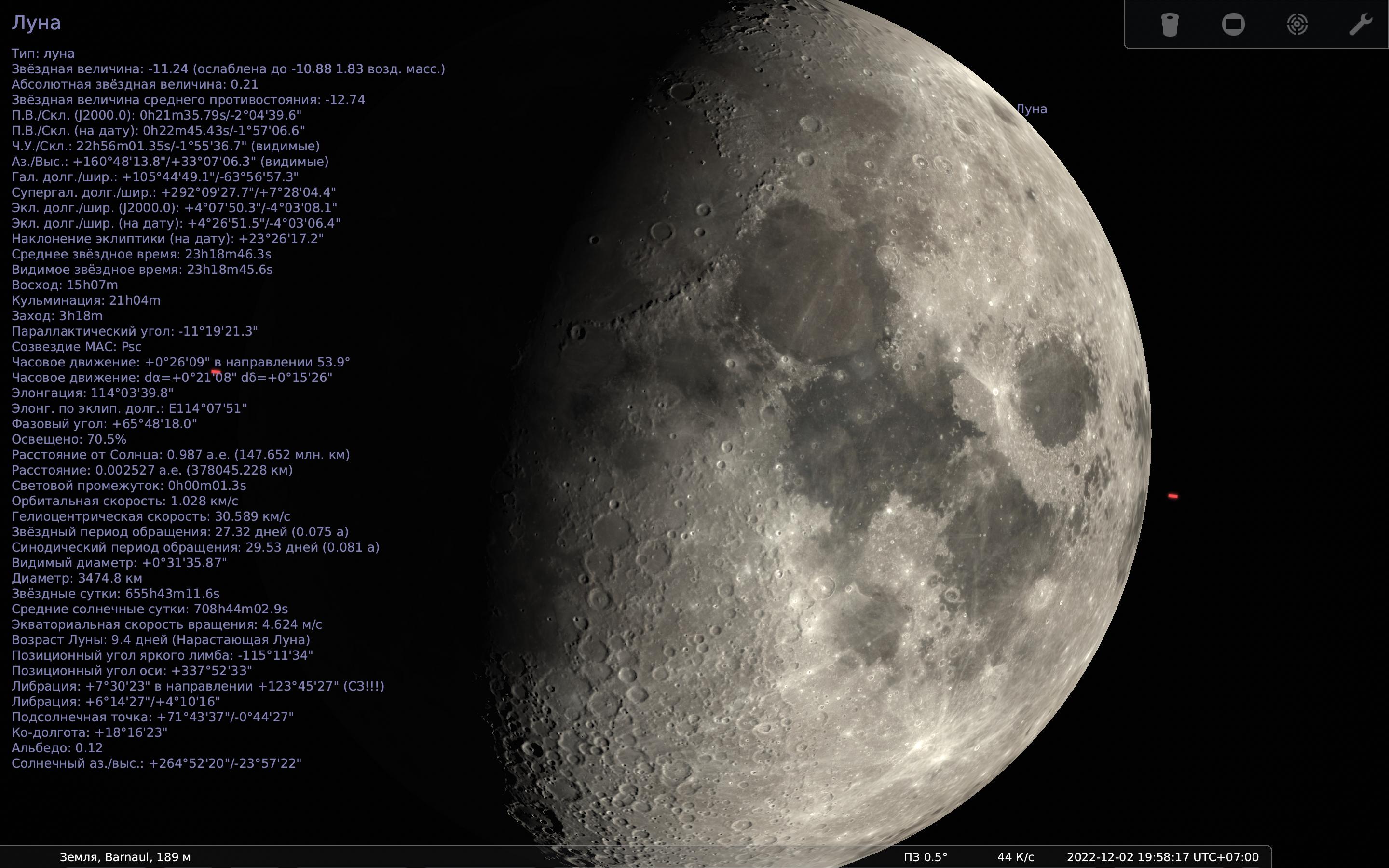
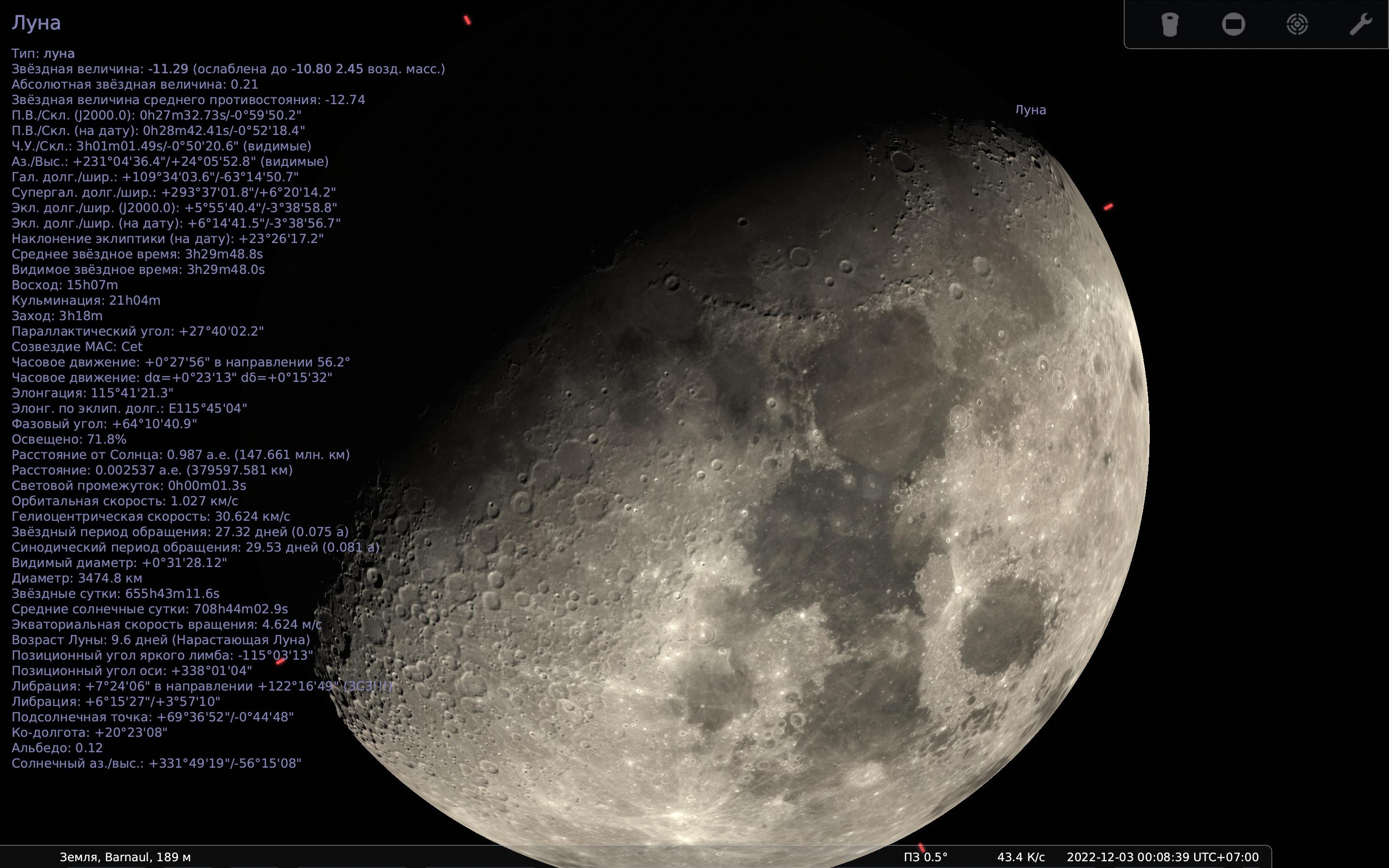
Test with Intel Core i5-4570 (Intel HD4600) on Qt6.4. Works and looks generally better than 1.0. However, there are regions which fall pitch black next to "normal map shadowed" slopes, which looks rather buggy than correct.

@10110111
Copy link
Copy Markdown
Contributor Author

10110111 commented Dec 1, 2022

However, there are regions which fall pitch black next to "normal map shadowed" slopes, which looks rather buggy than correct.

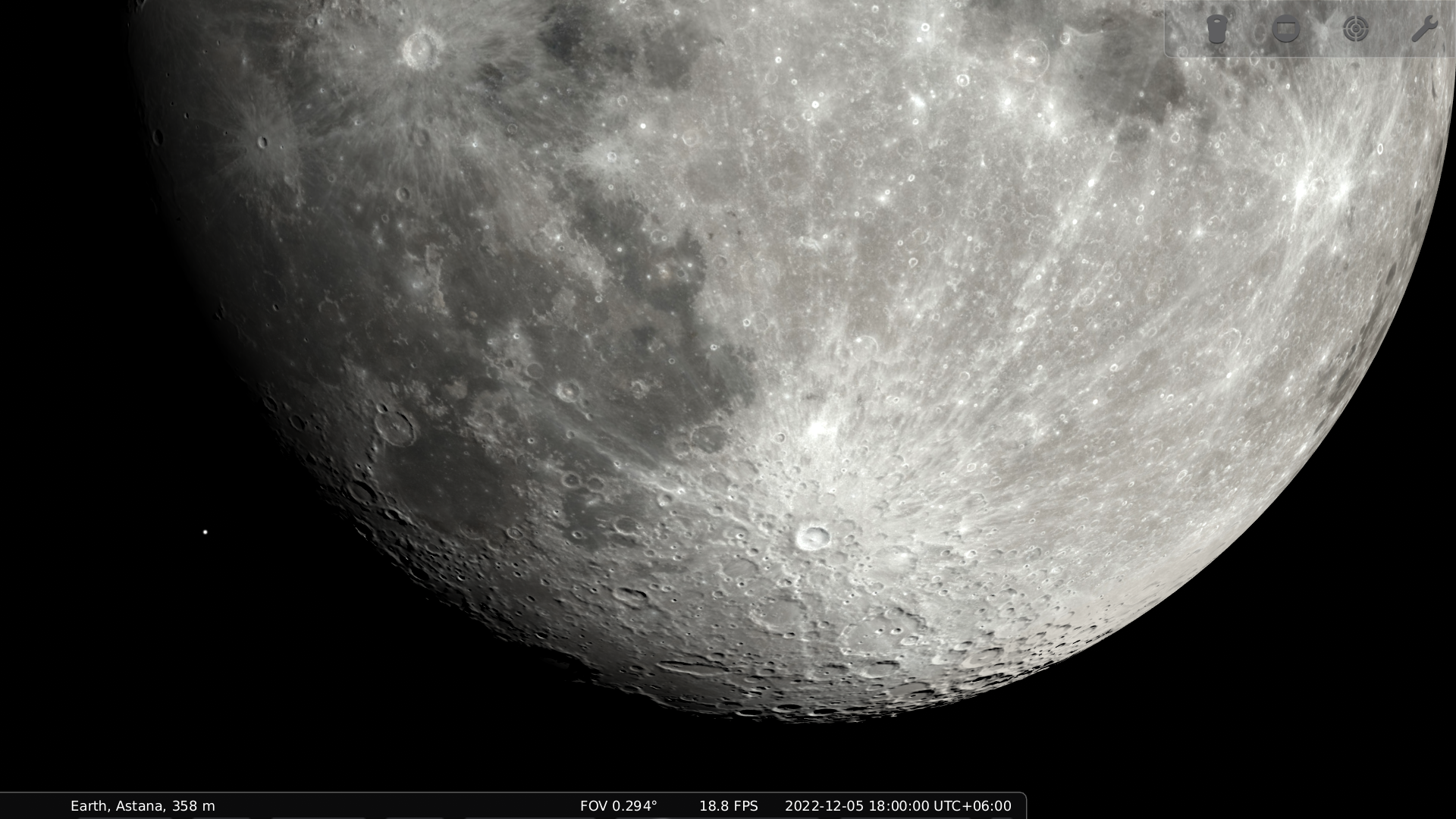
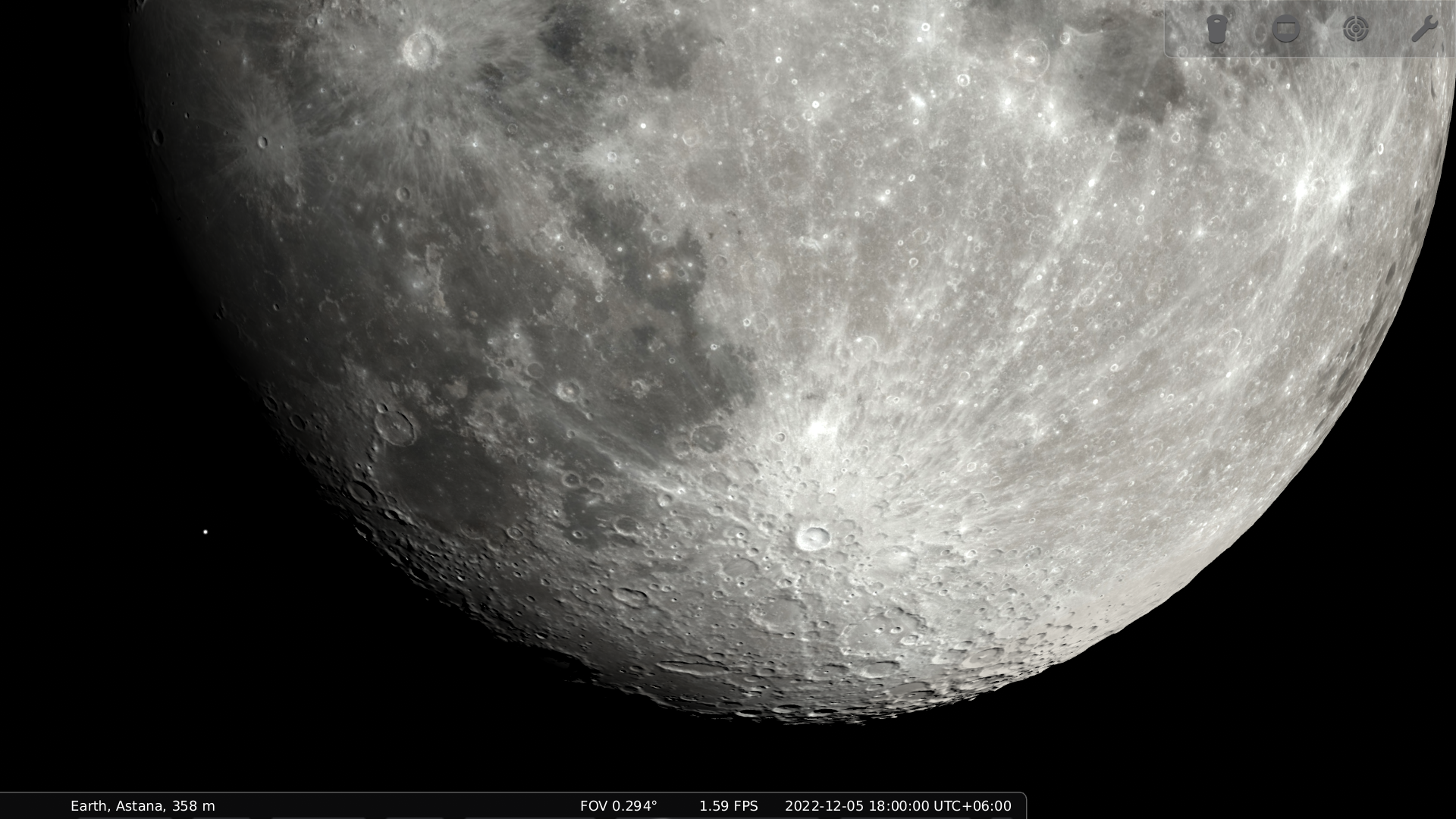
This is the flip side of simulation of shadows without actual bumpy shapes. In my WIP moon-mesh branch you can see the following difference: sphere vs selenoid.

@gzotti
Copy link
Copy Markdown
Member

gzotti commented Dec 1, 2022

Whoa, looks great! Now it would make sense to fix #1959, using a stencil mask. Uh, is the 1.6fps vs 18.8fps a consequence?
OK, it seems both anisotropic and selenoid must become user options. And probably dependent on zoom/relative size of the moon vs. screen. Is the moon mesh fully detailed over the whole globe, or just in the libration zone?

@10110111
Copy link
Copy Markdown
Contributor Author

10110111 commented Dec 1, 2022

Uh, is the 1.6fps vs 18.8fps a consequence?

Yes, as I said, it's a WIP. I hope to make it faster with further development.

Is the moon mesh fully detailed over the whole globe, or just in the libration zone?

It's fully detailed and done via brute force (6×10⁶ vertices in total). Maybe it could make sense to only detalize the libration zone, but currently I'm experimenting with full selenoid. In any case the full selenoid should remain an option, because we don't only watch the Moon from the Earth, and are not even limited to the neighborhood of the ecliptic.

@gzotti
Copy link
Copy Markdown
Member

gzotti commented Dec 1, 2022

Yes, alright. So, probably 3 options: sphere / Selenoid (libration zone) / Selenoid (full).

@alex-w
Copy link
Copy Markdown
Member

alex-w commented Dec 1, 2022

Looks good! I'll check it in macOS tonight

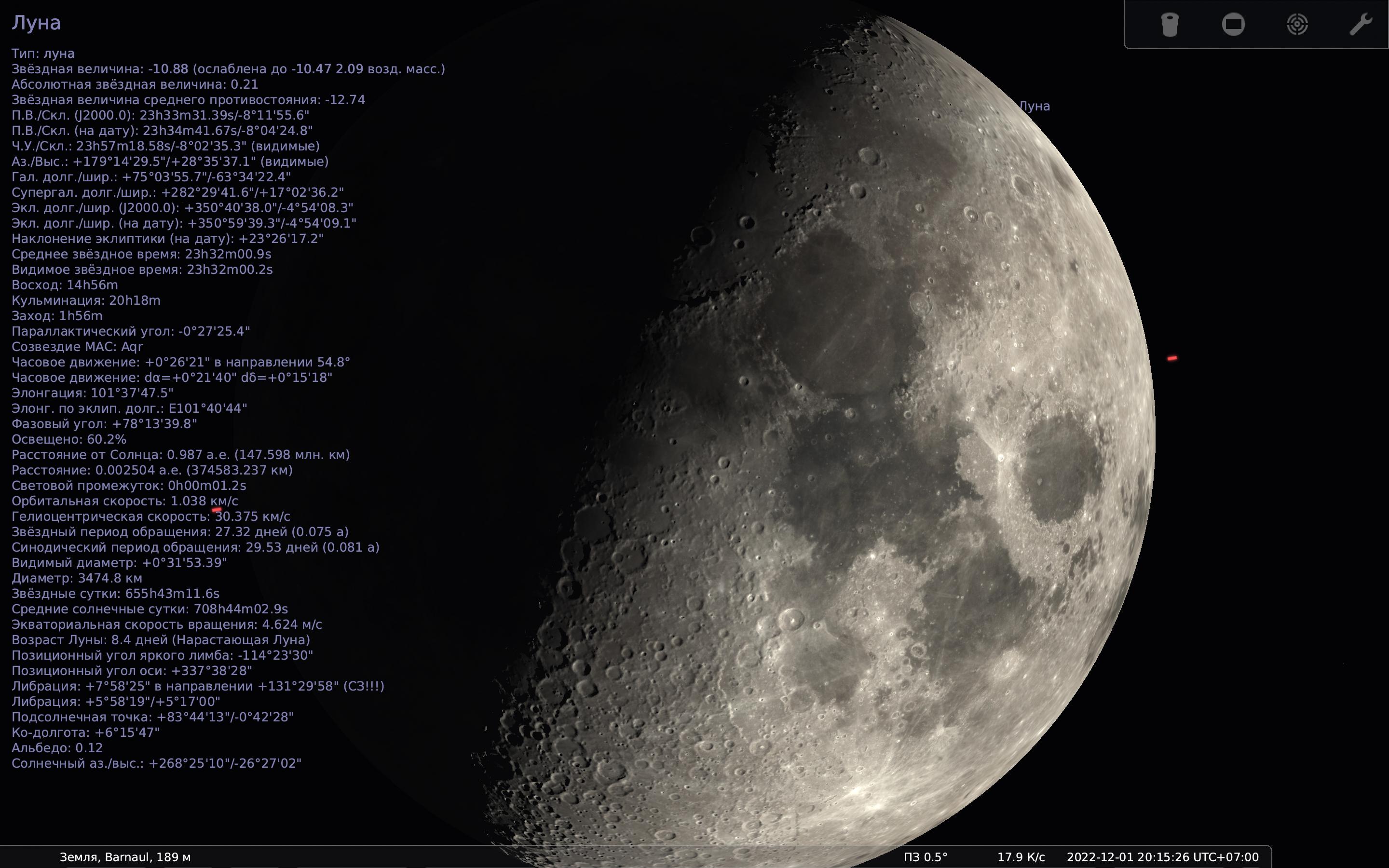
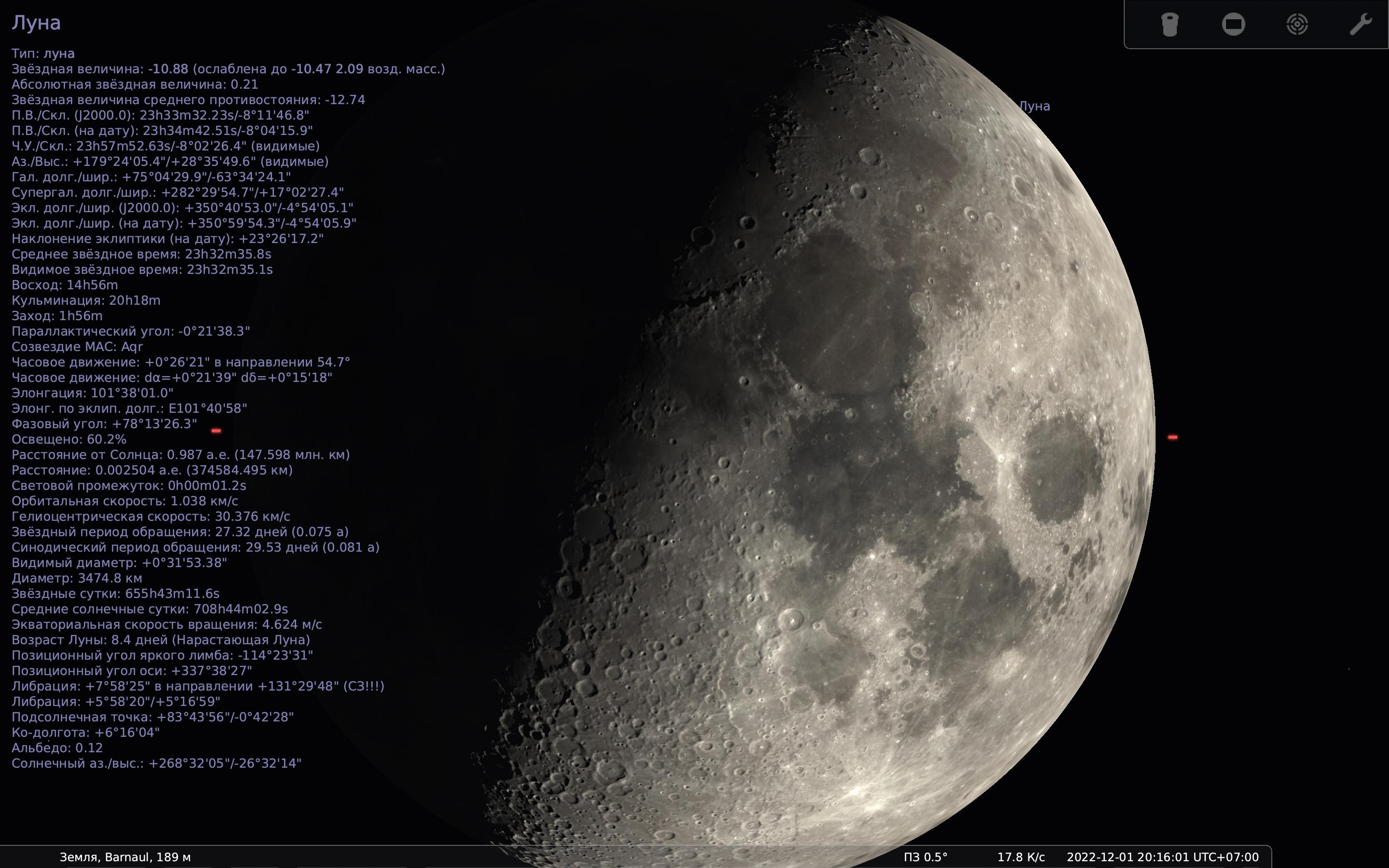
1.1:
stellarium-001

this branch:
stellarium-002

@10110111
Copy link
Copy Markdown
Contributor Author

10110111 commented Dec 1, 2022

@alex-w there's no change in your second screenshot. Have you enabled anisotropic filtering (see the guide)?

@alex-w
Copy link
Copy Markdown
Member

alex-w commented Dec 1, 2022

@alex-w there's no change in your second screenshot. Have you enabled anisotropic filtering (see the guide)?

You're right, it was disabled.

1.1:
stellarium-001

anisotropic_filtering=16:
stellarium-003

anisotropic_filtering=8:
stellarium-004

anisotropic_filtering=4:
stellarium-005

@10110111
Copy link
Copy Markdown
Contributor Author

10110111 commented Dec 1, 2022

Well, it doesn't look like enabled. Is GL_TEXTURE_MAX_ANISOTROPY even defined in StelTexture.cpp?

@alex-w
Copy link
Copy Markdown
Member

alex-w commented Dec 1, 2022

Well, it doesn't look like enabled. Is GL_TEXTURE_MAX_ANISOTROPY even defined in StelTexture.cpp?

Code:

#ifdef GL_TEXTURE_MAX_ANISOTROPY
		qWarning() << "GL_TEXTURE_MAX_ANISOTROPY is supported";
		const auto conf = StelApp::getInstance().getSettings();
		const GLint desiredAnisotropyLevel = conf->value("video/anisotropic_filtering", 0).toUInt();
		const auto maxAnisotropy = StelMainView::getInstance().getGLInformation().maxAnisotropy;
		qWarning().noquote() << "Max anisotropy:" << maxAnisotropy << "; Desired anisotropy level:" << desiredAnisotropyLevel;
		if(maxAnisotropy > 0 && desiredAnisotropyLevel > 0)
		{
			const int anisotropy = std::min(maxAnisotropy, desiredAnisotropyLevel);
			gl->glTexParameteri(GL_TEXTURE_2D, GL_TEXTURE_MAX_ANISOTROPY, anisotropy);

			// Assuming maximum possible anisotropy, all mipmaps will require
			// 4× the size of base mip level. Generally anisotropy may be
			// lower, but we prefer to overestimate VRAM consumption than to
			// underestimate it.
			glSize *= 4;
		}
		else
#else
		qWarning() << "GL_TEXTURE_MAX_ANISOTROPY is NOT supported";
#endif

log.txt

@gzotti
Copy link
Copy Markdown
Member

gzotti commented Dec 1, 2022

This warning should be given only once (add a Boolean flag to remember...)

@10110111
Copy link
Copy Markdown
Contributor Author

10110111 commented Dec 1, 2022

This warning should be given only once

It should be done at the compilation time, since the check is via preprocessor.

@gzotti
Copy link
Copy Markdown
Member

gzotti commented Dec 1, 2022

@10110111 10110111 force-pushed the anisotropic-filtering branch from 7c7abcb to 986f2dc Compare December 1, 2022 16:26
@10110111
Copy link
Copy Markdown
Contributor Author

10110111 commented Dec 1, 2022

@alex-w Please retest with the updated version.

@alex-w
Copy link
Copy Markdown
Member

alex-w commented Dec 1, 2022

@alex-w Please retest with the updated version.

1.1:
stellarium-006

anisotropic_filtering = 16:
stellarium-007

@10110111
Copy link
Copy Markdown
Contributor Author

10110111 commented Dec 1, 2022

Post the new log please.

@alex-w
Copy link
Copy Markdown
Member

alex-w commented Dec 1, 2022

Post the new log please.

log.txt

@10110111
Copy link
Copy Markdown
Contributor Author

10110111 commented Dec 1, 2022

Anisotropic filtering is not supported!

Strange. Please post the log with --dump-opengl-details option.

@alex-w
Copy link
Copy Markdown
Member

alex-w commented Dec 2, 2022

Strange. Please post the log with --dump-opengl-details option.

OpenGL Core profile: log.txt

OpenGL Compatible profile: log.txt

stellarium-009

@10110111 10110111 force-pushed the anisotropic-filtering branch from 986f2dc to 3887de9 Compare December 2, 2022 15:01
@10110111
Copy link
Copy Markdown
Contributor Author

10110111 commented Dec 2, 2022

Please retry with the new version, and post the log.

@alex-w
Copy link
Copy Markdown
Member

alex-w commented Dec 2, 2022

Please retry with the new version, and post the log.

In the log:
Failed to get maximum texture anisotropy: GL_INVALID_ENUM

@10110111 10110111 force-pushed the anisotropic-filtering branch from 3887de9 to 515f404 Compare December 2, 2022 16:51
@10110111
Copy link
Copy Markdown
Contributor Author

10110111 commented Dec 2, 2022

That was my mistake, I swapped the values of the enums. Please retry with the updated version.

@alex-w
Copy link
Copy Markdown
Member

alex-w commented Dec 2, 2022

1.1:
stellarium-011

anisotropic_filtering = 16:
stellarium-012

log.txt

@10110111
Copy link
Copy Markdown
Contributor Author

10110111 commented Dec 2, 2022

Yeah, that's much better.

@10110111 10110111 force-pushed the anisotropic-filtering branch 2 times, most recently from 94aa212 to 181f04e Compare December 3, 2022 20:35
@gzotti
Copy link
Copy Markdown
Member

gzotti commented Dec 4, 2022

Quick update on Win10/MESA: does not start :-(

log.txt

I may try to build Mesa22 on Windows, but cannot promise anything for 1.2.

@10110111
Copy link
Copy Markdown
Contributor Author

10110111 commented Dec 4, 2022

Quick update on Win10/MESA: does not start

From the log it seems you have something broken that is not related to this PR.

@gzotti
Copy link
Copy Markdown
Member

gzotti commented Dec 4, 2022

Indeed. Master is broken with Win10/Mesa mode. :-(
V1.1 started with black screen, but pressing F11 twice solved it. And IIRC it worked recently without F11.

@gzotti
Copy link
Copy Markdown
Member

gzotti commented Dec 9, 2022

It all works with Qt5.12.8. Also Mesa.

@gzotti
Copy link
Copy Markdown
Member

gzotti commented Dec 11, 2022

Works on RPi4 as well!

Copy link
Copy Markdown
Member

@gzotti gzotti left a comment

Choose a reason for hiding this comment

The reason will be displayed to describe this comment to others. Learn more.

It works (and looks better) or does at least not show issues on all my systems.

@10110111
Copy link
Copy Markdown
Contributor Author

Does it mean that we can set the default anisotropy to 16?

@gzotti
Copy link
Copy Markdown
Member

gzotti commented Dec 11, 2022

I tried 8 on my RPi4. What happens if it is set to higher? I think you clamp it with the max possible value, right?

@10110111
Copy link
Copy Markdown
Contributor Author

10110111 commented Dec 11, 2022

What happens if it is set to higher?

Image quality is improved :) Well, unless it's over the limit, in which case we just set the maximum value.

I think you clamp it with the max possible value, right?

Yes.

@gzotti
Copy link
Copy Markdown
Member

gzotti commented Dec 11, 2022

Then yes, we can IMO set it to 16 as default.

@10110111 10110111 force-pushed the anisotropic-filtering branch from 181f04e to 825437c Compare December 11, 2022 13:15
@10110111 10110111 merged commit 1c90f3f into Stellarium:master Dec 11, 2022
@10110111 10110111 deleted the anisotropic-filtering branch December 11, 2022 13:18
@alex-w alex-w added the state: published The fix has been published for testing in weekly binary package label Dec 12, 2022
@github-actions
Copy link
Copy Markdown

Hello @10110111!

Please check the fresh version (development snapshot) of Stellarium:
https://github.com/Stellarium/stellarium-data/releases/tag/weekly-snapshot

@alex-w alex-w removed the state: published The fix has been published for testing in weekly binary package label Dec 25, 2022
@github-actions
Copy link
Copy Markdown

Hello @10110111!

Please check the latest stable version of Stellarium:
https://github.com/Stellarium/stellarium/releases/latest

Sign up for free to join this conversation on GitHub. Already have an account? Sign in to comment

Labels

None yet

Projects

None yet

Development

Successfully merging this pull request may close these issues.

3 participants