WOW Factor
Our application features two WOW Factor items.
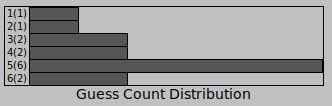
Our stats for number of wins per guesses is displayed via a chart on the window, this makes it very easy to see the distribution of your wins.
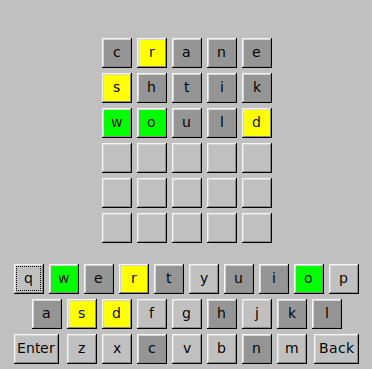
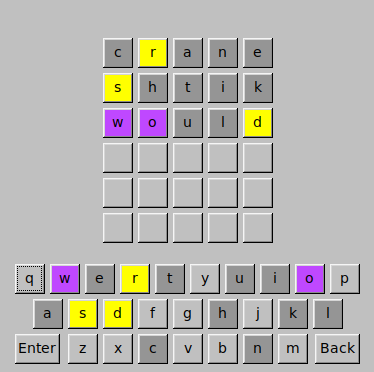
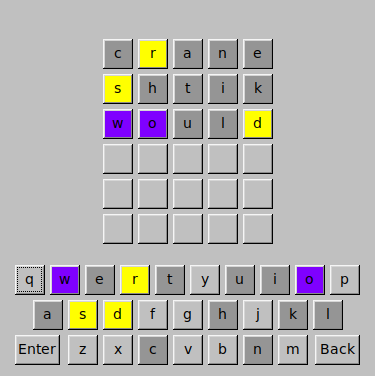
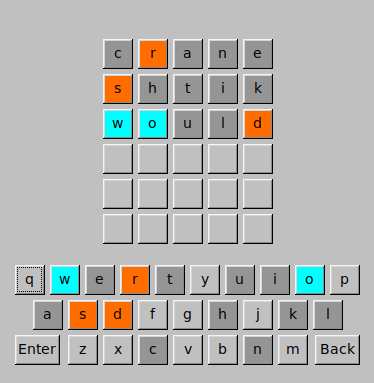
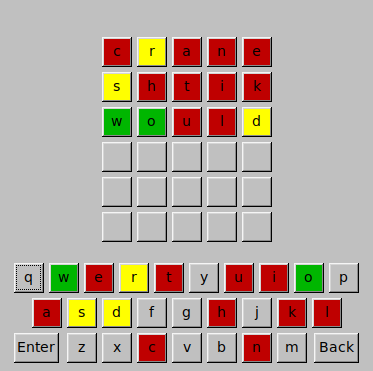
There is an option to select new colors for the letter statuses. The root directory has a file names colors.csv where new themes can be added.
- New themes can be added by editing the .csv using the format
<name>,<default color>,<letter missing color>,<incorrect pos color>,<correct pos color> - Color values are stored as FLTK constant integers. Please see FLTK's color table for color values.
- There are four themes loaded by default:
- Normal
- Protanopia (red blindness)
- Deuteranopia (green blindness)
- Tritanopia (blue blindness)