This repository will contain the firmware for the Snowflake keyboard (version 2).




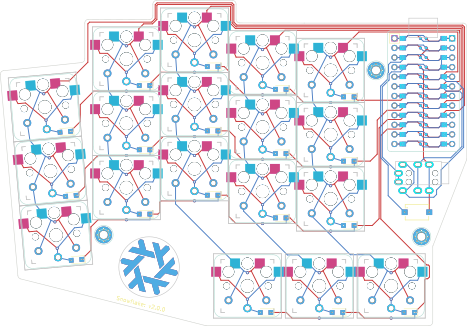
This repository will contain the firmware for the Snowflake keyboard (version 2). Backwards of forwards compatibility is not excluded but not officially supported, use at your own discretion.
- Keyboard Maintainer: Tygo van den Hurk
- Hardware Availability: The official Snowflake hardware repository
- Hardware Supported: only the second version of the snowflake
If you have nix installed, good news: you don't have to do any setup if you don't want to. However there is the install command/script in case you'd like to build using the normal QMK way. All you have to do is run nix run .# install.
If you do not have nix installed, then you have to either install nix (recommended) or add this repository as a submodule to the QMK firmware:
qmk setup --yes # run only if you have not run this in the past
cd ~/qmk_firmware
git submodule add 'https://github.com/Tygo-van-den-Hurk/Snowflake-v2-Firmware.git' lib/snowflake
ln -s ~/qmk_firmware/lib/snowflake/src keyboards/snowflake/v2
Building the firmware:
nix build 'github:Tygo-van-den-Hurk/Snowflake-v2-Firmware#firmware'or if you have the repository cloned on your machine:
nix build '/path/to/repository#firmware'or if you do not have nix installed:
# do for both left and right changing the variable at the start
export hand="left"
qmk compile --keyboard snowflake/v2 \
  --keymap default \
  --env handedness=$hand \
  --clean

# Copy or move firmware somewhere after building to not override
# it when making the other hand
mkdir ~/qmk_firmware/tmp
mv ~/qmk_firmware/*.hex ~/qmk_firmware/tmp/firmware_$hand.hex
Flashing the firmware for this keyboard (does not require building manually first):
nix run 'github:Tygo-van-den-Hurk/Snowflake-v2-Firmware#flash'or if you have the repository cloned on your machine
nix run '/path/to/repository#flash'or if you do not have nix installed:
# do for both left and right changing the variable at the start
hand="left" qmk flash --keyboard snowflake/v2 \
  --keymap default \
  --env handedness=$hand \
  --bootloader avrdude-split-$hand \
--cleanTo enter the bootloader, double press the physical reset button on the PCB twice in rapid succession. The device /dev/ttyACM* should show up (where * is an integer).
- Tygo van den Hurk <@Tygo-van-den-Hurk>
To see how to start or develop see CONTRIBUTING.md.
All files within this repository fall under a licence. See LICENCE for more information.