

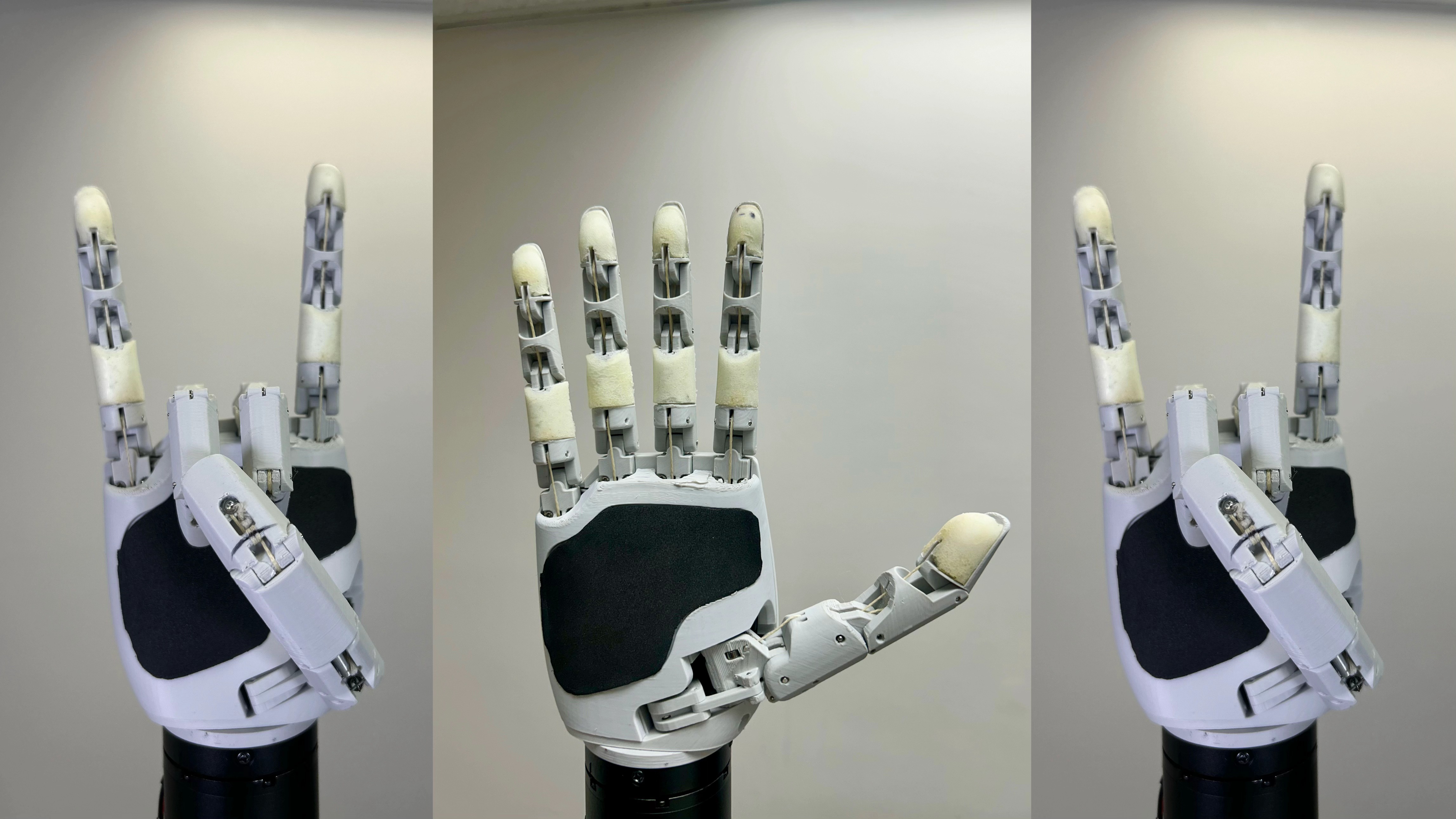
Aero Hand Open is a 7-DoF tendon-driven robotic hand for dexterous manipulation and research.
We currently have tested the ROS2 package on Ubuntu 22.04 with ROS2 Humble Hawksbill.
Before installing this package, ensure you have:
- ROS2 Humble installed. Follow the official guide here.
colconbuild tool installed. You can install it via:sudo apt install python3-colcon-common-extensions
- The Aero Hand SDK installed, follow the installation instructions in its README.
To install the aero-open-ros2 package, follow these steps:
-
Clone the repository to your local machine:
git clone https://github.com/TetherIA/aero-open-ros2.git
-
Navigate to the cloned repository directory:
cd aero-open-ros2 -
Build the packages with colcon:
colcon build
-
Source the workspace:
source install/setup.bash
Take a look at the Aero Hand Open README next to get started with using the Aero Hand Open ROS2 package.
Coming soon — common setup and runtime issues will be documented here.
If you encounter issues or have feature requests:
- Open a GitHub Issue
- Contact us at support@tetheria.ai
We welcome community contributions!
If you'd like to improve the SDK, fix bugs, or add new features:
-
Fork this repository.
-
Create a new branch for your changes.
git checkout -b feature/your-feature-name
-
Commit your changes with clear messages.
-
Push your branch to your fork.
-
Open a Pull Request (PR) describing your updates.
This project is licensed under the Apache License 2.0.
Built with ❤️ by TetherIA.ai