1. Installing Unity
Unity Hub is an application where you can manage your Unity projects and Unity editors.
https://store.unity.com/download?ref=personal
You will also need to create an account and obtain a free personal license. These can be done in the Unity Hub application.
After installing install Unity Hub, you will need to download an actual Unity editor to go with it. This project was last updated using Unity 2021.3.4. We recommend using the same version.
Go to the Unity Archive Site and click the "Unity Hub" option for the correct editor version.

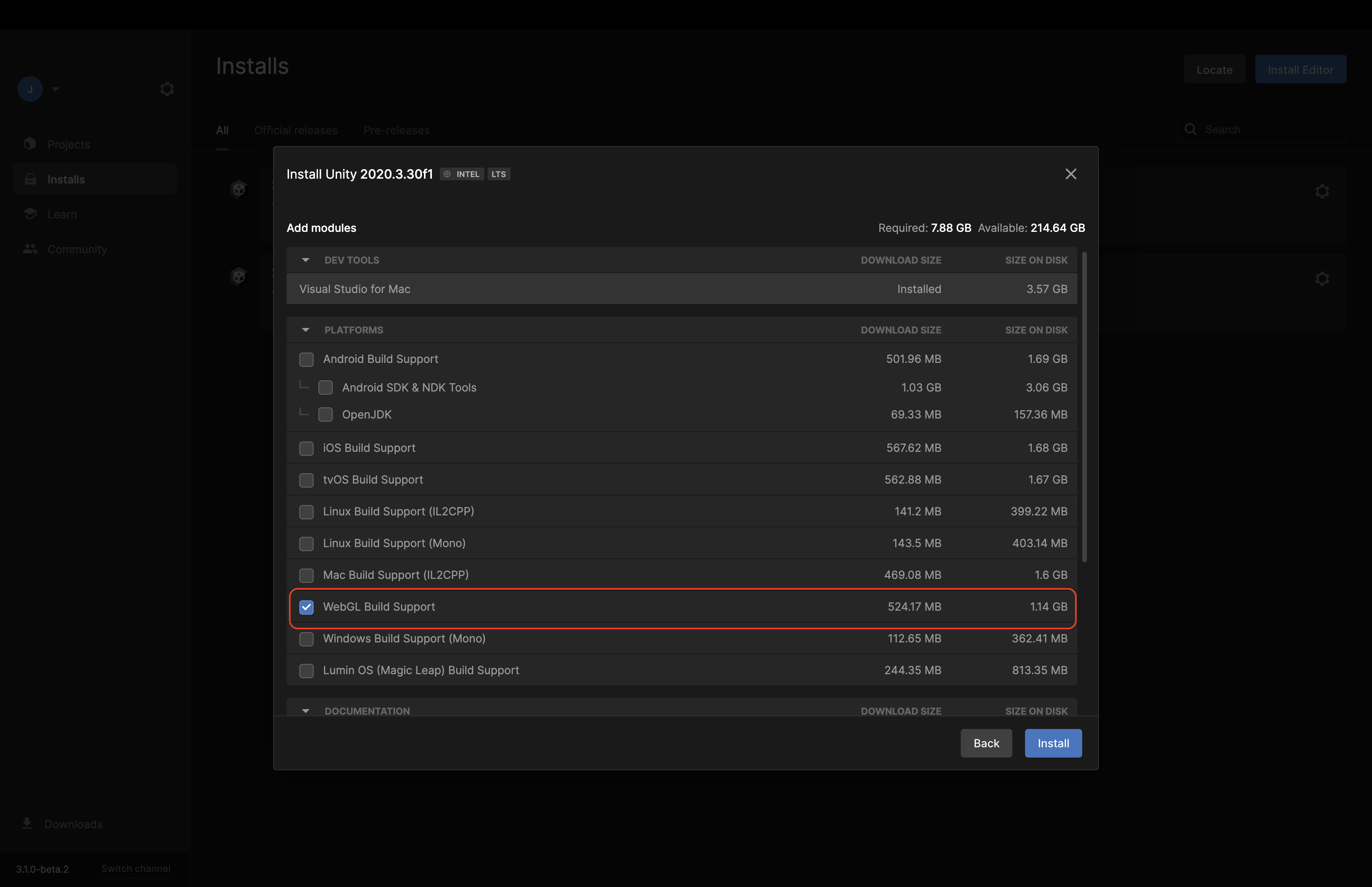
In Unity Hub, you will see this popup. Check the "WebGL Build Support" to be able to build on WebGL platforms.
NEXT STEP: Downloading and importing the Structural Query Toolkit Project