
A collection of simple, lightweight tools available as Android Quick Settings tiles, offering instant access to useful features without the need for extra apps.





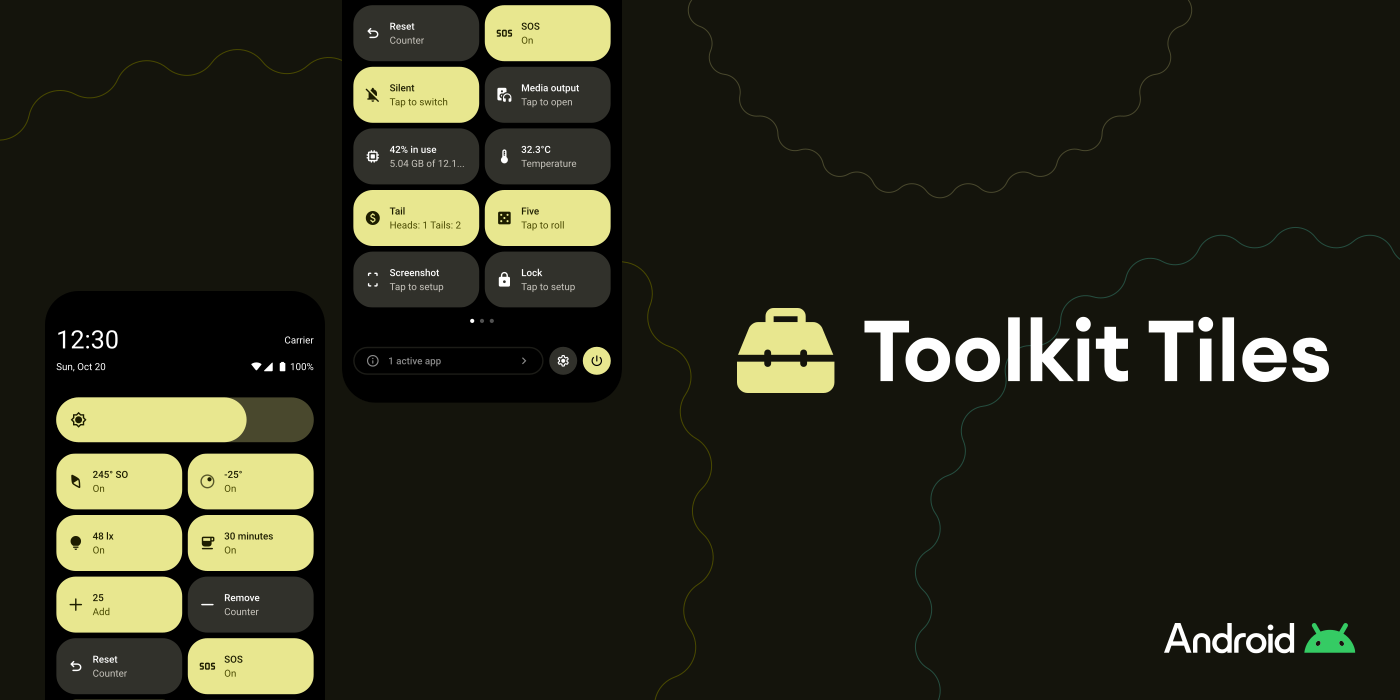
Toolkit Tiles puts practical tools right at your fingertips.
Whether you need a quick measurement, a random decision, system controls, or an emergency tool, everything is just one swipe away in Quick Settings.
 Bubble Level: Surface alignment and tilt detection
 Compass: Cardinal directions and azimuth using device sensors
 Lux Meter: Ambient light intensity (lux)
 Network Traffic: Monitor real-time network speed
 Temperature: Battery temperature
 Clipboard Cleaner: Clear clipboard contents instantly
 Coin Flip: Virtual coin toss
 Counter: Increment, decrement and reset counters
 Dice Roll: Simulated dice roll
 Music Search: Identify songs using Google app music recognition
 Auto Brightness: Toggle automatic screen brightness
 Battery Info: Display battery status, charging, and health information
 Caffeine: Keep the screen awake
 Device Memory: Display use of RAM and internal storage
 DNS: Switch between multiple DNS providers
 Lock Screen: Lock the device instantly
 Media / Sound Output: Audio output selector
 NFC: Toggle the device's NFC
 Power Menu: Open the system power menu instantly
 Screenshot: Take screenshots from Quick Settings
 Sound Mode: Ring/vibrate/silent toggle
 USB Debugging: Toggle USB debugging in developer settings
 Volume Control: Open the system volume panel
 Breathing: Guided breathing exercise
 SOS: Morse SOS using the camera flash
- Swipe down twice to fully open the Quick Settings panel.
- Tap the edit button (pencil icon).
- Add the Toolkit Tiles you want to your active panel.
- Tap any tile to use it instantly.
Important
Tile availability and behavior may vary by device and Android version.
Some tiles require specific system permissions, hardware features, or services.
If a required permission or feature is missing or disabled, the tile may not work or may prompt you to enable it.


Mike Klimek
For the original CompassTile project, inspired by a CyanogenMod / LineageOS feature.