You signed in with another tab or window. Reload to refresh your session.You signed out in another tab or window. Reload to refresh your session.You switched accounts on another tab or window. Reload to refresh your session.Dismiss alert
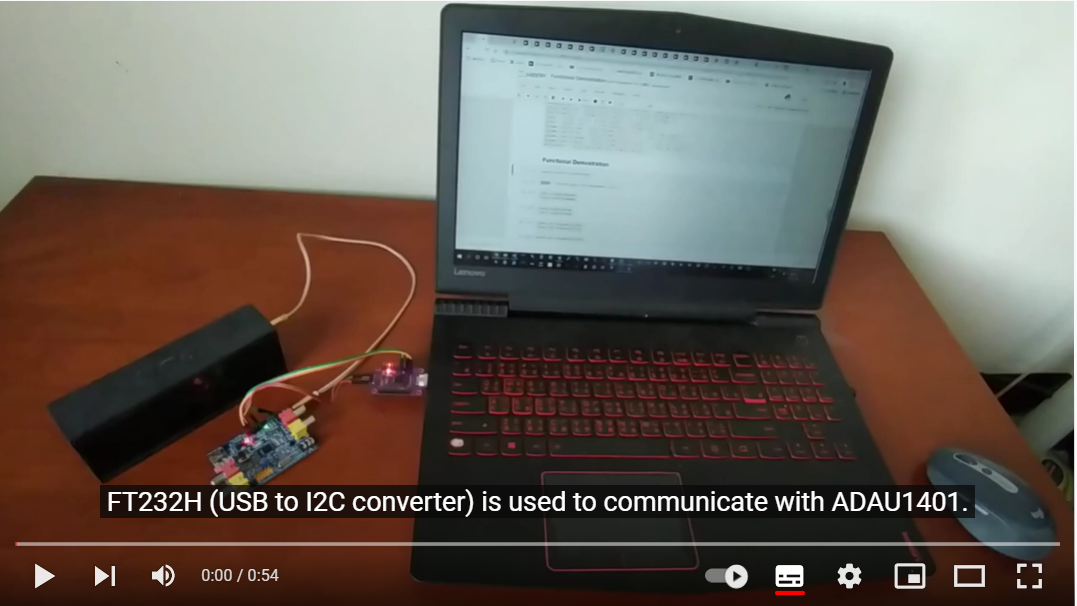
Control SigmaDSP (ADAU1401/ADAU1701) from PC or ESP32 by:
Reading the XML file of SigmaStudio project and generates proxy objects.
Proxy objects represent SigmaStudio Toolbox algorithms in your project, and have functions like set_frequency, set_dB, set_coefficients... correspondingly.
Why This ?
ADAU1401/ADAU1701 are precious for DSP tasks, but I would like to tune filter coefficients automatically, therefore need to control DSP functions on the fly.
SigmaStudio supports scripting from Python, see SigmaStudio Scripting from Python. However, I prefer that the same package can be used on Windows / Linux, PC / RPi / ESP32 without modification.
Design and Features
PC control: Can control DSP hardware's behavior from PC, so resources (like Python, AI) are available for filter tuning.
Portability: The same package can also be used on ESP32 to control SigmaDSP (see here and here).
Coverage of SigmaStudio Toolbox: one-to-one class mapping for each SigmaStudio Toolbox algorithm (most of them are not tested yet though).
Easy to use: only the XML file of SigmaStudio project is required. "Factory" will render every thing you need.
Serialization:
Load program and parameters of SigmaDSP from:
files:
Binary (bytearray) file
SigmStudio text files (e.g. NumBytes_IC_1.dat, TxBuffer_IC_1.dat)