📖 查看中文文档






Modern, user-friendly command-line HTTP client for the .NET ecosystem
dotnet-httpie is a .NET tool that brings the power and simplicity of HTTPie to .NET developers. It's designed for testing, debugging, and interacting with APIs and HTTP servers with an intuitive command-line interface.
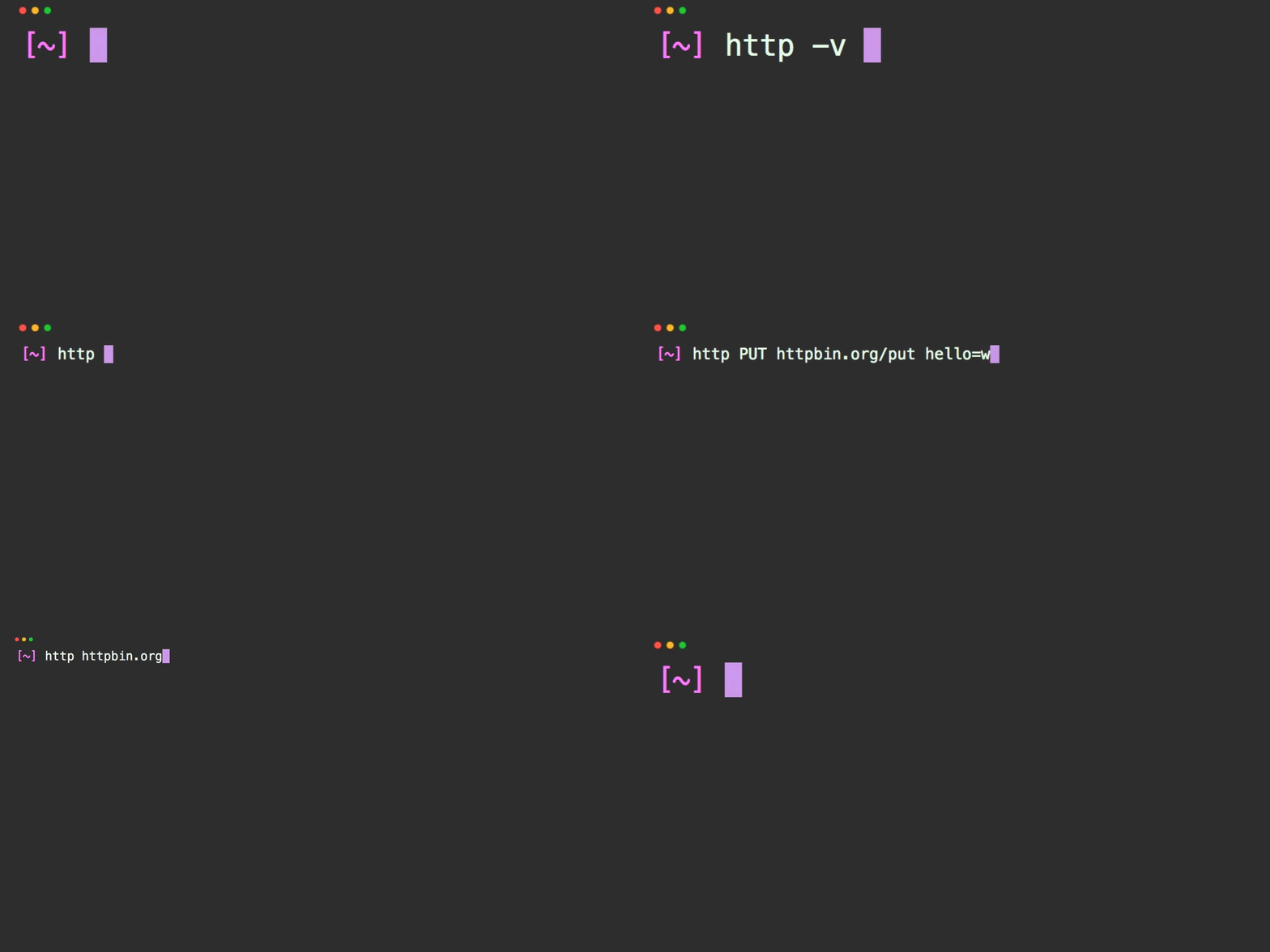
- 🚀 Simple & Intuitive: Human-friendly syntax for HTTP requests
- 📁 File Execution: Run
.httpand.restfiles for repeatable testing - 🔄 cURL Support: Execute cURL commands directly
- 🐳 Docker Ready: Available as a Docker image for containerized environments
- 🔗 Request Chaining: Reference previous responses in subsequent requests
- 🌍 Environment Support: Multiple environment configurations
- 📊 Load Testing: Built-in load testing capabilities
- 🔐 Authentication: Support for various auth methods (JWT, API keys, Basic auth)
- ⬇️ File Downloads: Download files with progress indicators
- 🔍 JSON Schema Validation: Validate API responses against schemas
- 💾 Request Caching: Cache requests for improved performance
- 🎯 Middleware System: Extensible request/response pipeline
Install the latest stable version:
dotnet tool update --global dotnet-httpieOr install the latest preview:
dotnet tool update --global dotnet-httpie --prerelease# Simple GET request
dotnet-http httpbin.org/get
# POST with JSON data
dotnet-http POST httpbin.org/post name=John age:=30
# With custom headers
dotnet-http GET httpbin.org/headers Authorization:"Bearer token"| Topic | Description |
|---|---|
| 🇨🇳 中文文档 | Chinese documentation / 简体中文完整文档 |
| 📋 Installation Guide | Detailed installation instructions for all platforms |
| ⚡ Quick Start | Get up and running in minutes |
| 🌐 HTTP Requests | Complete guide to making HTTP requests |
| 📄 File Execution | Execute .http/.rest files |
| 🐳 Docker Usage | Using dotnet-httpie with Docker |
| 💡 Common Use Cases | Practical examples and patterns |
| 🔧 Full Documentation | Complete documentation index |
dotnet-http [flags] [METHOD] URL [ITEM [ITEM]]| Type | Syntax | Example | Description |
|---|---|---|---|
| Query Parameters | name==value |
search==httpie |
URL query string parameters |
| Headers | name:value |
Authorization:Bearer token |
HTTP request headers |
| JSON Data | name=value |
name=John |
JSON request body fields |
| Raw JSON | name:=value |
age:=30, active:=true |
Raw JSON values (numbers, booleans, objects) |
# GET request with query parameters
dotnet-http GET httpbin.org/get search==httpie limit==10

# POST request with JSON data
dotnet-http POST httpbin.org/post name=John email=john@example.com age:=30

# PUT request with headers
dotnet-http PUT api.example.com/users/123 \
  Authorization:"Bearer token" \
  name="John Smith" \
active:=true# Complex JSON with nested objects
dotnet-http POST api.example.com/users \
name=John \
address[city]=Seattle \
address[zipcode]:=98101 \
tags:='["developer", "api"]'
# Download files
dotnet-http GET api.example.com/files/report.pdf --download# GitHub API
dotnet-http GET api.github.com/users/octocat
# Create GitHub issue (with authentication)
dotnet-http POST api.github.com/repos/owner/repo/issues \
Authorization:"token your-token" \
title="Bug report" \
body="Description of the issue"
# JSON API with multiple data types
dotnet-http POST api.example.com/orders \
Authorization:"Bearer jwt-token" \
customer_id:=12345 \
items:='[{"id": 1, "qty": 2}, {"id": 2, "qty": 1}]' \
urgent:=true \
notes="Please handle with care"Execute HTTP requests from .http and .rest files:
# Execute HTTP file
dotnet-http exec requests.http

# Execute with specific environment
dotnet-http exec api-tests.http --env production

# Execute cURL commands
dotnet-http exec commands.curl --type curl@baseUrl = https://api.example.com
@token = your-jwt-token
###
# @name getUsers
GET {{baseUrl}}/users
Authorization: Bearer {{token}}
###
# @name createUser
POST {{baseUrl}}/users
Authorization: Bearer {{token}}
Content-Type: application/json
{
"name": "John Doe",
"email": "john@example.com"
}
###
# Reference previous response
GET {{baseUrl}}/users/{{createUser.response.body.id}}
Authorization: Bearer {{token}}Create http-client.env.json:
{
  "development": {
    "baseUrl": "http://localhost:3000",
    "token": "dev-token"
  },
  "production": {
    "baseUrl": "https://api.example.com",
    "token": "prod-token"
  }
}Use dotnet-httpie without installing .NET:
# Basic usage
docker run --rm weihanli/dotnet-httpie:latest httpbin.org/get

# POST with data
docker run --rm weihanli/dotnet-httpie:latest POST httpbin.org/post name=test

# Execute HTTP files
docker run --rm -v $(pwd):/workspace -w /workspace \
  weihanli/dotnet-httpie:latest exec requests.http

# With environment variables
docker run --rm -e API_TOKEN="your-token" \
  weihanli/dotnet-httpie:latest GET api.example.com/protected \
Authorization:"Bearer $API_TOKEN"# Add to your shell profile (.bashrc, .zshrc, etc.)
alias http='docker run --rm weihanli/dotnet-httpie:latest'
# Now use it like the installed version
http GET httpbin.org/get
http POST httpbin.org/post name=John- JWT Tokens:
Authorization:"Bearer token" - API Keys:
X-API-Key:"key"orapi_key==key - Basic Auth:
--auth username:passwordorAuthorization:"Basic base64"
- Form data:
--form field=value - Download:
--downloadflag - Send raw data:
--raw "data"
- Query parameters:
param==value - Custom headers:
Header-Name:"value" - JSON data:
field=valueorfield:=rawjson - Form data:
--formflag - Raw data:
--raw "data"
- Offline mode:
--offline(preview requests) - Debug mode:
--debug(detailed logging) - Environment:
--env production
- Body only:
--bodyflag - Follow redirects:
--follow - JSON processing: Pipe to
jqfor advanced processing
- API Development: Test endpoints during development
- API Documentation: Executable examples in documentation
- CI/CD Testing: Automated API testing in pipelines
- Load Testing: Built-in load testing capabilities
- Integration Testing: Test service-to-service communication
- Debugging: Inspect HTTP requests and responses
- Scripting: Automate API interactions in shell scripts
We welcome contributions! Here's how you can help:
- Report Issues: Found a bug? Open an issue
- Feature Requests: Have an idea? Open an issue
- Documentation: Help improve the docs
- Code: Submit pull requests for bug fixes or features
# Clone the repository
git clone https://github.com/WeihanLi/dotnet-httpie.git
cd dotnet-httpie

# Build the project
dotnet build

# Run tests
dotnet test

# Install locally for testing
dotnet pack
dotnet tool install --global --add-source ./artifacts dotnet-httpie- 📖 Complete Documentation - Comprehensive guides and tutorials
- 🎯 Examples - Real-world usage patterns
- 🐳 Docker Guide - Containerized usage
- 📄 Release Notes - What's new in each version
- 💬 Issues - Community Q&A, bug reports, and feature requests
- Inspired by the amazing HTTPie project
- Built with ❤️ for the .NET community
- Special thanks to all contributors
This project is licensed under the MIT License - see the LICENSE file for details.
⭐ Star this repository if you find it useful!