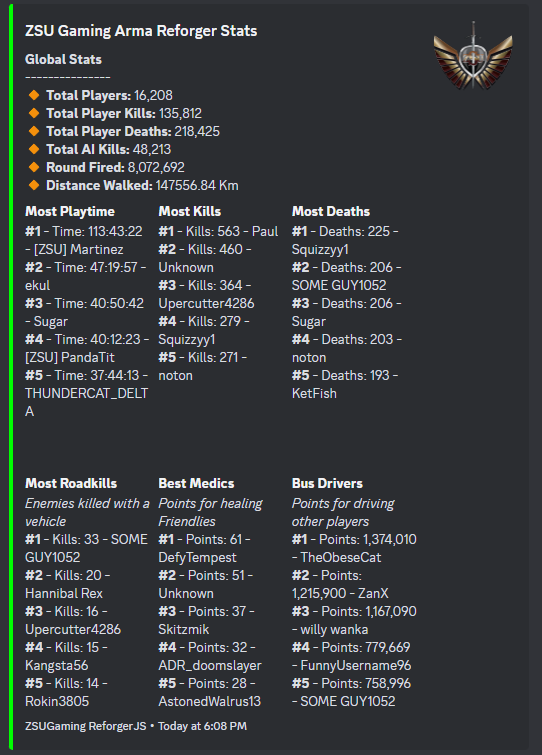
- ReforgerJS (1.4.0+)
- ReforgerJS DBLog Plugin
- ReforgerJS DBLogStats Plugin
- Place the .js plugin file in the ReforgerJS plugins directory:
reforger-server/plugins - Insert in your ReforgerJS configuration file the plugin configuration, as shown in Example Configuration
- "channel" This value is the channel/thread ID for the bot to post into
- "statsTable" This value is the tableName for DBLogStats Plugin
{
    "plugin": "StatsEmbed",
    "enabled": true,
    "channel": "",
    "messageID": "",
    "statsTable": "",
    "playersTable": "players",
    "interval": 10,
    "ignoreList": [ "xxxxxxxx-xxxx-xxxx-xxxx-xxxxxxxxxxx" ],
    "embed": {
        "title": "Arma Reforger Stats",
        "color": "#00FF00",
        "footer": "ReforgerJS",
        "thumbnail": false,
        "thumbnailURL": "https:IMAGE_LINK.png"
    }
}