This package is no longer maintained as it is now replaced by the pigments package.
If both packages are installed this package will not activate.

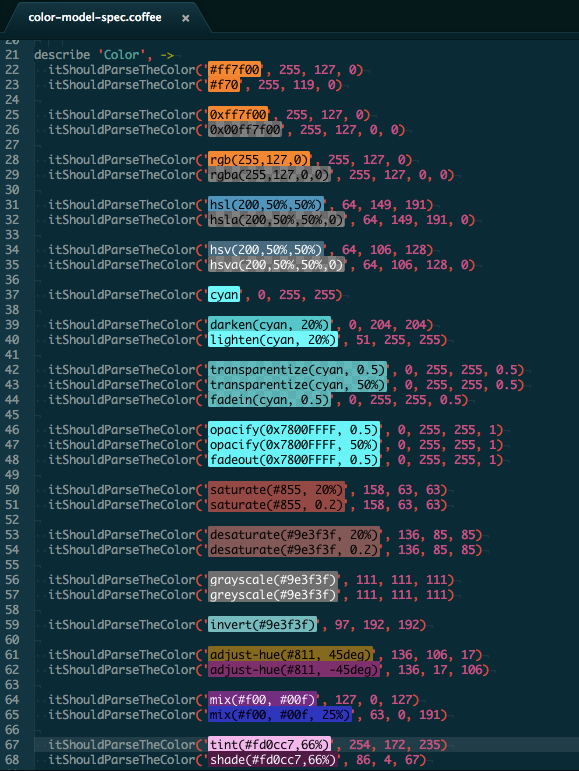
Highlights colors in files.

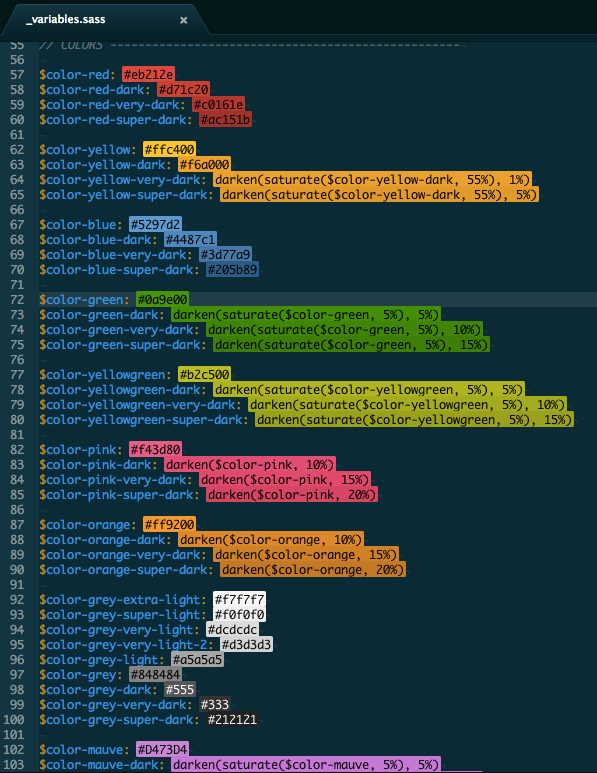
If you have the project-palette-finder package installed, the package will automatically benefit from the palette definitions:


This package provides some API so that you can access the models it creates for the text editors:
atom.packages.activatePackage('atom-color-highlight').then (pkg) ->
  atomColorHighlight = pkg.mainModule

  atomColorHighlight.observeColorHighlightModels (model) ->
# Model is an instance of AtomColorHighlightModelatom.packages.activatePackage('atom-color-highlight').then (pkg) ->
atomColorHighlight = pkg.mainModule
model = atomColorHighlight.modelForEditor(editor)model.onDidUpdateMarkers (markers) ->
# Do something with markersThe markers array contains the display buffer markers for all the colors found in the corresponding text editor. Those markers contains extra properties with color data:
marker.bufferMarker.properties.color: The colorStringthat was matched by the model.marker.bufferMarker.properties.cssColor: The CSS representation of the color as aString.marker.bufferMarker.properties.textColor: The text color, based on the original color luminance, computed beforehand.
To target the classical markers, use the following rule:
atom-text-editor, atom-text-editor::shadow {
  atom-color-highlight color-marker .region {
    // ...
  }
}
And to target the dot marker at end of lines, use the following rule:
atom-text-editor, atom-text-editor::shadow {
  atom-color-highlight dot-color-marker {
    // ...
  }
}You can register a new color expression using the Color.addExpression method.
atom.packages.activatePackage('atom-color-highlight').then (pkg) ->
  atomColorHighlight = pkg.mainModule
  {Color} = atomColorHighlight

  Color.addExpression 'name', 'regexp', (color, expression, fileVariables) ->
    # modify color using data extracted from expression
The first argument is a string that match the new expression using regular expressions.
This string will be used to match the expression both when scanning the
buffer and when creating a Color object for the various matches.
Note that the regular expression source will be concatened with the other
expressions to create the RegExp used on the buffer.
In that regards, selectors such ^ and $ should be avoided at all cost.
The second argument is the function called by the Color class when the
current expression match your regexp. It'll be called with the Color instance
to modify, the matching expression as a string and an object containing the variables found in the file (can be colors or any other values).
For instance, the CSS hexadecimal RGB notation is defined as follow:
Color.addExpression 'css_hexa_6', "#([\\da-fA-F]{6})(?![\\da-fA-F])", (color, expression, fileVariables) ->
  [m, hexa] = @onigRegExp.search(expression)

  color.hex = hexa.match