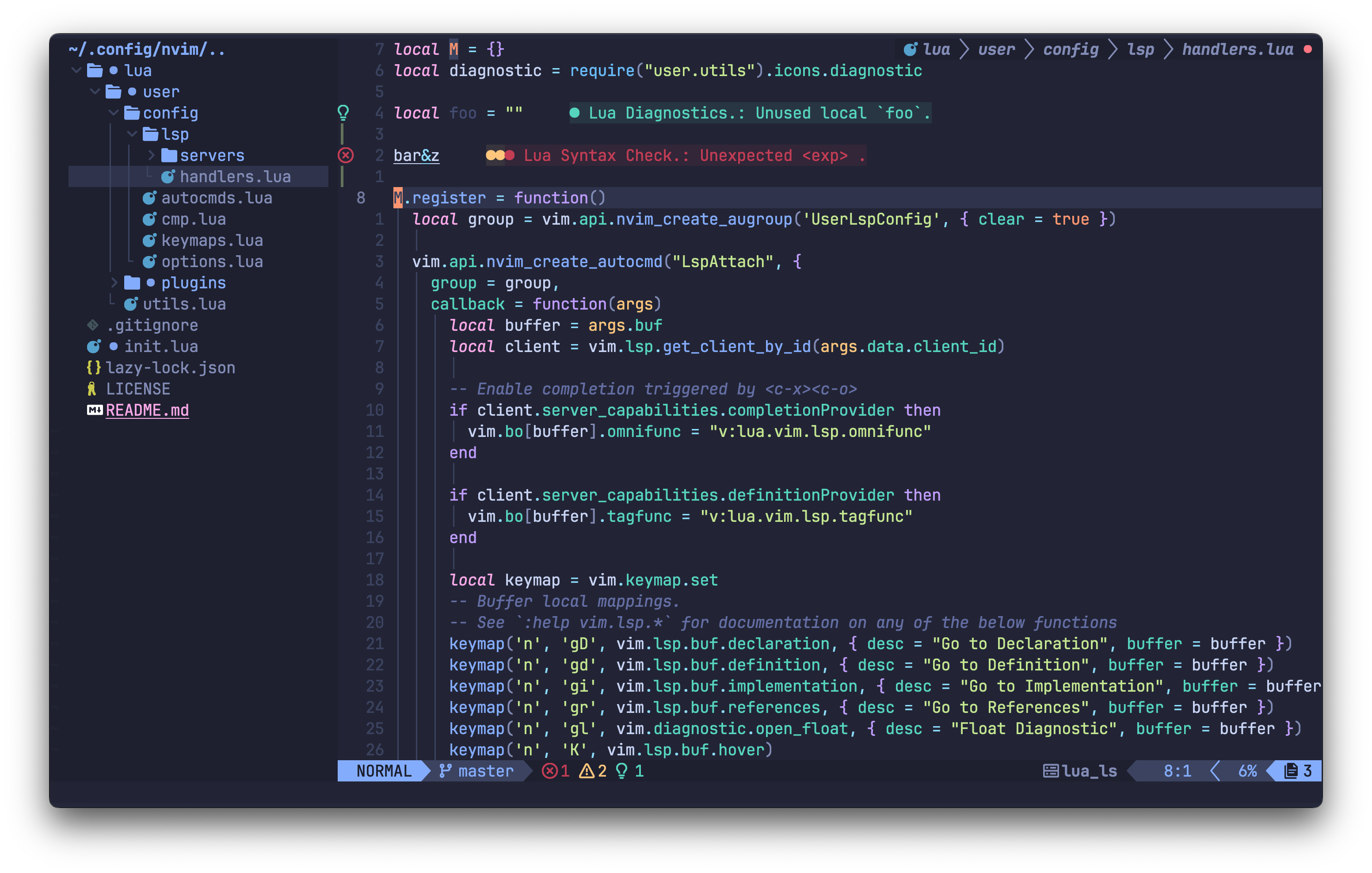
- Theme: tokyonight-moon
- Font: JetBrainsMono Nerd Font
This repo should work fine with Neovim 0.9.0, also all packages are pinned so it should remain stable.
Make sure to delete or rename your current nvim directory if it exists.
For a clean installation you might want to execute the following before the installation.
rm -rf ~/.config/nvim ~/.local/{share,state}/nvim ~/.cache/nvim
git clone https://github.com/achambel/nvim ~/.config/nvim
Run nvim and wait for the plugins to be installed with Lazy plugin manager.
Treesitter support is also "lazy". It will be installed on demand as soon as you open a file. If will detects the filetype and proceed the installation.
Bear in mind that NeoVim has a builtin client only. The lspconfig plugin contains only configuration conveniences. Therefore to have lsp support you have either install the server manually and make sure the binary will be in your path or choose for a LSP Installer manager such as Mason plugin.
Open nvim and enter the following:
:checkhealth
You'll probably notice you don't have support for copy/paste
So let's fix that
First we'll fix copy/paste
-
On mac
pbcopyshould be builtin -
On Ubuntu
sudo apt install xsel -
On Arch Linux
sudo pacman -S xsel
A big thanks to @chrisatmachine. https://github.com/LunarVim
The computing scientist's main challenge is not to get confused by the complexities of his own making.
- Edsger W. Dijkstra