


templaterun-gameplay.mp4
This repository is a free endless runner template for Unity game developers that want to build their first secure and cheat-proof competitive game with leaderboards. Security is ensured by constant supervision of the server, which makes game results reliable and trustworthy. The template is designed as a sample mobile game but feel free to adapt it to your needs and other platforms. You can access its source code here and use it as a basis for your own competitive game to further build on it. Note that integration with Elympics and leaderboards is universal and can be used in any other type of game.
This template is meant to be a learning resource for the new users of Elympics, our standard industry framework for blockchain-integrated multiplayer games. It’ll help you understand how it works and how certain features could be implemented.
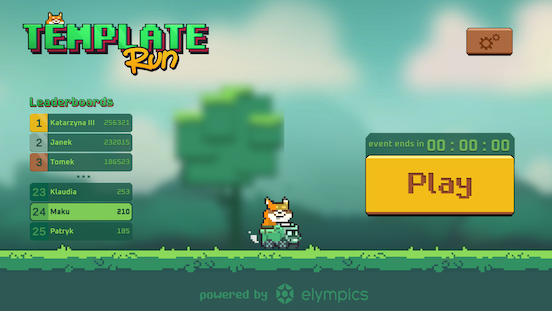
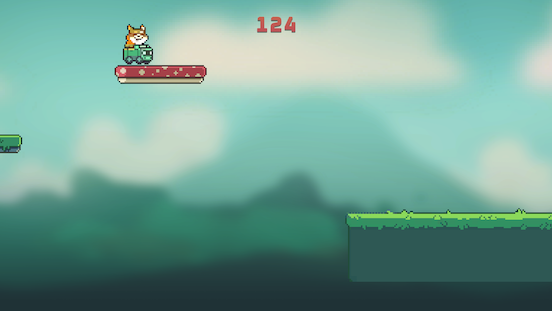
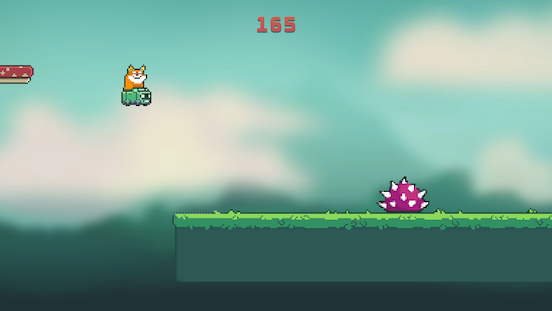
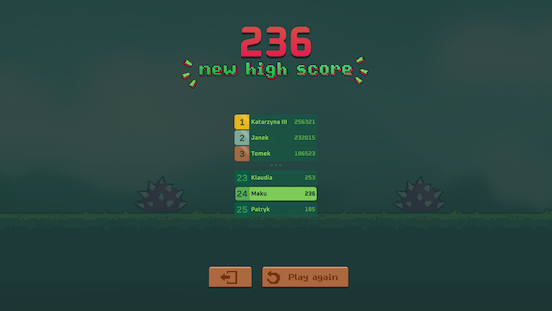
- Launch this project in Unity (version 2021.3.5f1 is recommended).
- To see it in action, run unmodified template starting from the MainMenu scene using the Play button.
- To start building on the template, switch to Half Remote development mode. Create a single clone and open GameplayScene on both the original and cloned Unity instance. You can then test your changes by entering play mode on both at the same time.1
⚠️ Note that both the Play button in the MainMenu scene and the Play again button after game finishes will try to connect to the server build uploaded by us, which doesn't have your changes applied. It may result in unexpected gameplay behaviour.- If you want to build and release your changes, you have to register your own game using Elympics panel and then update existing GameConfig available by choosing Tools -> Elympics -> Manage games in Elympics from top bar menu in Unity. See our tutorial for more details.
⚠️ For your online build to work properly you also have to configure additional settings using Elympics panel or our command-line client (CLI):- Add queue named "Solo" for one player only. Otherwise your client build won't connect to your server build.
- Only warsaw region is enabled for game by default, so you have to either remove dallas option from the RegionData Scriptable Object (located in the project) or configure required regions using our CLI and then update RegionData object respectively. Otherwise your client build may not connect to your server build depending on your location.
- Enable External Game Backend providing the following address: https://os-templaterun-api.elympics.cc/api/v1
Without enabled External Game Backend, the game will crash because it would be missing the random seed it expects to receive from External Game Backend2.
⚠️ Finally don't forget to upload your server build. You have to reupload your server build every time you change version number in your client build.- You can now test your game using MainMenu with Play and Play again buttons working correctly 🎉
- Live time leaderboards
- Full game loop from initializing the game and ensuring player connection, through core gameplay, to the finalization and saving score
- Synchronized randomization and map generation
- Refined jumping
- Simple pickups
- Animations, visual and sound effects synchronization
- Playing again from the gameplay scene
Footnotes
-
Optionally, you can use editor-only half remote buttons in the MainMenu instead - host on the original editor instance and play on the clone. ↩
-
If you don't want to use our External Game Backend, be sure to change seed providing method in WaitingServerHandler script's method InitializeRandomnessSeed to the commented out one. Remove login panel flow by providing any non-empty nickname in the UserData class. Also change LeaderboardsDisplayer script not to request leaderboard properties - add them manually and rememeber to request leaderboard values directly instead.
Alternatively, you can implement your own External Game Backend making sure it is compatible with our API and the game. ↩