
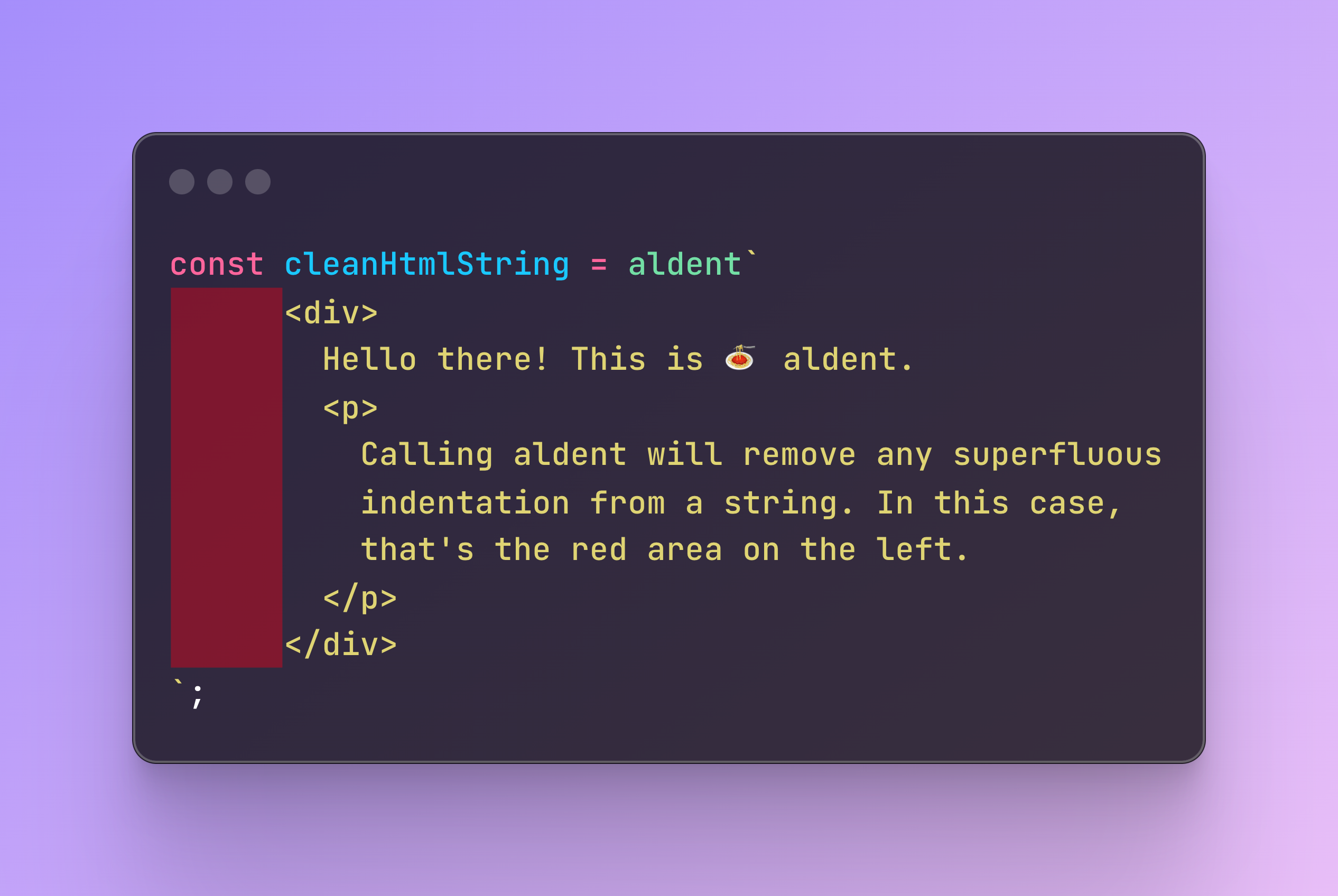
An al dente indentation tag function inspired by dedent and endent.
npm install aldentUse the aldent tag function to remove superfluous indentation from a string:
import aldent from "aldent";

aldent`
    <div>
      Hello world
      <span>
        This is some indented text
      </span>
    </div>
`;
Resolves to:
<div>
  Hello world
  <span>
    This is some indented text
  </span>
</div>
aldent also maintains correct indentation during string interpolation:
const innerElements = `<span>a</span>
<span>b</span>
<span>c</span>`;

aldent`
  <div>
    ${innerElements}
  </div>
`;
Resolves to:
<div>
  <span>a</span>
  <span>b</span>
  <span>c</span>
</div>
Notice here, that the innerElements variable does not contain any indentation, but is correctly indented in the final output. The resulting indentation is based on the position of the ${innerElements} syntax.
If we were to indent the ${innerElements} code further, you would get this:
const innerElements = `<span>a</span>
<span>b</span>
<span>c</span>`;

aldent`
  <div>
        ${innerElements}
  </div>
`;
Resolving to:
<div>
      <span>a</span>
      <span>b</span>
      <span>c</span>
</div>
This example also shows that aldent knows nothing about HTML, or any other language for that matter. It does not prettify code. We are only manipulating strings here. As such it isn't bound to any language, making it a very versatile tool when it comes to code templating/generation.
In the above examples, innerElements has not had any indentation. Had it been indented, you would need to use aldent on the inner template string as well.
Below we also showcase the aldent(foo) syntax, which is equivalent to calling aldent`${foo}`:
const innerElements = `
      <span>a</span>
      <span>b</span>
      <span>c</span>
`;

aldent`
  <div>
    ${aldent(innerElements)}
  </div>
`;
Resolves to:
<div>
  <span>a</span>
  <span>b</span>
  <span>c</span>
</div>
Again, the position of the ${aldent(innerElements)} syntax determines the indentation level of the nested aldent call.
To understand where aldent is coming from, let's first compare existing solutions dedent and endent.
endent was built on top of dedent to support correct indentation during string interpolation, as shown an example of earlier in the usage section.
An example of dedent's behavior:
const innerElements = `<span>a</span>
<span>b</span>
<span>c</span>`;

dedent`
  <div>
    ${innerElements}
  </div>
`;
Resolves to:
<div>
<span>a</span>
<span>b</span>
<span>c</span>
</div>
That is, the inner elements are not indented correctly.
Running the same code with endent, would give you correctly indented code:
<div>
  <span>a</span>
  <span>b</span>
  <span>c</span>
</div>
While aldent is dependency-free, endent depends on three other packages, dedent, fast-json-parse, and objectorarray.
endent uses these dependencies to parse JSON-values in the template string. aldent does not concern itself with json-formatting, sees this as a separate concern, and leaves it up to the user to create a wrapper function for this purpose if needed.
Apart from being dependency-free and leaving formatting up to the user, aldent differs from endent mainly by not stripping the leading spaces of the first not-purely-whitespace line of text.
For example:
endent`
      </a>
    </div>
  </div>
`;
resolves to
</a>
  </div>
</div>
whereas
aldent`
      </a>
    </div>
  </div>
`;
resolves to
    </a>
  </div>
</div>